The Design Thinking process: 6 phases step by step
How do you make sure everyone on the team is heard and the loudest idea doesn't automatically win? Design Thinking gives you a clear framework for that: structured, visual and user-focused. If you follow the process consistently, you will end up with better ideas. And best of all, you get there together.
In this article, you'll learn how Collaboard supports you in every single step. We show you how to work visually, use templates and organize collaboration on a whiteboard. You'll see how to work in a structured way with Collaboard, keep your data secure and make creative processes easy to follow.
What is Design Thinking and why use it on a whiteboard?
Design Thinking is a creative way for teams to develop user-centered solutions to problems. It focuses on the user's problem and on how you understand it, question it and solve it better. The process is structured but open enough to leave room for creative thinking.
With an online whiteboard like Collaboard, Design Thinking becomes easier, clearer and more direct. The method relies on teams thinking, visualizing and reflecting together, and that often works even better online.
Why Collaboard is a great fit for Design Thinking:
- Visual work in real time: All content (sticky notes, drawings, diagrams and more) ends up in one shared place.
- Collaboration from anywhere: Team members work at the same time, wherever they are.
- Use templates or create your own: Start right away with ready-made building blocks for personas, user journeys, idea clusters and much more.
- Interactive: Move, comment on and organize content with drag and drop.
- Easy to get started: The interface is intuitive, even without prior experience.
The Design Thinking process: the 6 phases at a glance
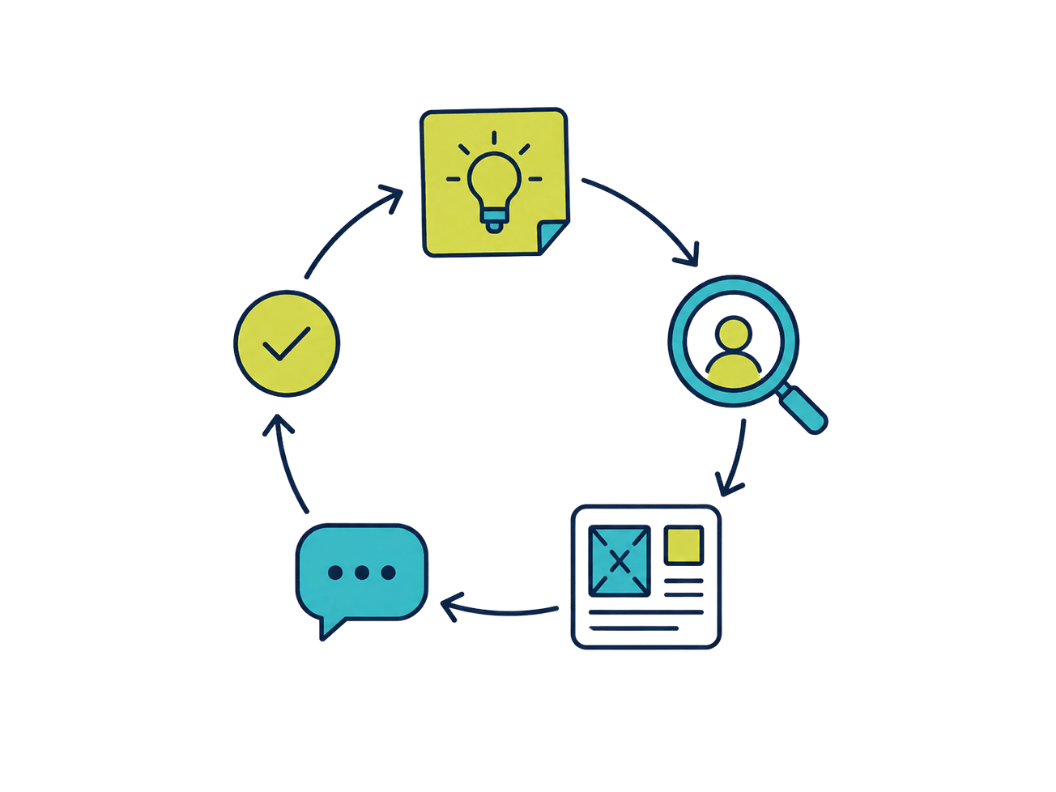
Depending on the model, the Design Thinking process has five or six phases. The well-known model from the Stanford d.school uses five phases: Empathize, Define, Ideate, Prototype and Test. We add a sixth phase, Assess, in which you evaluate the results and plan your next steps.
Keep in mind that the process is not strictly linear. Insights from a test often lead you back to an earlier phase, for example to a new problem definition or another round of ideas.
With Collaboard, you can guide your team through all six steps of the Design Thinking process. The advantage: you can document, structure and develop each step together directly on the online whiteboard.
With more than 300 templates, interactive tools and clear structures, you can work productively at any time. This avoids common pitfalls and brings more clarity to creative processes. There are suitable templates for every phase, and you can create your own templates or use templates from the community.
Phase 1: Empathize and understand perspectives
This phase is about truly understanding your target group's point of view. Instead of making assumptions, you collect real insights through interviews, observations or feedback rounds. The more carefully you do this, the more valuable your findings will be for the next Design Thinking steps.
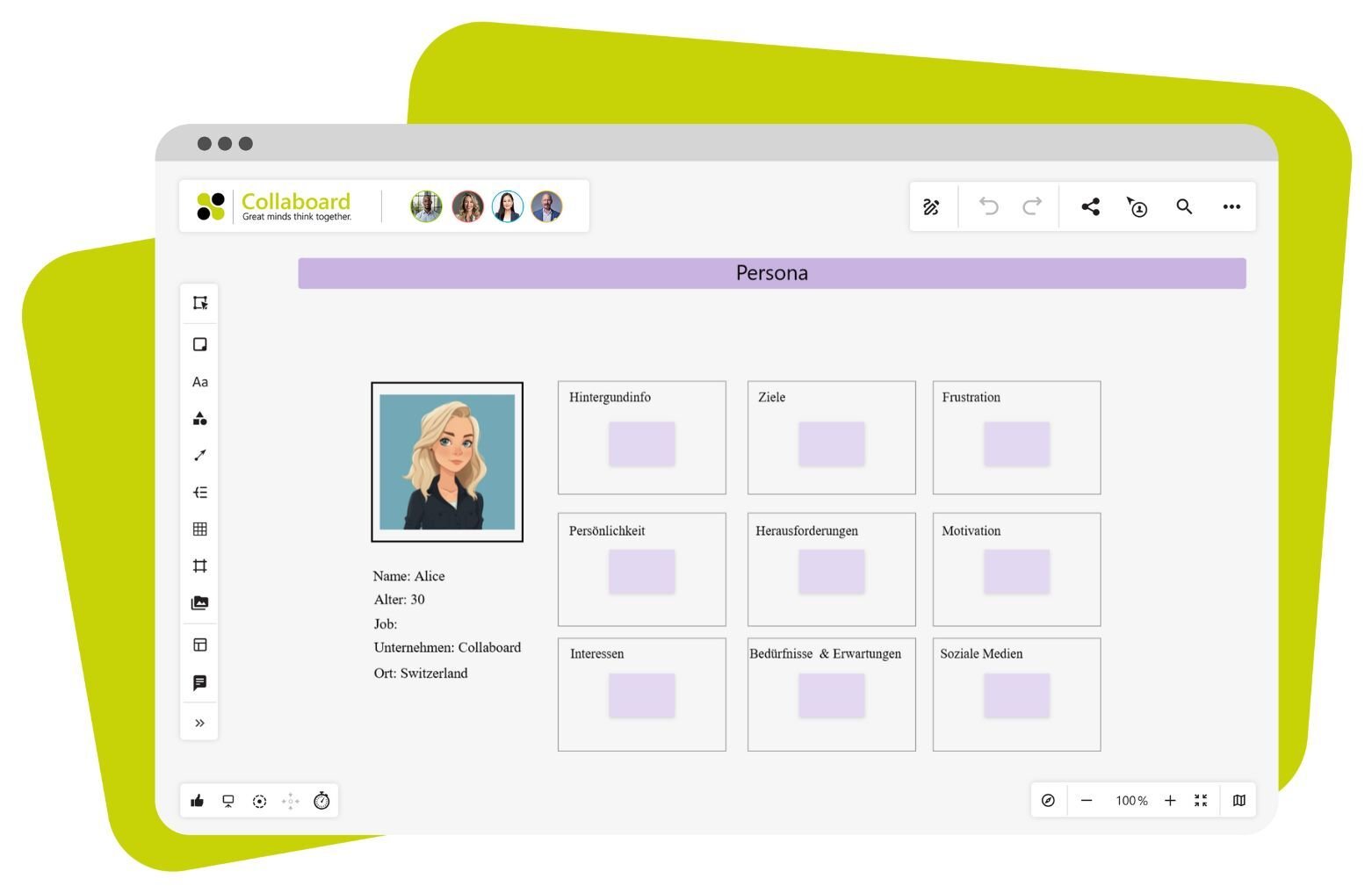
Collaboard supports you in this phase with these templates:
- Persona → For visualizing typical users
- KWL chart → Helps you sort existing knowledge, open questions and new insights
Tip: Use sticky notes for spontaneous insights. Split the board into breakout areas to collect interviews or observations in a structured way.
Phase 2: Define the challenge
Once you understand your target group, you summarize the key insights and formulate a clear problem statement. It forms the foundation for the rest of the process and makes sure you don't develop something that misses what your target group needs.
These Collaboard templates help you:
- 5 Whys → For systematic root cause analysis
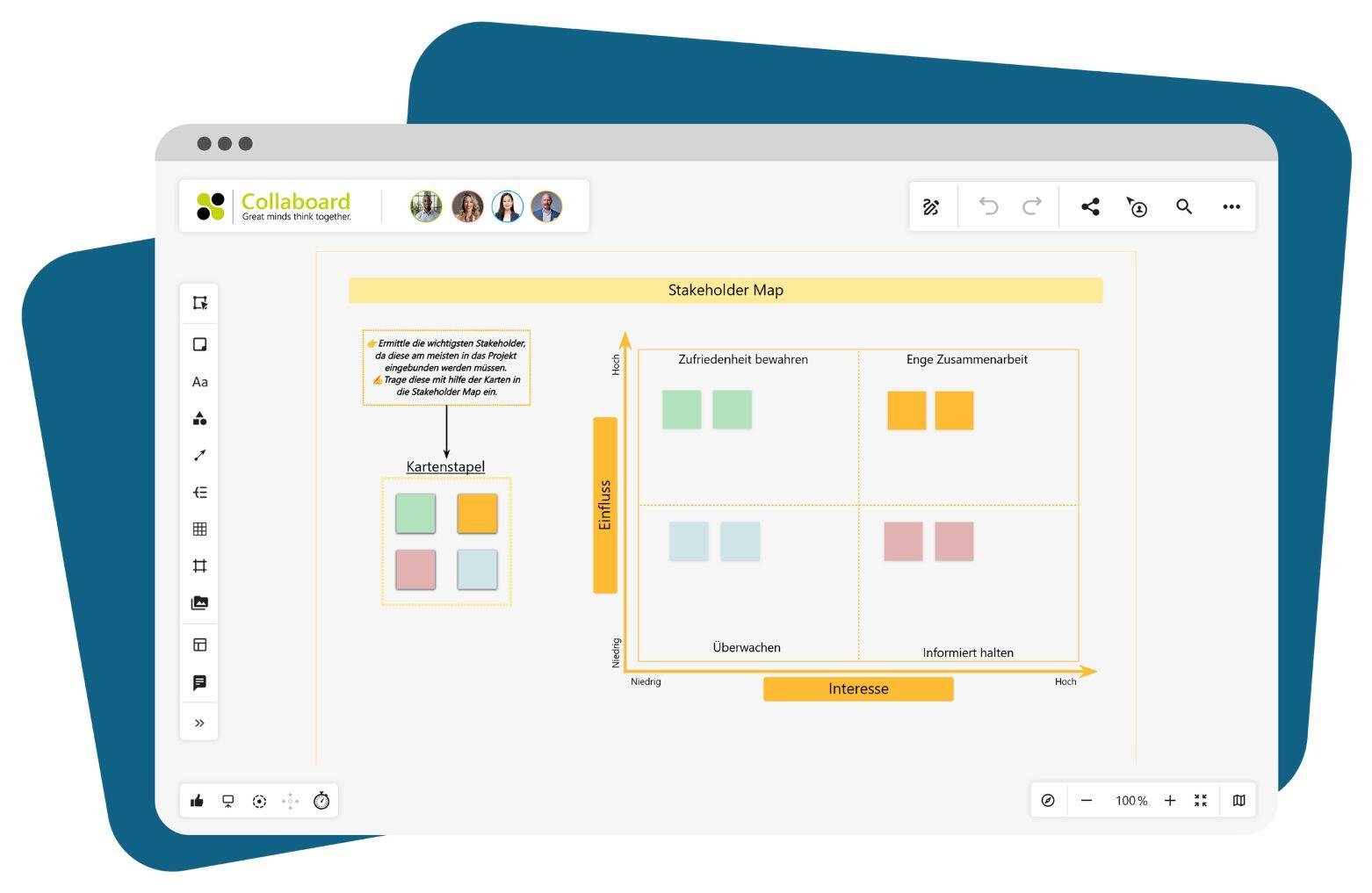
- Stakeholder map → Shows who is affected and who should be involved
A good whiteboard in this phase shows: this is our problem, these are the people affected, and these are the factors that influence us.
Phase 3: Ideate and develop ideas
Now it's time to get creative. The goal is to come up with as many ideas as possible, without judging and without limits. Collect first, then sort, then decide. Collaboard makes this work even with larger groups.
Templates for this phase in Collaboard:
- 6-3-5 Brainwriting → Each person writes down 3 ideas, which are developed further in the next round
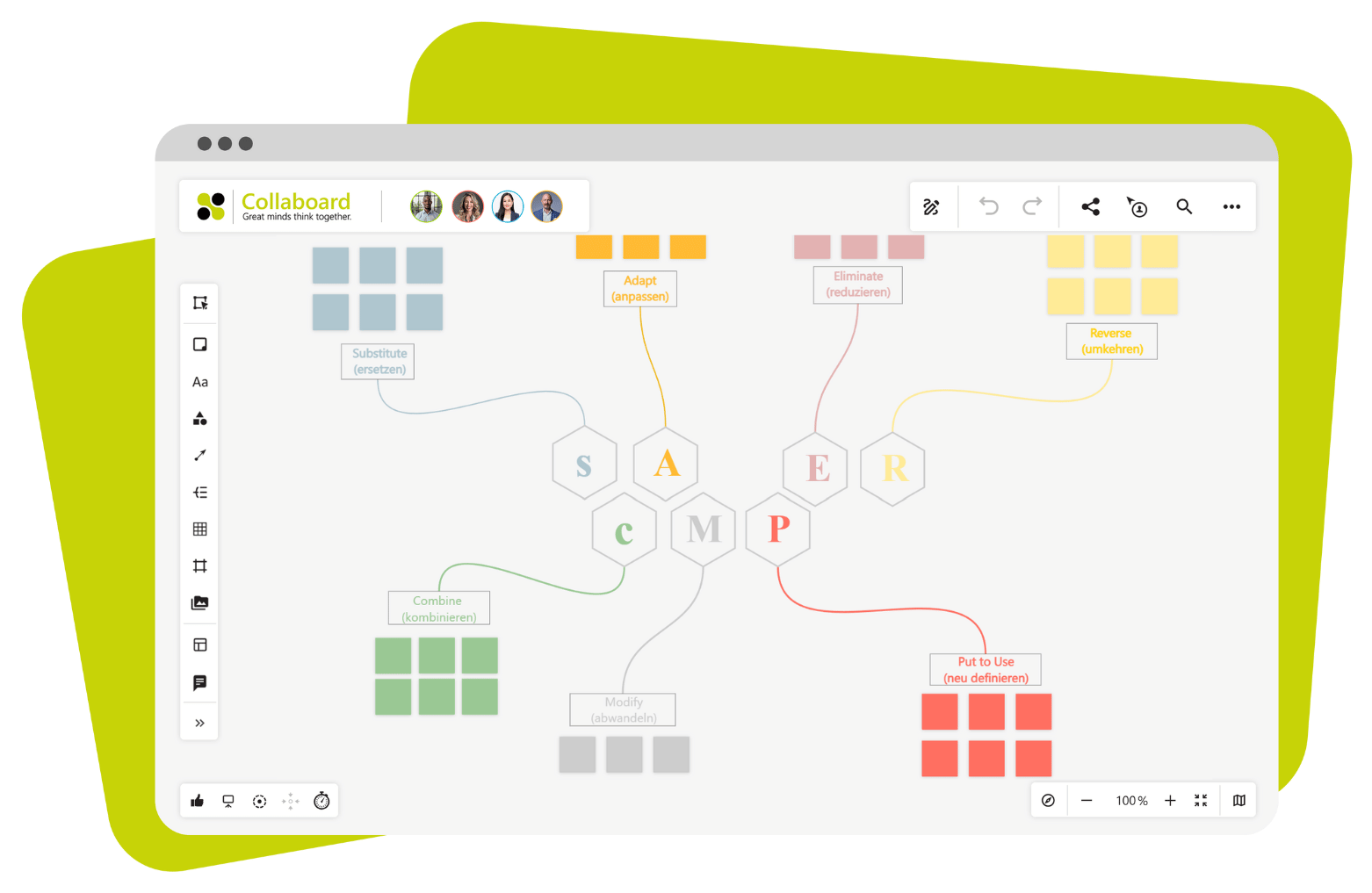
- SCAMPER method → Use systematic changes of perspective (Substitute, Combine, Adapt and so on)
- Mind map → Organize and connect ideas into clusters
Tip: In Collaboard, you can prioritize and rate ideas and add comments. This helps you choose later on.
Phase 4: Prototype and make ideas tangible
Ideas stay abstract until you make them visible. In this phase, you create the first prototype, for example as a sketch, wireframe or interactive model. The goal is to get feedback early and create clarity.
Recommended templates in Collaboard:
- Concept Poster → Shows the idea, its benefits, the target group and how to implement it at a glance
- App Wireframe (Phone/Tablet) → For mockups without any coding
- Lean UX Workshop → Helps you develop and test hypotheses
Note: Use drawings, arrows, icons and emojis to make your prototypes easy to understand. Just add them with drag and drop.
Phase 5: Test and gather feedback
Once your prototype is ready, test it with your team or with real users. What matters here is honest feedback. The clearer your questions, the more precise your result.
Suitable templates in Collaboard:
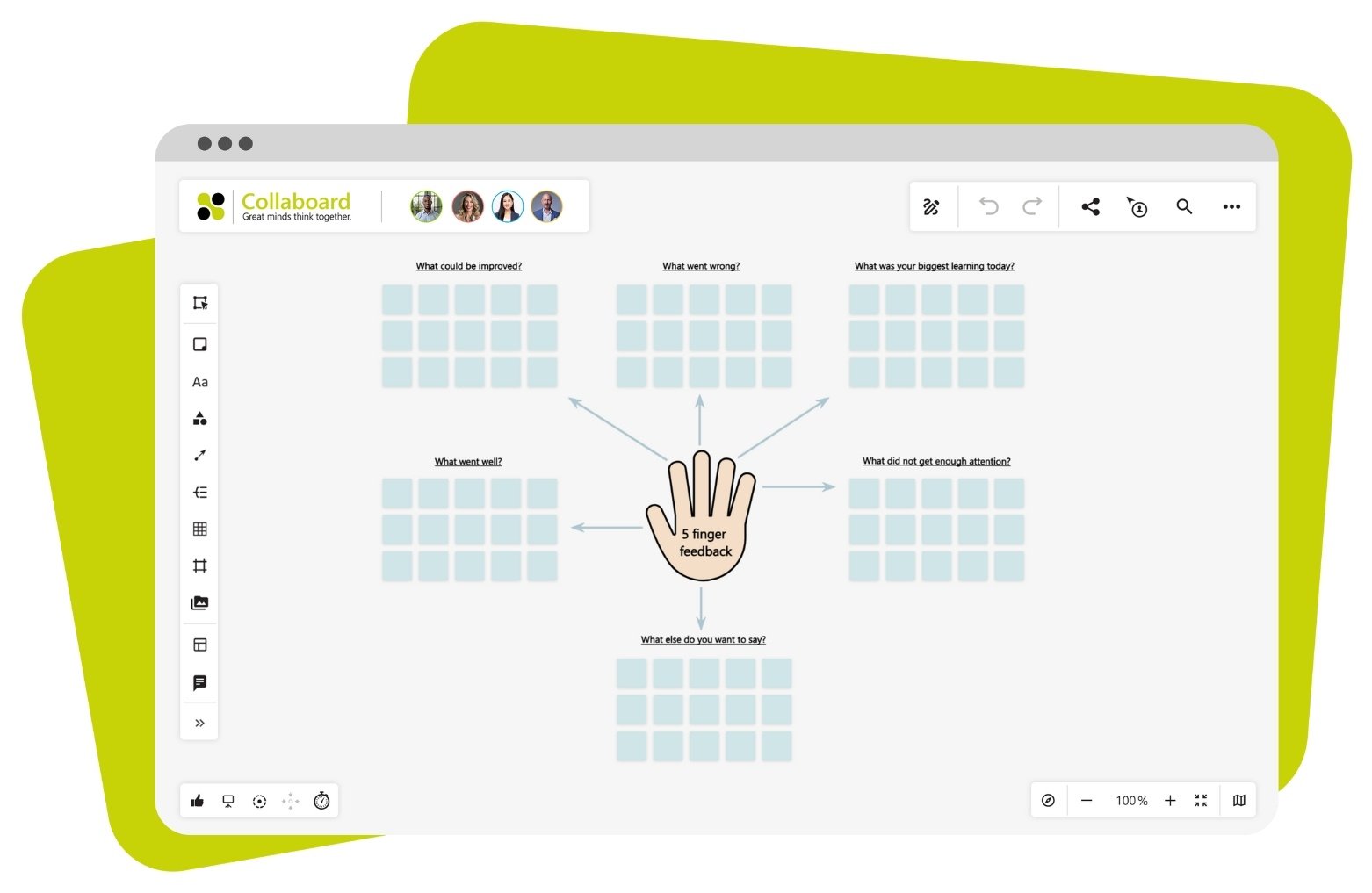
- 5 Finger Feedback → Quick to use and easy to follow visually
- Feedback Tree → Helps you sort feedback in a structured way
- Lessons Learned → Captures key insights at a glance
Tip: Use the comment function to ask targeted questions or add ideas directly on the prototype. The visual layout makes it easier to evaluate the results.
Phase 6: Assess results and plan next steps
Finally, you evaluate the feedback you collected, draw conclusions and plan how to move forward. This phase is important for making learnings visible and continuing the process in a structured way.
Useful Collaboard templates for reflection:
- Start-Stop-Continue retrospective → What should you start, stop or continue doing?
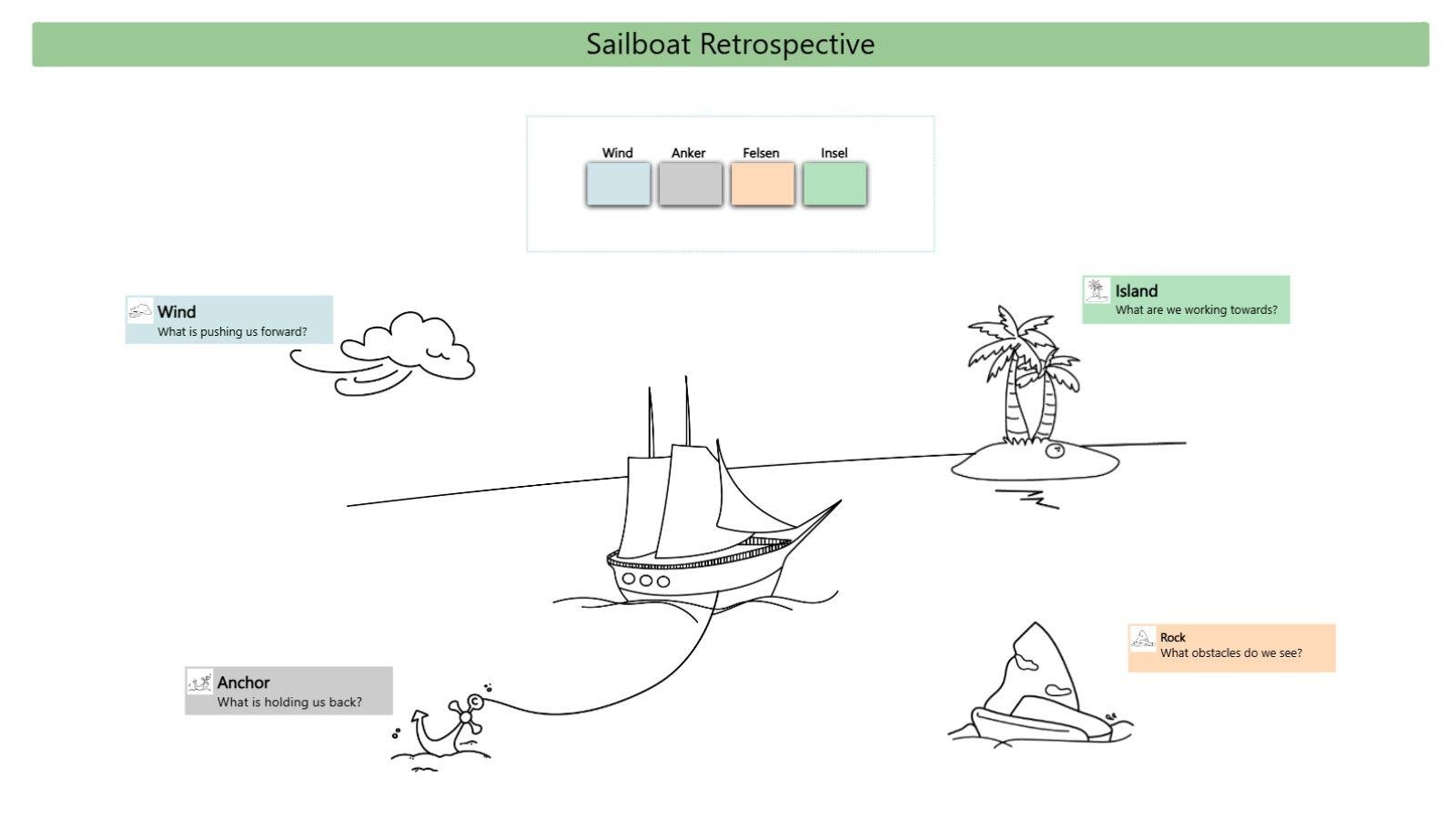
- Sailboat retrospective or a classic retrospective → Bring together your team's insights
- Roadmap → Plan visually which ideas you will pursue and when
Best practice: Add a to-do list or an annual planner to your reflection to set your next milestones.
Best practices: how to use Collaboard as a Design Thinking tool
Design Thinking works best when you follow a structured method. With Collaboard as your Design Thinking software, you can make sure of that. Here are practical tips for getting the most out of the whiteboard in your Design Thinking sessions.
Facilitate teamwork effectively
Good facilitation encourages participation and keeps things moving. These features help you stay focused:
- Use the timer: Stick to timeboxes, for example 5 minutes for collecting ideas or 2 minutes per feedback round.
- Use breakout areas: Set up separate areas on the board where smaller groups can work in parallel.
- Add icebreakers: Start with something like an "Emoji Memory" game or a mood barometer to get the group going.
Capture and organize ideas visually
Design Thinking thrives on visual input. Collaboard gives you many ways to do this:
- Online sticky notes you can place anywhere
- Arrows, lines, colors and shapes for grouping
- Templates for affinity diagrams or mind maps
Design tip: Use colors deliberately, for example yellow for ideas, green for solutions and blue for feedback.
Create reusable Design Thinking templates
Once a Design Thinking method has proven itself, you can save it as a template for the next workshop or team:
- Build your own Design Thinking structures with input fields, labels and icons.
- Save them as templates and share them with your team.
This saves preparation time and keeps your processes consistent, especially in larger organizations or if you run Design Thinking sessions regularly.
Design Thinking with Collaboard: get started for free
Collaboard lets you run the entire Design Thinking process in a simple, structured and visual way. From the first user interview to the final retrospective, you work with your team on a shared whiteboard: in real time, from anywhere and without switching between tools. The right templates help you shape each phase, from personas, empathy maps and idea clusters to prototypes and roadmaps. Everything is ready to use or can be adapted in a few clicks.
Good to know: You can save your own structures, set up breakout areas and keep a permanent record of your results. This saves time, improves collaboration and brings clarity even to complex questions.
Collaboard gives you both a tool and a clear framework for successful teamwork in Design Thinking. Try Collaboard for free today!
On This Page
Turn this use case into your own whiteboard
Create a free Collaboard account and start working visually with your team today.
No credit card required
Design Thinking - Frequently asked questions & answers
Do you have any questions? We're here to help.
With Collaboard, you work on a shared whiteboard in real time: location-independent, visual and without any media disruptions. Breakout areas, timeboxing and templates help you actively involve all participants.
There are models with five or six phases – both are valid. The six-phase variant adds a dedicated reflection phase ('Assess') at the end, which has proven helpful in practice.
Traditional methods often work in a linear and analytical way. Design thinking, on the other hand, is iterative and places the user's perspective at the center. The goal is a better understanding of the underlying problem – not necessarily finding the best idea right away.
Collaboard provides over 200 structured templates that are intuitive to use even without prior knowledge. Step-by-step guides and visual aids make getting started easier and help build a shared understanding within the team.
Because real problems can only be solved when you understand them from the users' perspective. Empathy helps you to question assumptions and respond specifically to real experiences.
For every phase – from the empathy map to the retrospective – Collaboard offers suitable templates, comment functions and visual tools. You can edit, structure and collaboratively develop content at any time.
Yes, design thinking is explicitly aimed at interdisciplinary teams. What matters is the willingness to think in a user-centered way and work collaboratively. Design expertise is not a prerequisite.
Design thinking is used in product development, service design, organizational development as well as in education, research and public administration. The methodological framework is suitable for a wide range of questions in teams and projects.
Start your next whiteboard now
Get a free trial of Collaboard with up to 3 boards and five people per session. All key features are available for you to try out.