Organization Chart Templates
Show the structure of your organization at a glance: who reports to whom, which teams exist and who is responsible for what. Choose from six templates, from a classic hierarchy to team, matrix, project, department and circular charts.
Free to start · Swiss-made · GDPR compliant
Org chart templates for every structure
Setting up an organization chart step by step
Every Collaboard org chart template comes with ready-made boxes and connecting lines that you fill in and adjust. Pick the one that fits your organization and work from the top or the center outwards.

Choose the type
Pick the template that matches how your organization works: hierarchical, team, matrix, project, department or circular.
Start at the top or center
Fill in management, the project lead or the central role first.
Add departments and teams
Add the units below or around it and connect each one to the position it reports to.
Describe the roles
Give every box a name, a role and a short line on responsibilities.
Add photos
Add photos where they help, so new colleagues can put names to faces.
Keep it current
Update the chart whenever roles change, and share the board link instead of sending copies.
What is an organization chart?
An organization chart shows the structure of a company, department or team: who reports to whom, who has which role and who is responsible for what. It helps new colleagues find their way and makes responsibilities visible.
Which org chart fits your organization?
Each of the six templates suits a different kind of structure.
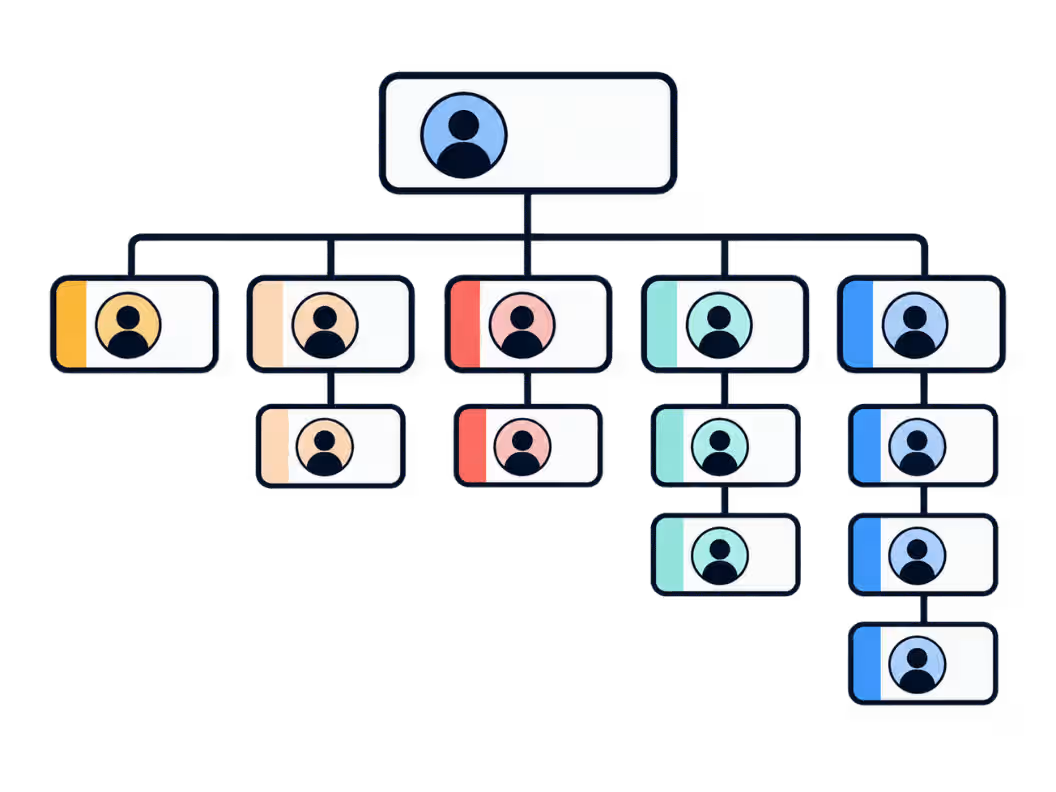
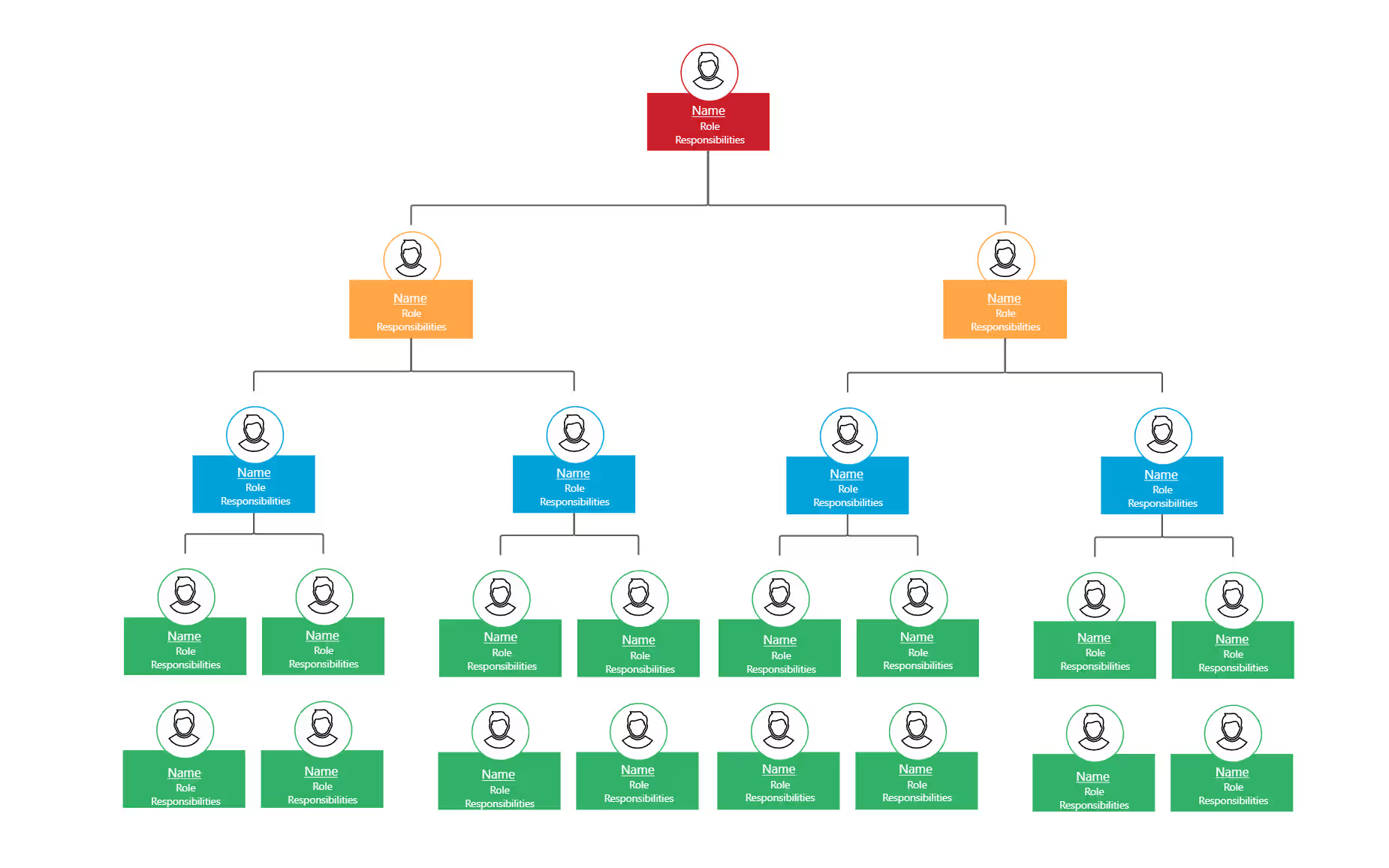
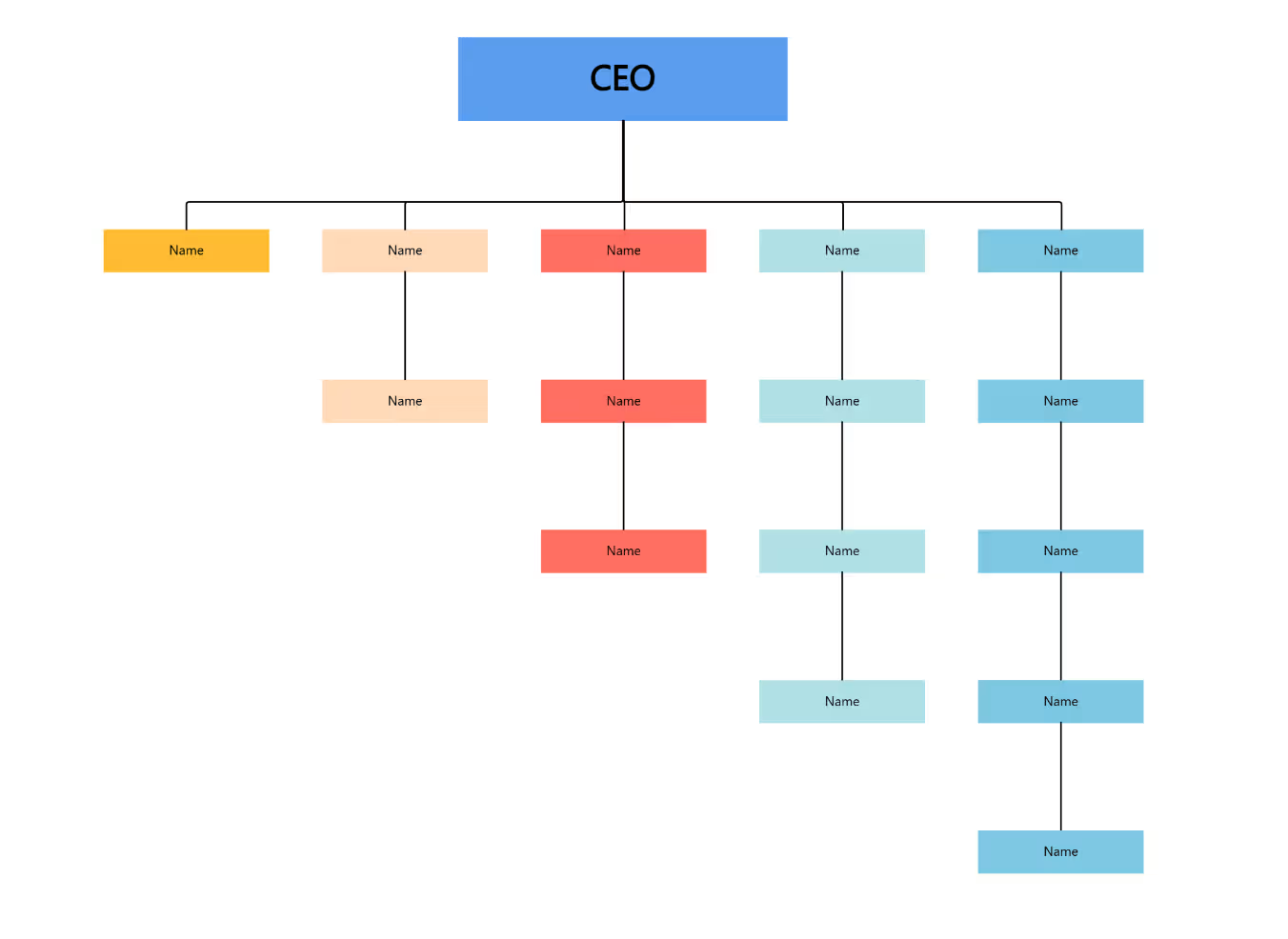
- Hierarchical The classic top-down structure across several levels, from management to team members.
- Team One team with photos, roles and responsibilities, for example for onboarding.
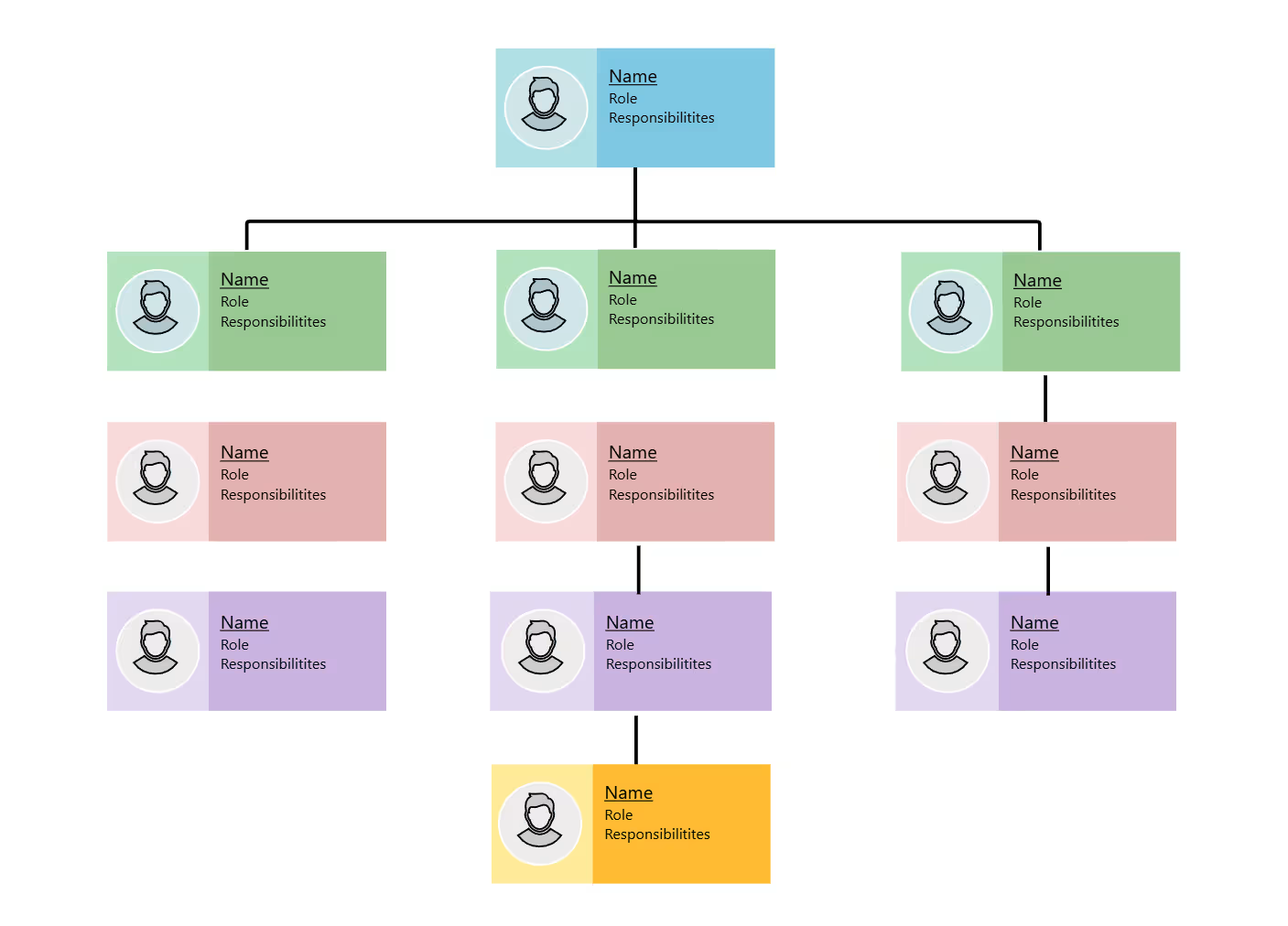
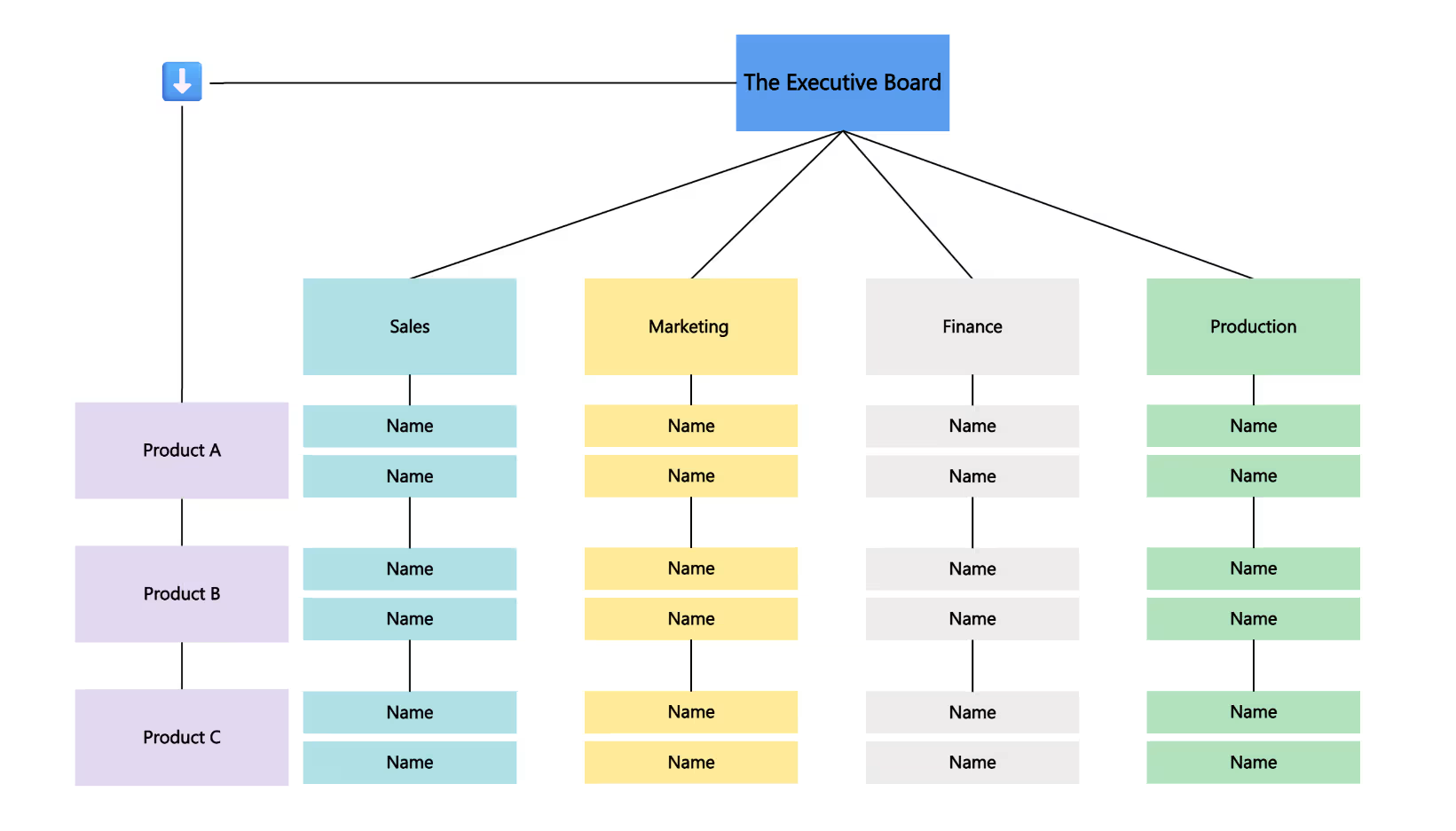
- Matrix Dual reporting lines across functions and products.
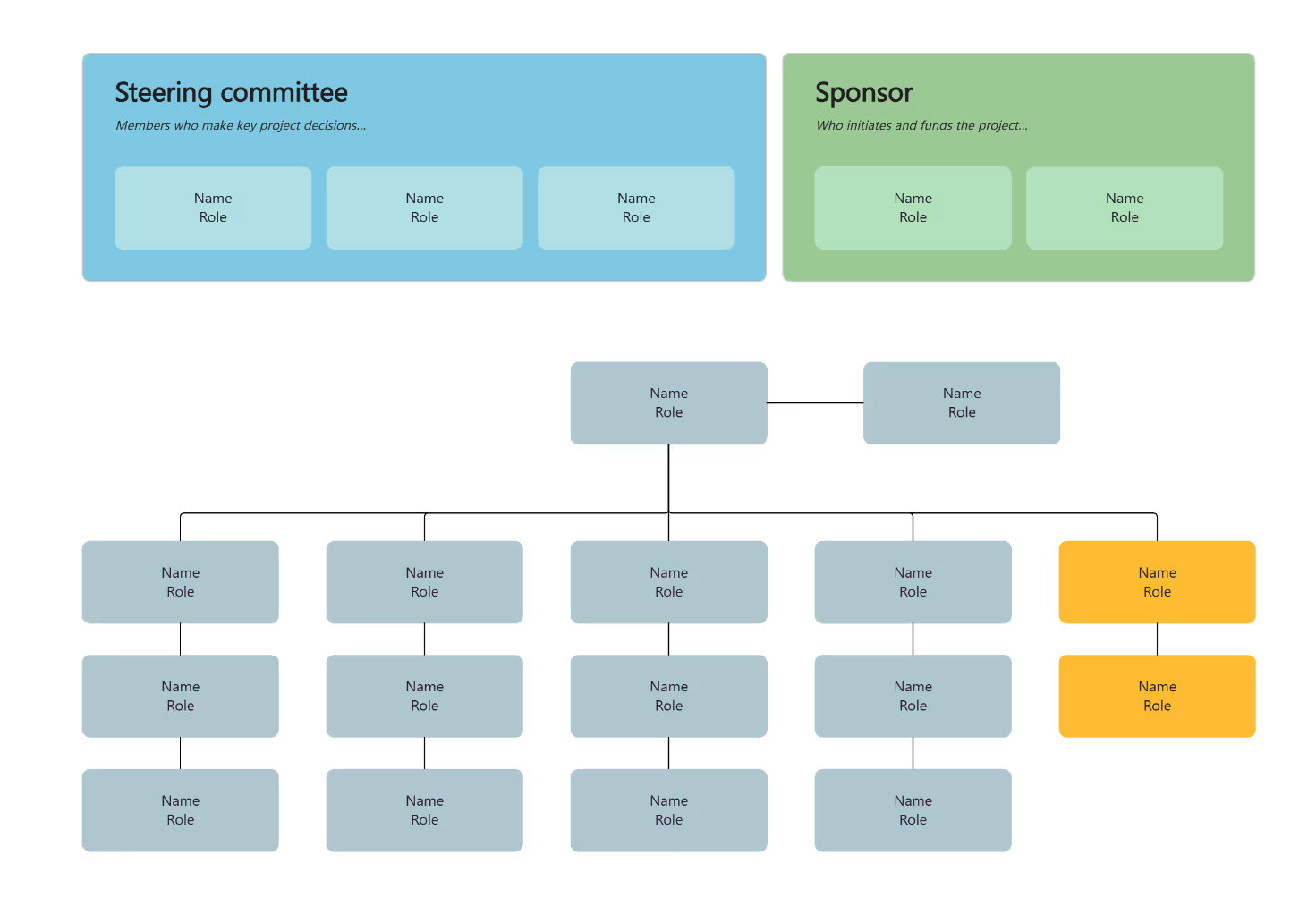
- Project Steering committee, project lead and workstreams for a project.
- Department The teams and roles within a single department.
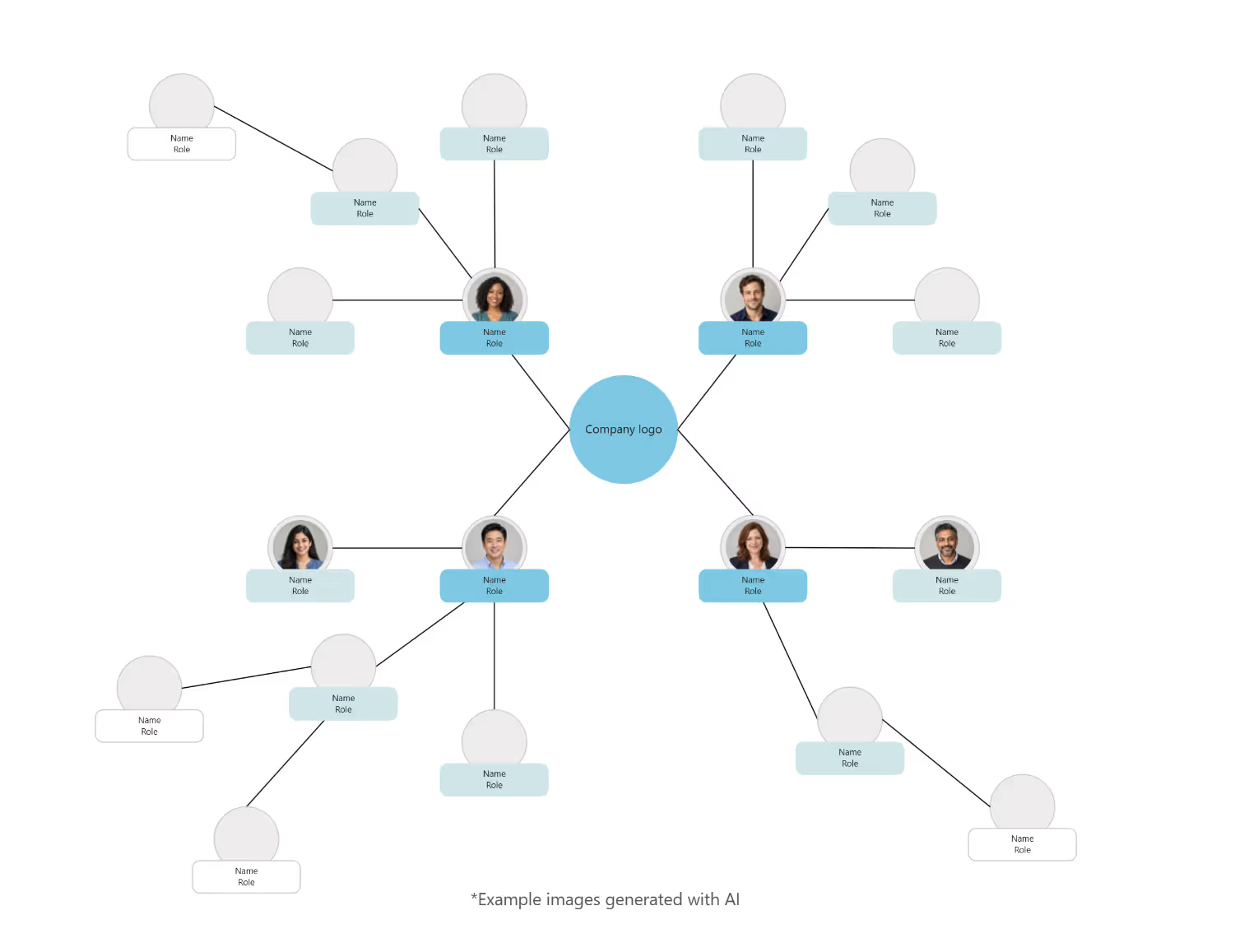
- Circular From the center outwards instead of top-down, for flatter organizations.
To map who influences a project rather than who reports to whom, use the stakeholder map.
Onboarding, reorgs and other reasons for an org chart
- Onboarding Help new colleagues understand who does what.
- Reorganization Compare the current structure with a planned one.
- Project organization Show roles and responsibilities in a project team.
- Internal communication Make the organization visible for the whole company.
Showing responsibilities, not just job titles
- Describe responsibilities, not just titles A short line on what each person is responsible for helps more than a job title.
- Use the colors for levels Keep one color per hierarchy level, so the structure stays readable.
- Plan changes on a copy For a reorganization, duplicate the board and compare the current and the future structure side by side.
- Show dotted lines separately Project roles or indirect reporting lines are clearer as dashed lines.
Why Collaboard
A Swiss-made online whiteboard for teams that care where their data lives.
Your data stays in Europe
Choose hosting in Switzerland, Germany or the EU, fully GDPR compliant. Or run Collaboard on your own servers.
Invite anyone with a link
Guests join your board for free, right in the browser. Nothing to install, no extra licenses for participants.
Made in Switzerland, with real support
Collaboard is developed in Switzerland. When you need help, you talk to people who know the product.
Frequently asked questions
Are the organization chart templates free?
Yes, all six organization chart templates are free to use with a Collaboard account. The free plan includes up to 3 boards and five people per session.
What is an organization chart used for?
An organization chart shows the structure of an organization, its reporting lines and responsibilities.
Which types of organization charts are there?
Common types are hierarchical, team, matrix, project, department and circular org charts. Collaboard has a free template for each of them.
Can I show a matrix organization in an organization chart?
Yes, the matrix org chart template shows dual reporting lines across functions and products.
Can I add photos to the organization chart?
Yes, the organization chart in Collaboard can hold images, names and roles for each position.
Start your next whiteboard now
Get a free trial of Collaboard with up to 3 boards and five people per session. All key features are available for you to try out.