
Roadmap Template
Plan where you want to go and how you'll get there. A roadmap shows goals, initiatives and milestones over time and keeps everyone aligned on the plan.
Free to start · Swiss-made · GDPR compliant
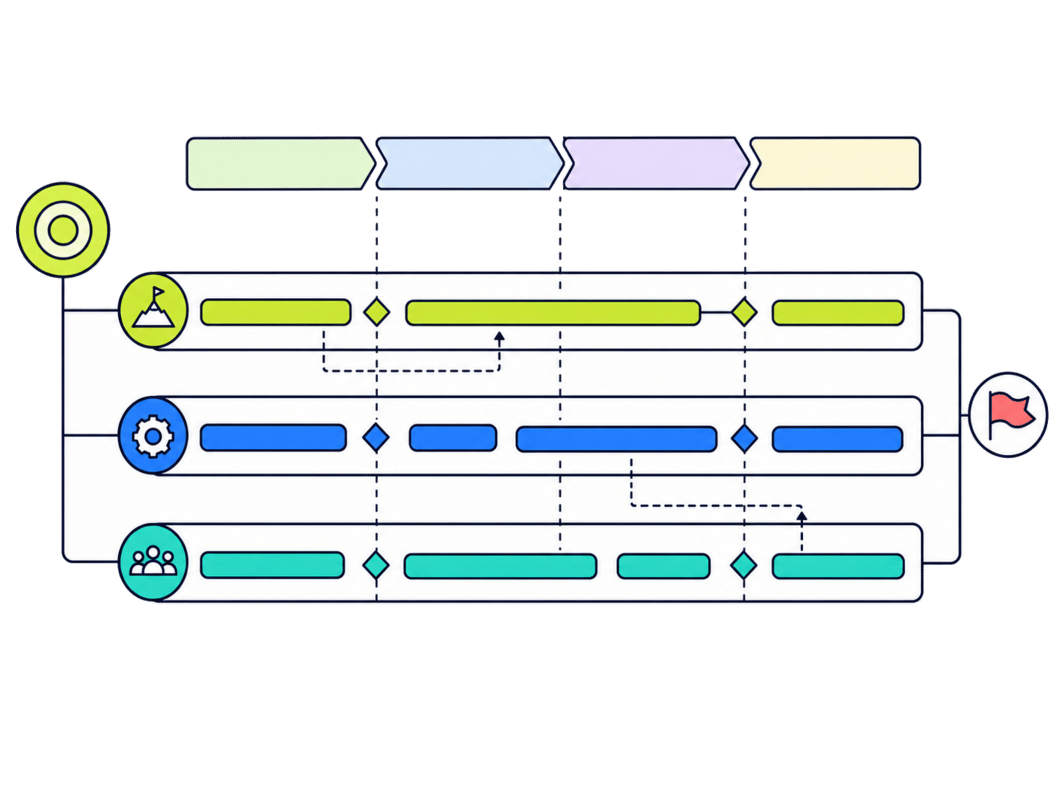
Creating a roadmap in six steps
The Collaboard template shows five milestones along a horizontal line, alternating above and below it. Each milestone has a number, a year, a short text and a colored icon, from a hot air balloon to a rocket, which hints at the growing ambition from one phase to the next. You replace the placeholder text and years with your own milestones.

Define the goal
Agree on what the roadmap leads to and over which period, for example the next two years.
Choose the milestones
Identify the five most important milestones. A few well-chosen milestones are clearer than a full list of tasks.
Set the time frame
Replace the years on the board with your own time units, such as quarters or months.
Describe each milestone
Replace the placeholder text with one or two sentences: what is reached at this point?
Check the order
Make sure each milestone builds on the previous one, and note any dependencies.
Share and update
Present the roadmap to stakeholders and update it when plans change.
What is a roadmap?
A roadmap shows how a project, product or organization will develop over time. It gives teams and stakeholders an overview of the most important milestones and the order in which they are reached, without going into every task.
What each milestone contains
- Number The position in the sequence, from 01 to 05.
- Time A year, quarter or date. Example: Q2 for the pilot phase.
- Description What is reached at this point. Example: the new tool is used by one department.
- Icon and color Makes each phase easy to recognize when you present the roadmap.
If you want to show past events rather than plan ahead, a timeline is the better choice.
Product, project and strategy roadmaps
- Product roadmaps Show the planned releases of a product.
- Project planning Give stakeholders an overview of the project phases.
- Strategy communication Make a multi-year plan easy to understand.
- Change projects Show employees the steps of an upcoming change.
Keeping the roadmap realistic and current
- Focus on outcomes Describe what is reached at each milestone, not every task along the way.
- Stay realistic Leave room for delays. A roadmap that is always behind loses trust.
- Add milestones if needed Five milestones fit most plans. Copy one if you need more.
- Keep it alive Review the roadmap regularly, for example every quarter.
Why Collaboard
A Swiss-made online whiteboard for teams that care where their data lives.
Your data stays in Europe
Choose hosting in Switzerland, Germany or the EU, fully GDPR compliant. Or run Collaboard on your own servers.
Invite anyone with a link
Guests join your board for free, right in the browser. Nothing to install, no extra licenses for participants.
Made in Switzerland, with real support
Collaboard is developed in Switzerland. When you need help, you talk to people who know the product.
Frequently asked questions
Is the roadmap template free?
Yes, the roadmap template is free to use with a Collaboard account. The free plan includes up to 3 boards and five people per session.
What is a roadmap used for?
A roadmap is used to plan goals and initiatives over time and to communicate the plan to teams and stakeholders.
What is the difference between a roadmap and a project plan?
A roadmap shows the big picture and the direction. A project plan goes into tasks, resources and exact dates.
How often should a roadmap be updated?
A roadmap should be updated regularly, for example every quarter or whenever priorities change.
Can I create a product roadmap with the roadmap template?
Yes, the roadmap template works well for product roadmaps. Use the five milestones for releases and replace the years with quarters or version numbers.
Start your next whiteboard now
Get a free trial of Collaboard with up to 3 boards and five people per session. All key features are available for you to try out.

