
Jira Integration with Collaboard
Bring Jira issues onto the visual whiteboard and turn complex projects into clear, actionable workspaces.


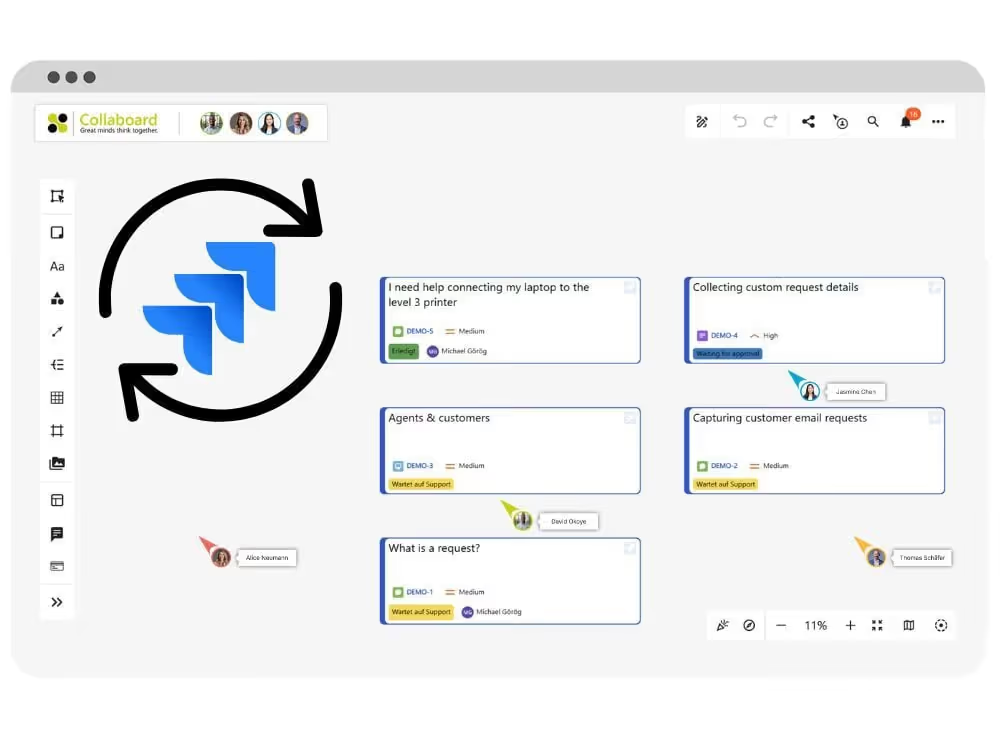
Collaboard Integration for Jira
With the Collaboard Jira integration, you can connect your Jira projects directly to your visual workspace.
All Jira issues are displayed as interactive tasks on the whiteboard. Updates made in Collaboard are synchronized back to Jira automatically — without switching tools.
Collaboard fully supports JQL (Jira Query Language), allowing you to precisely select which Jira issues should be added to your board
You keep full control over your project data while working visually with your team.
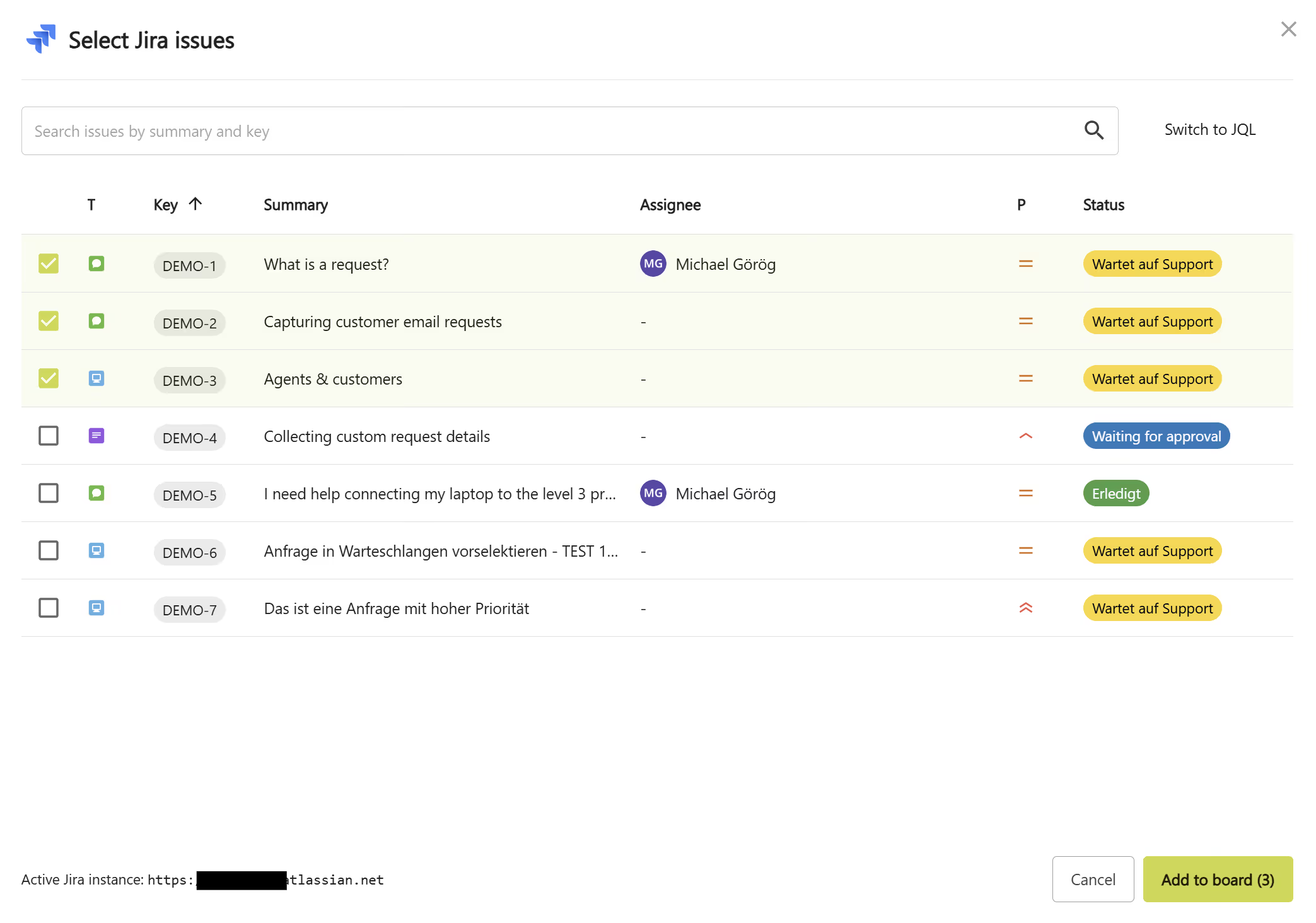
Manage Jira issues visually in Collaboard
Plan, organize, and update Jira tickets directly on the Collaboard whiteboard. Turn lists into visual structures and make project dependencies visible at a glance.
- Place Jira issues freely anywhere on the board
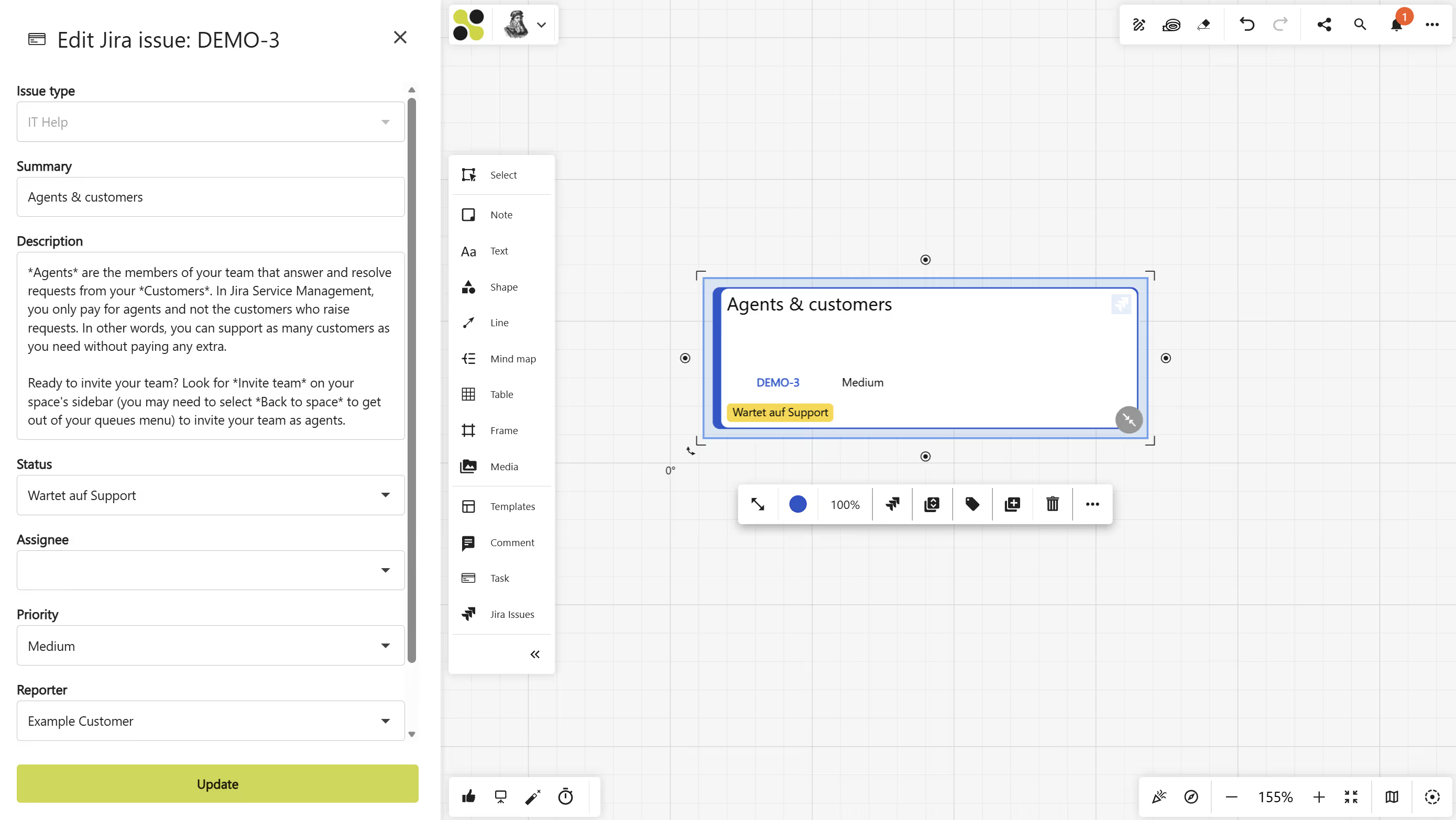
- Edit titles, descriptions, status, and assignees visually
- All changes sync automatically with Jira
- Work on the same board with your entire team in real time
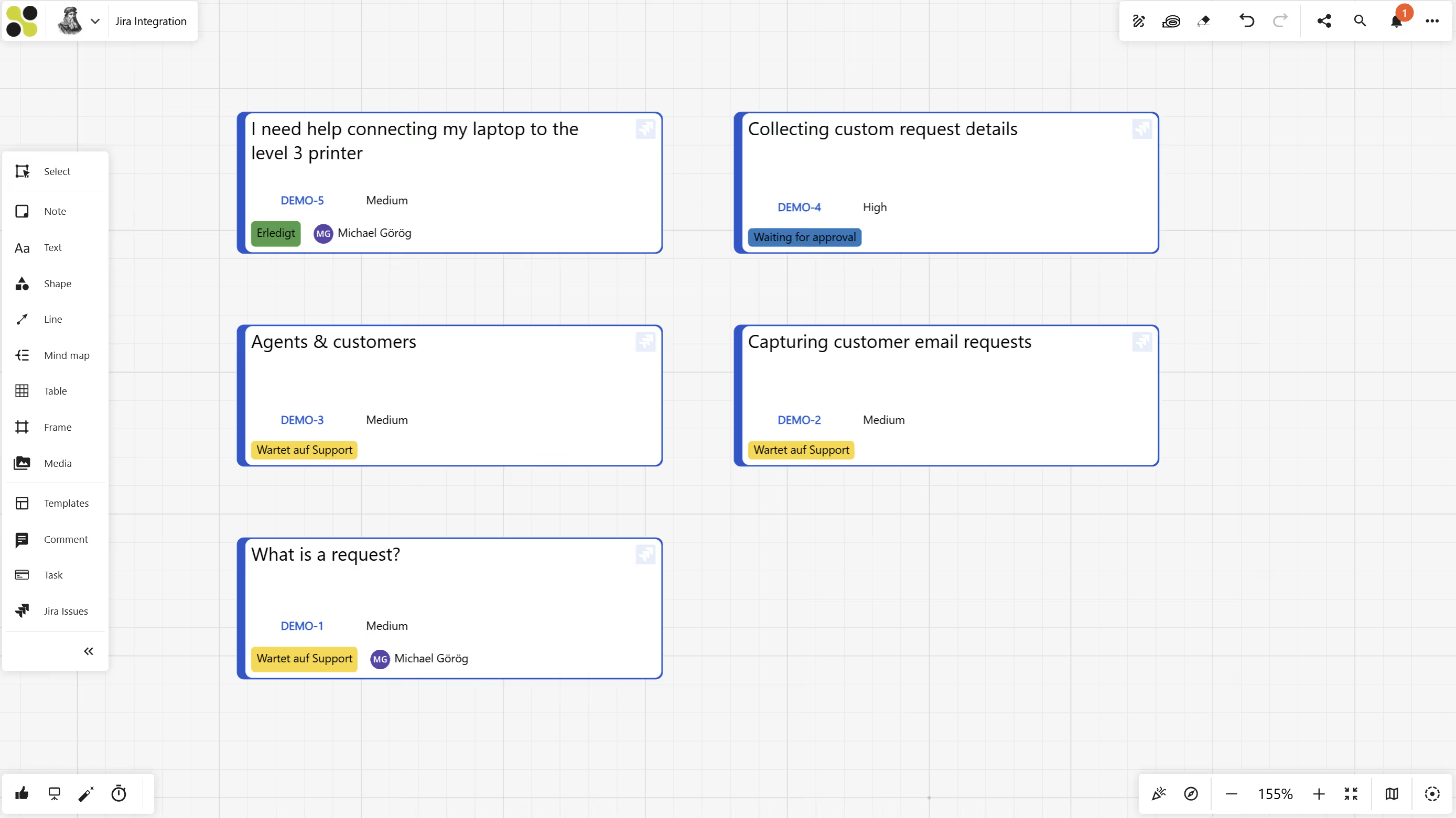
Create shared Jira project boards in Collaboard
Use Collaboard as a permanent visual project space connected to Jira. Your team always works on the same up-to-date task landscape — without losing context.
- One shared board per project or team
- Live Jira synchronization in the background
- Ideal for long-running projects, agile boards, and planning sessions
- Everyone sees progress instantly
What are the benefits of the Collaboard integration in Jira?
Visual project clarity
Turn complex Jira backlogs into easy-to-understand visual boards. See dependencies, priorities, and progress instantly.
Real-time synchronization
All changes in Collaboard are synchronized live with Jira — and vice versa. No duplicate work. No outdated information.
Maximum data protection
Collaboard runs on European servers or fully within your own infrastructure. Your Jira integration meets the highest enterprise and public-sector security requirements.
How you can use Jira with Collaboard
1. Visual sprint planning and backlog refinement
Import your sprint backlog from Jira directly onto the whiteboard. Prioritize tasks visually, group stories, and adjust workloads interactively with your team — all synced back to Jira instantly.
2. Roadmaps and dependency mapping
Use Collaboard to create visual roadmaps based on Jira epics and issues. Make dependencies visible across teams and align stakeholders with one shared project view.
3. Kanban boards with real Jira data
Turn your Jira tasks into a visual Kanban board on the whiteboard. Move tasks through columns, update statuses, and track progress in real time with full Jira synchronization.
4. Cross-team project alignment
Connect multiple Jira projects on one visual board to align different teams, departments, or external partners. Perfect for scaled agile setups and complex programs.
5. Secure project management for regulated industries
Combine Jira with Collaboard On-Premises to keep all project data inside your own infrastructure. Ideal for public administrations, healthcare, finance, and organizations with strict compliance requirements.
On This Page

Test Collaboard for 14 days free of charge
Immerse yourself in the breathtaking experience of smooth moderation - whether in meetings or brainstorming sessions. And the best thing? You can try it all for free!
Start your next whiteboard now
Get a free trial of Collaboard with up to 3 boards and five people per session. All key features are available for you to try out.

