Aglice project management with Collaboard
Agile project management creates clear structures and a shared understanding when many people are working on a project: through planning in stages, visible progress and regular team retrospectives.
Here you will learn how agile project management works, which methods may be suitable for your team and how to manage all phases directly on the whiteboard. You will get to know the most important tools, templates and examples and see how Collaboard brings planning, execution and feedback together in one place.
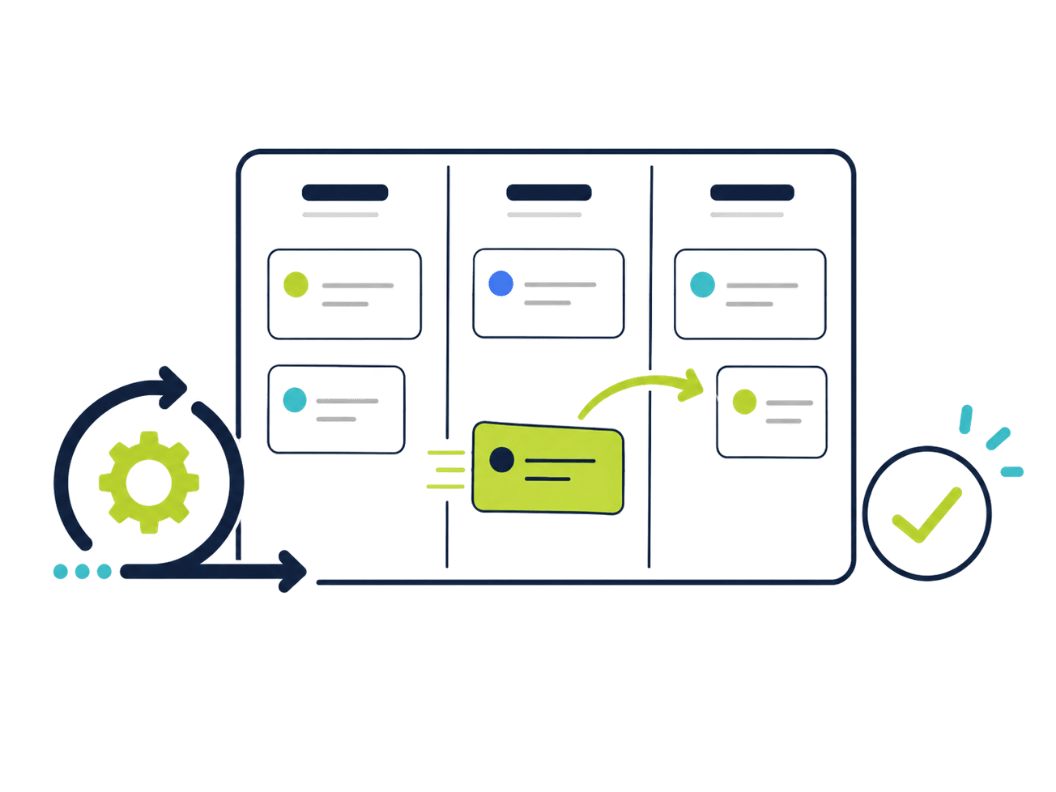
What is agile project management and what makes it so promising?
Agile project management definition:
Agile project management is a method in which projects are planned, implemented and improved in small steps. Instead of thinking everything through in advance, your team works stage by stage with the aim of responding more quickly to new insights. This approach is suitable for many teams, for example in administration, research, education or development.
Why agile working is so effective:
- Clear rhythm: Projects are often worked on in time-boxed phases known as “sprints”, usually lasting one to four weeks.
- Regular feedback: After each step, the team reviews what works and what can be improved.
- Real teamwork: Everyone involved is actively included and helps shape the process.
- Transparent task allocation: Everyone knows who is doing what and by when. This increases reliability within the team.
Agile methods such as Scrum or Kanban bring a clear structure to everyday work. Project goals are not rigid, as they are developed further together. This leads to better results and strengthens collaboration.
In many organizations, agile project management also helps set the right priorities, for example when different interests, departments or external partners are involved.
Typical benefits of agile project management:
If your team wants to collect feedback regularly, needs to stay flexible and wants to distribute responsibility across several people, then agile project management is the right approach.
Why agile project management works better with an online whiteboard
An agile project needs overview, exchange and clear structures. An online whiteboard like Collaboard makes work progress visible at all times, without emails or separate documents. Tasks, agreements and drafts are kept in one place and can be commented on directly. This saves time and creates clarity. Below you will find the key benefits that the online whiteboard Collaboard offers for agile working.
These features bring speed to every sprint
- Visual boards: Cards, colors and connections make tasks and dependencies immediately understandable.
- Timer and focus mode: Daily stand-ups or time-boxing can be started directly on the board.
- Tasks with deadlines: Assign cards to people, set start and end dates and track the status live.
- Comments & mentions: Questions are placed directly on the object, with no need to search through emails or chats.
- Version control: Every change remains traceable, and previous versions can be restored if needed.
Agile project management methods with Collaboard: phases, templates and examples at a glance
With Collaboard, you manage all phases of agile project management directly on the whiteboard. You do not need any additional tools. Everything happens in one single place, visually and transparently. This strengthens team collaboration and ensures security in access and data processing. From planning to the retrospective, you will find suitable templates, moderation tools and board features.
Phase 1: Planning: make goals visible and get started together
In the planning phase, you lay the foundation for a clear shared understanding. Instead of using complicated tools, you use a visual interface where the entire team can collaborate in real time or asynchronously. Everything you plan remains transparent for everyone.
These templates help you with planning:
- Roadmap tool: for a visual overview of all project phases
- OKR planning: to record goals and measurable results
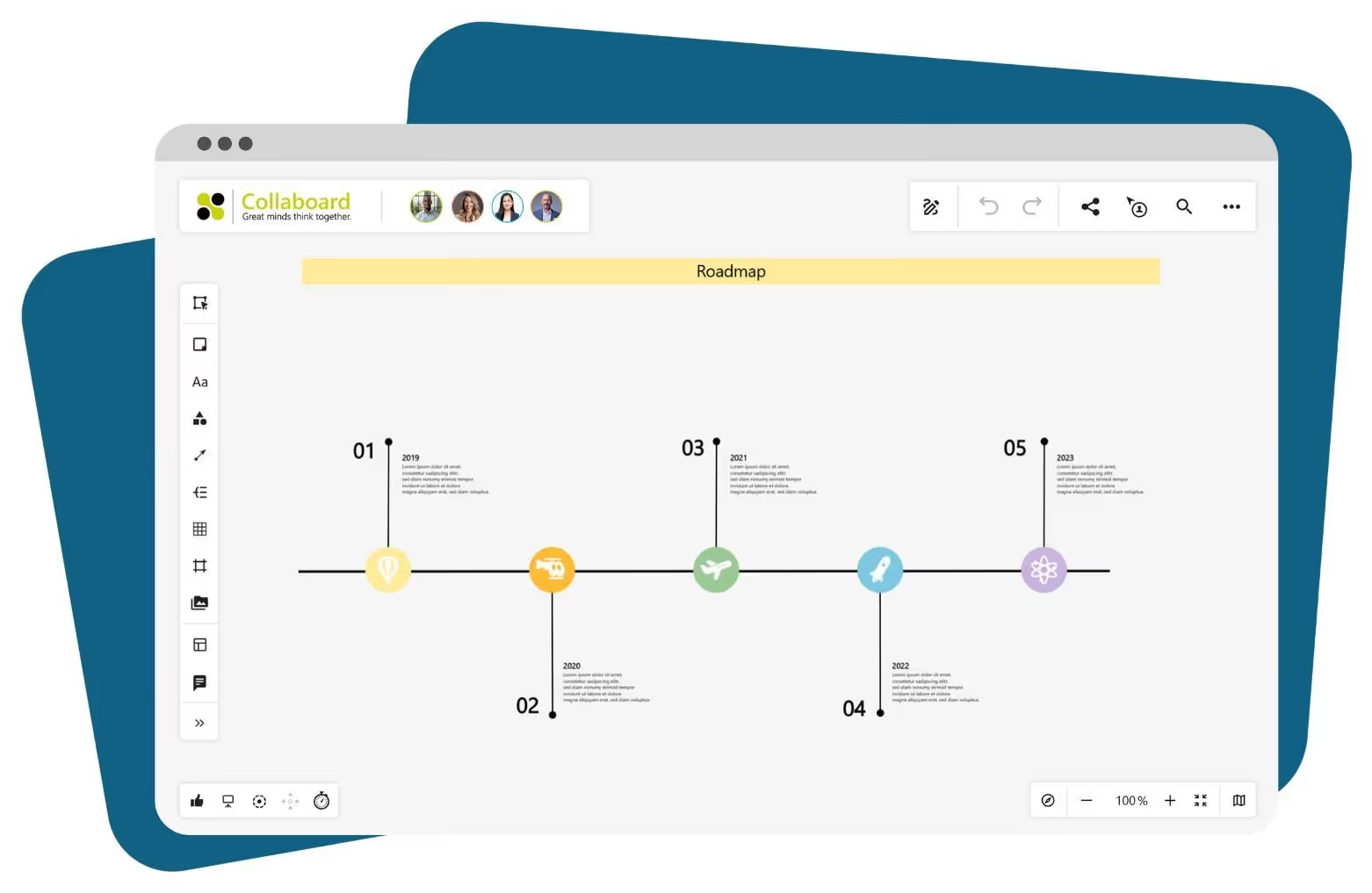
Collaboard also supports you in the following ways:
- Clarify responsibilities visually, for example with colors, avatars or symbols
- Make milestones visible with a timeline
- Manage access rights securely from the start
- Document tasks and ideas directly on the board
Phase 2: Execution: keep tasks flowing and make processes visible
With a Kanban board or a user story map, you manage tasks visually in Collaboard, document the current work status and provide orientation for the team. Thanks to drag and drop, comments and our new task tool, everyone stays on the same page.
These templates bring structure to your workflow:
- Kanban board online: for classic task management based on “To Do, Doing, Done”
- Story point matrix: for estimating effort
- Planning poker: for effort estimation within the team
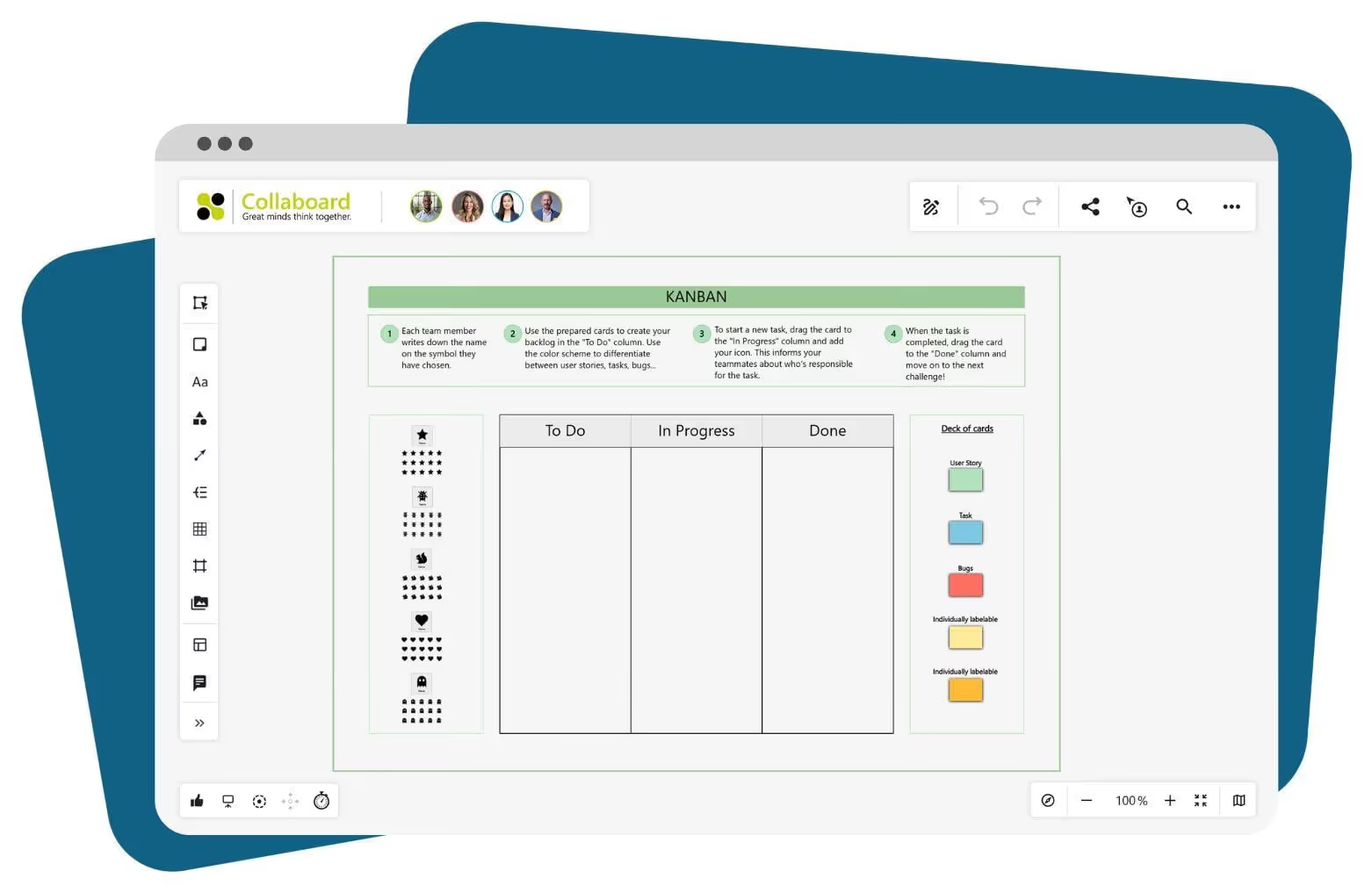
Additional options on the board:
- Move and prioritize tasks easily using drag and drop
- Pin comments, links and files directly to cards
- View editing history and activities without gaps
- Activate presentation mode or focus mode for clear reviews
Phase 3: Review & retrospective: collect feedback and improve continuously
At the end of each phase, there is room for reflection and improvement. Collaboard provides templates, voting and moderation tools for this. Feedback is collected and documented directly in context.
These templates support your retrospectives:
- Sailboat retrospective: What drives you, what slows you down?
- Start-Stop-Continue: derive clear action points
- Starfish retrospective: structure and categorize feedback
- Lessons learned: document insights across projects
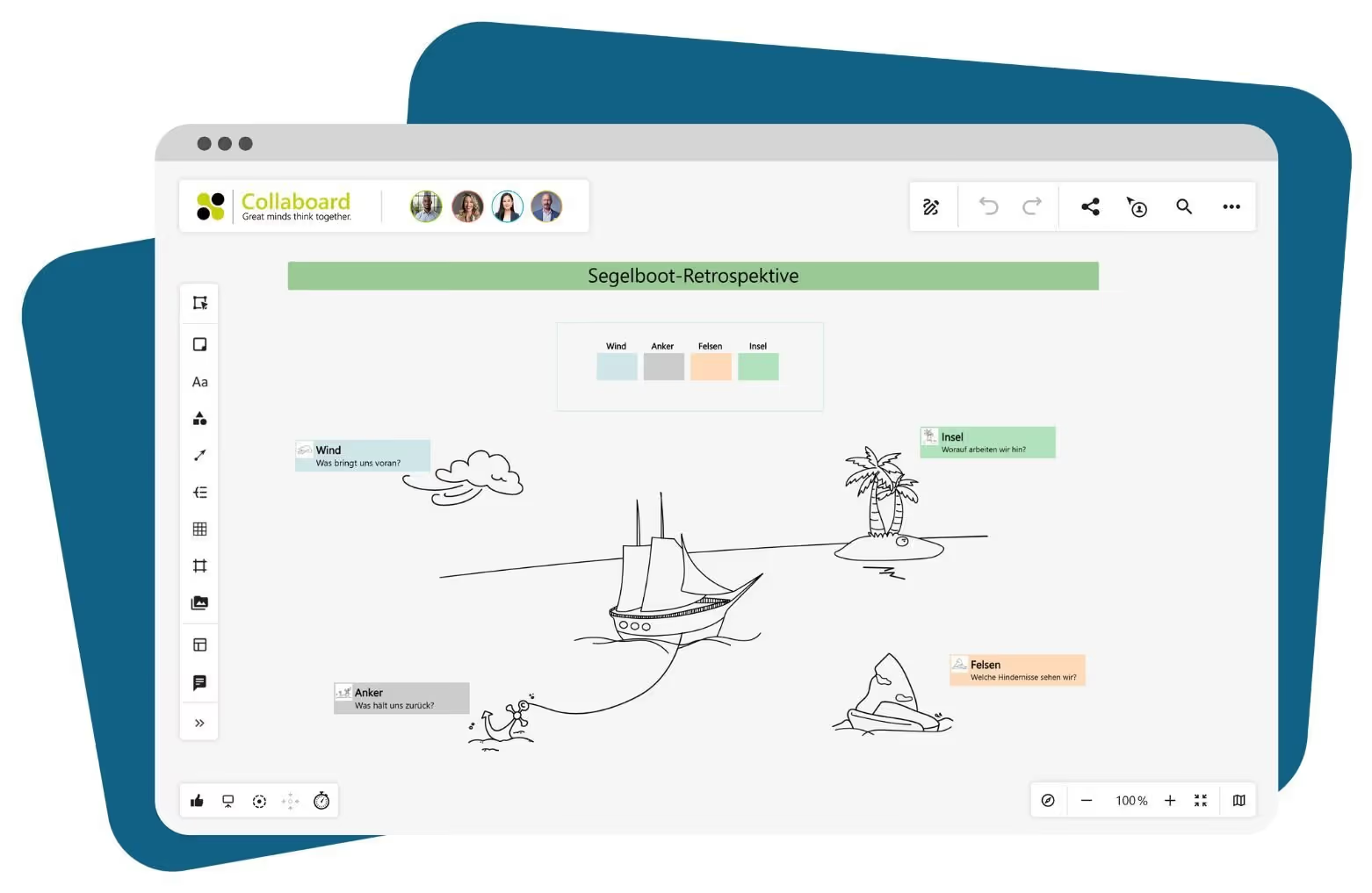
Additional agile tool features that help you:
- Live voting for feedback and opinion gathering
- Timer to structure focus phases
- Breakout areas for group sessions
- Record changes and learnings directly on the board
Tip: Many teams combine several templates to work in an even more targeted way:
- OKR + Kanban + Retro: to make goals visible, manage tasks and reflect on progress
- Roadmap + Sailboat: to connect planning and feedback
Agile project management: examples of successful implementation with Collaboard
Agile working requires clear structures, transparent communication and a tool that does not restrict teams. Collaboard supports agile processes directly on the whiteboard, without additional tools. Three examples show what this looks like in practice:
Sprint planning in an education team
A training center uses Collaboard to plan and implement learning modules. Each module is created as a task on a Kanban board and assigned a start and end date. In addition, a timeline is used to visualize milestones in the learning cycles.
- Kanban columns: “Backlog”, “In progress”, “Review”, “Completed”
- Tasks with colors for different course types
- Responsibilities assigned directly to cards via avatars
- Timeline for an overall overview of the quarter
Agile public-sector project with secure processes
A state authority works together with several specialist departments on a funding program. Roles are clearly assigned, review loops are documented and your data is protected.
- Moderation cards for feedback from the project group
- Review logs stored as PDFs on the board
- Access only for defined user groups, with two-factor authentication
- Edits traceable in the activity log
Research project with user story mapping
A university team carries out a project in the field of human-technology interaction. The project structure is created with a user story map and regular retrospectives directly on the board.
- User stories as cards on a visual matrix
- Retrospectives with the sailboat template after each sprint
- Voting directly on the board to prioritize the next tasks
- All project data in one place, with no need to switch between tools
Conclusion: work agile with the Collaboard online whiteboard
Agile project management thrives on collaboration, fast feedback and clear structure. Collaboard brings all of this together in a single interface and helps you move projects forward as a team.
Teams that work with Collaboard keep an overview, document progress directly within the process and adapt quickly to changes. With over 200 templates and visual tools, you can design your workflow in the way that best fits your team.
What Collaboard offers you:
- Whiteboard with unlimited space for planning and evaluation
- Templates for Kanban, roadmaps, timelines and retrospectives
- Secure project work with GDPR-compliant hosting
- Role assignment, task management and access control directly on the board
- Integrated presentation mode for live reviews
On This Page
Turn this use case into your own whiteboard
Create a free Collaboard account and start working visually with your team today.
No credit card required
Agile project management – frequently asked questions and answers
Do you have any questions? We're here to help.
Agile project management means planning, implementing and continuously improving a project in small stages, rather than defining everything in advance. This allows you to respond flexibly to new insights and keep your team involved throughout.
A typical workflow includes planning (e.g. with OKRs or roadmaps), implementation with boards and task lists, and regular reviews and retrospectives. Feedback from the team is used directly to plan the next steps in a targeted way.
Frequently used methods include Scrum, Kanban, Scrumban, Lean and Extreme Programming. They differ in structure, planning depth and frequency of reviews.
Scrum is ideal for projects with clear sprint cycles, defined roles and regular feedback. Kanban is better suited for steady workflows with changing tasks and fluid transitions.
Agile working is worthwhile for projects with changing requirements, interdisciplinary teams or close user involvement. With clearly defined goals, fixed workflows or highly regulated requirements, a traditional project structure may be more appropriate.
Agile methods enable clear task distribution, better responsiveness to changes and strengthen team ownership. This leads to greater transparency, shorter decision-making paths and better results.
Start your next whiteboard now
Get a free trial of Collaboard with up to 3 boards and five people per session. All key features are available for you to try out.


