
Kanban board: What is it and how can it be used successfully?


.jpg)

A Kanban board is a flexible tool that makes work processes visible and can help limit workload. It is now used in many different industries to support agile project teams. Kanban board teams benefit from visualizing the individual work steps. This helps structure work clearly. We show you how a Kanban board tool can help your company.
What is a Kanban board?
A Kanban board visualizes work processes using columns, cards and limits. All tasks are defined, categorized and moved through the individual steps of a freely definable workflow on the Kanban board. Thanks to this visualization, everyone involved always knows where individual tasks currently stand and who is responsible for them.
Kanban – a definition of the term
The term “Kanban” comes from Japanese and roughly translates as “visual signal.” A Kanban board is therefore about visualizing things. This is especially useful for teams, as it makes current tasks accessible to everyone. It is interesting to know that Kanban, similar to the 5 Whys method, originated in the production system of the car manufacturer Toyota. Kanban was first developed there in the 1960s and gradually evolved into a digital tool that companies use today.
What is a Kanban board used for?
Kanban boards are used in many different industries. They enable agile teams to define tasks and visualize the workflow. This allows teams to organize and process tasks independently and see at a glance which stage a task is currently in.
The most important principles of Kanban
The practical thing about the Kanban method is that there are only a few fixed rules. According to Jim Benson, one of the pioneers of the methodology, companies should initially apply just two rules:
- Limit the workload
- Visualize the work
Everything else then develops from these two rules over time. This means that Kanban can be implemented very easily in almost any company. Even freelancers without a team benefit from creating a Kanban board.
When setting up the board for the first time, you can include all the functions of an existing team and initially record the tasks as they are currently being handled. Over time, you then develop a board that is perfectly tailored to the individual workflows. This flexibility is the greatest advantage of Kanban boards.
Kanban benefits at a glance
Using a Kanban system offers a team numerous advantages. Whether the Kanban board is online or physically available on site, collaboration benefits greatly from having a shared foundation. Teams experience the following benefits:
- Higher time efficiency, as tasks are clearly defined and bottlenecks can be avoided
- Reduced working time thanks to a clear overview of current tasks
- High flexibility, as work is based on priorities rather than fixed deadlines
- Continuous delivery of tasks from the backlog, resulting in less idle time
- Better visibility of workflows, bottlenecks and working time, leading to improved production and efficiency
- Optimized communication and collaboration within the team
Kanban board: The structure simply explained
The basic structure of the visual board is always the same. However, you naturally have the option to adapt a free Kanban board to your needs and customize all elements so that they fit your workflow. Since the model was first developed by David Anderson, the following elements have become established.
Columns
Every Kanban board contains at least three columns, although usually more. Each column represents a work step or a part of the workflow. The columns can be structured as follows:
- To do / to be completed
- Doing / in progress
- If needed: additional columns for individual work steps
- Done / completed
Cards
Within the columns, all tasks for the team are organized into cards. Each card represents one task, although particularly large tasks can of course be split into several cards. In some systems, cards are also referred to as “visual signals” and are moved step by step through the individual columns during the work process.
They contain all relevant information about the task, such as who is responsible, when deadlines expire and which subtasks belong to the task. On digital boards, files of all kinds can also be attached, including Word or Excel documents, images, videos or voice messages. You can use digital time tracking, activate checklists, add color markings and adjust them flexibly. These many features allow you to design a board and the cards managed on it very individually.
WIP limit
A particularly important part of every Kanban board is the task limit. This is where one of the key principles comes into play, as Kanban boards enable teams to control themselves and optimize workflows. Work-in-progress limits are an essential component here. They show how many cards may be in a column at most.
This helps the team ensure that work does not pile up and that individual projects are completed before new projects can be started. If bottlenecks occur despite the limit, action should be taken promptly.
Commitment point and delivery point
Ideas for tasks and projects are usually not placed directly onto the actual board as cards. Instead, there is usually a backlog where the team collects ideas. When the workflow allows, new tasks are defined through brainstorming and then added as cards. This moment is called the commitment point.
At the other end of the workflow is the delivery point. Once a project has been completed and the result has been handed over to the customer, the card is completed and can either be moved to the corresponding column or archived. The goal of the entire team is to move from the commitment point to the delivery point as quickly as possible.
Swimlanes
Horizontal lanes visually separate different teams, activities and more from one another. Like many things in the system, they are not mandatory, but they can help with visualization.
Swimlanes make it possible for different teams or subgroups to work together on one board. Tasks can be shared between individual teams and worked on collaboratively.
Types and examples of Kanban boards
You can create a Kanban board for free or with only a small financial investment. This has the advantage that you can get started immediately and try out the method. You can choose from different options for setting up your board.
The physical Kanban board for teams
A physical whiteboard is the classic Kanban board. It is particularly easy to set up and is always accessible to the entire team. Changes are immediately visible to everyone. In this case, the cards are the equivalent of index cards or sticky notes on which the individual tasks and projects are written down.
For hybrid work models, where some or all employees work remotely at least part of the time, physical whiteboards are less suitable for Kanban. With this variant, not everyone always has access to the board.
Using a digital Kanban board on the desktop
The more popular Kanban became, the more companies started looking into digital solutions. Today, there are many options for using a free online Kanban board. An online whiteboard also enables large remote teams to work together on larger projects or tasks.
There are numerous providers for your online Kanban board that offer a good range of features at a low cost. Those who manage larger teams or projects can switch to paid versions. These offer an expanded range of features and the option to create many boards for individual projects or teams.
A Kanban board app
Anyone who travels a lot for work and still wants to stay up to date can use a Kanban app. Many providers of digital boards also offer an app for smartphones or tablets. These apps display boards including columns and cards. In most cases, it is even possible to edit and move cards or create new cards. A Kanban board app is practically essential for remote teams.
Tips for using Kanban
How you use the board depends largely on the tasks in your company and how your team works together. Nevertheless, there are a few points you should keep in mind if you want to work successfully with the Kanban system.
From the big picture to the details
Start by creating a simple Kanban structure. In this structure, as described above in the section “Kanban board: The structure simply explained,” you create one individual card for each current task. Note down all important information and assign the cards to the responsible team members.
As you start working with the cards, the modifications that are relevant and necessary for your team will quickly become clear. Smaller adjustments can be implemented very quickly.
Accuracy creates visibility
The more accurately you map the workflow on the board, the easier it becomes to identify potential bottlenecks or sources of error. Create a separate column for each individual work step. This way, the card is moved after each step, and it quickly becomes clear where more tasks are coming in than can be processed and completed.
It is then up to your team to find solutions for bottlenecks and adapt the workload to actual productivity.
Limit the workload
It is especially important that there are not too many cards on the board. WIP limits are a first tool for this. In addition, use the backlog, where the entire team collects tasks that are waiting to be processed. Cards only move from the backlog to the actual board when there is space for them.
This minimizes multitasking and increases the productivity and efficiency of the team.
Automations help optimize work processes
Every Kanban board offers automation options. Digital solutions in particular allow you to automate individual workflows. Even moving cards between columns can be automated with just a few clicks, removing one work step from employees.
Reminders for deadlines or notifications for new tasks can also be automated. This ensures that no one forgets an important task.
Visualize important information
All online systems offer numerous ways to record information on cards. These include color-coded labels, checklists, descriptions, custom note fields on all cards, deadlines, responsibilities and much more.
Make use of these options! They allow you to capture all important information about the task and make it visible to all team members at a glance. Which type of visualization works best for your team will become clear during use.
Scrum board vs. Kanban board – what are the differences?
There are several key differences between Kanban boards and Scrum boards. However, in general, Scrum teams also use a modified “Scrum Kanban board” for their work. Below, we compare the biggest differences between the two variants.
Kanban board template
The possibilities of Kanban are diverse. This often leads to companies feeling overwhelmed when deciding what to focus on at the beginning. That is why we have created a detailed Kanban board template that you can use to create your first board. The template can be adapted flexibly, allowing you to include all important aspects for your company. It is important to decide in advance whether your Kanban board should be in German or English.
Kanban board software Collaboard
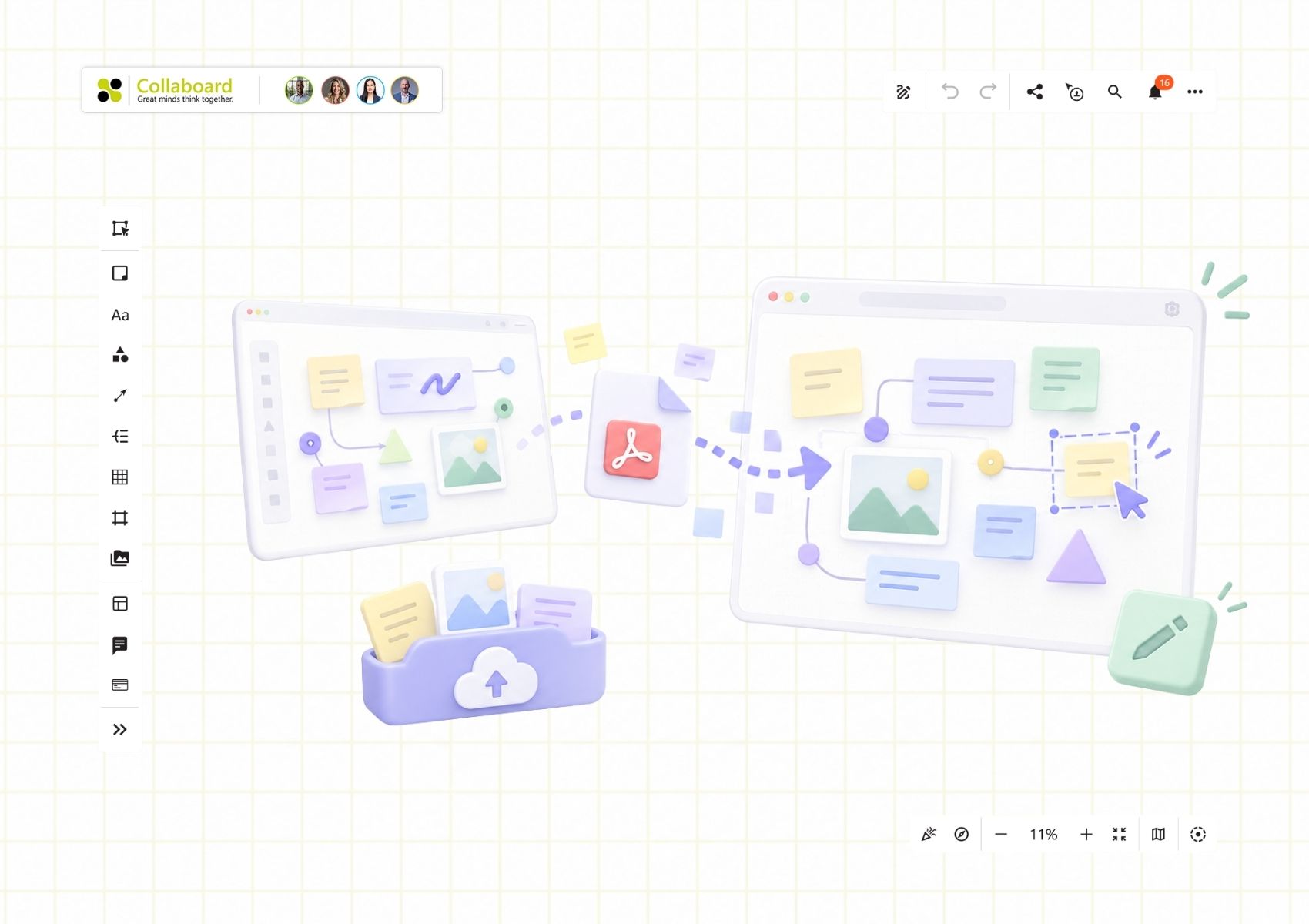
As described above, whiteboards are a good way to create your own Kanban board. This is why the online whiteboard is particularly well suited for collaboration in agile teams that need a board as a shared foundation for all workflows.
Team collaboration and task visualization are just two of the benefits the whiteboard offers. In addition, you can integrate numerous types of media and make the workflow visible.
Conclusion: How Kanban boards optimize workflows
Visualizations are especially useful in agile teams when it comes to optimizing workflows. A Kanban board is the ultimate visualization for this. Each individual task receives a card, which is then placed on the board.
This allows every team member to see at a glance which tasks are currently pending, what has priority and where bottlenecks may potentially occur. Based on this information, workflows within the team can be adjusted, increasing productivity.
This is one of the reasons why Kanban boards are highly popular across industries.
On This Page

Start for free with Collaboard
Create your first online whiteboard, invite others and start collaborating visually.
You can use Collaboard for free and upgrade later whenever your needs grow.
*No credit card required
Michael Görög
Co-Founder Collaboard
Michael Görög is co-founder of Collaboard and is passionate about digital collaboration, visual work and the future of teamwork. He regularly shares practical insights on online whiteboards, collaboration methods, AI and new ways of turning ideas into action.

.avif)
Frequently asked questions
Any questions? We are here to help.
A Kanban board is a digital or physical project management tool. Teams can visualize their tasks, limit their workflow and organize independently when specific tasks should be completed.
A Kanban card always contains all important information about a specific task. The card represents an individual task or project. As the workflow progresses, it is moved from column to column on the board.
You can create a Kanban board either digitally using software or by using a classic whiteboard. For teams that mainly work remotely, digital solutions are better suited because they can be accessed from anywhere. In any case, you can adapt the board to your needs, as Kanban is a very flexible method.
Both boards have many similarities. The biggest differences include the fixed role assignment in Scrum boards, the high flexibility of individual tasks and roles in Kanban, and the fact that Scrum boards are regularly deleted, while the Kanban system is used continuously.
Kanban is suitable for almost any company, for almost any project and also for self-employed professionals in various industries. Wherever teams work together, the visual board can help improve processes. The Kanban system is especially useful when teams work in a self-organized way.
The system aims to improve and visualize the workflows of small and large teams. During use, the team should have the opportunity to improve itself and quickly identify typical sources of error so that recurring mistakes can be avoided.
Subscribe to the newsletter
Stay up to date with the latest tips and news on collaboration.
Start your next whiteboard now
Get a free trial of Collaboard with up to 3 boards and five people per session. All key features are available for you to try out.

