
Visual Collaboration in Air-Gapped Environments
Cloud whiteboards stop at the edge of a secure network, which leaves classified and air-gapped teams without a real way to collaborate visually. Here is what it takes for a whiteboard to run inside the perimeter, and how Collaboard does it.


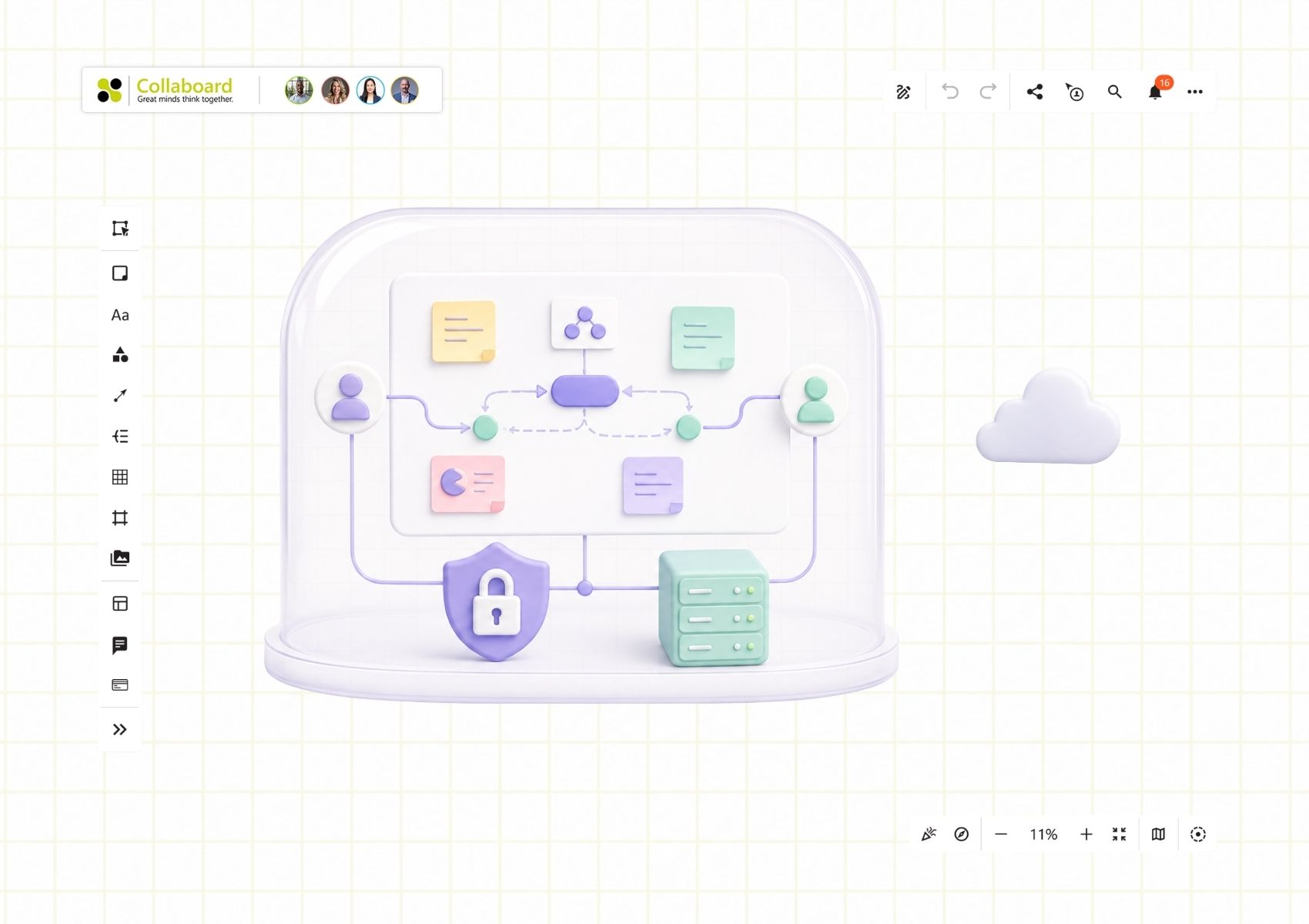

For most teams, starting a shared whiteboard takes about ten seconds. Open a browser, send a link, and everyone is drawing on the same canvas. Teams working inside classified networks, air-gapped labs, or secure operations centres do not get that. The tools everyone else relies on stop at the network boundary.
What they use instead is what they have always used: physical whiteboards, PowerPoint slides, printouts, or their own memory of what was on the board after the meeting ends. The work gets done. But the fast, visual way of working that everyone else takes for granted is usually missing from the places that handle the most sensitive work.
What air-gapped means
An air gap is a deliberate separation between a sensitive system and every less-trusted network, including the internet. No wired connection, no wireless connection, and often no removable media either. Data moves in and out only under strict, controlled procedures.
You find it wherever a breach would be catastrophic: military and intelligence systems, defence research, power grids, other critical infrastructure. Classified work often happens inside a SCIF (=Sensitive Compartmented Information Facility), a facility built to keep sensitive information contained. A network that cannot be reached from outside cannot be attacked from outside, and that removes a whole class of threats.
It comes at a cost. The same isolation that locks attackers out also locks out ordinary cloud software, collaboration tools included.
Why standard whiteboards cannot cross the gap
Cloud whiteboards are built on the assumption of constant connectivity. They rely on the vendor's servers to store boards, on external identity providers to sign people in, and on a steady internet connection to keep everyone in sync. Take away the connection and there is nothing left to use.
For most companies that is fine. In a secure environment it is a dealbreaker, because the whole point is that no line runs out to a vendor's cloud. You cannot audit infrastructure you do not control. An identity service you cannot reach is no use for signing people in, and routing sensitive planning through someone else's data centre is a non-starter.
The result is that a lot of secure teams have given up on digital whiteboarding or use it only limited and with high restrictions on what they are allowed to do with it. The market-leading tools were never built to run inside the perimeter in the first place.
What it takes to work inside the gap
A visual collaboration software that holds up in an isolated network has to clear a specific set of requirements. They are worth knowing, since they double as a quick test of any vendor's claims.
- Fully offline. No external calls, no cloud dependency, nothing phoning home. Everything it needs sits inside the deployment.
- Installs into your own infrastructure. Usually a virtual appliance or a container deployment, for example a Helm chart on Kubernetes, OpenShift, or VMware vSphere, so your team decides where it runs.
- Identity on your terms. Authentication and permissions tie into your directory, with access by group and role rather than an outside login service.
- Full audit trail. In a secure setting you need to know who did what, so a complete log of who created or changed each element on a board matters. Also changes on application level should be auditable with audit logs.
- No feature downgrade. If the secure version is a stripped-back shadow of the real thing, people avoid it. It has to match the depth of the commercial tools teams already use.
How Collaboard meets these requirements
This is the setting Collaboard was built for. It runs in fully isolated environments with no internet access, and installs as a virtual appliance or through a Helm chart in a Kubernetes environment such as OpenShift, VMware vSphere or any other Kubernetes distribution. Authentication ties into existing directories, permissions map to AD groups, and the Activity Logbook records who created which content on a board, so facilitators keep a complete audit trail.
Collaboard is also a fully featured whiteboard. Its capabilities and interface stay close to the market-leading cloud tools, so a secure deployment does not mean working with a cut-down product.
The certifications are there to back that up. Collaboard aligns with US DoD Impact Levels 5, is FIPS 140-2 compliant and ISO 27001 certified, and is available on Iron Bank, the accredited container repository run by Platform One, which means its container images pass the DoD's own security checks. The company behind it, IBV, has been building security software in Switzerland since 1981.
Each of those is something a security team checks during procurement, and Collaboard has already been through it.
What teams use it for
Inside the perimeter, the work looks much like it does anywhere else. Teams run mission planning and war room sessions, crisis response and incident debriefs, sprint and roadmap planning, and training for staff who are deployed or in restricted locations. The difference is only that they can now do it visually and together, without leaving the secure environment to do so. Another advantage of an airgapped solution is that users do not need to think about if the data can be put on the board or not. As everything is under full control, they can leverage the whiteboard for all their use cases.
Because everything stays inside the secure boundary, nobody has to stop and judge whether a particular detail is cleared to go on the board. The data is already where it is allowed to be, so teams can use the whiteboard for the whole of their work rather than only the parts that are safe to record elsewhere.
Collaboration without the compromise
Security and collaboration usually pull against each other. In an air-gapped network they do not have to. The isolation stays as strict as the environment demands, and the team still gets a proper shared canvas to work on. For the organisations that need both, that is worth a great deal.
If you want to see how Collaboard runs in an isolated or on-premises setup book a demo or take a look at our self-hosting page.
On This Page

Start for free with Collaboard
Create your first online whiteboard, invite others and start collaborating visually.
You can use Collaboard for free and upgrade later whenever your needs grow.
*No credit card required
Michael Görög
Co-Founder Collaboard
Michael Görög is co-founder of Collaboard and is passionate about digital collaboration, visual work and the future of teamwork. He regularly shares practical insights on online whiteboards, collaboration methods, AI and new ways of turning ideas into action.

.avif)
Frequently asked questions
Any questions? We are here to help.
Yes, as long as the whiteboard is built to run without an internet connection. Most whiteboards are cloud services that depend on the vendor's servers, so they stop working the moment they lose outside access. A tool made for air-gapped use, like Collaboard, installs inside your own network and keeps all data and functions there, so it carries on working with no line to the outside.
Because they depend on constant internet connectivity. Cloud whiteboards store boards on the vendor's servers, sign users in through external identity providers, and sync changes over the internet. A secure environment is deliberately cut off from those external services, so a cloud-only tool has nothing to connect to.
Collaboard installs inside your own infrastructure, either as a virtual appliance or as a container deployment such as a Helm chart on Kubernetes. Once it is in place it runs fully offline, with authentication tied to your existing directory and permissions mapped to your AD groups.
In an air-gapped deployment the core whiteboard stays fully intact, and the only things that drop away are the features that reach out to the open internet, such as web-based image search or YouTube embedding. Everything a team uses to run a session works as normal: the canvas, sticky notes, shapes, templates, real-time collaboration, and permissions.An isolated network has no path to the outside, so those internet-dependent extras have nothing to connect to. For most secure teams that is an easy trade, since none of it changes how they work on the board.
Subscribe to the newsletter
Stay up to date with the latest tips and news on collaboration.
Start your next whiteboard now
Get a free trial of Collaboard with up to 3 boards and five people per session. All key features are available for you to try out.

