Benefits of On-Premises Collaboration Tools
More control, but also more responsibility: here's what running collaboration tools on your own infrastructure gives you, and when it pays off.


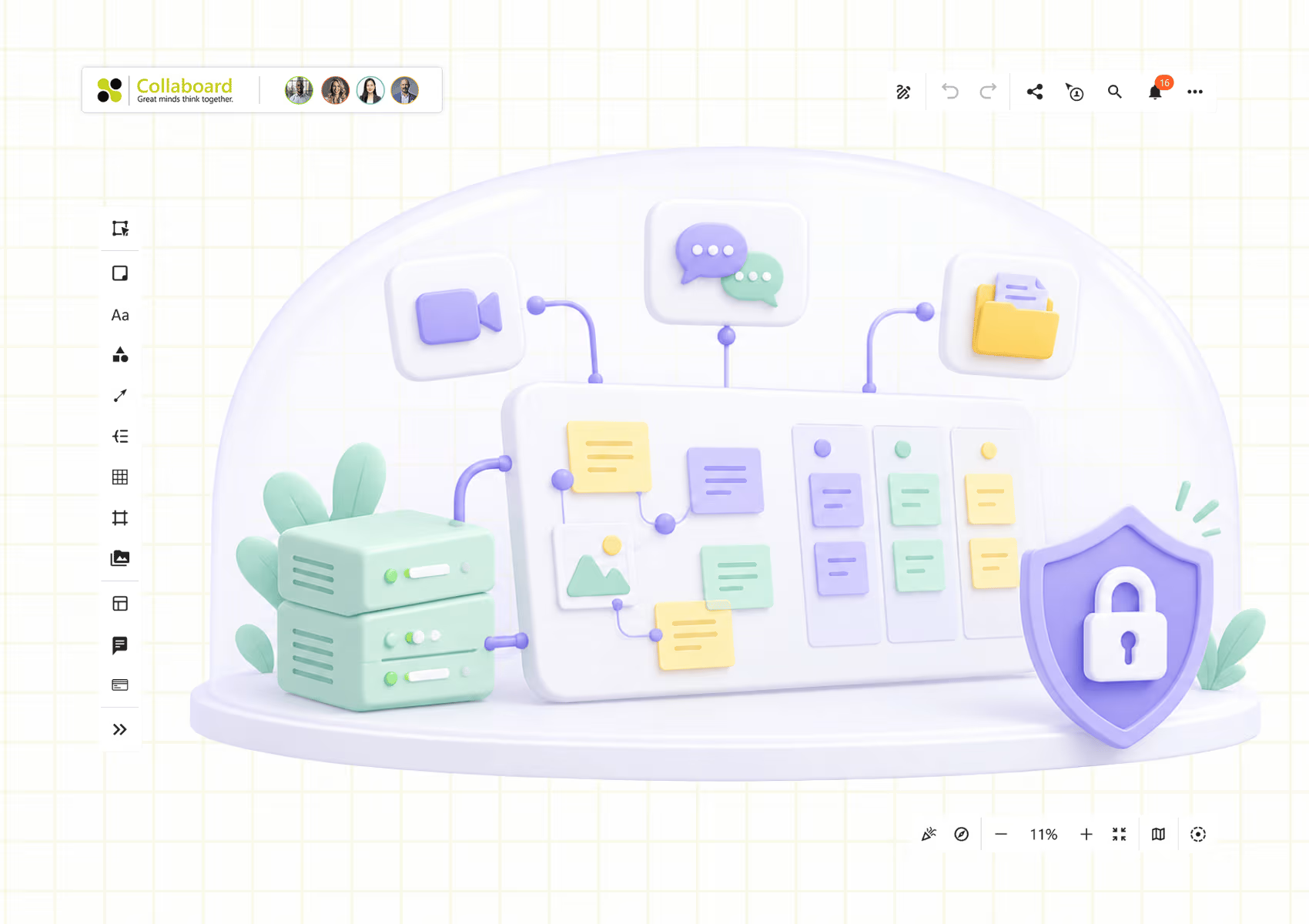

Most collaboration tools today run as SaaS in a vendor's cloud. For many teams, that works perfectly well. For organizations that handle confidential information, work under strict data protection rules, or operate networks without internet access, it often does not. They run their collaboration tools on premises, on infrastructure they control themselves.
This article explains what on-premises collaboration tools are, which benefits they offer, what they require from your IT team, and how to tell whether they are the right choice for your organization.
What Are On-Premises Collaboration Tools?
On-premises collaboration tools are applications that an organization installs and operates on its own infrastructure instead of using them as a service from the vendor's cloud. This includes file sharing, chat, video conferencing, project management, and visual collaboration tools such as online whiteboards.
The key difference from SaaS is who operates the software and where the data lives. With SaaS, the vendor runs the application and stores your data in its data centers. With an on-premises deployment, your IT team runs the application, and the data stays on servers you control.
On-Premises, Private Cloud, or SaaS
In practice, self-hosting covers more than servers in your own building. The most common deployment options are:
- On-premises: The software runs in your own data center or server room. This includes air-gapped environments without any connection to the internet.
- Private cloud: You run your own instance in a cloud account you control, for example in Microsoft Azure or Amazon Web Services, in the region of your choice. The provider supplies the infrastructure, while your team controls the installation, configuration, and data.
- SaaS: The vendor operates the software and stores the data for you. You only manage users and settings.
Most of the benefits below apply to both on-premises and private cloud deployments. Some, like working without internet access, apply only to on-premises.
9 Benefits of On-Premises Collaboration Tools
1. Your Data Stays Under Your Control
With an on-premises deployment, documents, chat messages, meeting recordings, and whiteboard content are stored on your own servers. No third party can access them unless you grant access. You decide where the data is located, how long it is kept, how it is backed up, and when it is deleted.
This matters most for organizations that handle sensitive information, such as public administrations, banks, insurers, healthcare providers, and companies in aerospace, defense, or critical infrastructure.
2. Easier Data Sovereignty and Compliance
Data protection laws such as the GDPR, sector-specific regulations, and internal policies often require organizations to know exactly where their data is stored and who can access it. Storing data on servers in another country, or with a provider that is subject to foreign laws, makes that harder.
When you host the software yourself, the data stays in the jurisdiction and data center you choose. This does not make you compliant automatically, because compliance still depends on your processes and configuration. But it removes a major uncertainty and makes audits and data protection impact assessments much simpler.
3. Security That Follows Your Own Policies
SaaS providers apply the same security setup to all of their customers. On-premises, you set the rules: network segmentation, firewall rules, encryption with your own certificates, and sign-in through your existing identity provider via SSO. You can also connect the tools to your own monitoring and incident response processes.
Physical security is part of this as well. If the servers are in your own facility, you control who can enter the server room and how it is protected.
4. Collaboration Without Internet Access
Cloud tools stop working when the internet connection fails or when internet access is not allowed in the first place. On-premises tools keep running inside your network. Some organizations go one step further and operate fully air-gapped networks without any connection to the outside world. This is common in defense, critical infrastructure, and research, and only self-hosted tools can be used there.
Remote employees still need a secure way into the network, usually via VPN or a gateway. So on-premises reduces your dependency on the internet, but it does not remove it for distributed teams.
5. Fast Performance Inside Your Network
Users in the same network as the server benefit from low latency and fast transfers, which is noticeable when teams work with large files or collaborate in real time. Your IT team can also monitor the system directly, size the hardware to the actual load, and fix problems without waiting for a vendor's support team.
6. Integration With Your Existing Systems
On-premises tools can connect directly to systems that are not reachable from the internet, such as internal databases, file servers, legacy applications, or your directory service. They can also be combined with other self-hosted tools, for example a whiteboard integrated into your self-hosted chat or video conferencing system, so your entire collaboration stack stays inside your infrastructure.
7. You Decide When Updates Happen
SaaS vendors roll out updates on their own schedule. With on-premises software, you choose when to install a new version. This lets you test it first, align it with other systems, and schedule it outside business hours. The flip side is that keeping the software up to date, including security patches, becomes your responsibility.
8. More Room for Customization
Self-hosted deployments usually offer more configuration options than a shared cloud service: your own branding, organization-wide security defaults, standardized templates, and integrations that are only possible inside your own network.
9. Predictable Costs at Scale
On-premises software comes with upfront costs for hardware and setup, as well as ongoing costs for licenses, operation, and maintenance. Whether that is cheaper than SaaS depends on your situation. For organizations with many users, an existing data center, and an IT team that already runs similar systems, self-hosting can be more economical in the long run. Costs are also easier to plan, because you are less exposed to changes in a vendor's pricing or packaging.
For small teams without their own infrastructure, SaaS is usually the cheaper option.
What to Consider Before Choosing On-Premises
Self-hosting gives you control, and with it responsibility. Before you decide, check these points:
- Operations: Someone has to install, monitor, back up, and update the system. Make sure your IT team has the time and the skills, for example for Kubernetes if the software requires it.
- Infrastructure: You need servers or a private cloud account with enough capacity, plus a plan for growing user numbers.
- Security updates: Patches only protect you once they are installed. Plan a regular update process.
- Remote access: If people work from home or with external partners, define how they can reach the system securely.
- Feature scope: Some vendors offer certain features only in their cloud version. Check what the self-hosted edition includes.
When On-Premises Collaboration Tools Are a Good Choice
An on-premises or private cloud deployment is worth considering if one or more of these points apply to you:
- You handle confidential, classified, or personal data that must not leave your infrastructure.
- Laws, regulators, or internal policies require your data to stay in a specific country or data center.
- Parts of your network have no internet access or are fully air-gapped.
- You want to integrate collaboration tools closely with internal systems.
- Your IT team already operates its own server infrastructure.
If none of these apply, a SaaS solution hosted in a suitable region is often the simpler choice. Many vendors, including Collaboard, offer both models, so you can choose the one that fits each use case.
On-Premises Collaboration Software: An Overview
All of the following tools can be run on your own infrastructure. They are grouped by use case, so you can see which building blocks you need for a complete self-hosted collaboration stack.
| Tool | Short description |
|---|---|
| Video conferencing | |
| Pexip | Enterprise video meetings and interoperability with meeting room systems. Pexip Infinity can run in your own data center. |
| OpenTalk | Open-source video conferencing with moderation, breakout rooms, and voting. Offers on-premises Community and Enterprise editions. |
| innovaphone | Browser-based audio and video meetings within a broader business communications platform. Supports fully on-premises operation. |
| Jitsi Meet | Open-source video conferencing for browser-based meetings that you can run on your own servers. |
| BigBlueButton | Open-source virtual classroom platform for education and training, with interactive teaching tools and self-hosted installation. |
| File sharing and content collaboration | |
| Nextcloud Files | File storage, synchronization, and sharing within the broader Nextcloud collaboration platform. |
| ownCloud | Enterprise file synchronization, sharing, and content collaboration, with self-hosted server software and office editor integrations. |
| Kiteworks | Secure file sharing and external content exchange with governance, access controls, and audit capabilities. Supports on-premises deployment. |
| Seafile | Self-hosted file synchronization and sharing with file permissions, version history, and collaborative documents. |
| FileCloud | Enterprise file sharing with governance controls and integration with existing file servers and network shares. |
| Integrated collaboration suites | |
| Nextcloud Hub | Combines files, document editing, video communication, and groupware in an extensible on-premises platform. |
| openDesk | Integrated open-source workplace for public administration, combining email, files, office editing, chat, meetings, knowledge management, and projects. Available for deployment in your own data center. |
| Zextras Carbonio | Digital workplace combining email, calendars, files, chat, video meetings, and document collaboration. Available on premises. |
| Visual collaboration and whiteboards | |
| Collaboard | Online whiteboard for visual collaboration, available for deployment on premises or in a private cloud. |
| Excalidraw | Lightweight whiteboard for sketch-style diagrams. The editor can be self-hosted, but sharing and real-time collaboration require additional components and configuration. |
| AFFiNE | Combines documents, infinite whiteboards, and databases in one workspace, with a self-hosted server stack. |
| Chat and team messaging | |
| Rocket.Chat | Team messaging with channels, direct messages, and integrations. Supports on-premises and air-gapped deployment. |
| Mattermost | Team messaging and operational collaboration, including workflow capabilities. Supports on-premises and disconnected environments. |
| Element | Messaging and real-time communication built on Matrix. Element Server Suite provides the backend for self-hosted deployments and federation. |
| Zulip | Open-source team chat organized by channels and topics, particularly useful for structured, asynchronous discussions. Offers self-hosting. |
| Threema OnPrem | Business messaging focused on confidential communication, with a self-hosted deployment model. |
| Collaborative document editing | |
| Collabora Online | Collaborative browser-based office editing, commonly integrated with a file platform such as Nextcloud. Available on premises. |
| ONLYOFFICE Docs | Online document editors with real-time co-editing that can be installed on your own server and integrated with collaboration platforms. |
| CryptPad | Open-source collaborative office suite with end-to-end encryption and the option to run your own instance. |
| Project and task management | |
| Collaboard Projects | Visual project management for small and medium-sized projects. Combines multiple Kanban boards, tasks, assignees, and due dates within one whiteboard, connecting brainstorming with execution. Available on premises or in a private cloud. |
| OpenProject | Project management for classic, agile, and hybrid methods, with on-premises deployment. |
| Taiga | Open-source agile project management for cross-functional teams, with a self-hosted option. |
Collaboard integrates with Nextcloud, Rocket.Chat, and Pexip, so you can use your whiteboards directly in the self-hosted tools your teams already work with.
Collaboard: Self-Hosted Whiteboarding and Visual Project Management
Brainstorming sessions, process maps, and project plans often contain information that shouldn't leave your organization. With Collaboard, your teams work together in one visual workspace that runs on infrastructure you control.
Collaboard is a self-hosted alternative to Miro and other cloud whiteboards. Teams use it to run workshops, collect and develop ideas, map processes, and plan projects. Sticky notes, mind maps, diagrams, and documents sit on the same infinite canvas, together with the facilitation tools you need to run a session.
Deploy It in Your Own Environment
Run Collaboard in your own data center or private cloud, as a virtual appliance or on Kubernetes. Air-gapped operation is also supported. Your IT team decides where it runs, who can reach it on the network, and when updates are installed.
Align Collaboration With Your Organization's Policies
Connect your identity provider for single sign-on, control who can open each board, and set the rules for guests. You'll find the details on our security and access management page. Add your own branding so employees recognize the approved platform, and provide templates so teams start new boards from the same structure.
Turn Ideas Into Projects
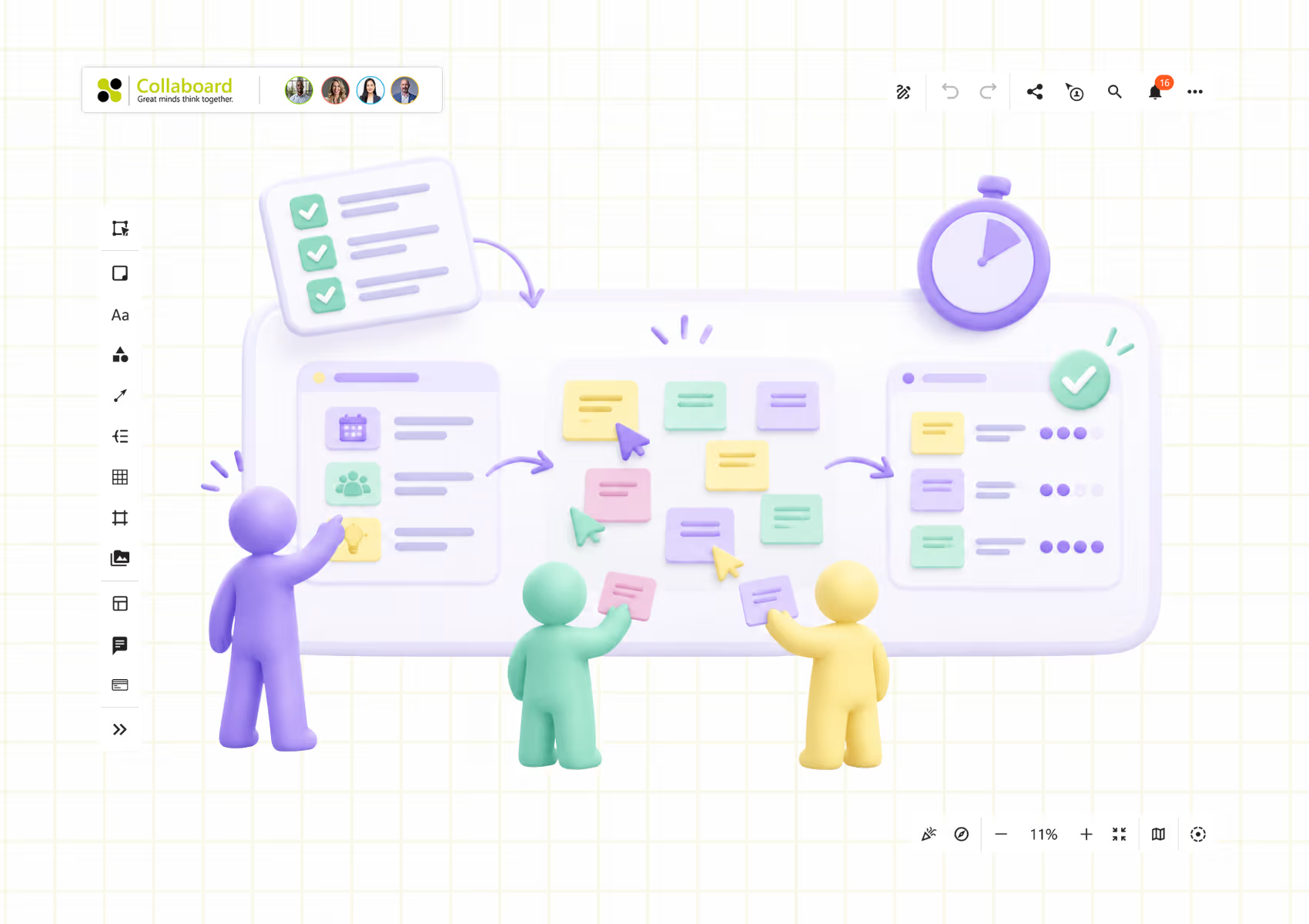
Collaboard Projects adds visual project management to the whiteboard, designed for small and medium-sized projects. You can set up several Kanban boards within one whiteboard, create tasks, assign them to people, and set due dates.
Tasks stay on the same board as the workshop results and process maps they came from. When someone picks up a task weeks later, the reasoning behind it is still right there.
On This Page

Start for free with Collaboard
Create your first online whiteboard, invite others and start collaborating visually.
You can use Collaboard for free and upgrade later whenever your needs grow.
*No credit card required
Michael Görög
Co-Founder Collaboard
Michael Görög is co-founder of Collaboard and is passionate about digital collaboration, visual work and the future of teamwork. He regularly shares practical insights on online whiteboards, collaboration methods, AI and new ways of turning ideas into action.


Frequently asked questions
Any questions? We are here to help.
On-premises, the software runs in your own data center. In a private cloud, you run your own instance in a cloud account you control, for example in Microsoft Azure or AWS. In both cases, your team controls the installation, configuration, and data. With SaaS, the vendor operates the software and stores the data in its own data centers.
Not automatically. They give you full control over security settings, access, and data location. How secure the system actually is depends on how well your IT team configures, monitors, and updates it.
It depends on your situation. Self-hosting has upfront costs for hardware and setup plus ongoing costs for licenses and operation. For large organizations with existing infrastructure, it can be more economical in the long run. For small teams, SaaS is usually cheaper.
Not on its own. When you host the software yourself, you know exactly where the data is stored and who can access it, which makes compliance much easier to demonstrate. You still need the right processes, such as access rules, retention and deletion policies, and documented processing activities.
Yes. On-premises tools run inside your own network. Some, including Collaboard, can also be operated in fully air-gapped environments without any connection to the internet.
Yes, but you need to define how they reach the system. Remote employees usually connect via VPN or a secured gateway. For external guests, check whether the tool supports guest access and how you can restrict it. In Collaboard, you control who can open each board and set the rules for guests.
You need servers or a private cloud account with enough capacity, and the skills to install, monitor, back up, and update the system. Many modern tools run on container platforms such as Kubernetes. If you want to avoid a Kubernetes project, Collaboard is also available as a virtual appliance that can be installed in a few hours.
Yes. Collaboard is an online whiteboard you can run in your own data center or private cloud, as a virtual appliance or on Kubernetes, including air-gapped environments. With Collaboard Projects, you also get Kanban boards, tasks, assignees, and due dates on the whiteboard, so your project management stays on your own infrastructure as well.
Subscribe to the newsletter
Stay up to date with the latest tips and news on collaboration.
Start your next whiteboard now
Get a free trial of Collaboard with up to 3 boards and five people per session. All key features are available for you to try out.