
Shadow IT in Online Whiteboards: Risks and How to Regain Control
When teams set up their own whiteboard accounts, boards end up outside IT’s oversight. This post covers the risks for data visibility, access and offboarding, six steps to regain control, and the Collaboard features that help.


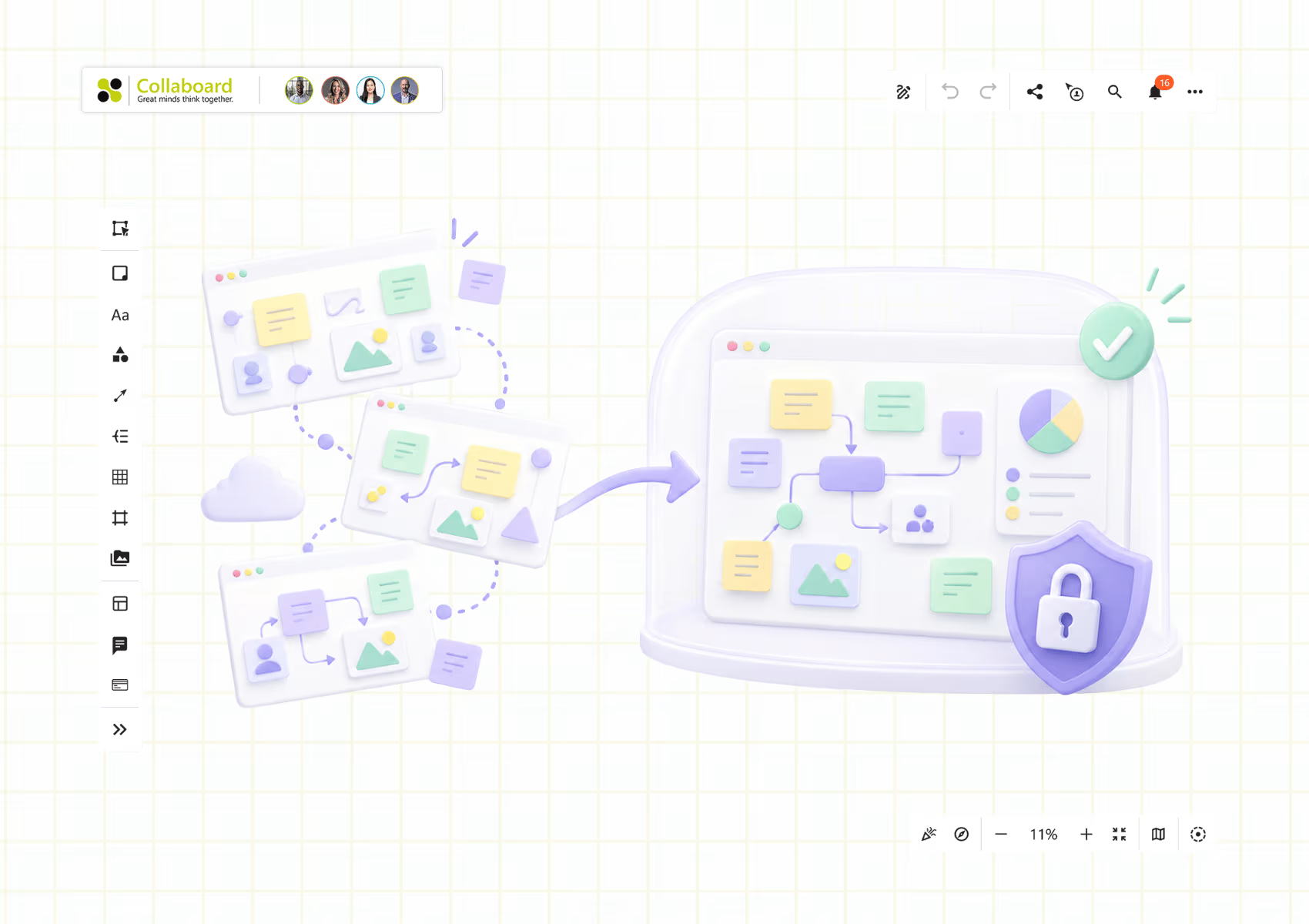

For workshops and meetings, people rely on online whiteboards to bring everybody together on a shared canvas. A facilitator creates a free online whiteboard account and sends the link to the team. Within an hour, the board contains internal plans, customer information and screenshots of business processes.
The problem is that the board now sits outside the organization’s approved collaboration environment. IT may not know it exists, who can access it or what happens to the content when its creator leaves.
This is a very common example of shadow IT, and we have seen it in many organizations. Reducing it requires clear ownership, practical rules and an approved whiteboard tool that people can readily use.
Key Takeaways
- Online whiteboards become shadow IT when business use falls outside organizational oversight and management.
- Independently managed accounts can create gaps in data visibility, access control, offboarding and retention.
- A free account is not automatically unsafe, and a paid account is not automatically governed.
- Organizations can reduce shadow IT by understanding existing use, offering an approved platform and managing boards throughout their lifecycle.
- Collaboard supports this approach with hosting choices, integration with identity providers (IdP) and processes for user lifecycle management.
What Is Shadow IT in Online Whiteboards?
Shadow IT in online whiteboards means using whiteboard tools, accounts or workspaces for business purposes outside the organization’s established IT approval and management processes.
Examples include a team adopting an unreviewed service, an employee keeping business boards in a personally managed account, or staff adding internal information to a consultant’s external workspace without assessing the arrangement.
The UK’s National Cyber Security Centre describes the broader issue of shadow IT as unknown business technology that falls outside asset management and corporate IT processes.
The main problem is a lack of visibility and control. An approved cloud or self-hosted whiteboard can be part of the managed IT environment, while an independently purchased subscription can remain shadow IT.
Even when users register with a company email address, this does not establish central administration or organizational ownership. IT teams may never know that the account exists.
Why Do Teams Use Unapproved Whiteboard Tools?
Teams usually adopt a whiteboard because they need to get work done. A facilitator needs sticky notes for a workshop. A project team wants to map a process. A customer sends an invitation to collaborate.
If the approved option is unavailable, difficult to access or missing important functionality, an alternative is easy to find.
Common triggers include:
- Long approval or account provisioning processes
- Uncertainty about which tools are permitted
- Limited workshop and facilitation features
- Difficulties involving customers, partners or other guests
- Familiarity with a tool from a previous role
What Are the Risks of Unmanaged Whiteboard Accounts?
Whiteboards can hold valuable business information. Individually harmless notes may, together, reveal a product strategy, an internal decision or a detailed operational process, or contain sensitive personal data.
Whether there is an actual risk depends on the content added to the board, the service itself and its configuration. These five areas deserve attention:
Limited Visibility into Business Information
If boards are missing from the organization’s records, the responsible teams may struggle to establish where information is stored, which copies exist and who is accountable for them.
This can complicate incident response, information requests and routine information management.
Unclear Ownership and Offboarding
An employee may own boards that several departments rely on. If the account is independently managed, their departure can leave colleagues without a reliable way to retrieve or administer those boards.
The reverse is also possible: access may remain available after a person no longer needs it or should no longer have it.
Uncontrolled Sharing and External Access
Guest links make workshops easier to join. Without agreed rules, those links can remain active longer than intended or reach people beyond the original group.
The key questions for shared links are: Who can open the board? What can they do on it? And how long does access last?
Unreviewed Hosting and Processing Arrangements
A tool adopted without review may not have been assessed against the organization’s requirements for hosting, provider access, subprocessors, contracts or deletion.
Hosting data in a specific location does not resolve all of these questions on its own.
For a structured provider assessment, use our online whiteboard data protection checklist.
Fragmented Knowledge and Forgotten Boards
When teams use disconnected accounts and platforms, workshop results become harder to find and maintain. People may duplicate work, rely on outdated content or lose the reasoning behind a decision.
Here are scenarios we have seen in several hundred online whiteboard implementation projects across many organizations:
How to Reduce Whiteboard Shadow IT in Six Steps
The approach we present here combines discovery, risk assessment and a collaboration environment that meets business needs.
1. Discover Existing Tools, Accounts and Boards
Start by talking to the people who run workshops, manage projects and collaborate externally. Ask three questions:
- Which whiteboard tools are teams using, including independently created accounts?
- Who owns those boards, and what business information do they contain?
- Who has access, including external participants and former employees?
Record the platform, owner, purpose, broad content category and known sharing arrangements. Avoid copying sensitive board content into an unrestricted inventory.
Explain that the aim is to preserve useful work and establish meaningful controls. If your organization already uses approved software discovery tools, their findings can complement these conversations.
2. Assess Sensitive Content and Prioritize Exposure
Review discovered boards according to their content and accessibility. A public training exercise and a confidential strategy workshop require different treatment.
Prioritize boards containing personal information, customer material, internal strategies, research or security-related details. Review broadly shared boards and boards without a current owner early.
For each priority item, establish who can access it, whether that access is still necessary and which immediate actions are needed. Coordinate with the responsible security or data protection team.
3. Define Approved Tools and Permitted Uses
Define and publish rules that answer the following questions:
- Which platform should employees use?
- What information are they allowed to add?
- How can external people access the boards?
Make responsibilities explicit. Each business board should have an accountable owner, and teams should know how to request access or an exception.
Include externally hosted workshops in the policy. Employees need guidance for situations where a customer or partner chooses the platform.
Keep the guidance easy to find and short enough to read before a meeting.
4. Provide Easy Access and Workable Guest Collaboration
The approved platform needs to cover the reasons people looked for another tool in the first place.
Test it with facilitators and project teams. Can they prepare boards quickly, use familiar visual methods and involve external participants under the defined access rules?
Make account provisioning straightforward. Provide templates, a short introduction and clear instructions for inviting guests. Integrate sign-in with the organization’s identity provider and use AD groups for user lifecycle management.
5. Move Relevant Content and Close Obsolete Access
Separate useful business records from material that no longer needs to be retained.
For boards worth keeping, agree on an owner and a destination in the approved environment. Choose an import, export or recreation method, then check that important content remains usable. Depending on the tools involved, comments, attachments and interactive elements may need separate attention.
Apply permissions at the destination. After confirming the transfer and any retention obligations, revoke obsolete access and retire old boards or accounts.
Moving content alone does not remove the original copy or its sharing permissions. Make sure a clear offboarding process is in place and check the data retention policies of the tools involved.
6. Review Ownership, Permissions and Board Lifecycle Regularly
Define what should happen after a workshop or project ends. A board may need to remain editable, become a reference record, be archived or be deleted.
Assign responsibility for these decisions and review external access regularly. Include board ownership in employee and contractor offboarding.
Retention, archiving and deletion serve different purposes. An archived board still contains information and needs an owner, suitable permissions and a retention decision.
How Collaboard Supports Governed Visual Collaboration
Collaboard provides an online whiteboard for workshops, brainstorming, process mapping and project collaboration. Organizations can use it as an approved environment that combines visual working methods with administrative and security controls.
Choose a Hosting Environment That Fits Your Requirements
Collaboard offers cloud hosting in Germany, Switzerland and the Netherlands, as well as self-hosting in your own infrastructure or private cloud. Air-gapped deployment is also available for environments that require isolated operation.
These options support different deployment requirements. The right choice depends on your organization’s assessment of the complete service and operating model. You can find more details in Collaboard’s hosting and security information.
Connect Identity and Access Management
Single sign-on connects access to the organization’s identity environment. Roles, permissions and Spaces help organize boards and collaboration access.
With SCIM and LDAP connectors, Collaboard users can be managed via AD groups.
Manage Sharing and Board Content
Collaboard offers controls for guest access, sharing and board content. Board owners can restrict copying, downloading and exporting, and use locking or archiving to manage completed work.
Sharing links can be protected with passwords, and Collaboard lets you manage multiple sharing links per board to give different user groups different access levels.
You can also define separate rules for sharing links depending on the audience. For example, a link shared with guests can have stricter protective measures than a link for users within the same company.
Make the Approved Tool Recognizable with Custom Branding
Collaboard allows organizations to customize the whiteboard experience with their own branding. This gives employees a clear visual cue that they are working in the organization’s approved collaboration environment.
Communicate Data Handling Rules Before Board Creation
Organizations can add an in-app data security disclaimer that explains which information users may add to a board and which activities are permitted or restricted. Each time users create a new board, they must confirm that they have read the message.
Apply Security Settings Across the Organization
Collaboard supports custom security configurations that align the whiteboard with organizational policies.
For example, organizations can require all boards to be internal, restricting access to users within the organization.
Specific capabilities, such as AI features, can also be disabled if they are not approved.
A Practical Checklist for Governed Whiteboarding
We use the following six checks when we talk with customers who want to reduce shadow IT related to online whiteboards:
- Approved platform: Teams know which tool to use and how to obtain access.
- Accountable owners: Business boards have an owner and a transfer process.
- Managed identities: Provisioning and offboarding cover the relevant accounts.
- Defined sharing rules: Guest access and invitation links match the intended purpose.
- Reviewed service arrangements: Hosting, processing and contractual requirements have been assessed.
- Board lifecycle: Teams know when to review, archive, retain or delete content.
On This Page

Start for free with Collaboard
Create your first online whiteboard, invite others and start collaborating visually.
You can use Collaboard for free and upgrade later whenever your needs grow.
*No credit card required
Michael Görög
Co-Founder Collaboard
Michael Görög is co-founder of Collaboard and is passionate about digital collaboration, visual work and the future of teamwork. He regularly shares practical insights on online whiteboards, collaboration methods, AI and new ways of turning ideas into action.

.avif)
Frequently asked questions
Any questions? We are here to help.
It means teams use a whiteboard for work without IT knowing about it or managing it. A typical example is a workshop board in a free account that someone set up on their own, with customer information on it and a link shared across the department.
Not necessarily. If IT has reviewed a free tool and approved it for certain uses, it is part of the managed environment. Whether a tool is managed depends on who administers the account and which information goes on the board. A paid subscription that one team bought on its own can be just as unmanaged as a free account.
No. Signing up with a company email address doesn’t make the account the company’s. In many tools, IT can’t administer it, and it isn’t closed when the employee leaves. The boards stay with whoever created them.
Partly. SSO controls how people sign in to the tools connected to it. It doesn’t cover accounts created outside SSO or guest links that are still active. Those need their own rules.
It gives you full control over the platform you host. But if people find it hard to get access, or don’t know the platform exists, they will keep using other tools. Making the approved platform easy to find and use matters just as much as where it runs.
Start with the boards that are still in use and agree on an owner for each one. Check whether anything has to be kept for retention reasons, then move or rebuild the content and set permissions on the new board. Close the old board and its sharing links once everything has been moved. Moving a board doesn’t delete the original.
Subscribe to the newsletter
Stay up to date with the latest tips and news on collaboration.
Start your next whiteboard now
Get a free trial of Collaboard with up to 3 boards and five people per session. All key features are available for you to try out.

