
MoSCoW Matrix Template
Agree on what a project really needs. The MoSCoW method sorts requirements into must have, should have, could have and won't have this time.
Free to start · Swiss-made · GDPR compliant
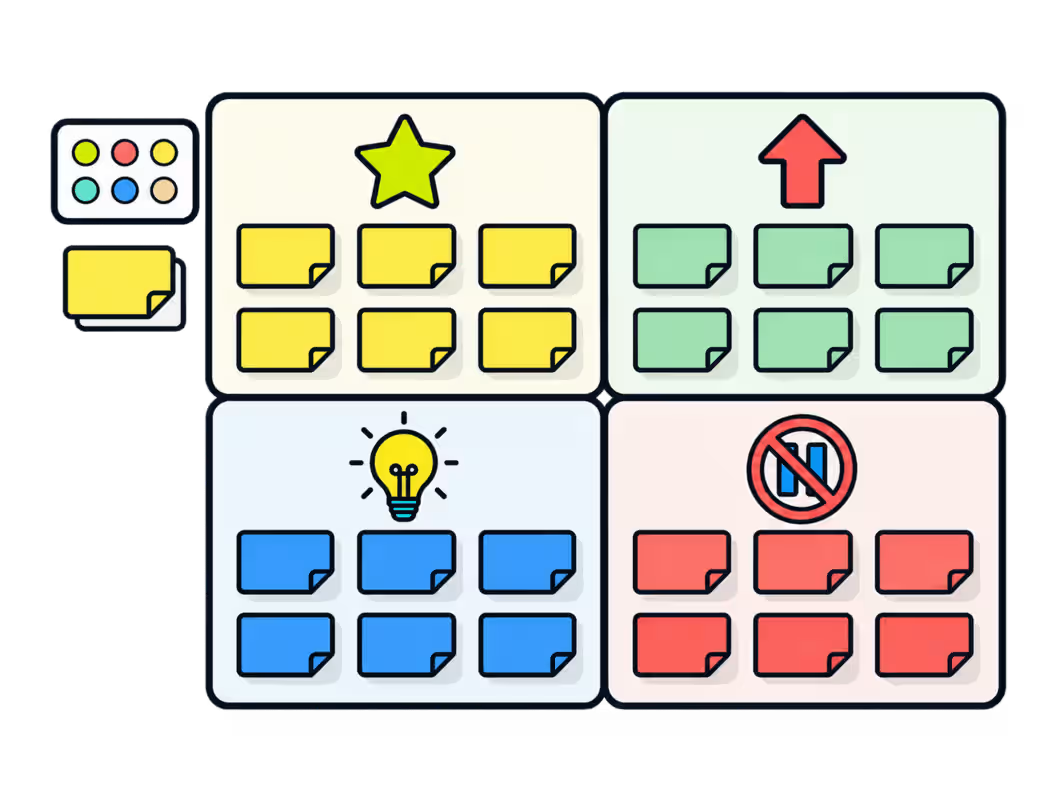
Prioritizing requirements with the MoSCoW method
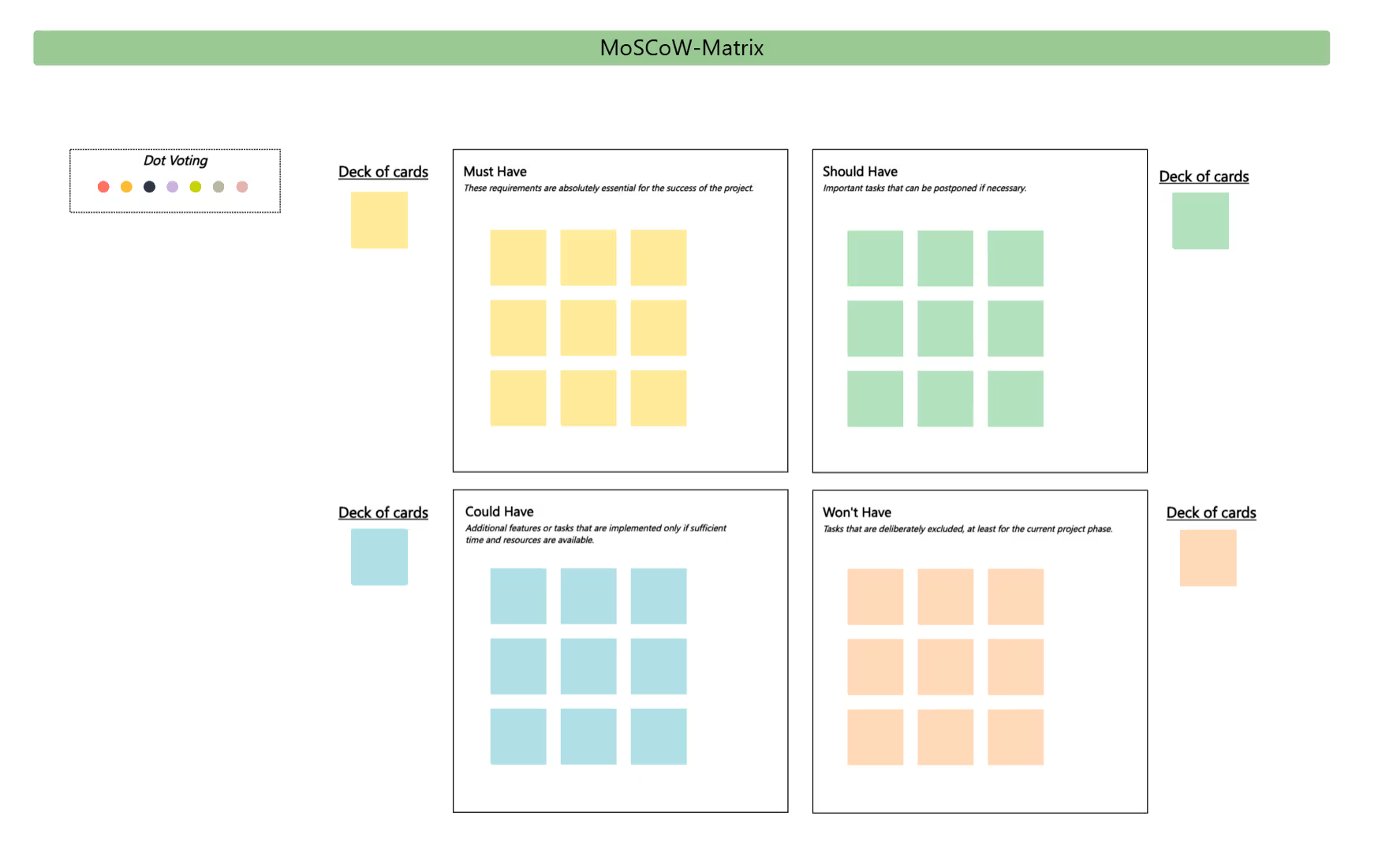
The Collaboard template has four areas, each with a short definition and its own deck of notes: yellow for Must have, green for Should have, blue for Could have and orange for Won't have. A set of colored dots is ready for dot voting when the team needs to settle a disagreement.
Set the frame
Agree on the deadline or budget the prioritization refers to, such as the next release.
Collect requirements
List all requirements or features, one per note.
Sort into categories
Move each note into Must, Should, Could or Won't have, using the matching color.
Challenge the Musts
Ask for every Must have: will the project fail without it? If not, it moves to Should have.
Vote on disagreements
Use the colored dots to vote where the team can't agree.
Confirm and share
Confirm the result with stakeholders and keep the Won't haves visible for the next phase.
What is the MoSCoW method?
The MoSCoW method sorts requirements, features or tasks into four categories: Must have, Should have, Could have and Won't have this time. It is used to agree on scope when time or budget is limited, which makes it especially common in projects and agile development.
The four categories of the template
The examples follow one illustrative scenario: a team building a new online booking tool.
- Must have Requirements that are essential for the success of the project. Example: customers can pay online.
- Should have Important, but can be postponed if necessary. Example: a confirmation email in two languages.
- Could have Added only if time and resources allow. Example: a calendar export.
- Won't have this time Deliberately excluded, at least for the current phase. Example: a mobile app.
If you want to rank tasks by effort and benefit rather than scope, the effort-impact matrix is a better fit.
When teams use MoSCoW prioritization
- Release planning Decide what goes into the next version and what waits.
- Requirements workshops Agree on scope with stakeholders.
- Projects with fixed deadlines Protect the deadline by agreeing early on what can be dropped.
- Tenders and procurement Separate mandatory from optional requirements.
Keeping the Must haves realistic
- Keep Must have small A common rule of thumb is that Must haves should take no more than about 60 percent of the effort.
- Write down Won't haves Naming what's out of scope prevents the same discussion next week.
- Decide with the right people Stakeholders who can't agree on the Musts in the workshop won't agree later either.
- Revisit each phase Today's Could have may be next phase's Must have.
Why Collaboard
A Swiss-made online whiteboard for teams that care where their data lives.
Your data stays in Europe
Choose hosting in Switzerland, Germany or the EU, fully GDPR compliant. Or run Collaboard on your own servers.
Invite anyone with a link
Guests join your board for free, right in the browser. Nothing to install, no extra licenses for participants.
Made in Switzerland, with real support
Collaboard is developed in Switzerland. When you need help, you talk to people who know the product.
Frequently asked questions
Is the MoSCoW matrix template free?
Yes, the MoSCoW matrix template is free to use with a Collaboard account. The free plan includes up to 3 boards and five people per session.
What does MoSCoW stand for?
MoSCoW stands for Must have, Should have, Could have and Won't have this time.
Who developed the MoSCoW method?
The MoSCoW method was developed by Dai Clegg in the 1990s.
How many must haves should a MoSCoW prioritization have?
A common rule of thumb for the MoSCoW method is that must haves should take up no more than about 60 percent of the effort.
Where is the MoSCoW method used?
The MoSCoW method is used in agile development, project management and requirements engineering.
Start your next whiteboard now
Get a free trial of Collaboard with up to 3 boards and five people per session. All key features are available for you to try out.

