
Timeline Template
Show events in the order they happen. A timeline gives a clear overview of milestones, phases and deadlines, for projects, histories or plans.
Free to start · Swiss-made · GDPR compliant
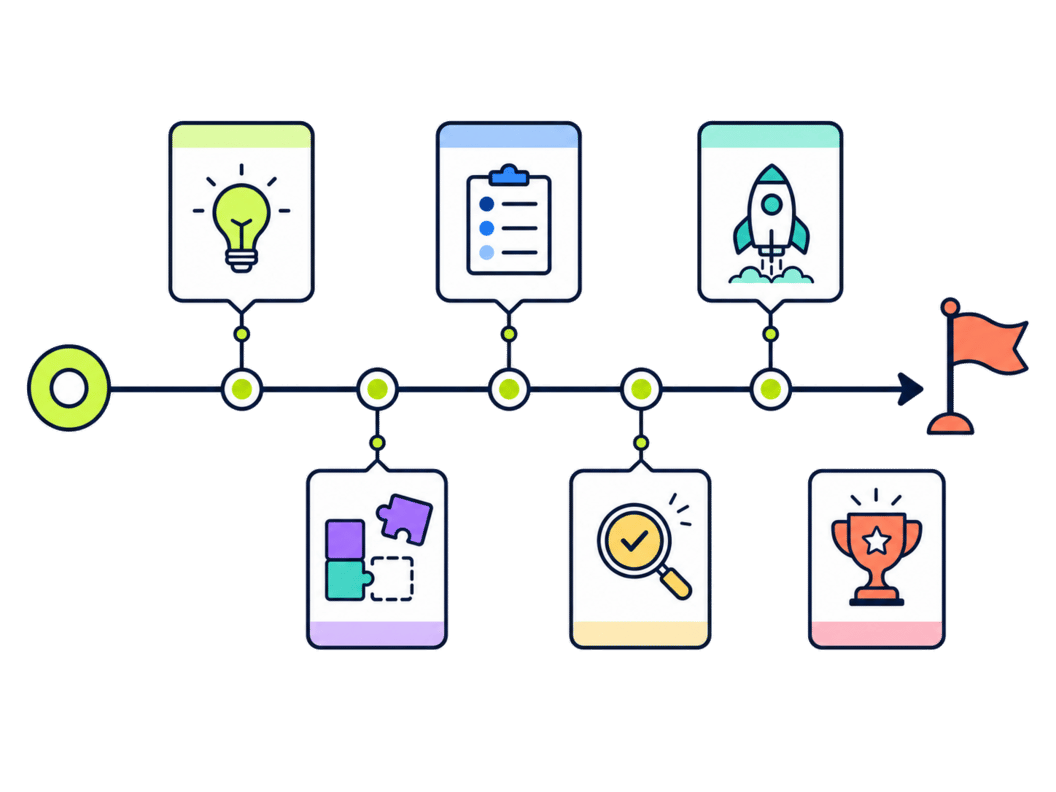
Planning the year on a timeline
The Collaboard template shows a full year along a horizontal arrow: twelve colored months grouped into four quarters, with an information box for each month, alternating above and below the line. Each box has room for a short heading and a few bullet points.

Set the year
Replace the year on the left with the year you're planning or reviewing.
Collect events
List the events, deadlines or milestones you want to show.
Fill the months
Write each event into the information box of its month, with a short heading.
Keep it short
Use a few bullet points per month, so the timeline stays readable.
Highlight key dates
Mark the most important milestones, for example with a color or an icon.
Share and update
Present the timeline and update it as plans change or events happen.
What is a timeline?
A timeline shows events or milestones in chronological order. The Collaboard template covers one year, month by month, so a team can see at a glance what happened or is planned when.
The parts of the template
The examples follow one illustrative scenario: a marketing team planning its year.
- Year The year the timeline covers.
- Months and quarters Twelve colored months, grouped into Q1 to Q4.
- Information boxes One box per month with room for a few bullet points. Example: March, a trade fair and the spring newsletter.
If you want to plan the big steps ahead rather than show a calendar of events, the roadmap is the better choice.
Projects and plans that suit a timeline
- Annual planning See all important dates of the year on one board.
- Project history Show how a project developed month by month.
- Marketing calendar Plan campaigns, events and launches across the year.
- Teaching Show historical events in chronological order.
Keeping a timeline readable
- Leave empty months empty Gaps are information too. Don't fill a month just to fill it.
- Use the quarters In presentations, talk through the year quarter by quarter.
- One timeline per topic Mixing too many topics makes the timeline hard to read.
- Look back before you look ahead A timeline of the past year is a good starting point for planning the next one.
Why Collaboard
A Swiss-made online whiteboard for teams that care where their data lives.
Your data stays in Europe
Choose hosting in Switzerland, Germany or the EU, fully GDPR compliant. Or run Collaboard on your own servers.
Invite anyone with a link
Guests join your board for free, right in the browser. Nothing to install, no extra licenses for participants.
Made in Switzerland, with real support
Collaboard is developed in Switzerland. When you need help, you talk to people who know the product.
Frequently asked questions
Is the timeline template free?
Yes, the timeline template is free to use with a Collaboard account. The free plan includes up to 3 boards and five people per session.
What is a timeline used for?
A timeline shows events in chronological order, for example in project planning, presentations or teaching.
What is the difference between a timeline and a roadmap?
A timeline shows events in time. A roadmap focuses on goals and initiatives and how they lead toward a plan.
Can I change dates on the timeline later?
Yes, all elements of the timeline template can be moved and edited at any time.
Can several people work on a timeline?
Yes, several people can work on the same timeline in Collaboard in real time.
Start your next whiteboard now
Get a free trial of Collaboard with up to 3 boards and five people per session. All key features are available for you to try out.

