What would you like to do with a Mood Board?
I would like to learn more about Mood Board ↓
Moodboard definition & purpose
What is a Moodboard
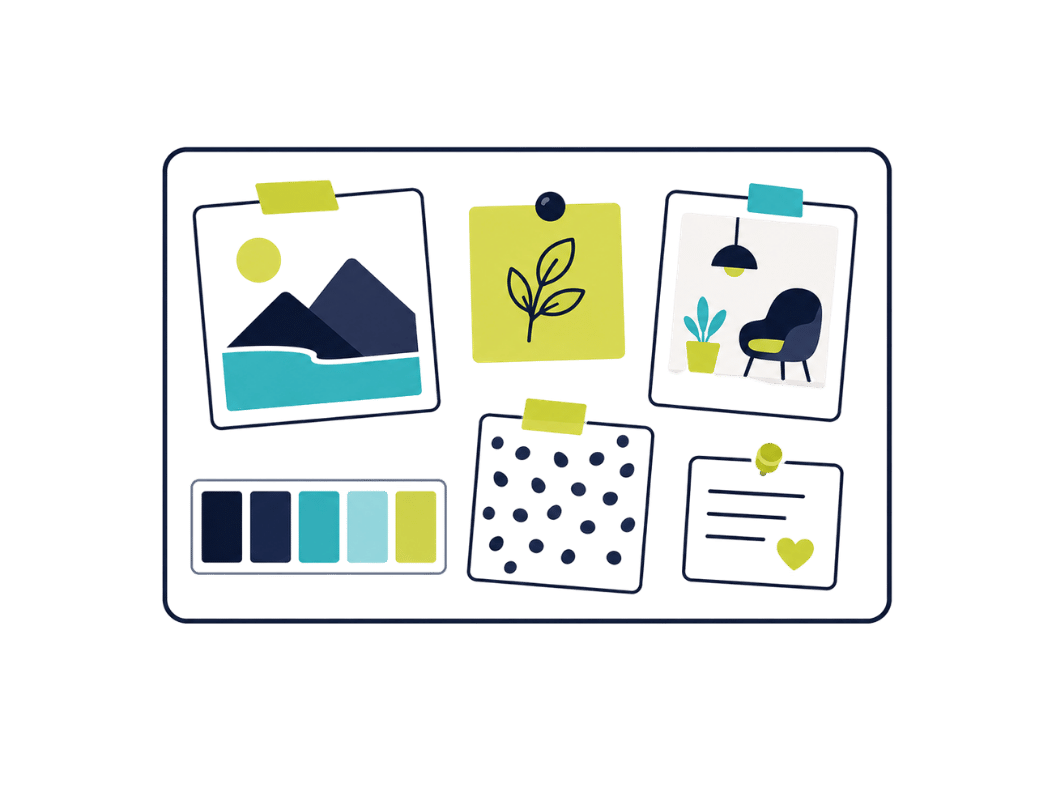
A Moodboard is a visual representation used to communicate the aesthetic atmosphere or general feel of a project. It typically consists of a collection of images, text, colour swatches and other design elements.
Moodboards are often used in creative industries such as graphic design, fashion, interior design and advertising to conceptualise ideas and establish a clear direction prior to the actual execution of a project. They allow designers and teams to present and align their visions to ensure that everyone involved has a common aesthetic understanding. As a result, mood boards serve as a useful tool for visual communication and project planning.
The history of Moodboards
The history of moodboards dates back to the mid-20th century, where they were originally used in the fashion and advertising industry. Designers and brands began to create physical collages from fabric swatches, images from magazines, colour palettes and other inspirational materials to develop and communicate creative concepts.
Over time, the practice of using moodboards has spread to many other creative and professional fields, including graphic design, interior design, film production and web design. With the advent of digital technologies in the 1990s and the proliferation of computers, moodboards were also created digitally, making the collection and organisation of inspiration materials much easier.
Today, designers and creatives use digital tools and platforms such as Pinterest, Adobe Creative Cloud, Collaboard and dedicated Moodboard apps to collect and present their visual references. This digital evolution has greatly expanded the accessibility and prevalence of the use of moodboards, making them an indispensable part of the creative process in many fields.
Moodboard: advantages & disadvantages
Moodboards are useful for visually presenting ideas and supporting the creative process, however they can sometimes dilute the focus on the final product and take up too much time. Visualising ideas on a moodboard makes it possible to present abstract concepts or visions in concrete visual elements. If the moodboard is created in a team, this promotes collaboration and facilitates the exchange of ideas and feedback.
Moodboards are an excellent source of inspiration and promote creativity and open up new perspectives.
One disadvantage of moodboards is that too much information is displayed on them. As a result, you lose focus on the most important information.
Moodboard examples
Moodboards are used in a wide variety of areas and different types of moodboards are suitable depending on the industry and objective. Below we present the most important examples of moodboards.
Branding Moodboard
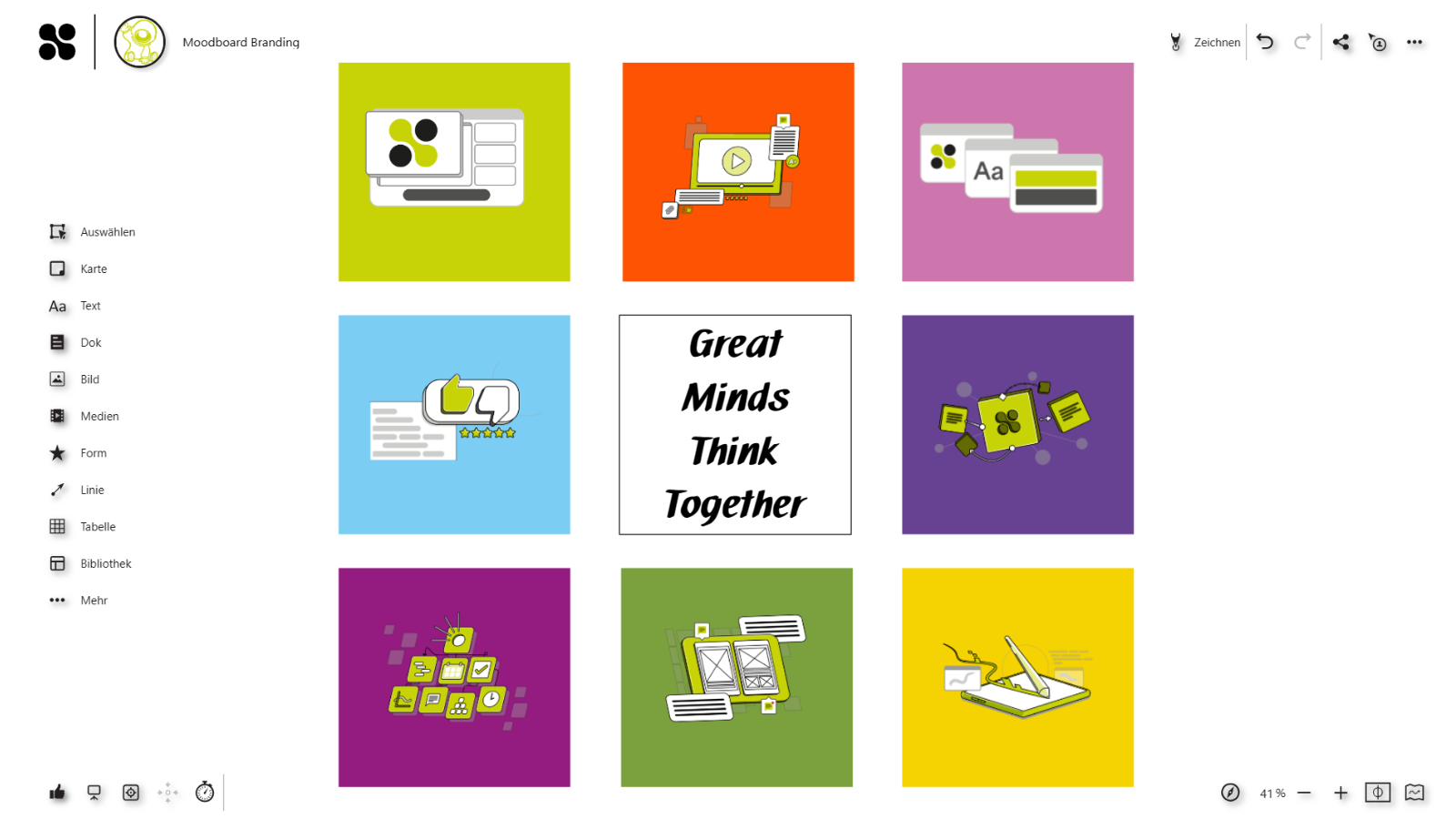
The branding moodboard is a visual compilation of elements designed to represent a brand's identity and style. It typically includes images, colours, fonts, logo designs, graphics and other visual elements that convey the desired brand personality, values and messages.
Website design Moodboard
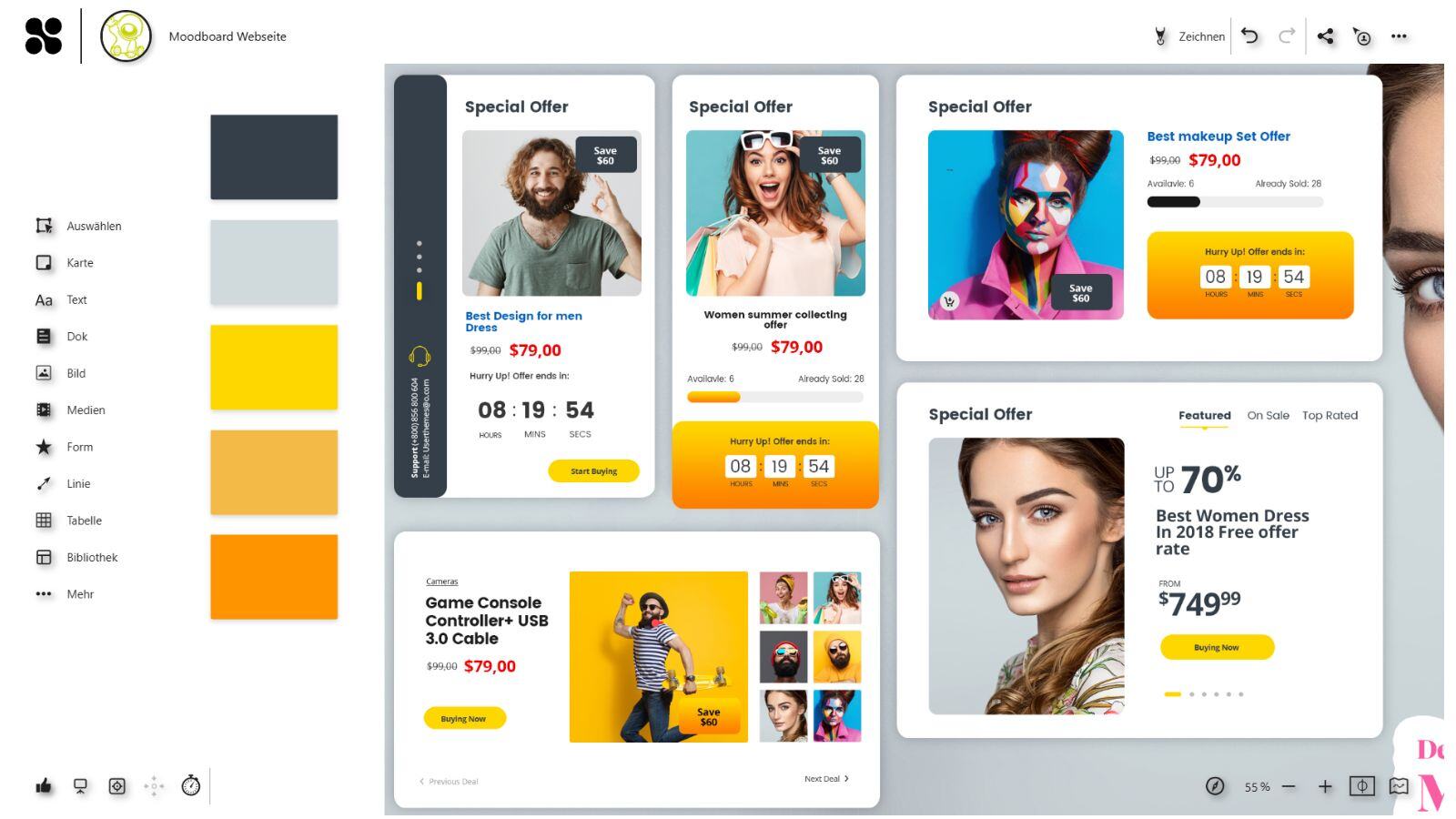
The website moodboard typically contains screenshots of other websites, colour palettes, fonts, icons, images and design elements that reflect the desired mood, functionality and user experience. This content serves as a source of inspiration and a guide for the design and aesthetics of the website.
Fashion Moodboard
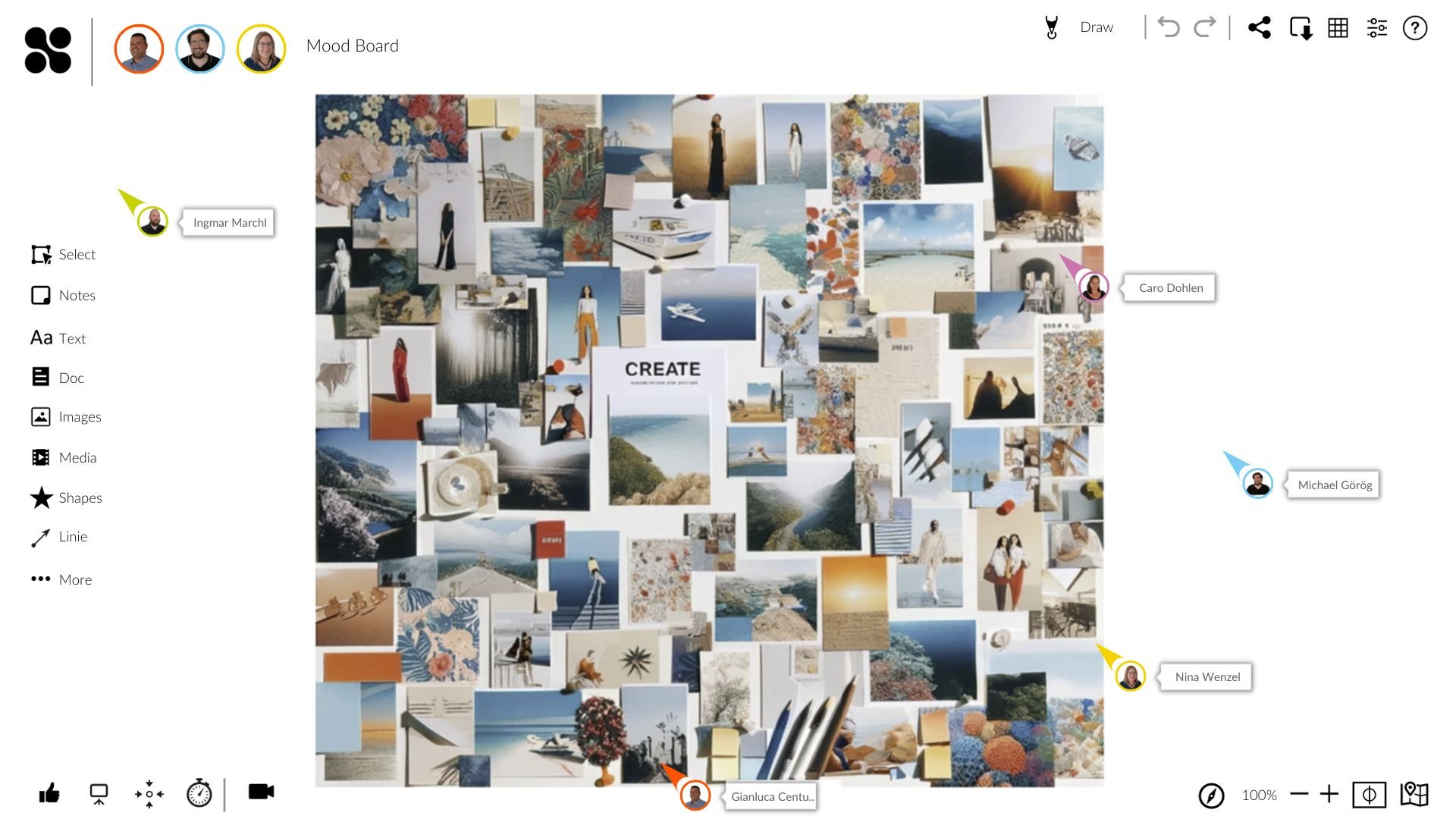
The fashion moodboard is a creative collection of images, patterns, colours and styles that serves as a source of inspiration and visual guide for designing fashion collections, outfits or fashion lines. It often includes photos of garments, accessories, fabrics, catwalks, celebrities or street style shots that represent different trends, styles and aesthetics.
Interior Moodboard
The interior design moodboard serves as a visual source of inspiration and a guide for designing interiors and living spaces. It includes a variety of images, colour palettes, textures and furniture pieces that can illustrate different styles, aesthetics and atmospheres. It often includes photos of furniture, decorations, wall colours, flooring, lighting and accessories.
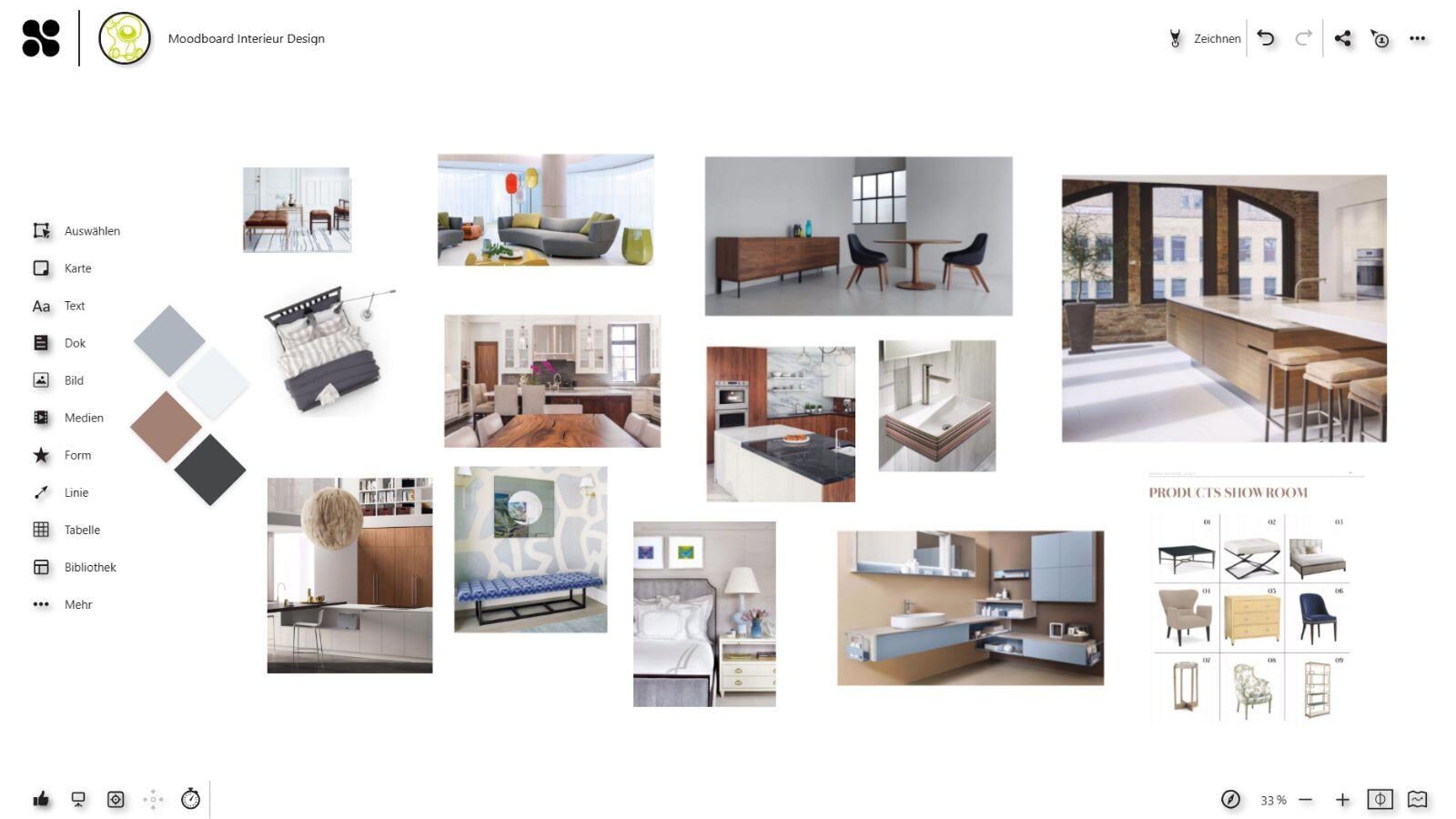
Specialised software solutions have been developed for the digital creation of moodboards. One of the latest types of moodboard software is the online whiteboard. Various moodboards can be created easily and digitally on an online whiteboard through collaborative work.
Types of Moodboards
The following list contains the most popular types of moodboards:
- Fashion Moodboard
- Interior Design Moodboard
- Wedding Moodboard
- Travel Moodboard
- Food Moodboard
- Seasonal Moodboard (z.B. Frühling, Sommer, Herbst, Winter)
- Color Palette Moodboard
- Branding Moodboard
- Film Moodboard
- Music Album Cover Moodboard
- Art Inspiration Moodboard
- Photography Moodboard
- Product Launch Moodboard
- Event Planning Moodboard
- Inspirational Quotes Moodboard
There are numerous templates available for most types of moodboards, making it easier to get started. The templates often contain a variety of examples that serve as inspiration and show how different elements can be arranged in a moodboard.
In the next section, we will go into how to create a moodboard, which elements and images can be used for it and what the finished moodboard can look like in the end.
How to create Moodboards
In the past, moodboards were often created on paper, whiteboards or posters. All the images had to be printed out, cut out and brought together on the moodboard. The digital creation of moodboards offers many advantages. This section explains how to create a moodboard online.
1.Brainstorming
Start with a brainstorming session where the team comes together to brainstorm ideas, concepts and the moodboard. Each team member can make suggestions and share their vision for the moodboard. Goals, target groups and messages can be defined in order to align the moodboard with them.
2.Researching and collecting inspiration
After brainstorming, the team begins researching and gathering inspiration from various sources such as online galleries, blogs, magazines or their own photos. These elements can include images, colour palettes, textures, fonts and other visual elements that reflect the desired mood or aesthetic of the moodboard.
3.Adding and arranging elements
The collected elements are now placed on the moodboard. The team works together to find the best layouts and compositions that best convey the desired atmosphere, message or design concept.
4.Colour and stem matching
After the elements are arranged, the team adjusts colours, fonts and styles as needed to make the moodboard consistent and appealing.This may include highlighting certain elements, changing colour palettes or adjusting fonts to improve visual coherence.
5.Final touches
In the fine-tuning stage, details are checked and refined to ensure that the moodboard is complete and clearly conveys the desired message. The team checks the arrangement of the elements, corrects any errors and optimises the design for optimum visual impact.
6.Export and presentation
Finally, the finished moodboard is exported and presented. Depending on requirements, it can be presented digitally or in print. The team can also share the moodboard online or integrate it into presentations to present to customers, superiors or other stakeholders.
Create a Moodboard online with Collaboard
Easily create a moodboard alone or in a team on the online Whiteboard Collaboard. You can add as many elements as you like to the infinitely large whiteboard. In addition to the collected images, you can add maps, shapes, fonts, documents and even videos to your moodboard.
On This Page
Turn this use case into your own whiteboard
Create a free Collaboard account and start working visually with your team today.
No credit card required
Moodboard - Frequently asked questions & answers
Do you have any questions? We're here to help.
A moodboard is a visual collection of images, colors, textures and other elements that serves to illustrate a specific mood, aesthetic or design concept.
A moodboard can include images, photos, color palettes, text excerpts, fonts, textures, graphics and other visual elements that represent the desired mood, aesthetic or design concept.
Moodboards are used to present ideas, find inspiration, support the creative process, communicate design concepts and guide the visual development of a project.
To use a moodboard effectively, you should define clear goals, gather a variety of inspirations, carefully arrange the elements, collect feedback and regularly update the moodboard to track the progress of the project.
There are a variety of software options for creating moodboards, including Collaboard, Canva, Adobe Spark, Milanote, Pinterest and even traditional design tools such as Adobe Photoshop or Illustrator.
Yes, moodboards can be created both digitally and physically. Physical moodboards are often made with printed images, fabric samples, magazine clippings and other materials on a pinboard or cardboard.
Moodboards can be used in a team to share ideas, collaborate on the design process, gather feedback and develop a unified vision for a project.
Start your next whiteboard now
Get a free trial of Collaboard with up to 3 boards and five people per session. All key features are available for you to try out.


