
Whiteboard for project management: manage tasks, visualize schedules, achieve goals
Collaboard puts an end to scattered files and confusing lists. You manage projects in one place, create roadmaps, organize tasks, and bring all content together. With templates for every project phase, you can get started without lengthy preparation and keep your goals in sight.
Collaboard provides more structure, less coordination effort and full transparency for all involved.
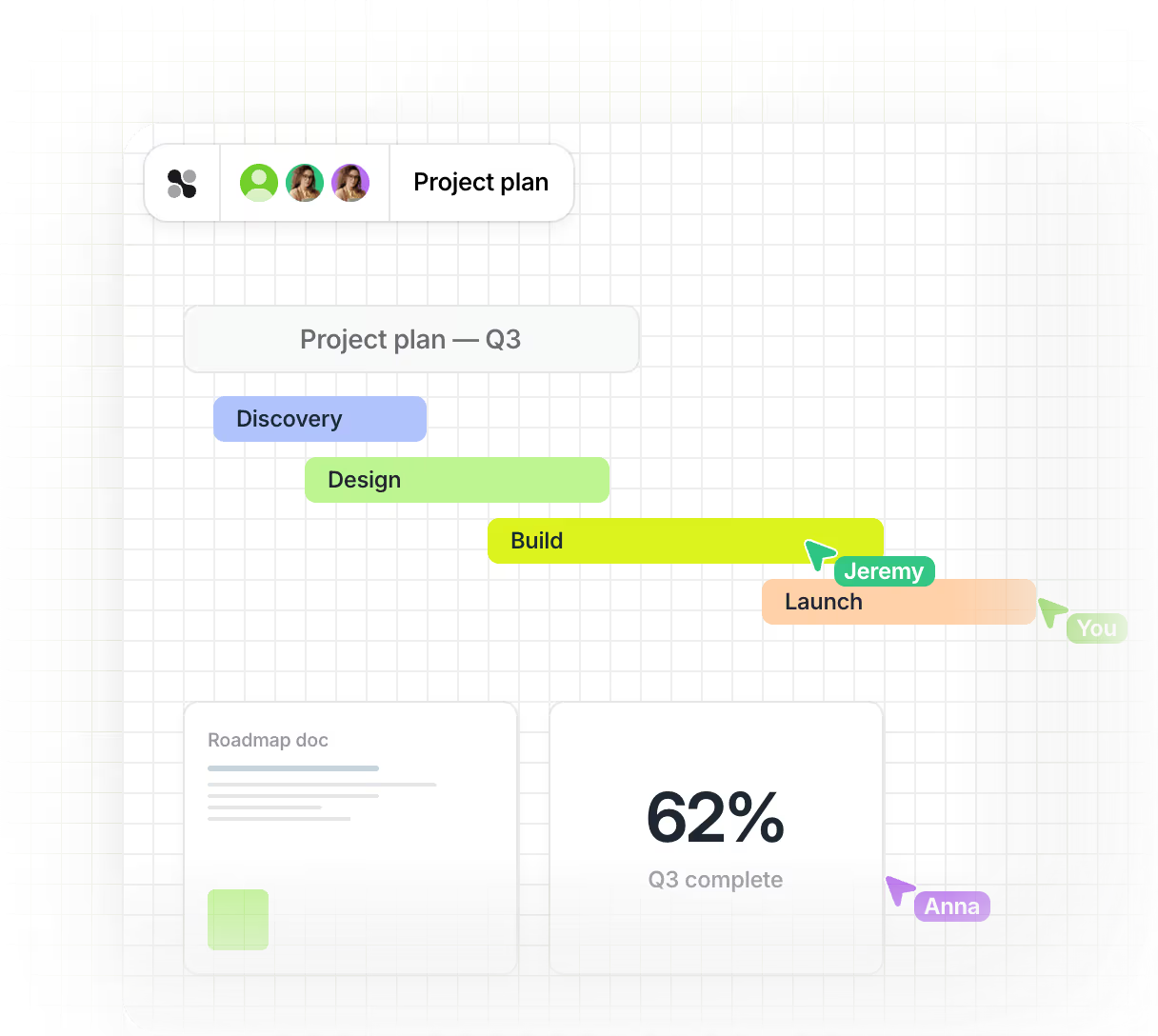








Why a whiteboard improves your project management
Plan your projects clearly and collaboratively with your team using Collaboard. You structure tasks, visualize processes, and bring all content together in one place. This makes it easy to manage complex projects effectively and involve all stakeholders.
Clearly present project phases in the roadmap
With Collaboard, you plan your project phases on a clearly structured board. You can clearly display milestones, timelines, and tasks, making them visible to all participants.

Timelines with marked starting points, deadlines and goals
Templates for project plans, timelines and strategies
Colored markers, connecting arrows and icons for better orientation
.avif)
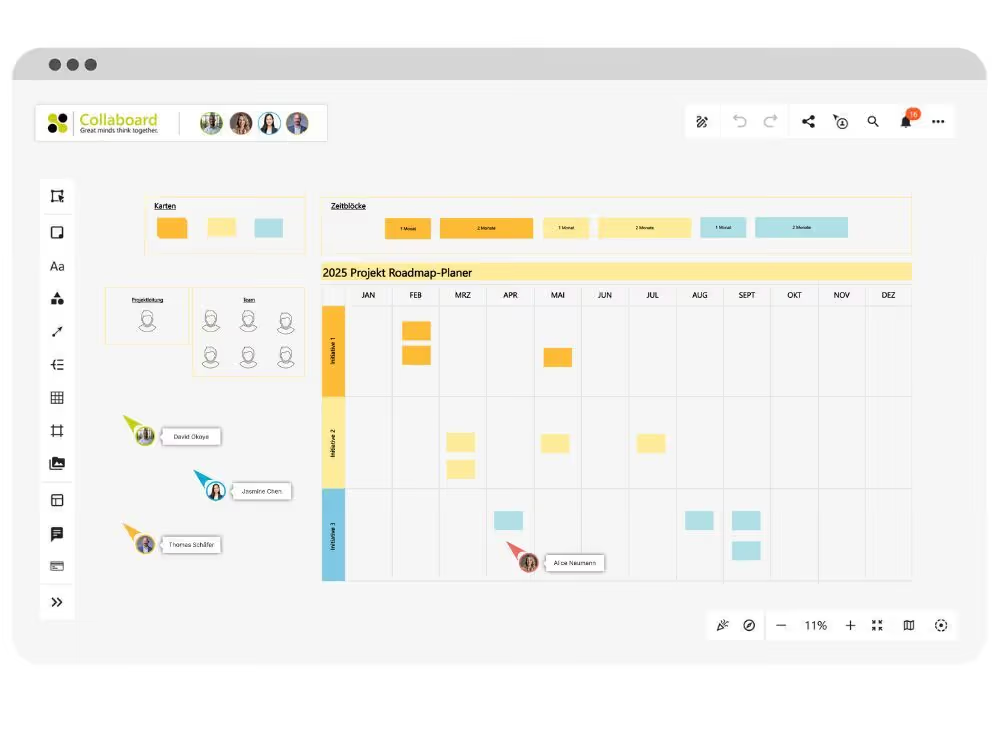
Digitally structuring project plans
Keep track of tasks, responsibilities, and processes by mapping your project plan directly on the whiteboard. Bring order to complex project workflows with just a few clicks.
Kanban and mind map templates for structured planning
Areas of responsibility with clearly assigned duties
Joint work by all project participants
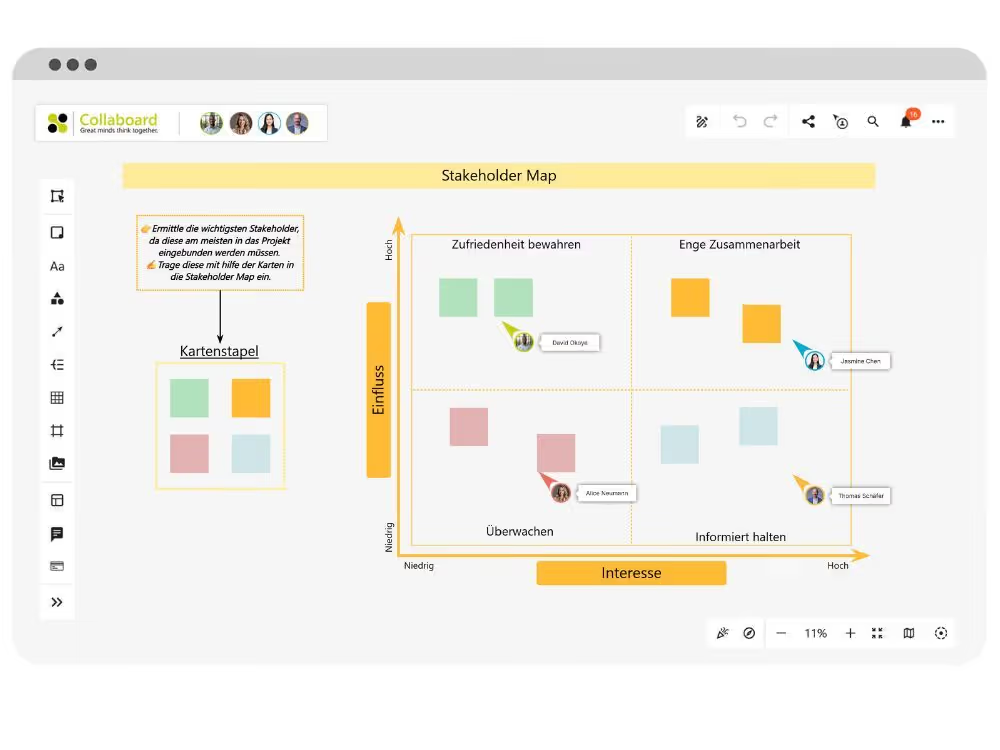
Identify and engage stakeholders
A visual stakeholder map helps you to identify stakeholders early on and communicate with them effectively. You can recognize connections, potential points of friction, and tailor your communication plan accordingly.
Templates for classification according to influence and interest
Make relationships and groups visible through connecting lines
Comment function for team votes
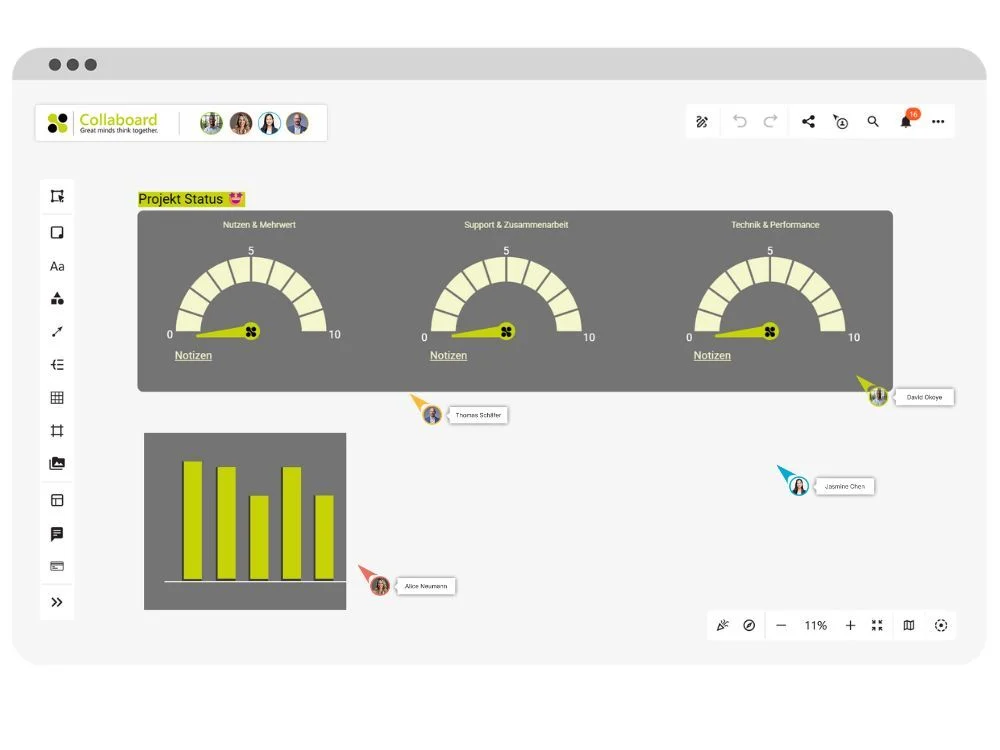
Joint presentation of project status
Prepare your presentation directly on the whiteboard and guide your team through the current status live. You don't need slides, screen sharing, or constantly switching back and forth between programs.
Navigable areas with quick links
Presentation mode with focus guidance and laser pointer
Integration of images, diagrams, tables and videos
Organize projects in one location
Collaboard brings all project content together in one place, regardless of where your team works. You can plan tasks, collect ideas, and visualize project progress on a shared interface.
Clearly present mind maps, processes, and notes
Everyone works simultaneously on the same board
Place files, links, and comments directly in the workspace

What the visual project management tool Collaboard makes easier
Collaboard supports your project management in planning, controlling, and tracking your projects. You maintain an overview of tasks, deadlines, and responsibilities at all times.

Implementing projects together

Create and assign tasks on the board
Set start and end dates
See changes in real time

Visualize schedules and depict processes
Create Kanban boards and roadmaps
Represent dependencies between tasks
Mark milestones on the board

Organizing and conducting meetings
Agendas directly on the whiteboard
Use timers for structured meetings
Capture results instantly

Keeping progress in focus
Use the activity log for changes
Set status labels for tasks
Save and restore versions

Include documents and files
Upload PDFs, Excel and Word files
Add images, audio and video
Everything on one work surface

Quick start and connect
Work directly in the browser
Automatic saving
Integration with MS Teams, Jira and more
These companies
trust Collaboard



































Get started faster with the right project management templates for your project team.
Collaboard provides you with ready-made templates that allow you to directly implement project plans, tasks, or reviews in project boards. Each template is designed so that you can get started without lengthy preparation, add content, and coordinate with others.
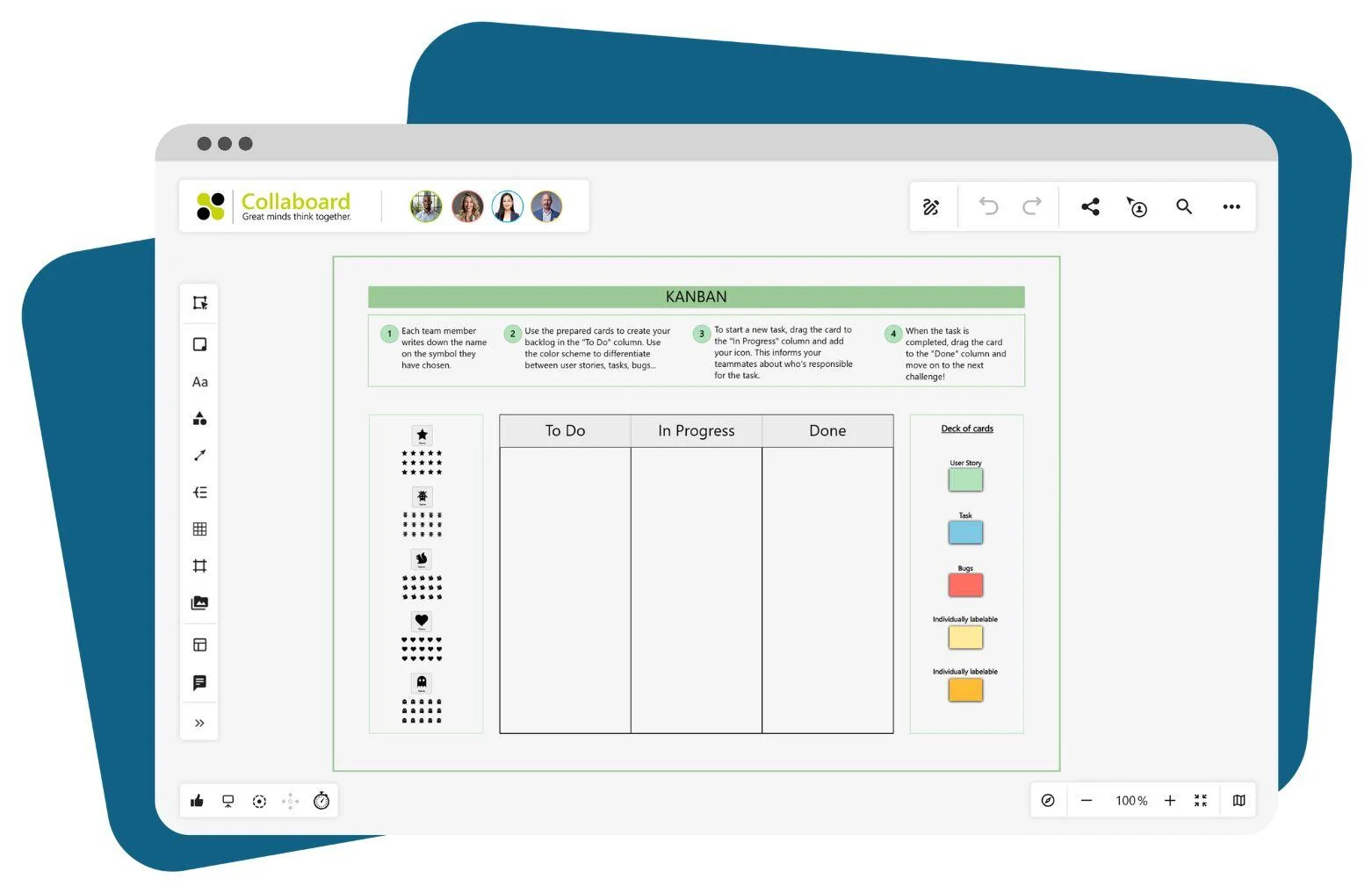
KANBAN-Board
This template helps you visualize tasks and work phases clearly in columns. You can:
- Create, move, and comment on tasks
- Deadlines, responsibilities and checklists supplement
- Use visual cues such as colors or icons
This way, you always have an overview of open, ongoing, and completed tasks. The template is suitable for daily meetings as well as large project plans.
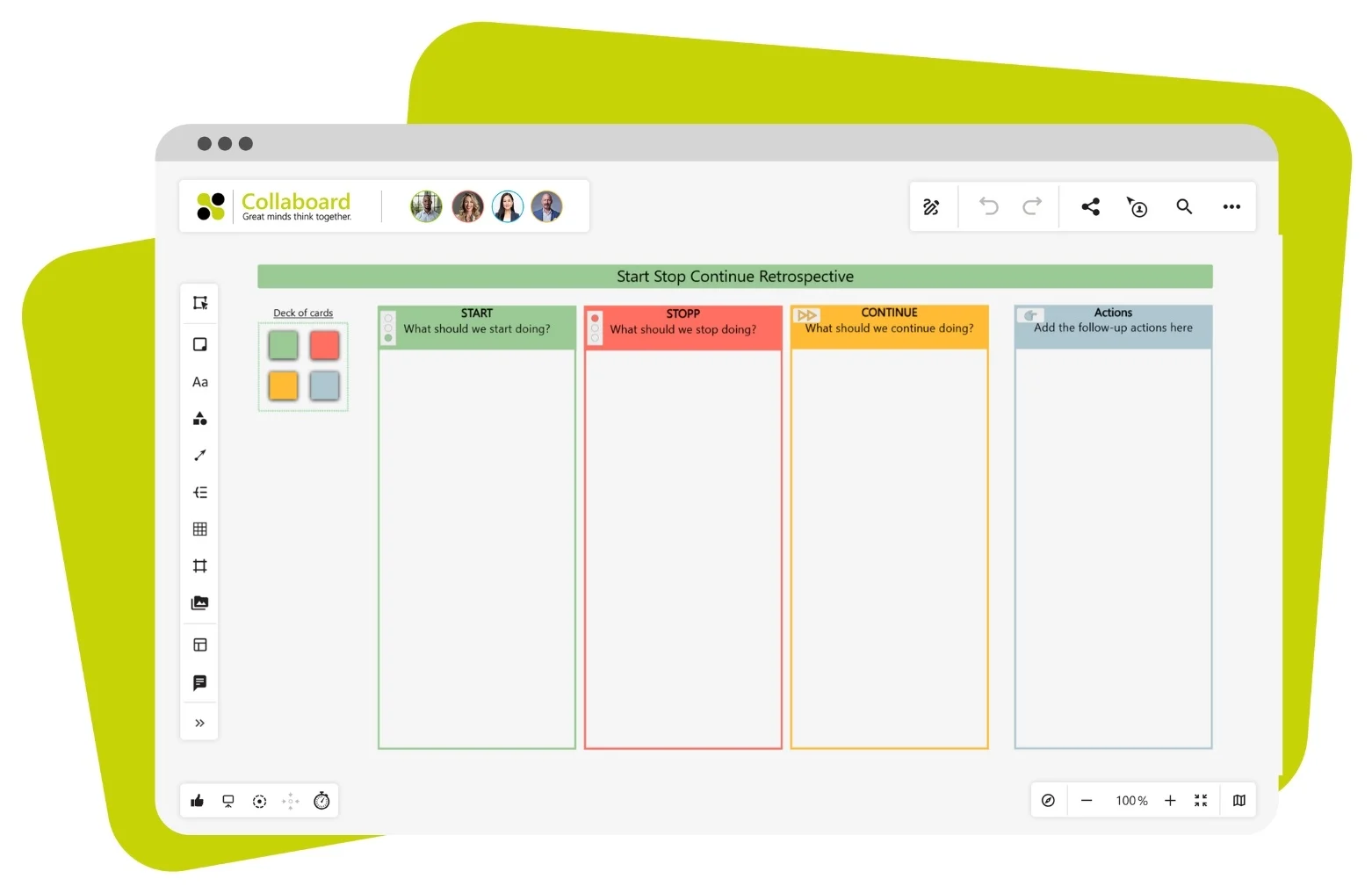
Start-Stop-Continue-Retrospective
This template helps you and your team regularly reflect and learn together. You structure your feedback, for example, into:
- Start: What do you want to begin with?
- Stop: What should be removed?
- Continue: What works well and should stay?
This method reveals what has propelled your team forward or held them back. This allows your PM team to make targeted improvements instead of remaining stuck in the past.
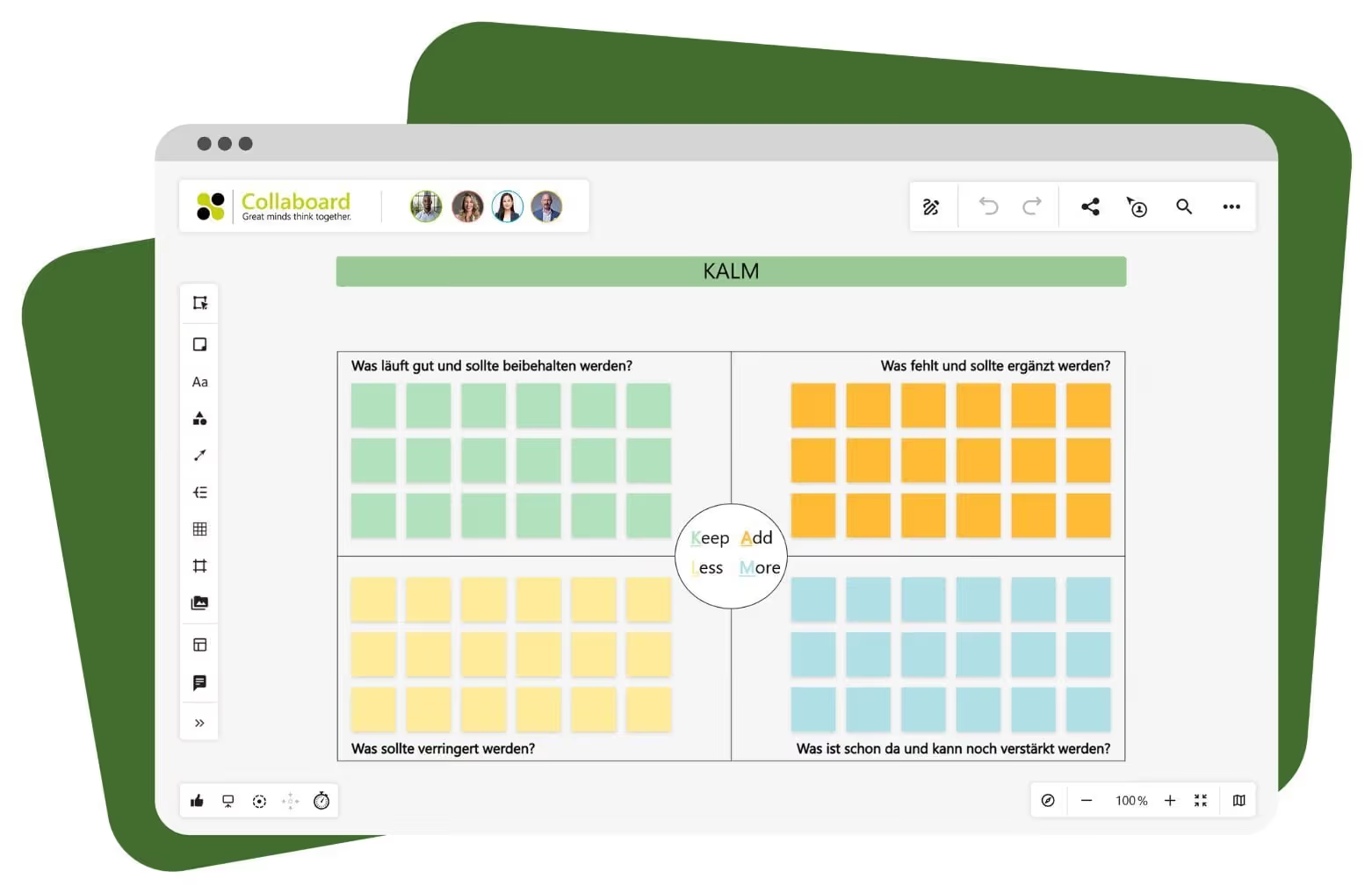
K.A.L.M.-Methode
The KALM template is suitable for concise reviews. You fill in four sections:
- Keep: What will be preserved?
- Addendum: What else is included?
- Less: What are you cutting back on?
- More: What is needed more often?
This structure helps you quickly sort feedback and derive next steps. The template works even without much preparation.
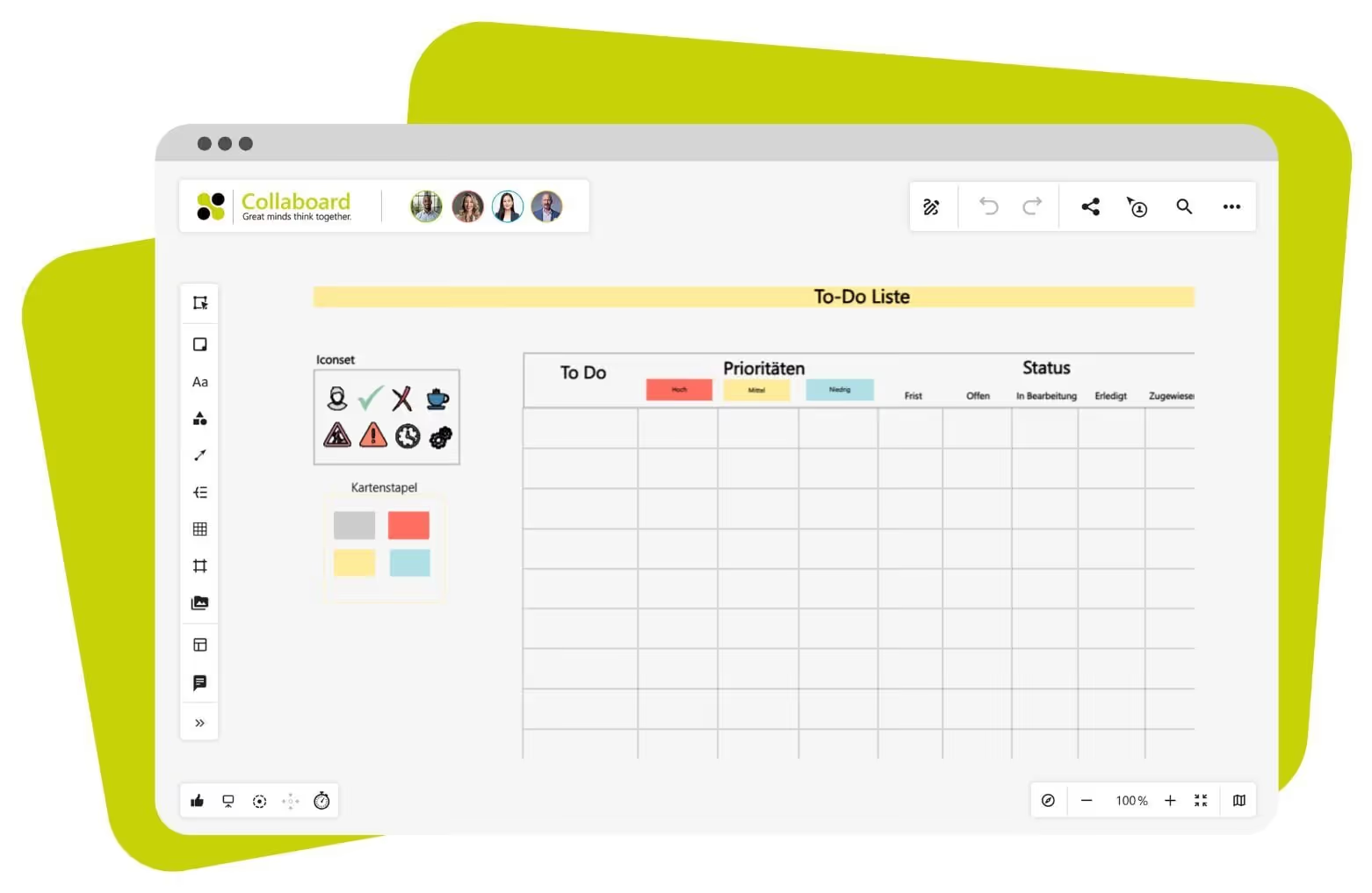
To-Do List
This template lets you organize tasks as a list with boxes, colors, and comments. You can
This is how you manage your day or project step by step. The list can be expanded at any time and can also be used by a team.
- Enter tasks, deadlines and responsibilities
- Check off completed items
- Add links, notes, or files
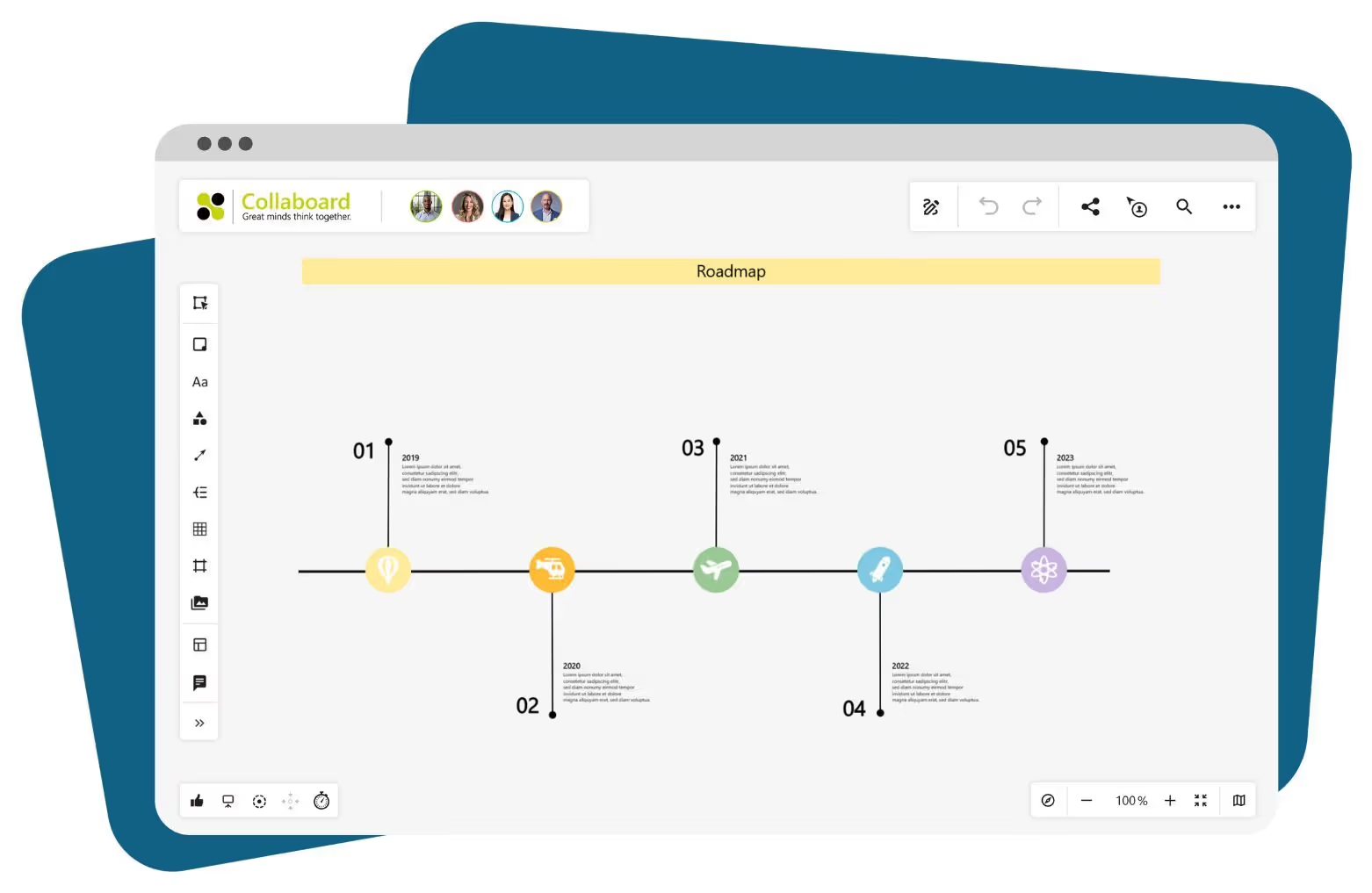
Roadmap
This template displays goals and timeframes on a line or in boxes. You add:
- Milestones, stages and tasks
- planned timeframes and responsibilities
- Additional information such as links or notes
The roadmap clarifies what should happen and when. You can use it for internal planning, presentations, or kick-off meetings.
Bring structure to your project management: Start with Collaboard now!
With Collaboard as your project management tool, you can manage your projects from planning to completion in one central location. You can clearly record tasks, schedules, and responsibilities, making progress visible to everyone. Roadmaps, Kanban boards, presentations, and stakeholder maps can be created, customized, and shared directly within the whiteboard. This eliminates the need to switch between programs and ensures you're always working with the latest version.
Helpful for project management:
- Templates for every project phase, from initial planning to review
- Live collaboration with clear responsibilities and deadlines
- Hosting options with the highest security standards for confidential content
If you need an online whiteboard that brings structure to your projects while ensuring the protection of personal data, Collaboard is the right choice.
Whiteboard in project management – Frequently asked questions and answers
Questions? We're here to help.
Yes, Collaboard integrates with Microsoft Teams, Webex, Jira, Confluence, and other services. This lets you work on the whiteboard without replacing your existing tools. Content can be exchanged and shared directly via integrations. Collaboard also offers APIs for building custom integrations.
Yes, you can present your project directly within the whiteboard. Quick links, focus mode, and presentation view let you guide your audience through content step by step. This saves you the hassle of switching between tools and keeps your team more engaged.
Collaboard offers a wide range of project management templates, including Kanban boards, to-do lists, roadmaps, and retrospectives. You can get started in just a few clicks and adapt the content to your projects — no lengthy preparation needed.
Collaboard meets the highest security standards and operates in full compliance with GDPR. You decide where your data is stored — in the Open Telekom Cloud, on Microsoft Azure, or entirely on-premises. Two-factor authentication, password protection, and access management are also available.
Yes, your entire team can work on the whiteboard simultaneously. This creates a shared workspace where every change is immediately visible. Comments, votes, and visual markers further support alignment.
With timelines, task fields, and color coding, you can make deadlines and objectives clearly visible. You can set due dates, mark start points, and highlight milestones — giving you a full overview of the project's progress at any time.
You can start right away with a template — for example, a Kanban board, a roadmap, or a project plan. This gives you a clear structure for tasks, timelines, and responsibilities. All content can be added, moved, and aligned with your team at any time.
Start your next whiteboard now
Get a free trial of Collaboard with up to 3 boards and five people per session. All key features are available for you to try out.

