
During brainstorming, feedback sessions, and retrospectives: Cards help you present topics clearly and in sections.
Mastering Workshops with Facilitation Cards from Collaboard
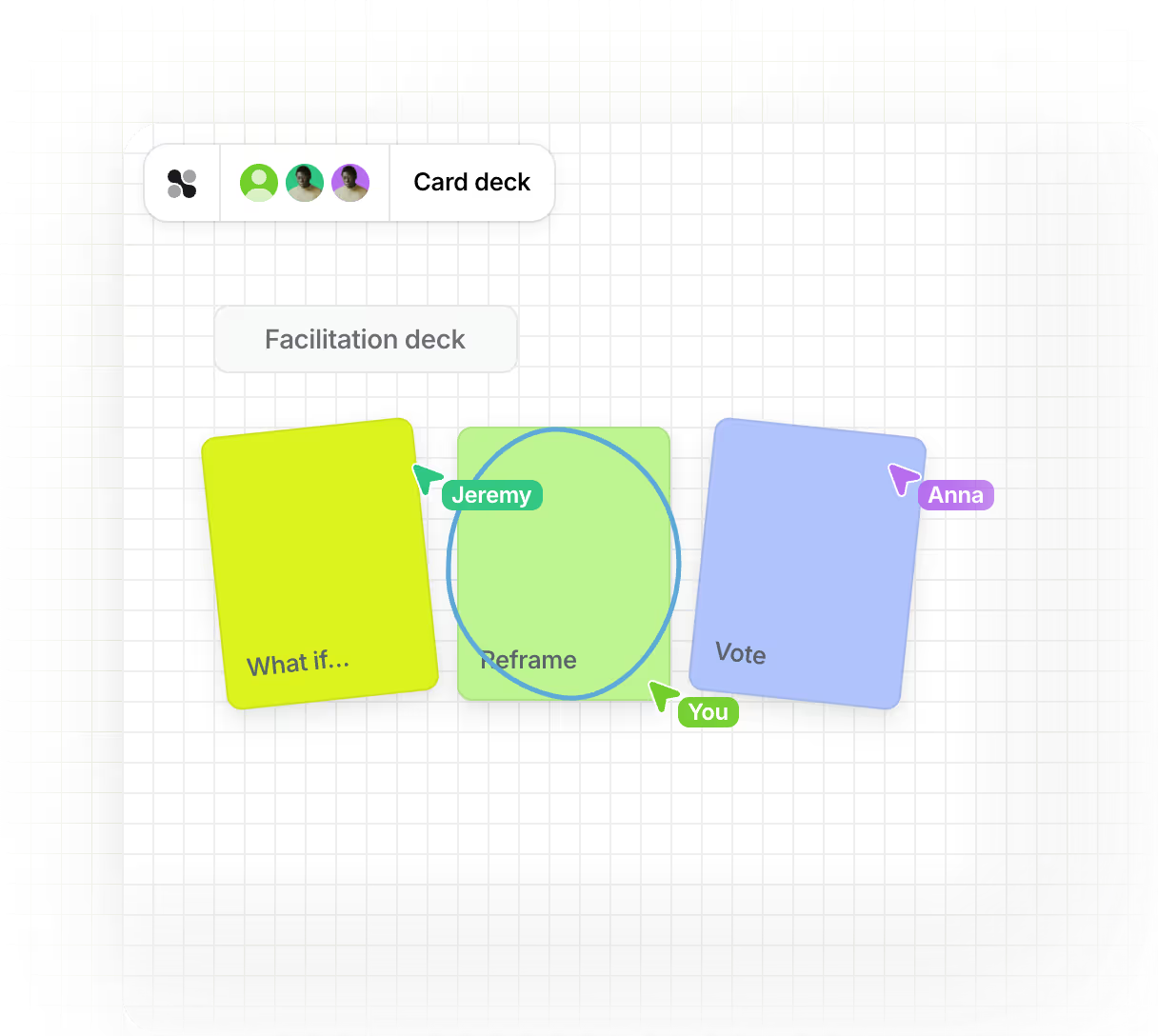
Organize your workshop sessions in a visual and effective way: With facilitation cards in Collaboard, you can structure content and encourage quick participation on boards.








































What are the benefits of using facilitation cards in workshops and meetings?
Collaboard helps you capture, organize, and collaboratively develop new ideas. On the whiteboard, you can map out your process step by step and prepare content so that your team can build on it and put it to use.

Creating visual order

A Quick Start to Group Work
If the maps and areas are already set up before the workshop, you'll start off more relaxed and won't waste any time.

Increase participation in group work
Participants are given the opportunity to contribute because they can directly use and add to the sticky notes.
How do sticky notes work on a whiteboard?
1. Select and position cards
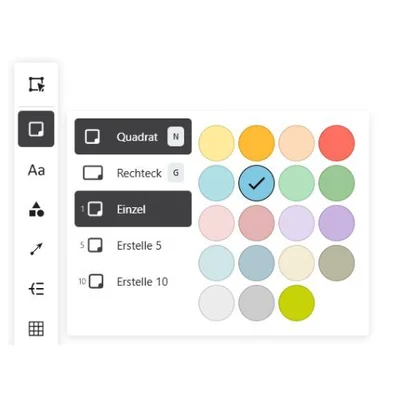
Open the toolbox at the edge of the whiteboard and select the facilitation cards. Choose a color and shape that matches your topic or process, and drag the cards to the desired position. This is how you determine where the interactive phase begins for participants.
2. Enter and design content
Click directly on the card and enter the text. Write clearly and concisely so that everyone immediately understands what it’s about. Use formatting such as bold text, bullet points, or links as needed. This helps you better structure instructions, tasks, or feedback.
3. Structure the workshop with connections and locks
Organize cards logically into sections or topic areas, for example using colored areas or shapes. Lock cards that should not be moved so your structure remains intact. Use connection arrows or lines to show how topics are related or how processes are structured.
What features do moderation cards offer in Collaboard?
With these features, you start your interactive and creative collaboration in Collaboard.

Add sticky notes
This is some text inside of a div block.
Add cards directly from the menu with a click, keyboard shortcut, or drag-and-drop.
Set colors
This is some text inside of a div block.
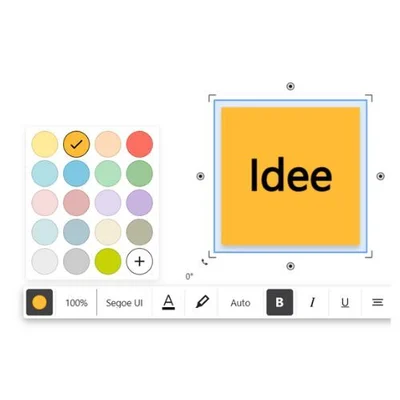
Choose a suitable color to distinguish between topics, groups, or statuses.
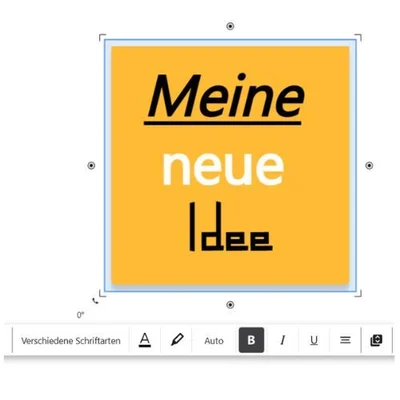
Use formatting
This is some text inside of a div block.
Format text with bold, italics, underlining, lists, or colors.
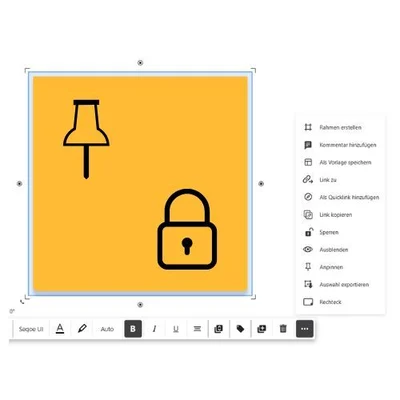
Pin cards
This is some text inside of a div block.
Lock the card content or pin it so it can't be moved or changed.
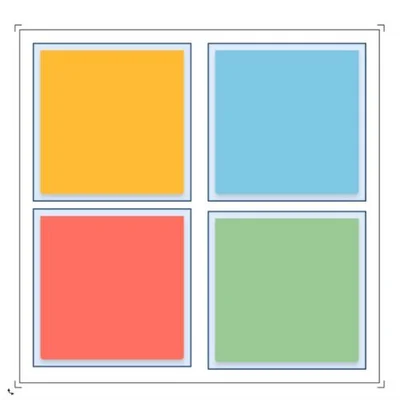
Group and organize
This is some text inside of a div block.
Group cards by topic and sort them by selection.
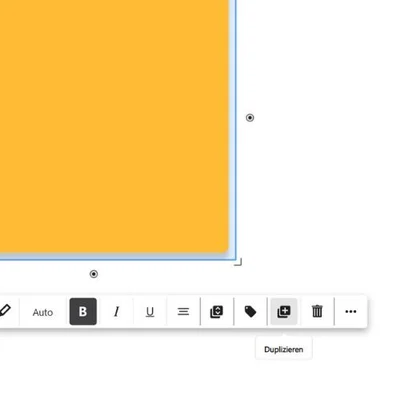
Duplicate cards
This is some text inside of a div block.
Create copies of sticky notes for recurring tasks or feedback sessions.

Create quick links
This is some text inside of a div block.
Create bookmarks for maps or areas and link them in the agenda.
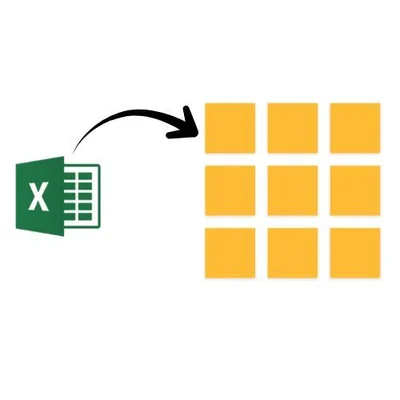
Create cards from tables
This is some text inside of a div block.
Convert content from tables directly into individual cards.
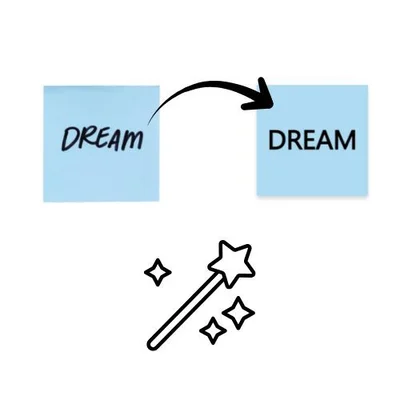
Digitize handwriting
This is some text inside of a div block.
Take photos of analog cards and have Collaboard AI convert them into digital cards.
How can you use facilitation cards in Collaboard?
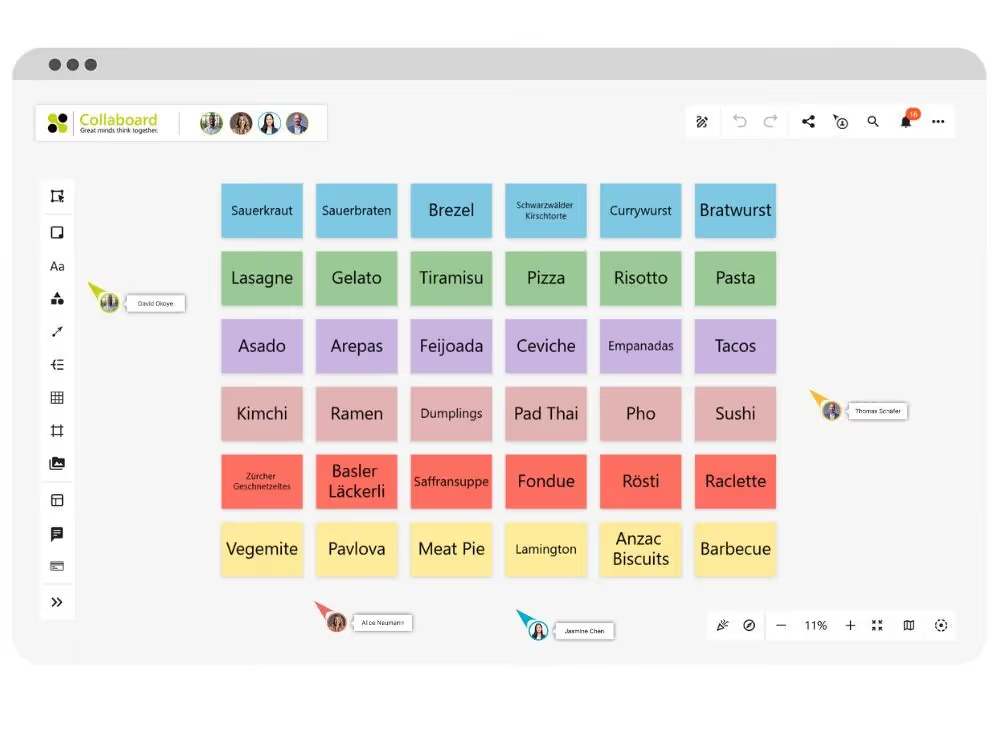
Gathering ideas during meetings or workshops
Sticky notes are ideal for quickly jotting down thoughts as they come to mind. Participants write their ideas on the notes and place them in a designated area. This keeps things organized and prevents duplicate ideas during brainstorming.
- Everyone writes at the same time without interrupting each other.
- The notes can be grouped and evaluated later.
- A clear overview of topics and ideas
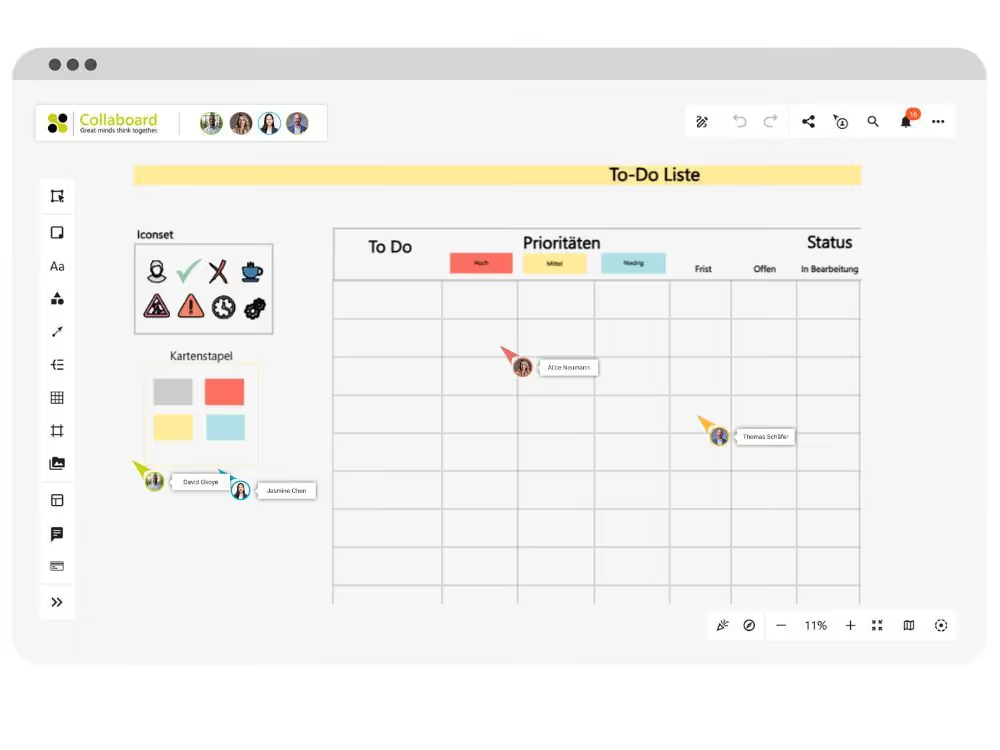
Create to-do lists on the board
Use moderation cards to organize tasks directly on the whiteboard, for example, as a simple list or in conjunction with sections. This way, you’ll always have the next steps in view.
- Write tasks directly on cards
- Use sections for “To Do,” “In Progress,” and “Done”
- Colors help with priorities and responsibilities
Document discussions
When there are different viewpoints in the room, discussion cards help to clearly organize contributions. Every voice is given a place without being overlooked.
- Each card represents an opinion or a point of view.
- Cards can be moved, grouped, or rated
- Suitable for decision-making processes or feedback sessions.
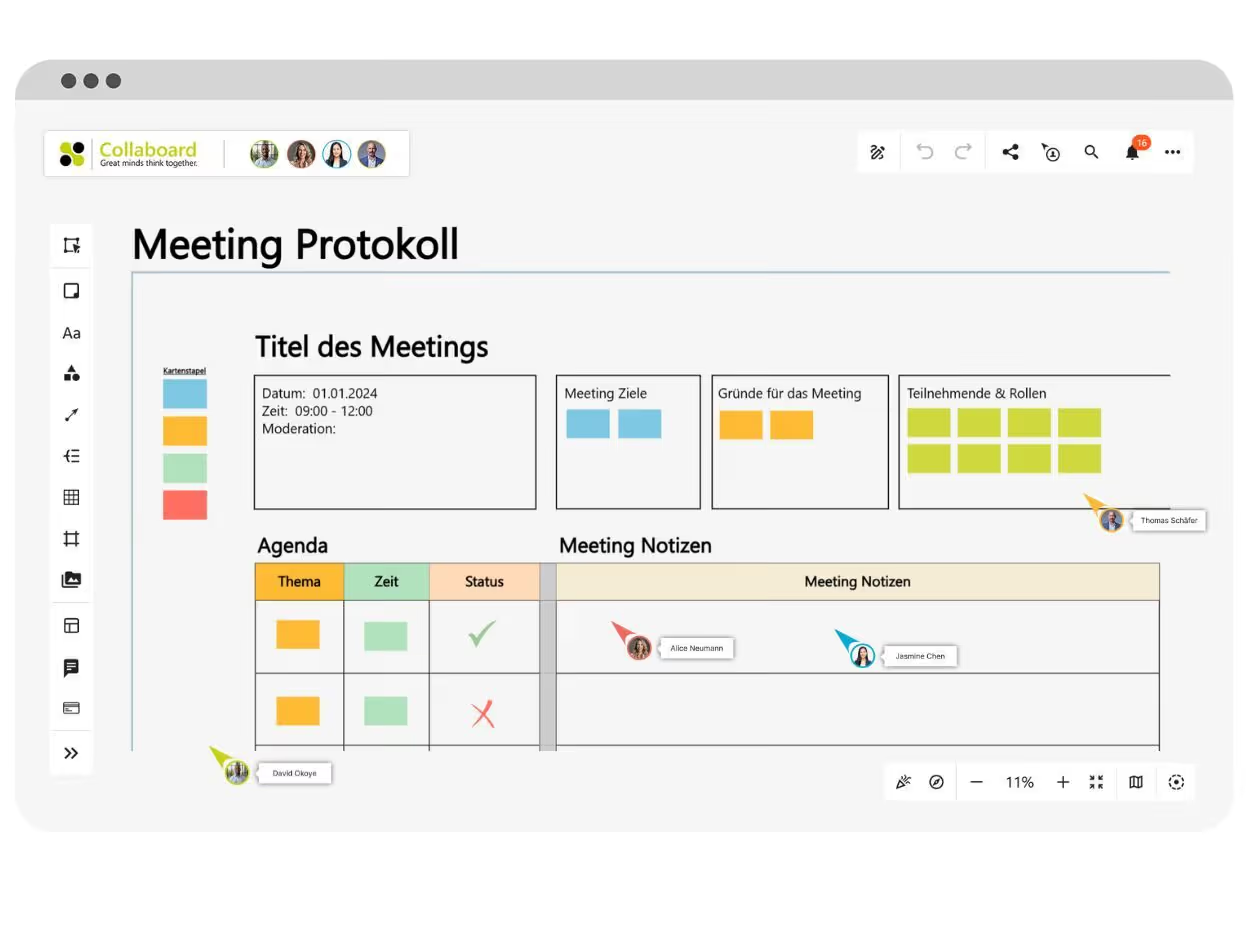
Which templates are suitable for use with presentation cards?
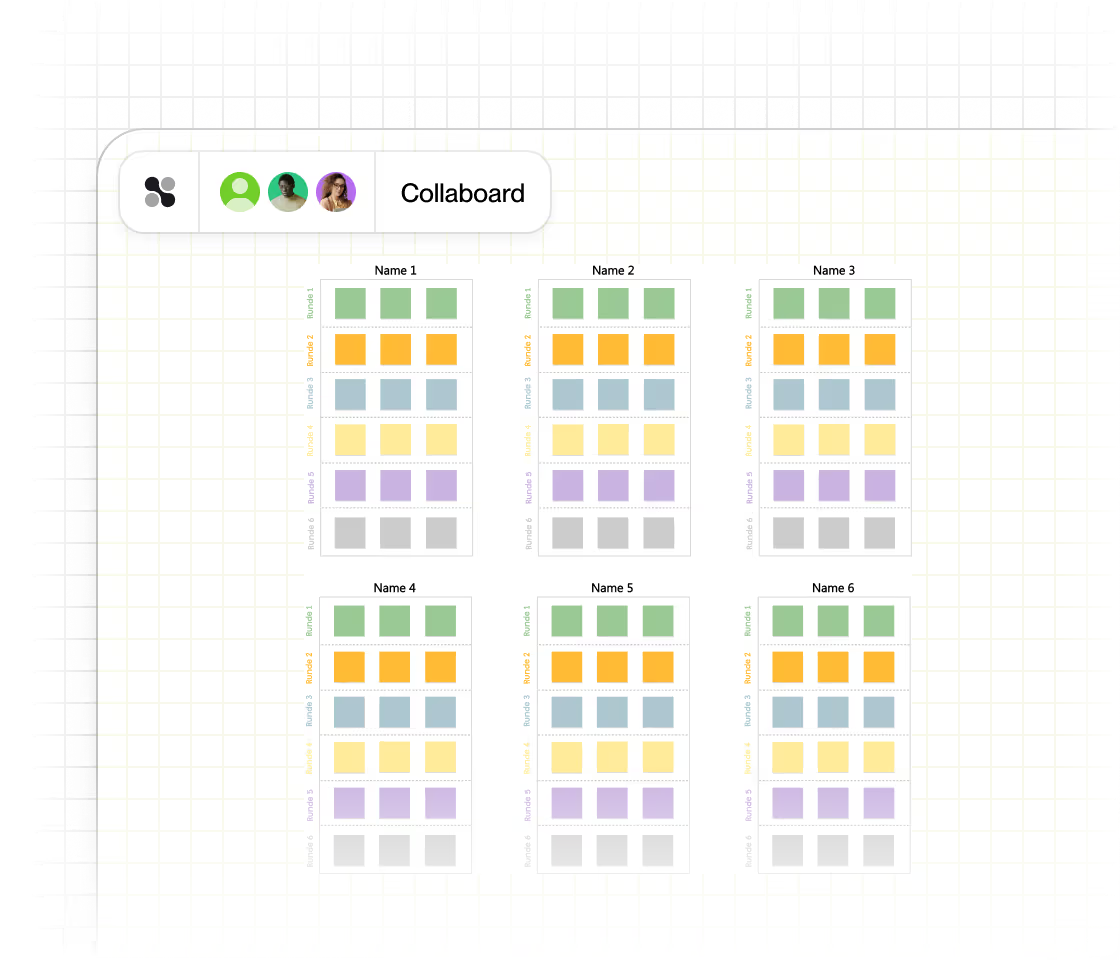
635‑Brainwriting
Generate lots of ideas quickly, without any discussion beforehand. This template gives everyone a chance to contribute creatively.
- Six people, three ideas per round
- Pass ideas around and build on them
- Discuss the best ideas at the end
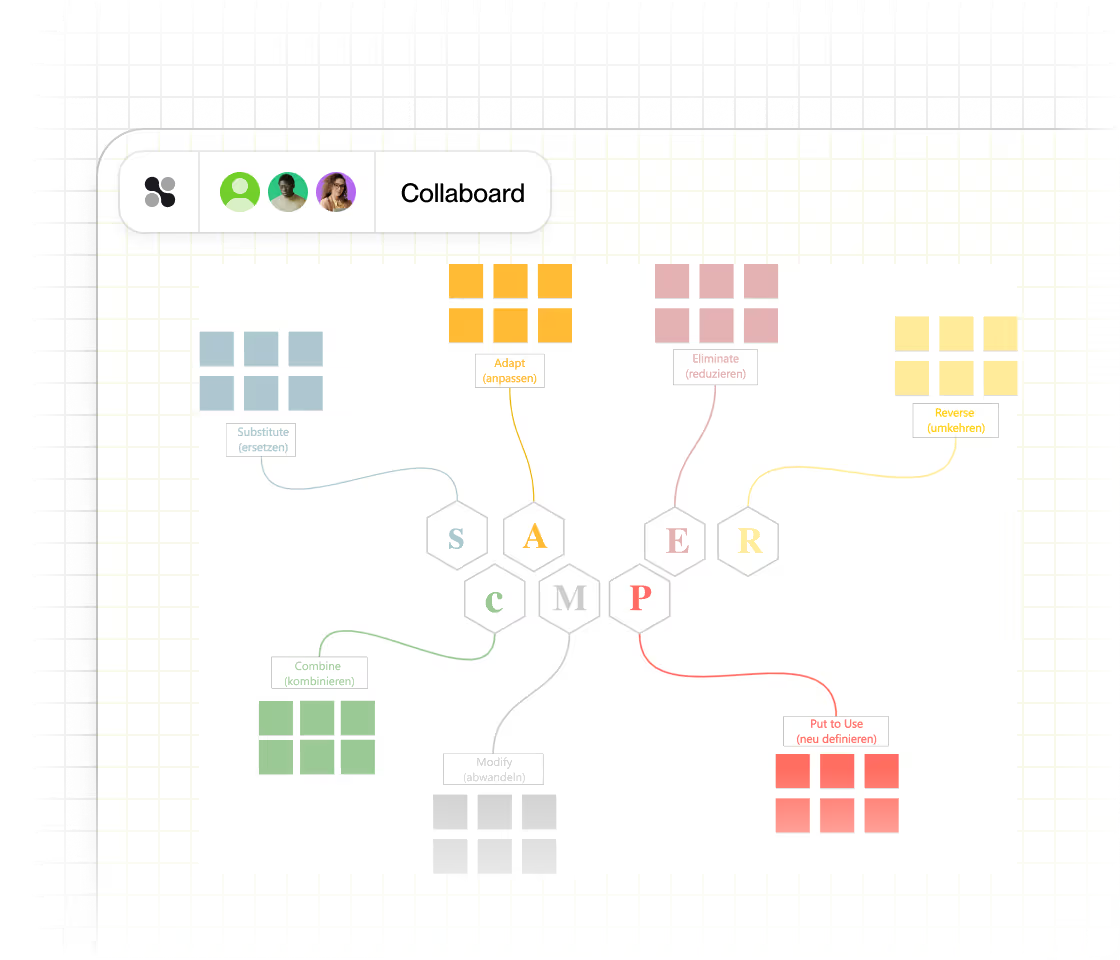
SCAMPER Method
Systematically work through steps such as Replace, Combine, or Eliminate. Use cards to visualize each SCAMPER step.
- Seven perspectives on problem-solving
- Real-time teamwork
- Creative problem-solving and feedback
How can you use facilitation cards in workshops?
These tips will help you use facilitation cards effectively and keep your workshops organized:
- Prepare cards with topics and colors before the session. Assign colors to topics, phases, or groups; create the cards in advance and arrange them so you can save time and stay focused during the workshop.
- Lock elements that shouldn’t be changed. Use the lock feature to secure cards or shapes so participants don’t accidentally move or change content.
- Use shapes, areas, and borders to make processes visible. Visually mark work areas or steps with shapes and borders so everyone knows what they’re currently working on or where to go next.
- Link cards with quick links or navigation elements. This allows participants to jump directly to an activity or phase. This is especially helpful for large boards or complex workshops.
- Use voting or rating features strategically. Use simple voting methods or star ratings to gather feedback and make decisions visible.
Facilitation Cards on Collaboard – Frequently Asked Questions
Any questions? We are here to help.
Yes, participants can write content on cards you have prepared. You can integrate additional methods like ratings or polls to make feedback visible and actionable.
Define topic phases on the board, place cards accordingly, and use shapes or frames. Invite all participants early and make sure everyone has access so you can start right away.
Use the lock function in Collaboard to fix specific cards or shapes in place. This keeps important content stable while participants work in other areas.
Yes, you can copy cards at any time or save an entire board as a template. This saves you time in preparation and preserves proven workshop structures.
Templates like 6-3-5 Brainwriting, SCAMPER, and 5-Finger Feedback bring structured methods directly to the board. They help you spark creativity, organize feedback, and make results visible.
Start your next whiteboard now
Get a free trial of Collaboard with up to 3 boards and five people per session. All key features are available for you to try out.

