
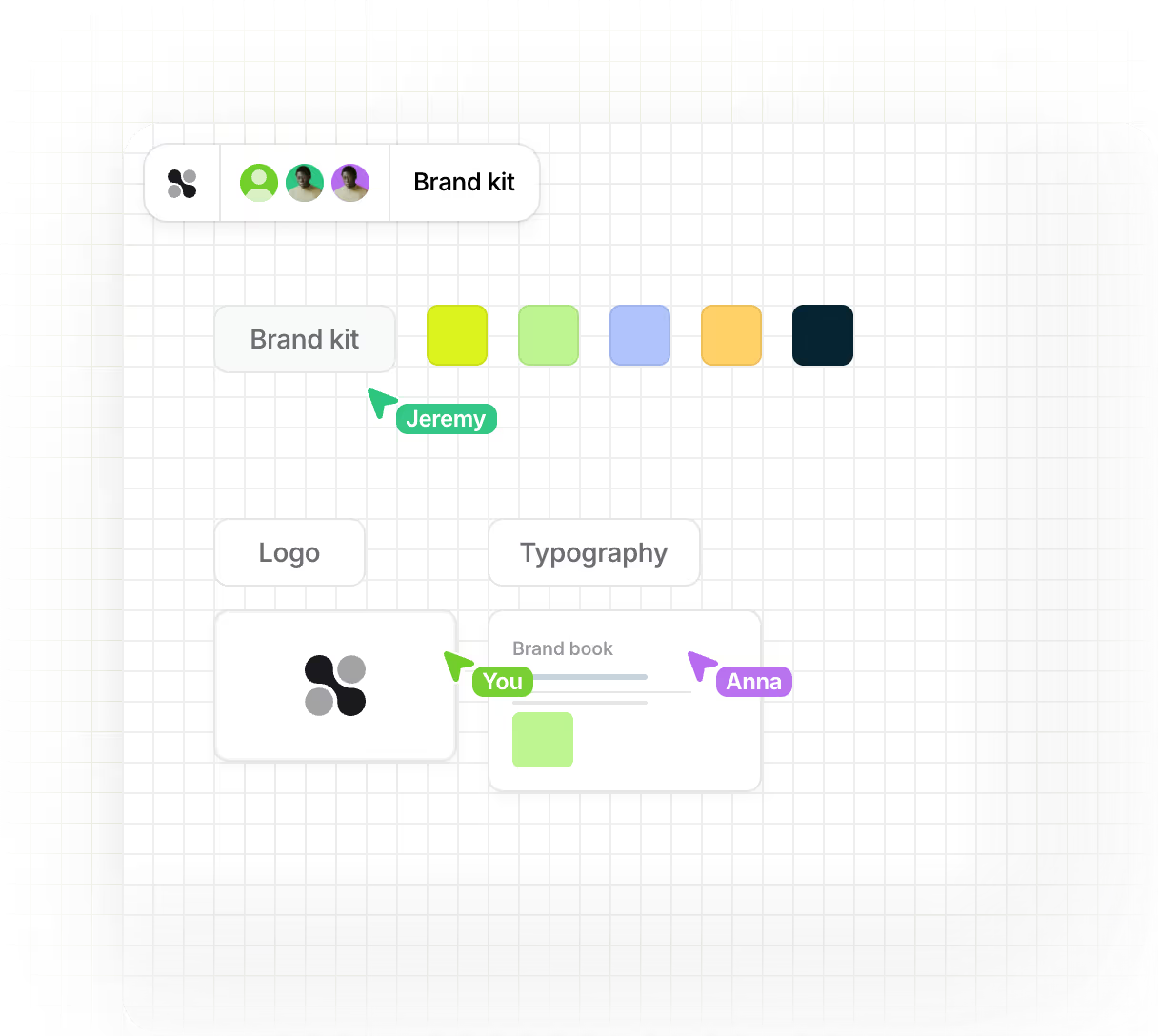
Present your company in your own brand's style when you visualize ideas, present concepts, or engage clients in real time. This creates a professional image – from the first login to the last session.
Design Collaboard in your organization's branding
Make Collaboard your space for collaboration.
With the branding feature , you can customize the app name, colors, logo and even the welcome video – for a consistent user experience in your corporate design.
















































Why branding in Collaboard?
Your team should feel at home at first glance. With the branding feature, you create a familiar environment that fits your organization – visually, emotionally, and professionally. Branding helps you with this:

Creating brand recognition – your brand is present in every workshop.
To demonstrate professionalism – especially during customer sessions or with external partners.
Strengthening your identity – through colors, logos and media that suit you.


Define your color palette
This is some text inside of a div block.
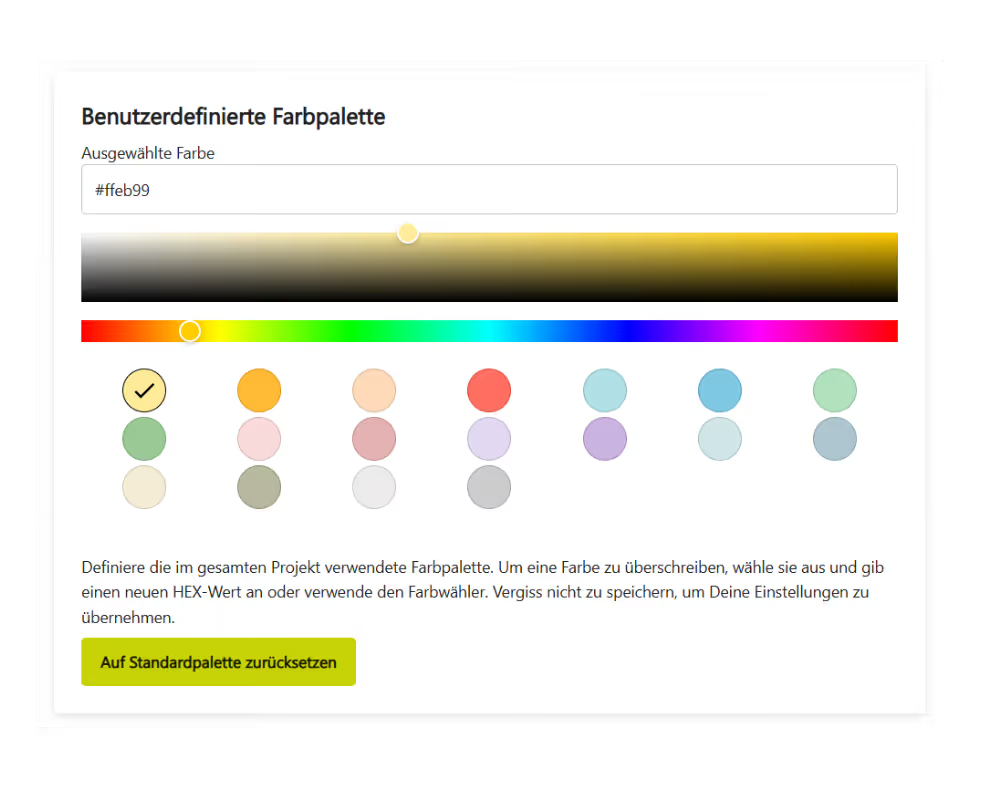
Create a custom color palette for all shapes, text, and objects on the whiteboard.

Customize the app name and main color
This is some text inside of a div block.
Design Collaboard so that it acts like its own platform.

Add your logo
This is some text inside of a div block.
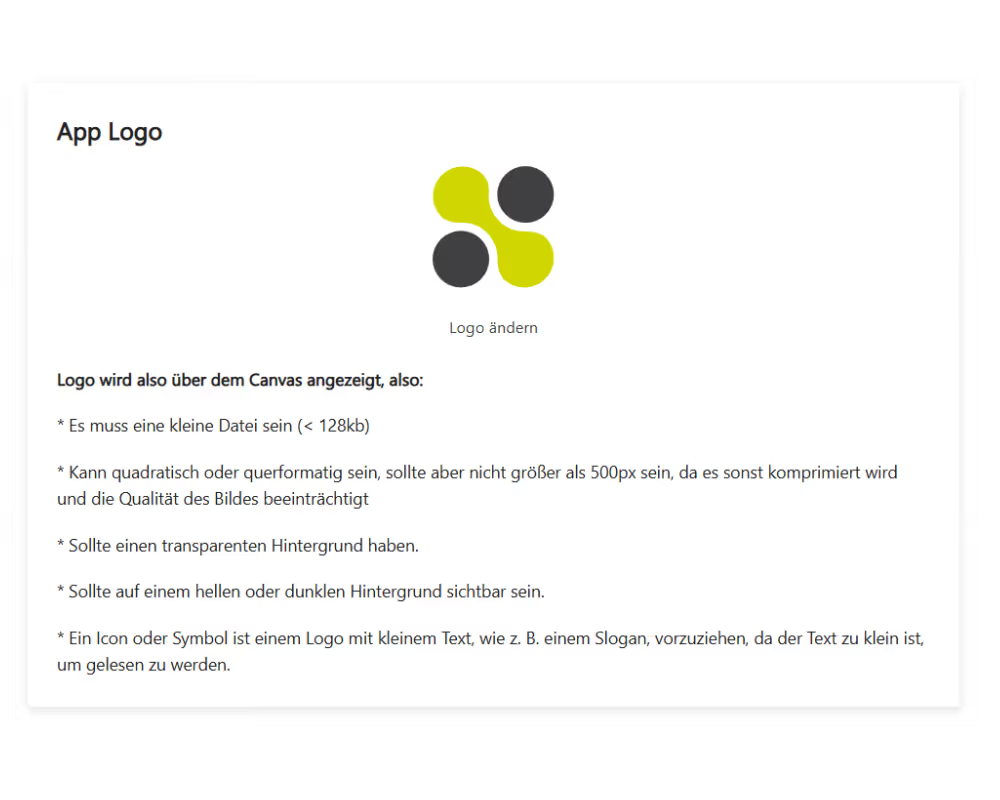
Your logo will appear on the login screen, in the dashboard and directly on the whiteboard.

Welcome new users with a video
This is some text inside of a div block.
Upload a welcome video that will play on first login – perfect for introductions, onboarding, or personal greetings.

Create brand experiences for everyone
This is some text inside of a div block.
Whether team members, customers or guests – everyone experiences your organization in your look & feel.
Here's how it works – step by step
Open the branding settings
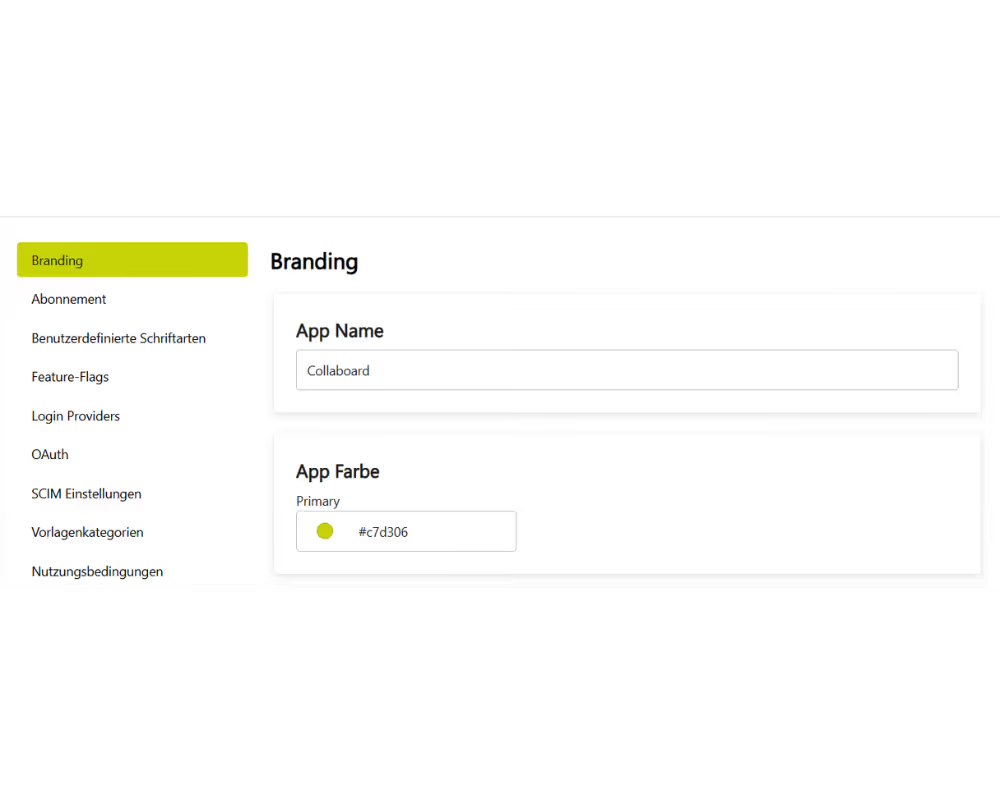
Go to the admin area of Collaboard and select "Branding".
Here you'll find all the options to customize Collaboard to your corporate design – centrally located and easy to navigate. Changes you make here will automatically apply to all users in your organization.
Customize name and colors
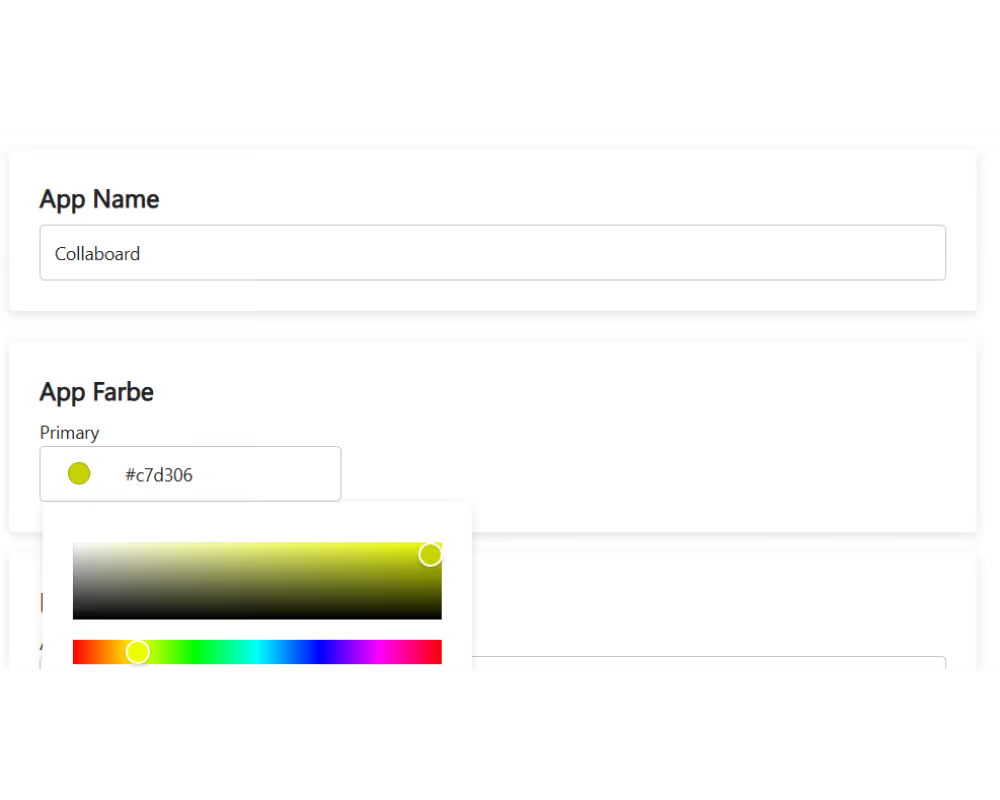
Enter your desired app name.
Next, define your primary color – it determines the application's appearance, from buttons to navigation elements. This creates a consistent brand presence that reflects your organization's look right from the start.
Create your color palette
Define up to eighteen brand colors that are available as standard colors for shapes, text, and backgrounds in all whiteboards.
This ensures that you and your team always work consistently within your color scheme – without manual adjustments. Perfect for adhering to brand guidelines and creating visually uniform workshop materials.
Add your logo
Upload your logo – it will be automatically placed on the login, dashboard, and whiteboard.
Optional: Upload a welcome video
Upload a video file or simply add a video link (e.g., YouTube or your own server). The video will be displayed to new users upon their first login – ideal for welcome messages, onboarding, or brand storytelling.
.avif)
Typical application examples
Our users use Collaboard in a variety of ways.

Companies & Agencies

Public Sector & Administration
Use Collaboard for projects in government agencies, municipalities, or public institutions – with your own corporate identity.Consistent branding ensures trust, transparency, and recognition. Whether it's citizen participation, internal planning, or inter-municipal cooperation – your presentation remains clear, neutral, and professional.

Educational institutions
Create recognition and orientation for students, lecturers, and staff.Your university branding on the login screen, dashboard, and whiteboard creates a familiar learning environment. Ideal for online lectures, group work, or virtual project weeks with a clear visual identity.

Consultants & Trainers
Present your brand professionally in online workshops, coaching sessions, or training courses.With your own logo, colors, and welcome video, you strengthen your personal brand and build trust – even with new clients. Show from the very first moment: This is a professional.
Tips for your perfect branding
Use high-contrast colors for good readability.
Ensure that text and background colors are clearly distinguishable. A clear color scheme ensures that content on the whiteboard remains easily visible – regardless of the screen or surroundings. Use your brand colors, but briefly test them for readability and brightness contrast.
Use your logo in high resolution (SVG or PNG)
Use a logo with a transparent background so it remains clearly visible on both light and dark backgrounds. In Collaboard, each user can individually set the background color – therefore, a versatile logo is particularly important. Also, ensure clear outlines and sufficient white space around the logo.
Keep the welcome video short (max. 60 seconds).
A short, concise video works best. Use the opportunity to personally welcome new users or convey important information – for example, instructions on how to use Collaboard, data protection guidelines, or your organization's security procedures. This way, you combine brand presence with clear communication.
Choose between upload or video link, depending on your hosting preference.
You can upload your video directly to Collaboard or embed it via an external link (e.g., from YouTube or your own server). This gives you complete flexibility – whether you want to protect internal content or use public videos.
Regularly adapt the design to campaigns or seasons.
Dynamic branding keeps the user experience fresh and up-to-date. For example, change your primary color during a product campaign, add a seasonal logo (e.g., with winter or summer accents), or create a special onboarding video for new projects. Small design changes attract attention and strengthen brand loyalty.
Branding at Collaboard – Frequently Asked Questions and Answers
Any questions? We are here to help.
The logo in Collaboard should be a small file of less than 128 KB and no larger than 500 pixels, as larger images are automatically compressed. Ideally, use a PNG or SVG format with a transparent background so it is displayed cleanly on the whiteboard.
The branding feature is ideal for all organizations that value a consistent and professional appearance. Branding is available from the Advanced subscription and can also be used by clients in the coaching or training sector.
In the "Branding" section, you first set your primary color — it defines the basic design of the application (buttons, navigation, highlights). In addition, you can create a custom color palette with up to eighteen brand colors. These are available to you and your team as default colors on all whiteboards.
You can activate branding easily in the admin area of your organization. Under the "Branding" menu item, you can add the app name, your primary color, a custom color palette, and your logo.
Start your next whiteboard now
Get a free trial of Collaboard with up to 3 boards and five people per session. All key features are available for you to try out.

