
Security on the Whiteboard: How Collaboard Gives You Full Control Over Your Data


.png)

When discussing secure software, the focus is often on infrastructure topics such as encryption, data centers, and network protection. These aspects are essential, but they represent only one part of a comprehensive security approach.
In collaborative environments, security must also address how information is accessed, shared, and handled during daily work. This is particularly relevant for digital whiteboards, where ideas, strategies, and sensitive content are created and discussed.
Collaboard extends security beyond infrastructure by providing direct control at the board level.
Security Where Collaboration Happens
In many tools, security is primarily managed in the background. However, risks often arise during active collaboration:
- Boards are shared too broadly
- Content is copied or exported unintentionally
- Access remains open longer than necessary
To address this, Collaboard enables the Data Owner to define clear rules for access, usage, and lifecycle of board content.
Core Security Features
Collaboard provides a set of established security features that ensure controlled access and structured collaboration.
🔑 Password Protection: Boards can be secured with an additional password, ensuring that access is restricted even if a link is shared unintentionally.
👥 Granular Permissions:User roles (Owner, Moderator, Editor, Viewer) allow precise control over what each participant can do on a board—from full editing rights to read-only access.
🔗 Link Management: Access via links can be configured and restricted, enabling teams to decide whether boards are accessible publicly, privately, or only via invitation.
Advanced Security Features for Enhanced Control
In addition to access control, Collaboard introduces advanced features that focus on protecting content during and after collaboration with the online whiteboard.
These features are designed to support common requirements in professional environments:
- Protecting confidential information
- Controlling collaboration boundaries
- Ensuring data integrity after completion of work
By combining access control with content protection and lifecycle management, Collaboard enables teams to collaborate efficiently while maintaining clear security standards.
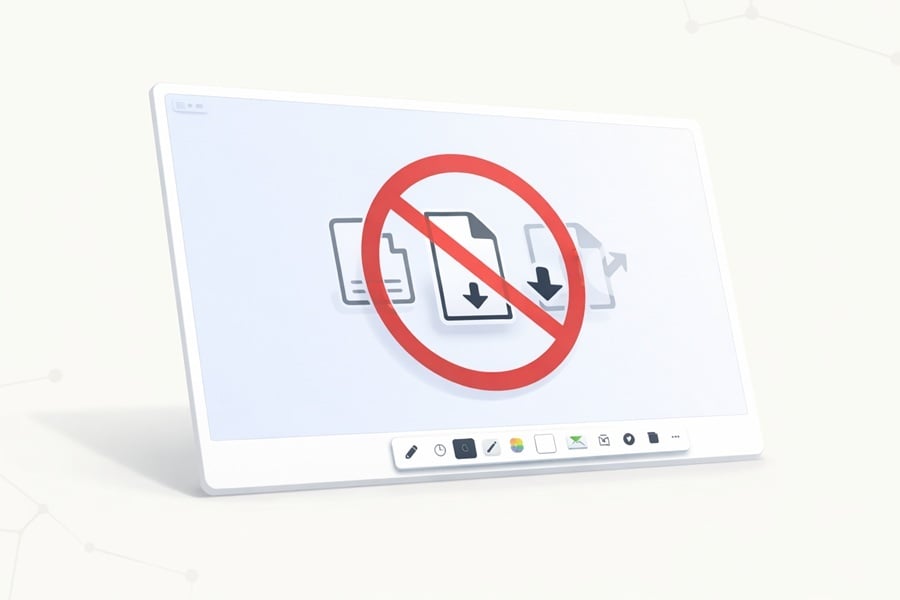
🚫 Protect Board Data
Keep your content where it belongs: on the board
This feature allows board owners to disable copying, downloading, or exporting board content.
It ensures that sensitive information remains within the board environment and cannot be extracted without authorization.
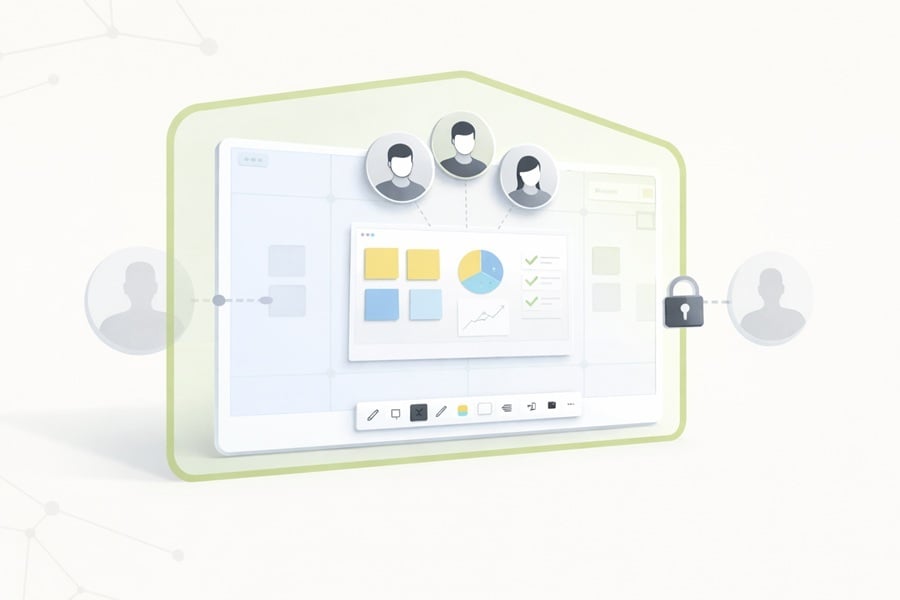
Restrict to Organization
Keep sensitive collaboration securely within your organization.
With internal boards, boards can only be accessed by users who belong to your company or institution, even if someone tries to share the board link externally.
This helps prevent unintended access and gives data owners more control over where board content can be viewed and edited.
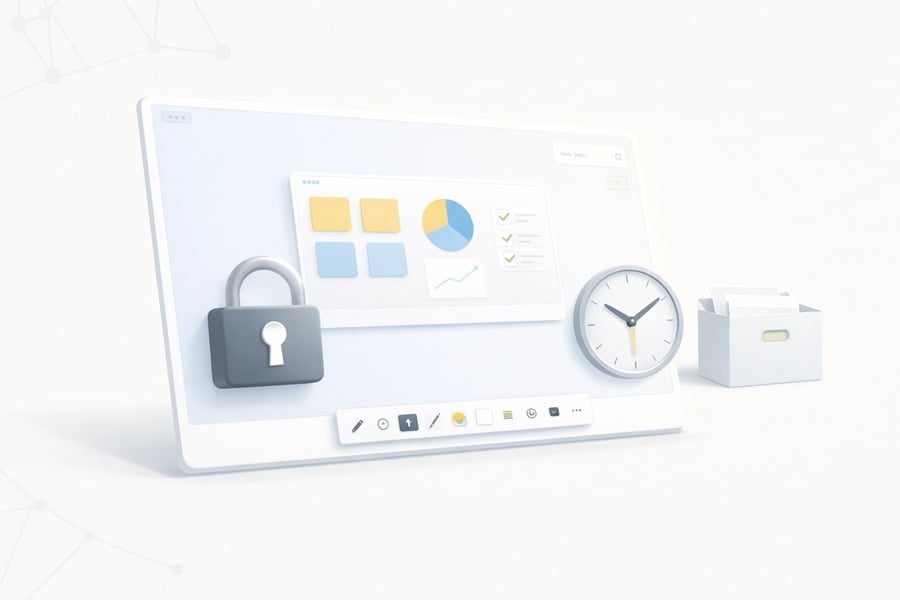
Auto-Lock & Archive
Define when collaboration ends and enforce it automatically
Boards can be automatically locked after a defined period or at the end of a workshop. Once locked, no further changes are possible, and the board can be archived for documentation or compliance purposes.
Conclusion
Security in collaborative tools should not be limited to infrastructure alone. It must also address how users interact with data on a daily basis.
Collaboard provides the necessary controls directly within the whiteboard environment and allows organizations to define how information is accessed, shared, and preserved.
This approach helps ensure that collaboration remains both productive and aligned with organizational security requirements.
On This Page

Start for free with Collaboard
Create your first online whiteboard, invite others and start collaborating visually.
You can use Collaboard for free and upgrade later whenever your needs grow.
*No credit card required
Michael Görög
Key Account Manager at Collaboard
Michael Görög, Key Account Manager at Collaboard, expertly employs narrative techniques to weave a captivating brand story that truly connects with clients. His approach focuses on crafting authentic messages that reflect the core values and vision of the company, ultimately building strong loyalty and engagement among stakeholders.
.png)
.jpg)
.png)
Frequently asked questions
Any questions? We are here to help.
A secure digital whiteboard should protect data not only at the infrastructure level, but also during daily collaboration. This includes secure access control, user permissions, link management, password protection, and features that prevent unauthorized copying, downloading, or exporting of board content.
Board-level security is important because many risks occur during active collaboration. A board may be shared too broadly, access may remain open for too long, or sensitive content may be copied or exported unintentionally. Board-level controls help organizations define who can access a board, what users can do, and how long collaboration remains open.
Collaboard helps protect sensitive information by giving board owners direct control over access, permissions, links, passwords, content protection, and board lifecycle settings. This allows organizations to decide how information is accessed, shared, edited, protected, and archived.
Yes. Collaboard boards can be protected with an additional password. This adds another layer of security and helps restrict access, even if a board link is shared unintentionally.
The Protect Board Data feature allows board owners to disable copying, downloading, or exporting of board content. This helps ensure that sensitive information stays within the whiteboard environment and cannot be extracted without authorization.
Companies should look for an online whiteboard that offers password protection, granular user permissions, controlled link sharing, organization-based access restrictions, export and download controls, automatic board locking, and archiving options.
Organizations should lock or archive whiteboards to preserve the final state of the content, prevent unintended changes, and support documentation or compliance requirements. This is especially useful after workshops, strategy sessions, project meetings, or decision-making processes.
Subscribe to the newsletter
Stay up to date with the latest tips and news on collaboration.
Start your next whiteboard now
Get a free trial of Collaboard with up to 3 boards and five people per session. All key features are available for you to try out.

