
Whiteboard for product management: Planning roadmaps, coordinating releases, and gathering feedback.
Transform your product ideas into market-ready results faster: With Collaboard, you plan roadmaps, manage releases, and consolidate feedback without switching tools, right where your team works. Every phase, every to-do, and every decision is immediately visible to everyone.
Collaboard gives you the tools to manage projects transparently, avoid bottlenecks, and deliver results sooner.
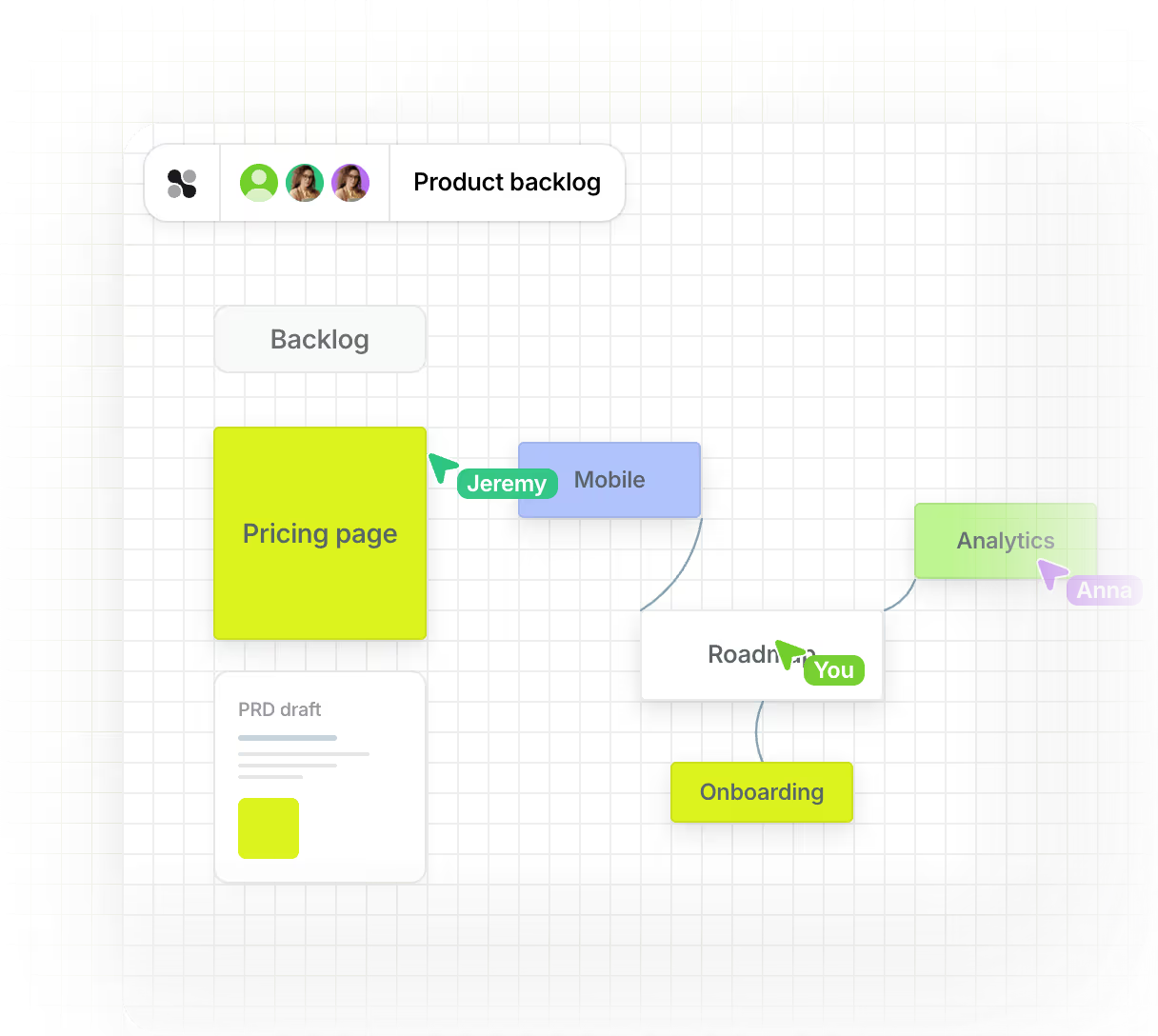








What you can plan and share with an online whiteboard in product management
Collaboard lets you bring ideas, timelines, and user journeys together on a shared platform. This allows you to collaborate with your team on concepts, present progress, and clearly document every development step.
Clearly visualize product roadmaps
Collaboard allows you to clearly display timelines, tasks, and goals. This gives you a constant overview of planned steps and their progress.

Timelines with markers for tasks, deadlines and stages
Colors, lines, and symbols for structuring
Collaborative editing and commenting
.avif)
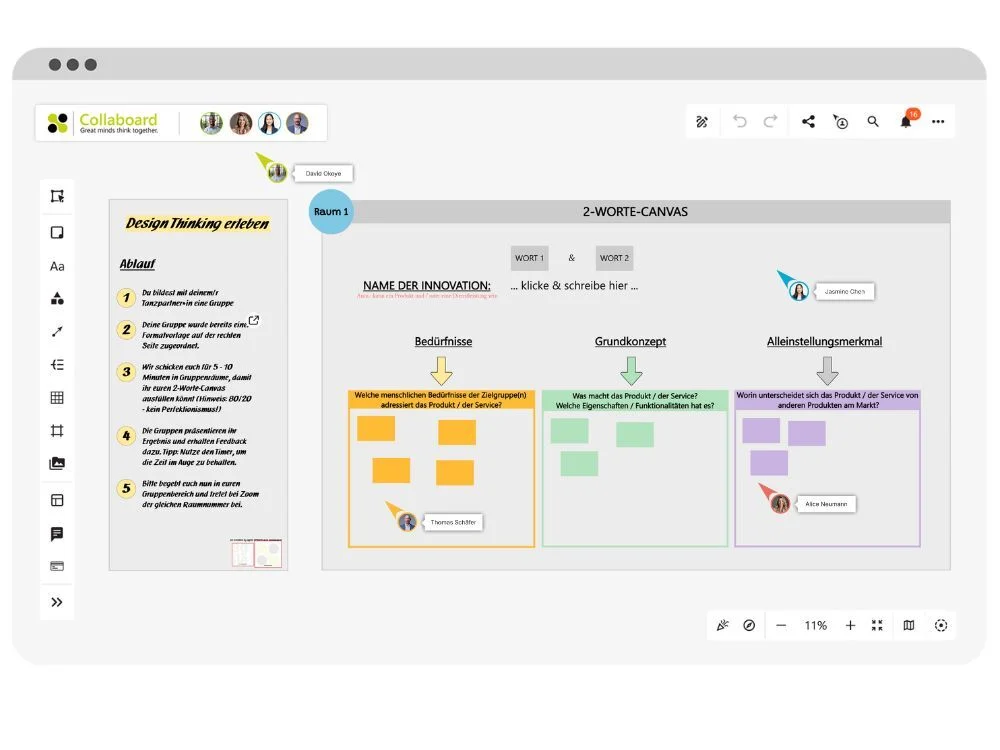
Develop products further through design thinking
You and your team work in a structured way on the next development step. Collaboard supports you from the initial observation to the evaluation after the test.
Templates for personas, ideas, prototypes, and feedback
Drawing functions, timers and workspaces
Templates for workshops without prior knowledge
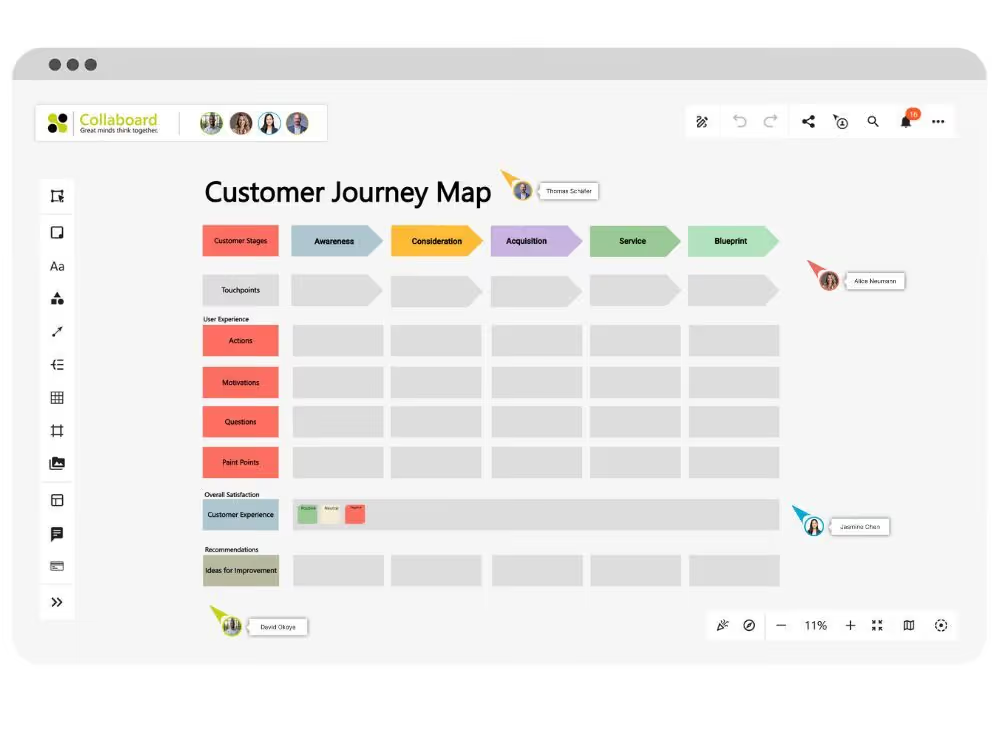
Easily visualize customer journeys
Map out the entire user journey, from initial contact to follow-up. This will help you identify patterns, gaps, and opportunities for improvement.
Templates for timelines, touchpoints and actions
Representation of actions, emotions, and channels
Collaborative editing with comment function
Brainstorming to gather ideas for product management
Bring ideas to life on the board, organize thoughts, and involve the entire team. Collaboard creates a clear overview for the next step.
Notes, pictures, texts and sketches directly on the board
Templates for brainwriting, SCAMPER, or mind maps
Voting and visual clustering
Making user expectations visible
Create personas, story maps, and initial drafts with Collaboard. This will help you understand what motivates your target audience and how their expectations manifest.
Templates for personas, sitemaps and wireframes
Interactive elements for depicting motifs and paths
Visual boards for research and further development
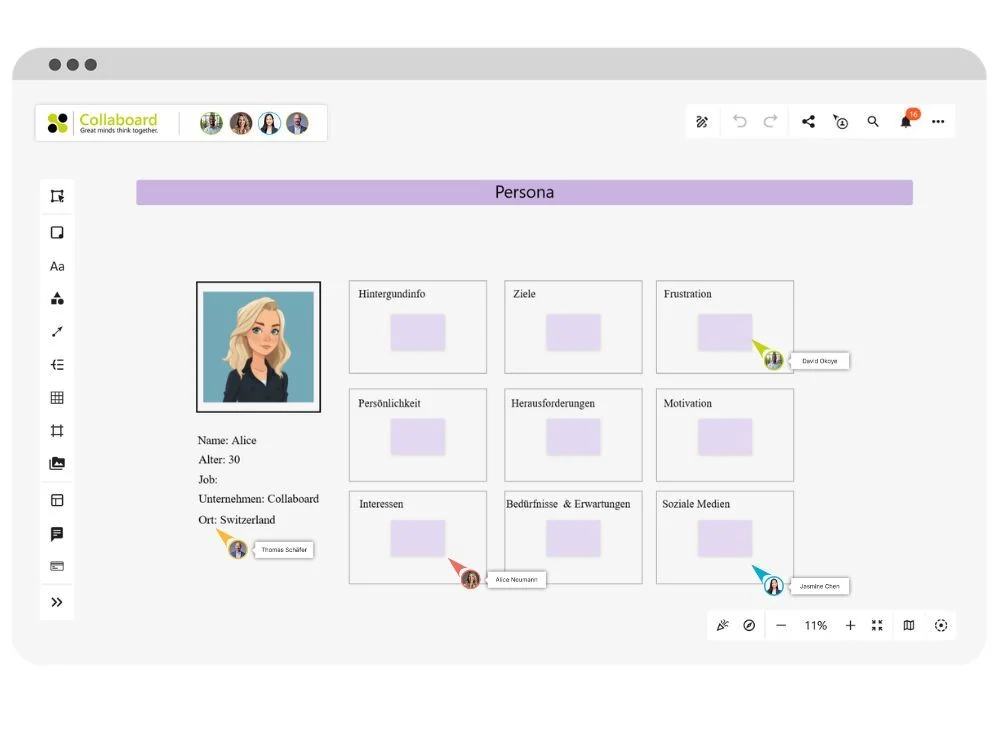
How Collaboard supports you in feature planning, coordination, and prioritization.
Collaboard provides product management teams with a workspace to create roadmaps, coordinate release plans, and consolidate feedback from various sources. This brings all stakeholders together in one place to optimally prepare for releases.

Planning features and capturing ideas

Create notes and sketches on the board
Use mind maps for topics and features
Add images and videos

Structuring feedback
Collect customer and team feedback
Add comments and tags
Conduct votes in the board

Organize release planning
Create schedules with start and end dates
Color-code task status
Changes are immediately visible

Presenting prototypes
Insert images, sketches and videos
Presentation mode for live performances
Incorporate changes directly

Simply connect
Integration with Jira, Confluence and MS Teams
Automatic saving
Access via browser

Include documents
Upload PDFs, Excel and Word files
Collaborative content editing
Secure everything in one place
From feature prioritization to launch:
Teams using Collaboard









































How your product management team can use whiteboard templates for clear process benefits
With Collaboard's templates, you and your product team can collaborate on ideas, projects, and product strategies directly on the whiteboard. You can add content, share boards, and develop them together. All without detours, installation, or lengthy preparation.
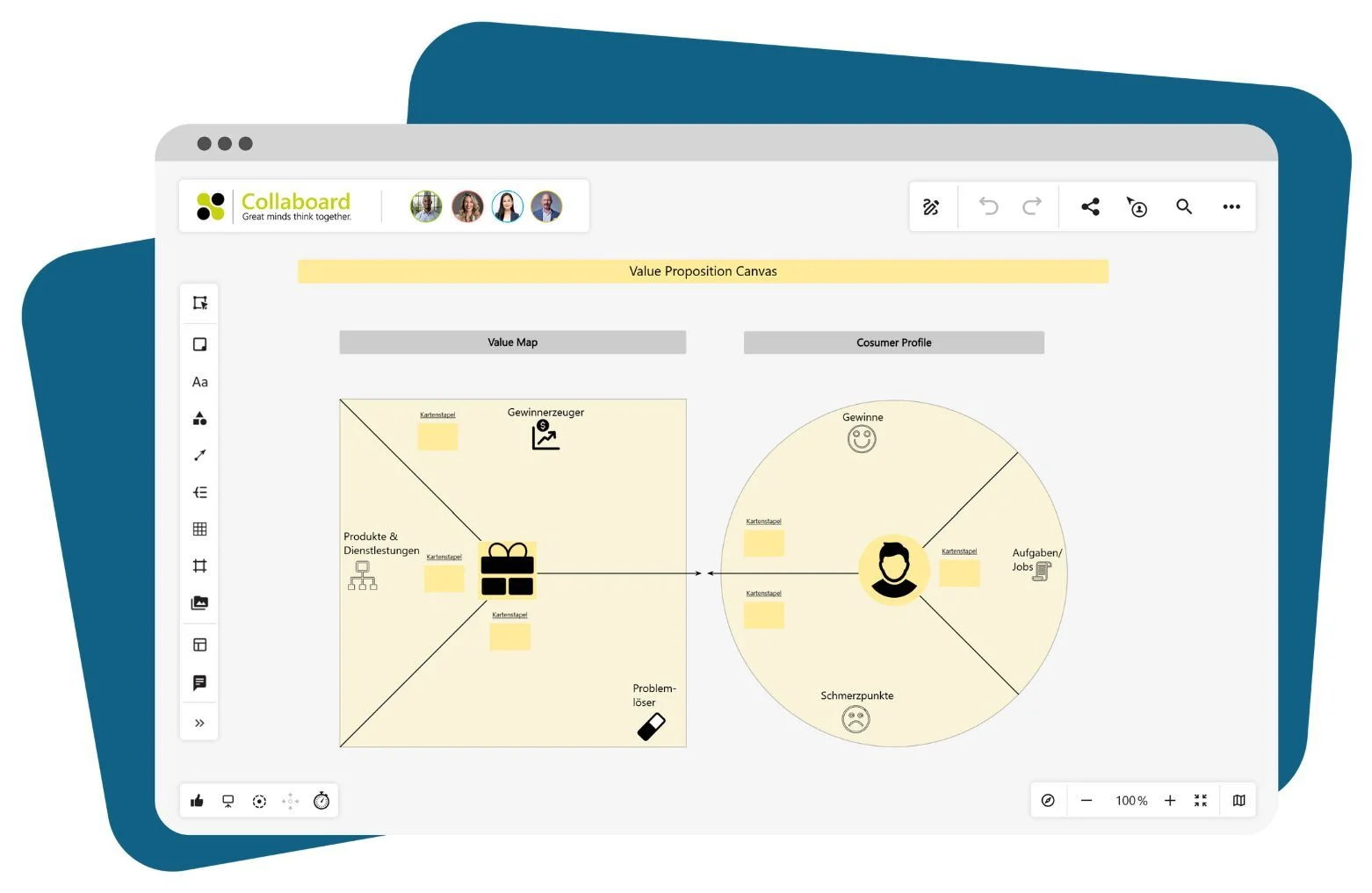
Value Proposition
This template helps you clearly define the benefits of your product. You note:
- Who your target audience is
- Which problem are you solving?
- Why your offer is convincing
This is how you formulate the core of your idea clearly and tangibly. The template is well-suited for product development, pitch preparation, or team coordination.
BCG-Matrix
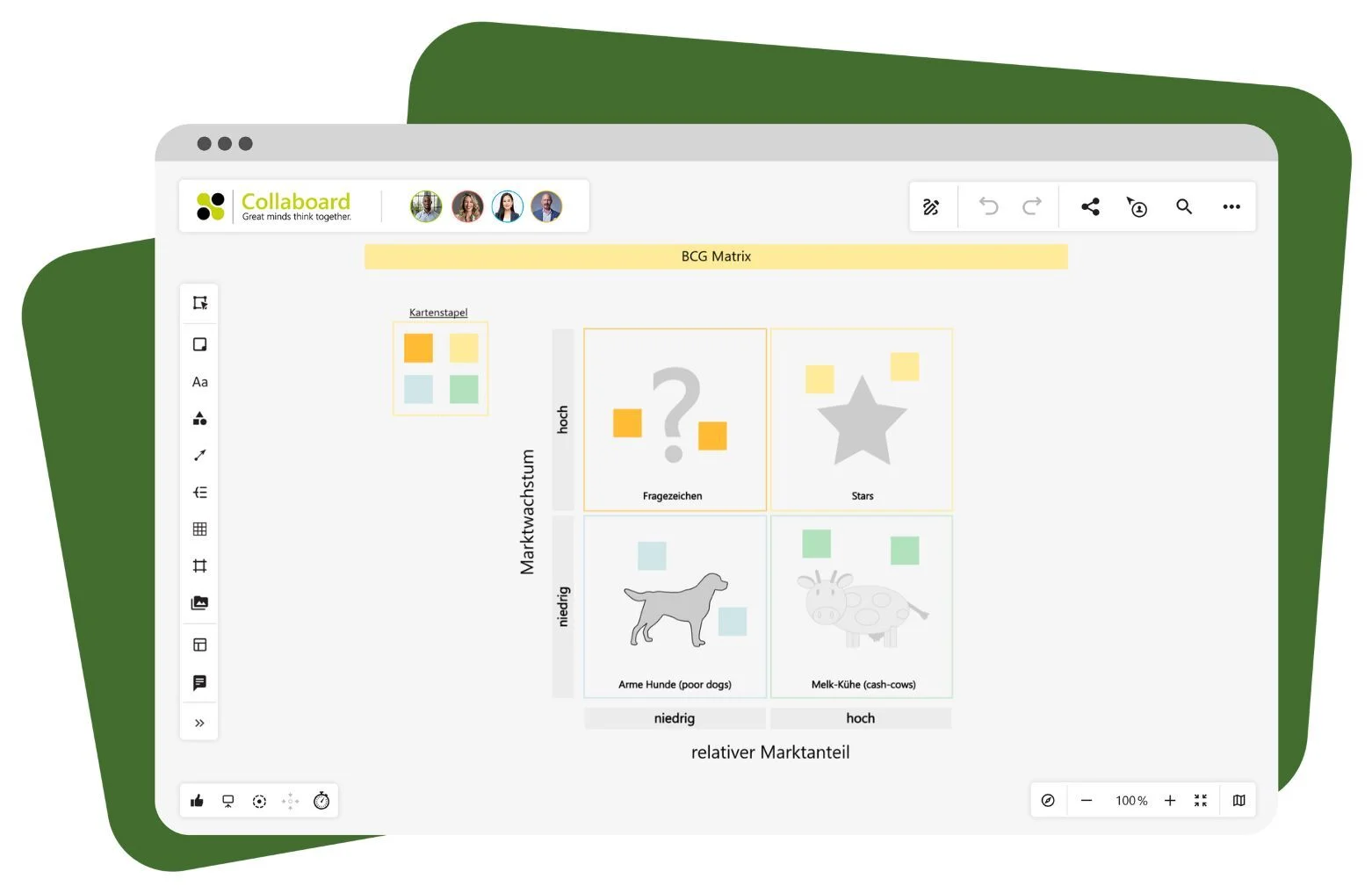
The BCG matrix helps you organize your product portfolio. You sort products or business units according to:
- Stars
- Cash Cows
- Question Marks
- Dogs
This helps you to focus correctly and plan your next steps effectively. The template makes the market situation and resource allocation visible at a glance.
Feature List
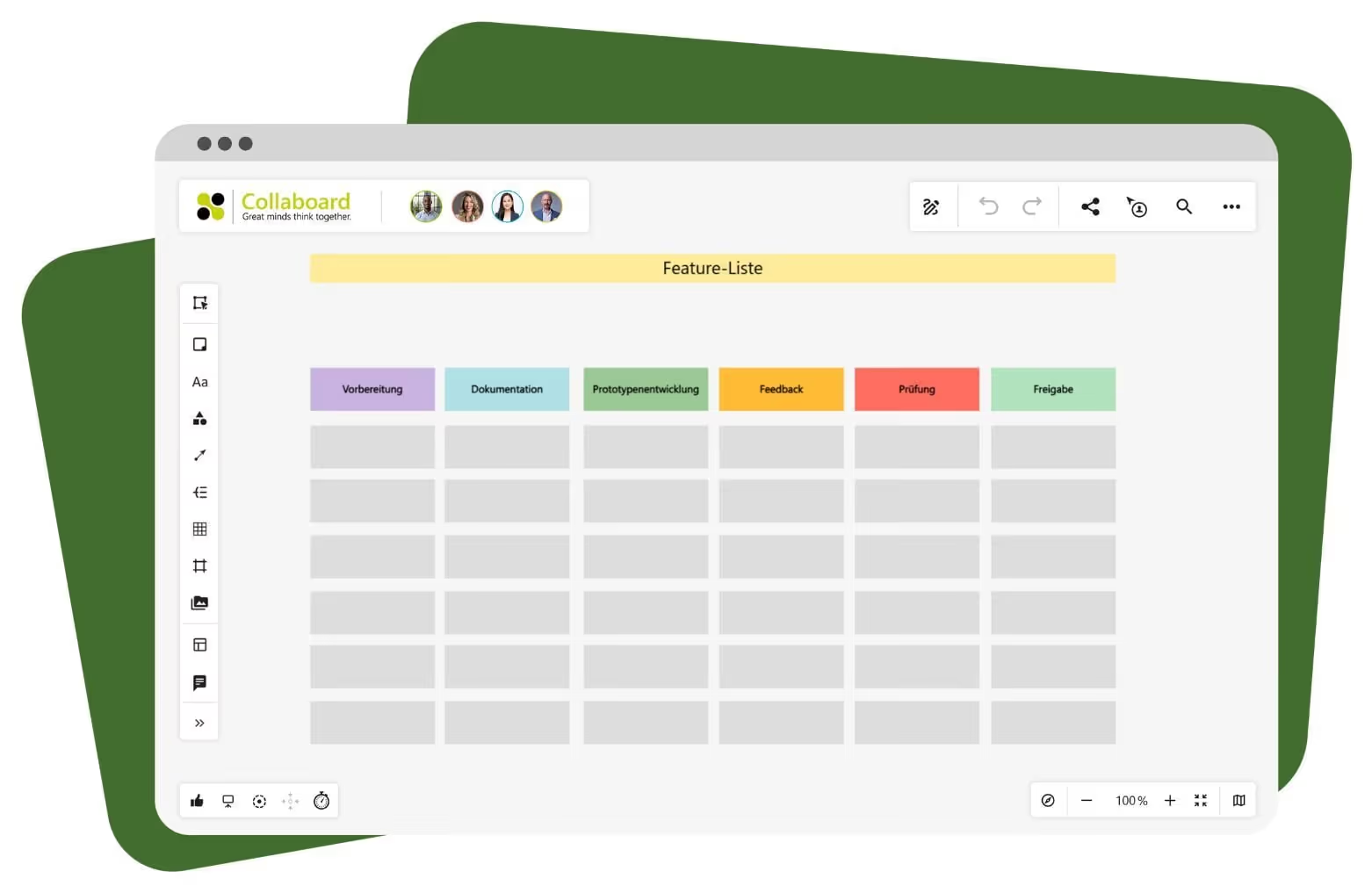
This template structures your product features according to their editing status. Typical columns are:
- Preparation
- Documentation
- Prototype
- Feedback
- Test
- Release
This way you can always see which features are currently being worked on. The board is well suited for coordination between the product and development teams.
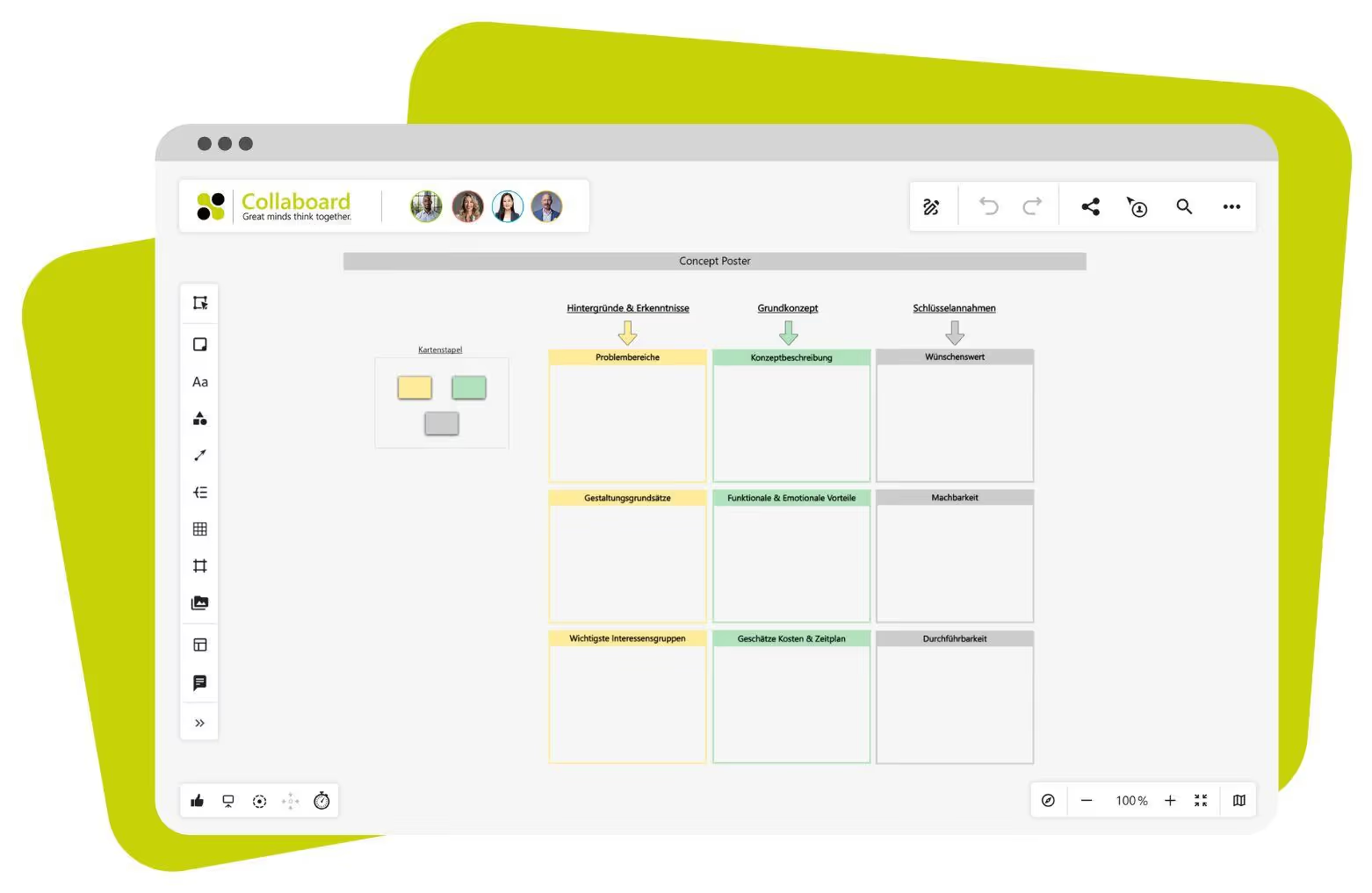
Concept Poster
With a concept poster, you can present a product idea on one page. You capture:
- Background and findings
- Concept description
- Assumptions regarding implementation
The poster makes it easy for your product management team to discuss ideas and gather feedback. You can share it within the team or use it for presentations.
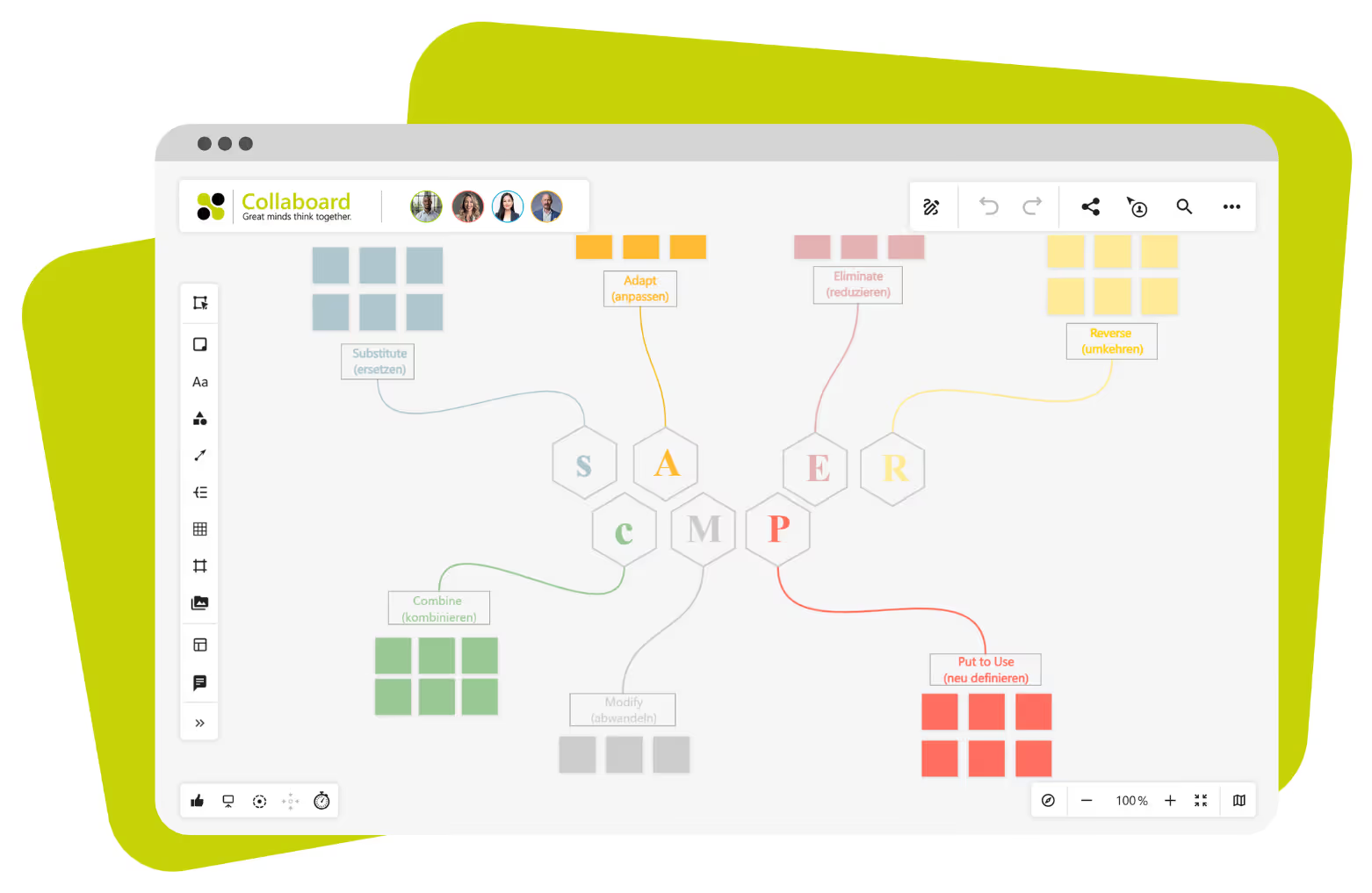
SCAMPER
This template encourages you to develop existing ideas further. You will work with seven questions:
- What can be replaced?
- What can be combined?
- What needs to be adjusted?
- What can be changed?
- What else can be used?
- What can be omitted?
- What would be the opposite?
This method is well-suited for creative processes within a product team. You can practice it alone or with others and record the results directly on the board.
Want more clarity in product management? Use Collaboard now!
With Collaboard as your product management tool, you control the entire product lifecycle in one place. You can clearly record timelines, features, and goals, making progress transparent for everyone. Feedback from tests, team discussions, and presentations can be implemented directly on the board without switching between different tools.
For your product management, this means:
- Clearly present roadmaps and release plans
- Developing ideas, feedback, and prototypes together
- Securely process data with hosting options that meet the highest standards.
Collaboard provides you with the foundation to structure product planning and collaboration while ensuring the protection of confidential information.
Whiteboard in product management – Frequently asked questions and answers
Questions? We're here to help.
You can visualize the entire user journey on a timeline. Actions, emotions, and touchpoints become visible and easy to follow.
Yes, you can gather input directly on the board and discuss it together. Comments, visual markers, and voting help you sort proposals and derive next steps.
Yes, Collaboard integrates with Microsoft Teams, Webex, Jira, Confluence, and other services. This lets you use your familiar product management tools while using the whiteboard as a shared surface for content and planning.
With Collaboard as your product management tool, you collect all thoughts on a board, organize them visually, and cluster them by topic. Templates like SCAMPER or Brainwriting help you develop ideas further.
Collaboard provides matching templates for every phase — from observation to testing. You can create personas, develop ideas, and discuss progress with your team.
You'll find templates for roadmaps, feature lists, concept posters, and value propositions, among others. Every template can be customized and edited directly with your team.
You can start with a template and map out your goals, tasks, and timelines visually. Colors, lines, and symbols help you clearly represent the progression and align with others.
Start your next whiteboard now
Get a free trial of Collaboard with up to 3 boards and five people per session. All key features are available for you to try out.

