
Whiteboard for HR teams: mapping HR processes, planning onboarding, engaging employees
Take your HR management to the next level: With Collaboard, you can design onboarding, training, and recruiting processes so clearly and interactively that your team is on board from day one. No scattered files, no endless approvals.
Collaboard gives you control over every step and makes it easy to engage people and share knowledge.




How to achieve overview and participation in HR using a whiteboard
Collaboard brings topics, people, and processes together on a shared platform. This allows you to collaboratively develop content, present it visually, and make it accessible to everyone. From planning to implementation, you maintain an overview and involve all stakeholders.
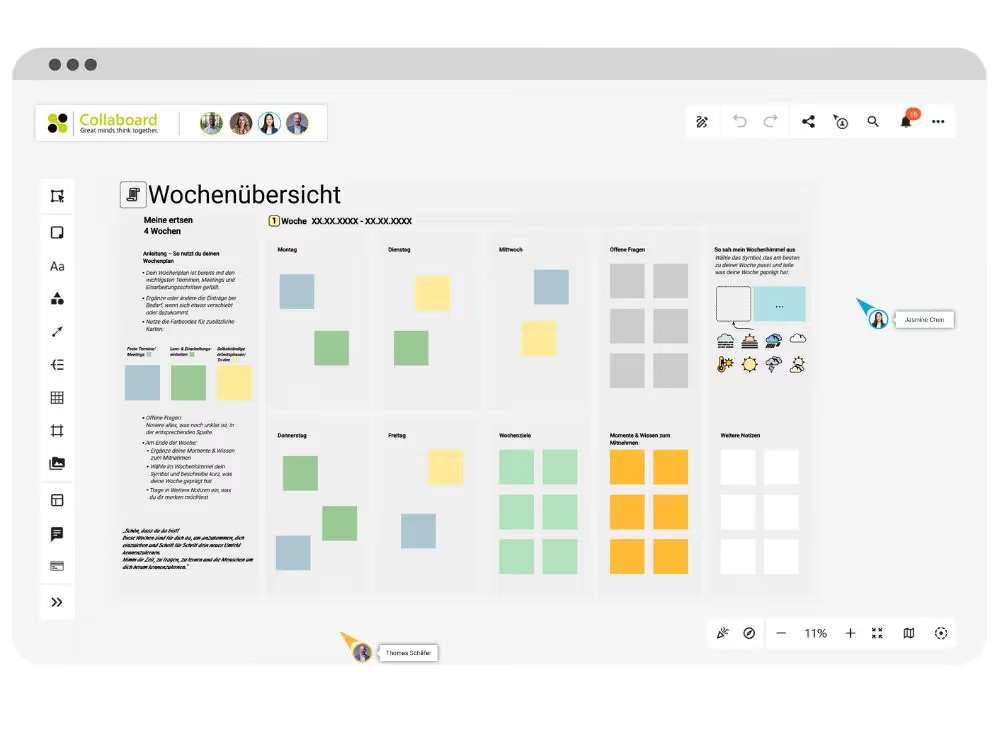
Clearly structure onboarding processes
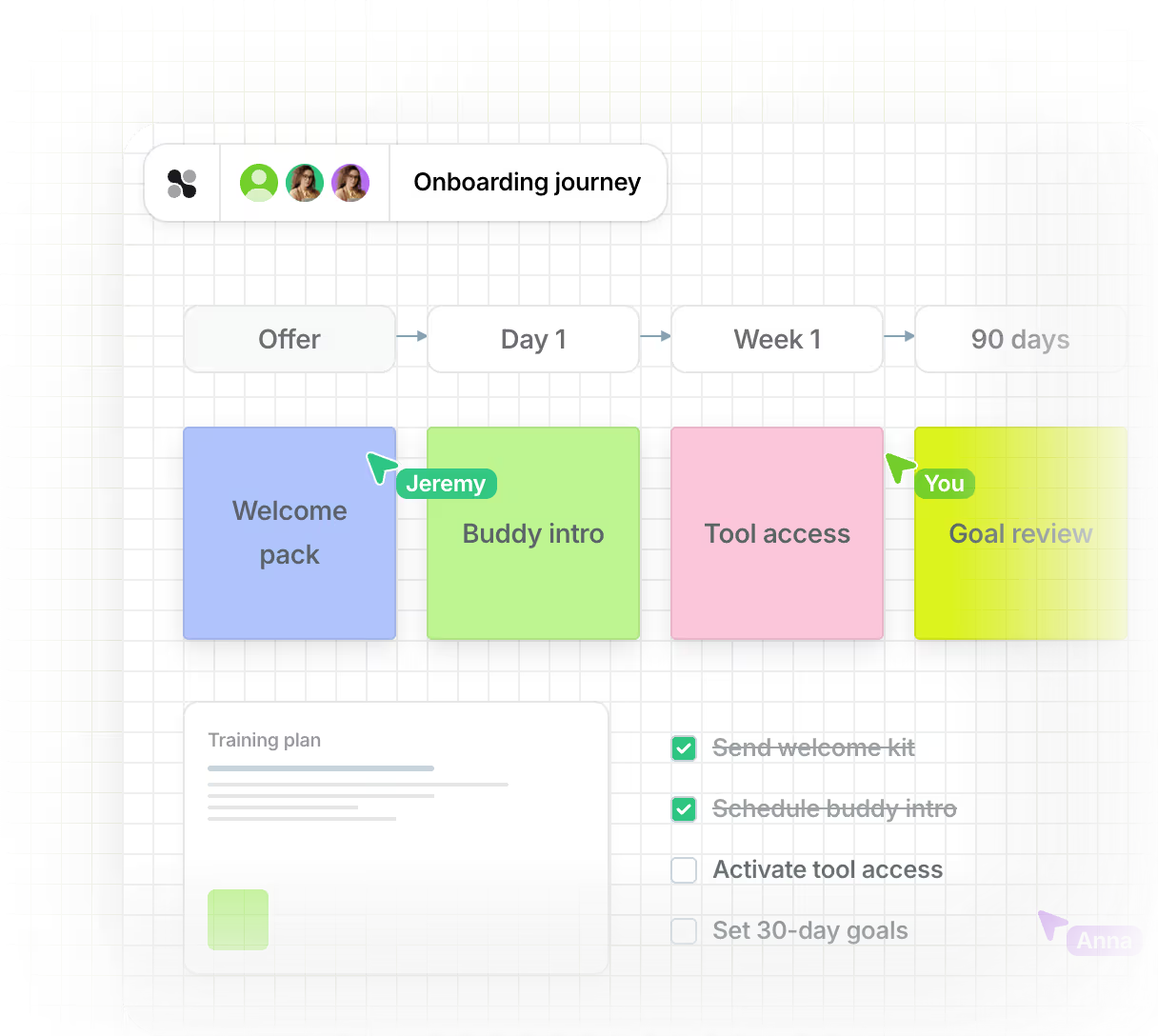
Prepare the onboarding process for new employees so that everything is visible and easy to understand. A whiteboard allows you to collaboratively visualize content, responsibilities, and processes.

Welcome, schedule and initial tasks all in one clear and concise format
Insert photos, profiles and team introductions directly
Checklists and schedules immediately accessible
Clearly present HR stakeholders
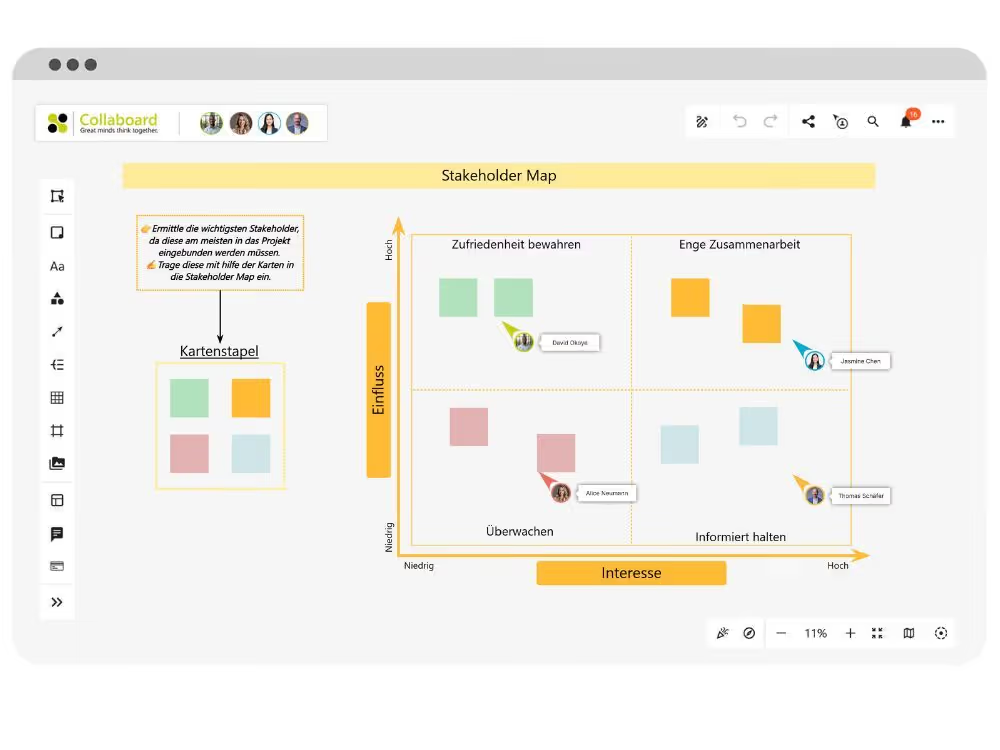
Gain a clear understanding of all individuals who contribute, make decisions, or are affected by the project. A stakeholder map will help you structure the project environment and better plan your next steps.
Classification according to influence and interest
Making relationships between individuals and groups visible
Templates for groups, responsibilities and analysis
Presenting HR concepts together
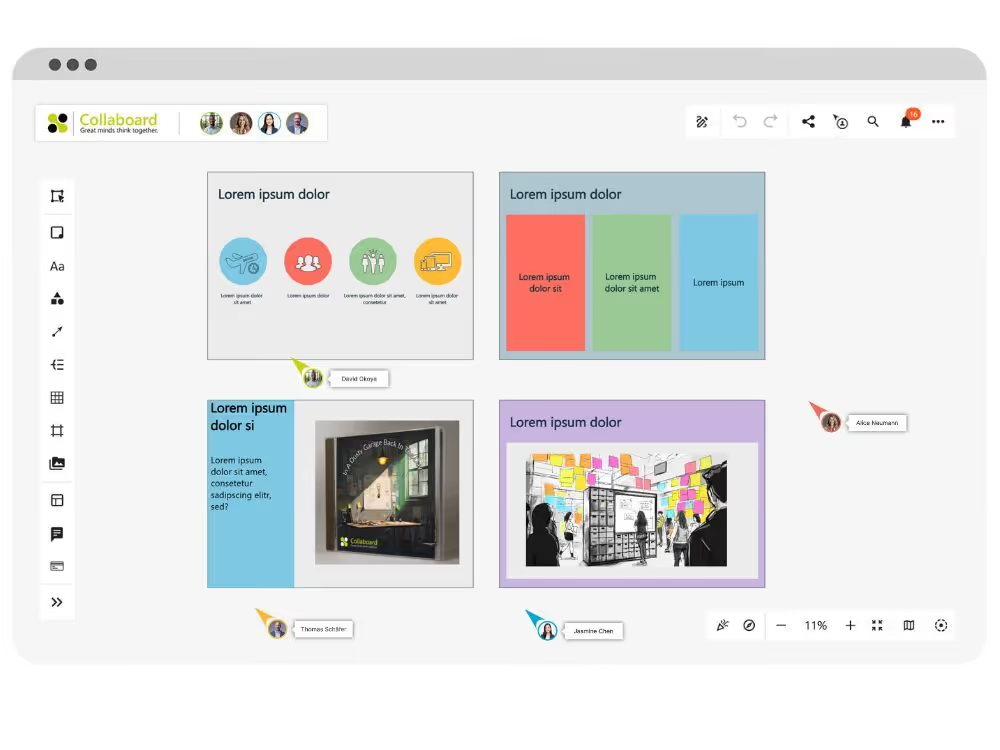
Showcase your ideas without slides or screen sharing. Create presentations on the whiteboard that everyone can follow along with.
Guided view with quick links for orientation
Integration of texts, images, videos and documents
Presentation directly on the board without changing the view
Prepare training content interactively in the HR tool
Structure learning content so that everyone can contribute and participate. Use the whiteboard to present content clearly, openly, and collaboratively.
Linking content with mind maps, drawings, and comments
Ask questions, gather feedback, and visibly evaluate it.
Templates for tasks, exercises and reflection
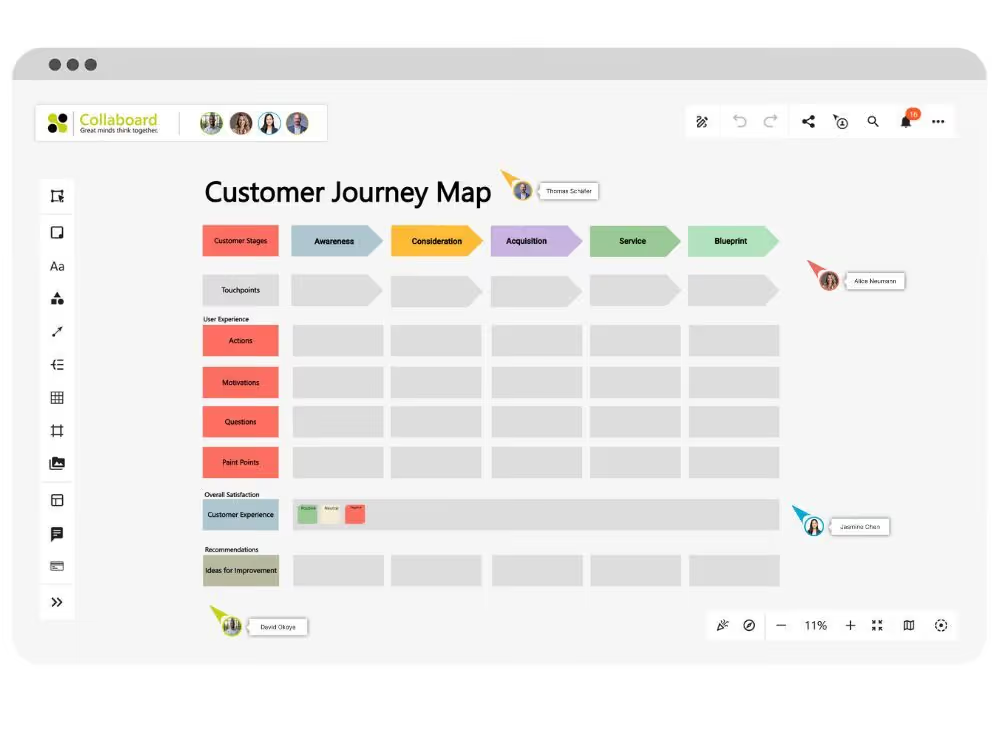
Implementing online workshops for the HR team
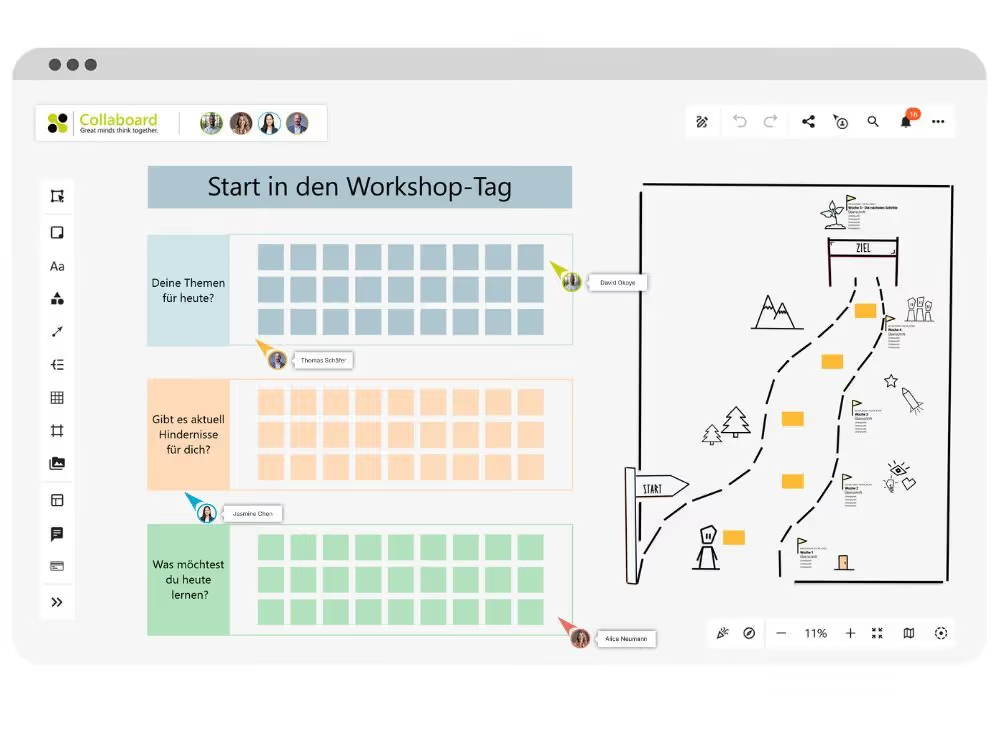
Plan workshops with all participants in the same room, even if they are all located in different places. The whiteboard becomes a shared workspace for process, content, and discussion.
Display topics, schedules, and goals directly on the whiteboard
Implement group work with separate areas
Save and share results immediately
How to involve employees and document processes with Collaboard
Collaboard allows you to clearly visualize HR processes and improve collaboration between HR and employees. From onboarding to professional development, everything can happen on a single platform.

Designing the onboarding process

Create process plans for new team members
Upload welcome materials
Create checklists for initial tasks

Involve employees
Set up idea boards for feedback
Use comments and polls
Conduct anonymous surveys

Document processes
Create process diagrams and organizational charts
Store files and guidelines on the board
Track changes in the activity log

Conduct training sessions
Presentation mode for training
Insert videos and handouts directly
Customize content at any time

Everything in one place
Upload and open documents
Add images, audio and video
Shared access without installation

Coordinate recruiting
Depict application phases as a process
Securely store applicant information
Integration with common tools
Teams that successfully
collaborate with Collaboard

















HR templates in Collaboard: structure, share, and collaborate
Collaboard's HR templates help you streamline your processes. For onboarding, team development, and personnel structure: all templates are easy to use, visually appealing, and can be edited directly by your team. This saves you time and helps you maintain a clear overview.
Trainer's Guide
This template helps you plan and conduct training sessions. You record:
- Tasks before, during and after the appointment
- Learning objectives, methods, time specifications and materials
- Responsibilities with status and comment function
This ensures that everyone involved is prepared and nothing is forgotten. The template is suitable for training sessions, workshops, and internal onboarding.
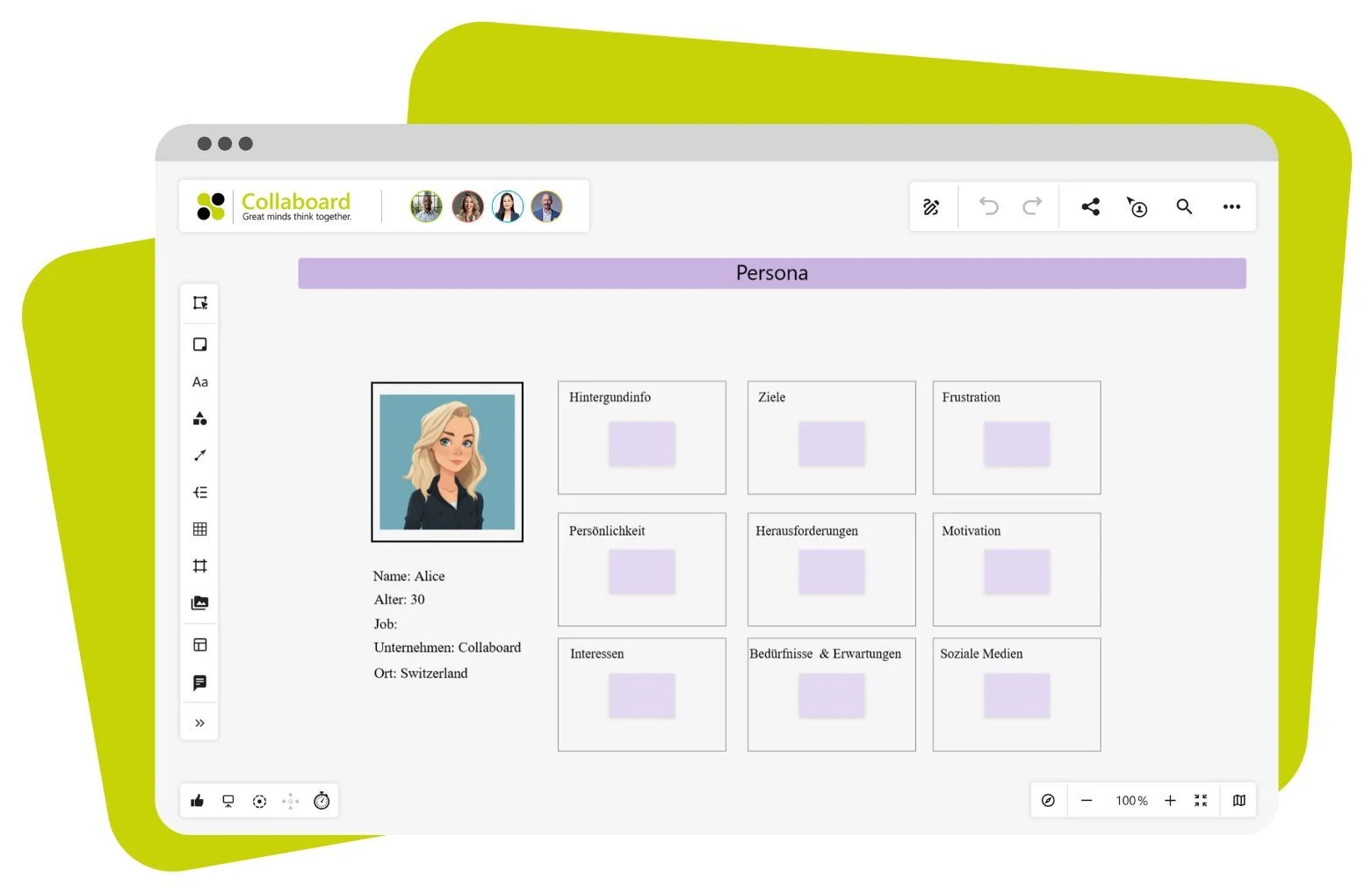
Person
This template helps you develop a clear picture for an open position. You define:
- Name, age, professional background
- Goals, working methods and personal attitude
- Expectations regarding team, tasks and leadership
This allows you to search more effectively, better assess applications, and coordinate within your team to determine who is the right fit for the position. The template is also suitable for preparing job postings.
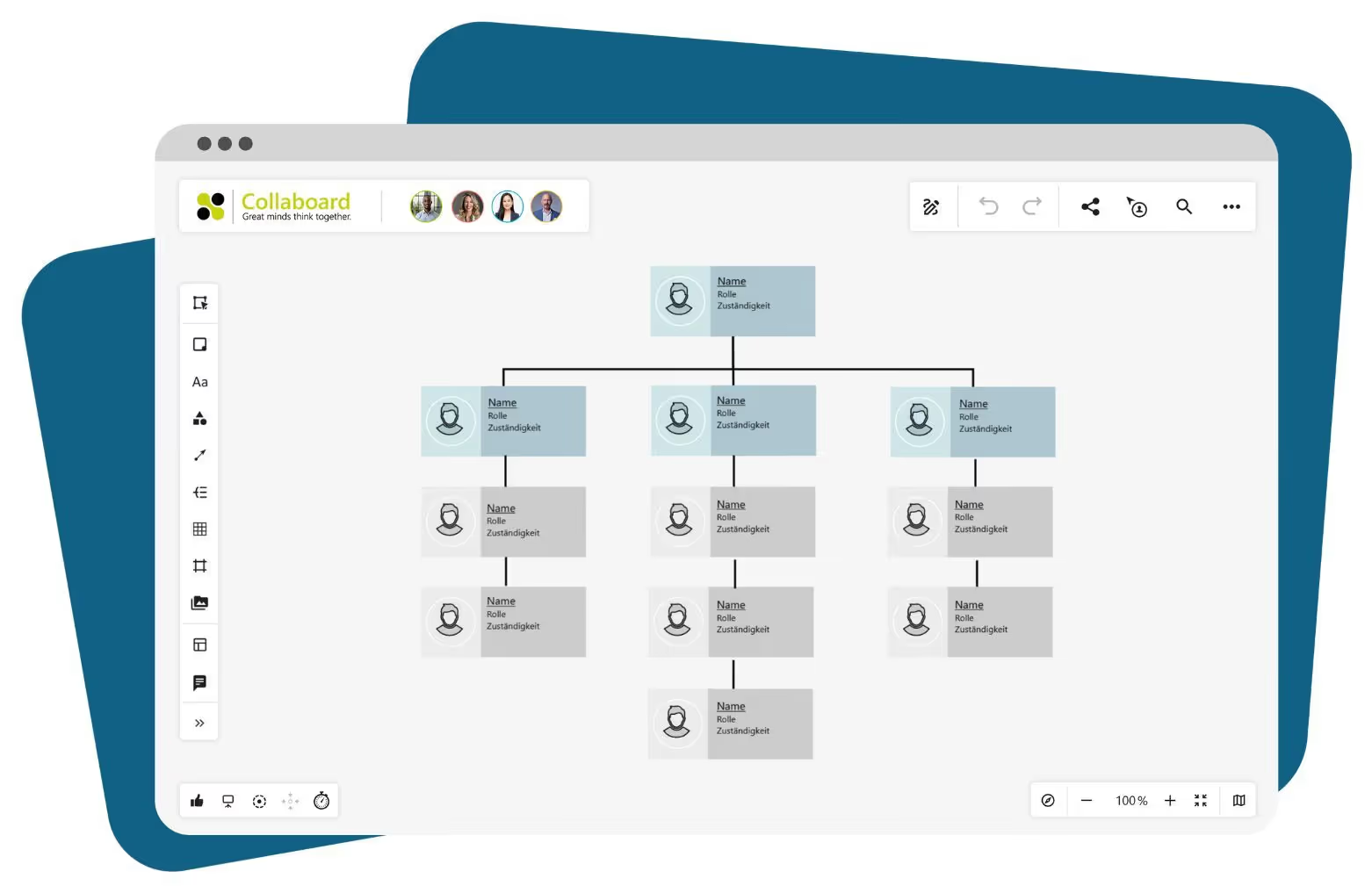
Organizational chart
This template shows how people and departments are connected. You add:
- Names, positions and responsibilities
- Connection lines for teams, projects or management
- Photos, contact details, or other visual evidence
This creates a clear picture of the structure that you can easily modify or share. The template is suitable for new employees, team meetings, or presentations.
World map
This template gets people talking. You use it to:
- to mark places of origin
- Making commonalities visible
- To encourage spontaneous conversations upon arrival
This creates a personal connection, especially in new teams, online workshops, or international groups.
8D Report
This template helps you address problems step by step. You note:
- Description, cause and measure
- People involved, deadlines and progress
- Graphics, checklists or other supplementary information
This is how you document causes and measures in a traceable manner. The template is helpful in quality management or internal clarification processes.
Data protection in human resources is securely implemented with Collaboard
Especially in HR, confidential information must be optimally protected. Collaboard meets all GDPR requirements and offers hosting options within the EU or fully on-premises. This allows you to decide where your data is stored within the HR tool.
Your advantages:
- GDPR-compliant hosting in Europe or Switzerland
- Encryption during transmission and storage
- Fine-grained rights management for personal content
Collaboard keeps personnel files, application documents and internal documents protected, yet accessible to authorized persons at any time.
Start using Collaboard now and bring structure to your HR processes.
With Collaboard, you can consolidate all aspects of personnel planning and development on a single, clearly structured workspace. From the first day of a new employee to long-term professional development, processes, documents, and presentations can be collaboratively designed and updated at any time. Tasks, deadlines, and feedback remain visible to everyone, ensuring that no important information is overlooked.
Trust is paramount, especially when it comes to HR tools. Collaboard protects personal data with GDPR-compliant hosting options in Europe or fully on-premises. This allows you to decide where your content is located and who has access to it.
For your team, this means:
- All HR content in one place, accessible anytime.
- Real-time collaboration in onboarding, training, or recruiting
- Secure storage and clear rights management for confidential data
Start using Collaboard now for free and implement your HR processes clearly, securely and collaboratively.
Whiteboard in Human Resources – Frequently Asked Questions and Answers
Questions? We're here to help.
You have access to templates for onboarding, personas, org charts, training sessions, and 8D reports, among others. These can be used immediately, customized, and further developed together with your team.
With a whiteboard, you can provide all onboarding content clearly in one place. New employees find the process, contact persons, initial tasks, and helpful materials at a glance.
You combine texts, drawings, comments, and templates directly on the board. This makes learning content visual, comprehensible, and ready to be worked through or reflected on together.
Yes, in presentation mode you guide your team through content in a structured way, without needing additional software or slides. You control the flow, embed media, and can respond to questions live.
With Collaboard, you plan topics, timelines, and group assignments directly on the board. This allows all participants to actively contribute and shape content together.
You can see at a glance who has influence, who is affected, and who should be involved. This helps you clarify roles, plan conversations, and make better-prepared decisions.
Yes, Collaboard meets high standards for data protection and hosting — including GDPR-compliant storage in Europe and on-premises options. You can display sensitive content securely and define access rights in detail.
Start your next whiteboard now
Get a free trial of Collaboard with up to 3 boards and five people per session. All key features are available for you to try out.

