
Present directly on your whiteboard – with the presentation mode in Collaboard
Start your presentation directly on the board – without switching tools or sharing screens.
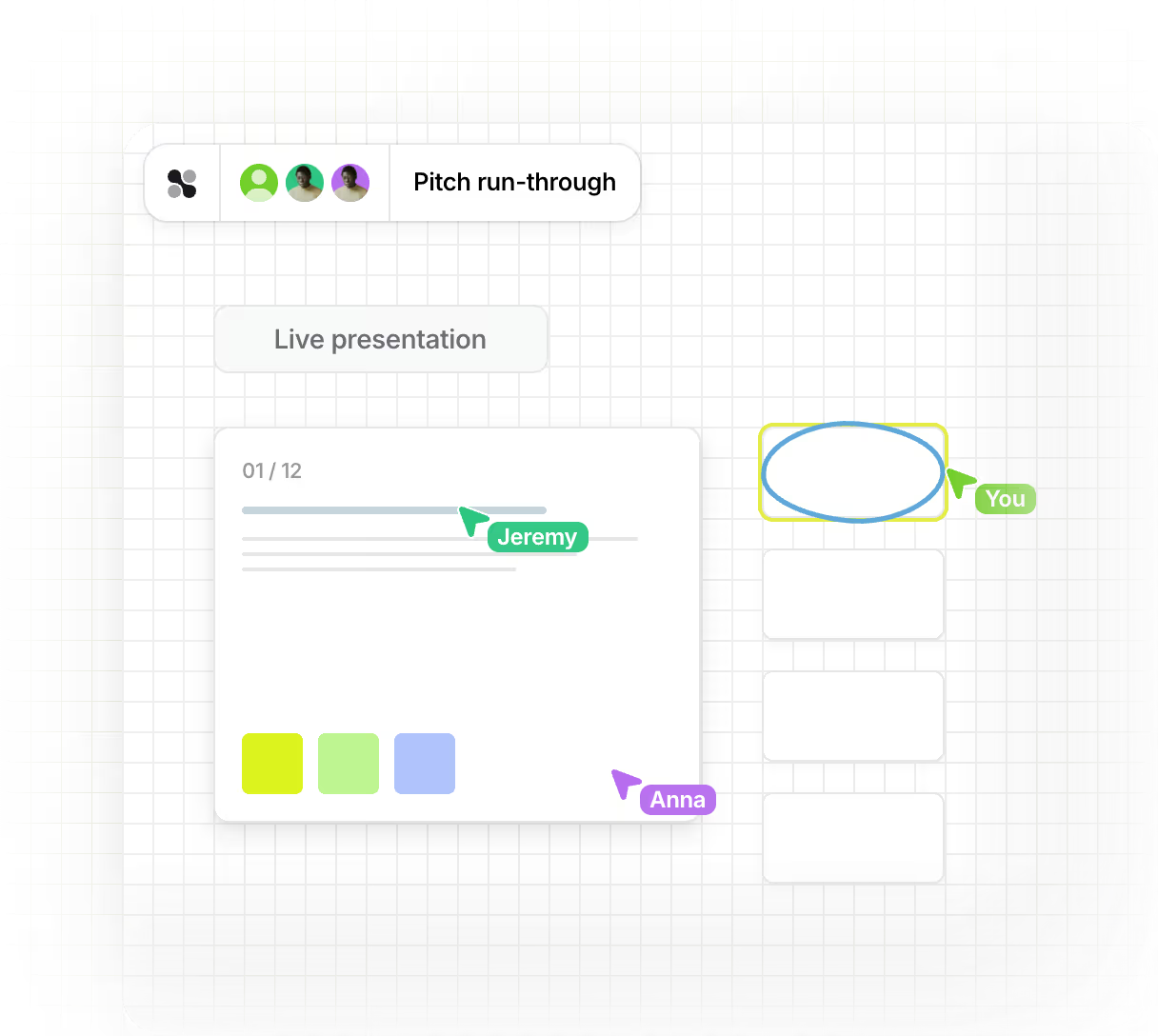
Collaboard's presentation mode makes it easy to showcase ideas and results live, with all participants automatically following along. This allows you to present content smoothly, interactively, and in the same virtual space where you created it.









































Why the presentation mode in Collaboard?
No more switching back and forth between tools or sharing your screen. In presentation mode , you can show your whiteboard in real time – professionally, dynamically, and without distractions.

Everyone follows you automatically: As soon as you activate the mode, all participants move with you across the board.
Focus on content: Participants see what you present, but cannot change anything.
Flexible presenting: You remain interactive and can add new elements or edit content during the presentation.


Everyone sees the same thing
When you start your presentation, everyone automatically follows your view. Perfect for workshops, demos, or results presentations.

Safe spectator view
Only you, as the presenter, can make changes. Everyone else has viewer rights – ideal for an organized, focused presentation.

Focus Mode
Hide all controls to focus entirely on the content – ideal for projector presentations or on-site meetings.

With timer and virtual laser pointer
Keep track of time with the integrated timer and use the laser pointer to highlight specific content.

No more tool breaks
Present directly in Collaboard – without screen sharing or switching media. Everything happens in the same workspace.

Interactive presentations instead of static slides
The presentation mode makes presentations dynamic and flexible . You can add content live, respond directly to questions, or spontaneously present new ideas – all without interrupting the flow of the presentation.
Here's how it works – step by step
- Start presentation mode: Open your whiteboard and click on "Start presentation mode". All participants will automatically follow you on the board.
- Navigate through your content: Move freely across the board or use Quick Links to switch between sections – similar to switching between slides in PowerPoint. You can connect both small areas and large board sections.
- Use laser pointer and timer: Activate the virtual laser pointer to highlight important points and keep track of time with the timer – perfect for structured presentations.
- Activate focus mode: Hide all controls to focus you and your audience on the content – especially suitable for projector or large screen presentations.
- End presentation and continue working: End the mode with one click – and all participants can immediately work together on the board again.
Typical application examples
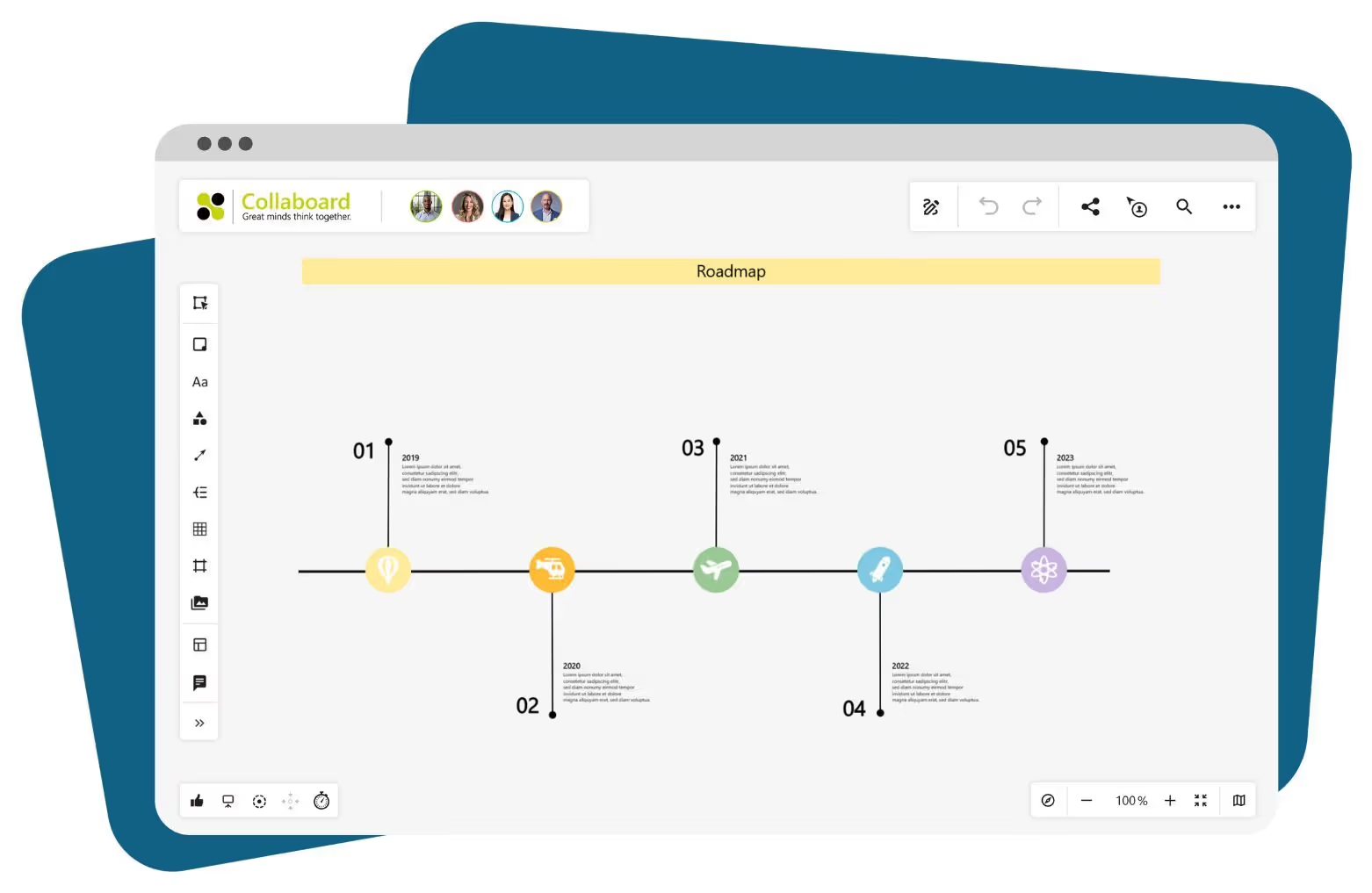
Team meetings and project presentations
Guide your team through current project statuses, roadmaps, or to-do lists – directly on the whiteboard. Show progress, discuss ideas, and visualize results without switching between tools.
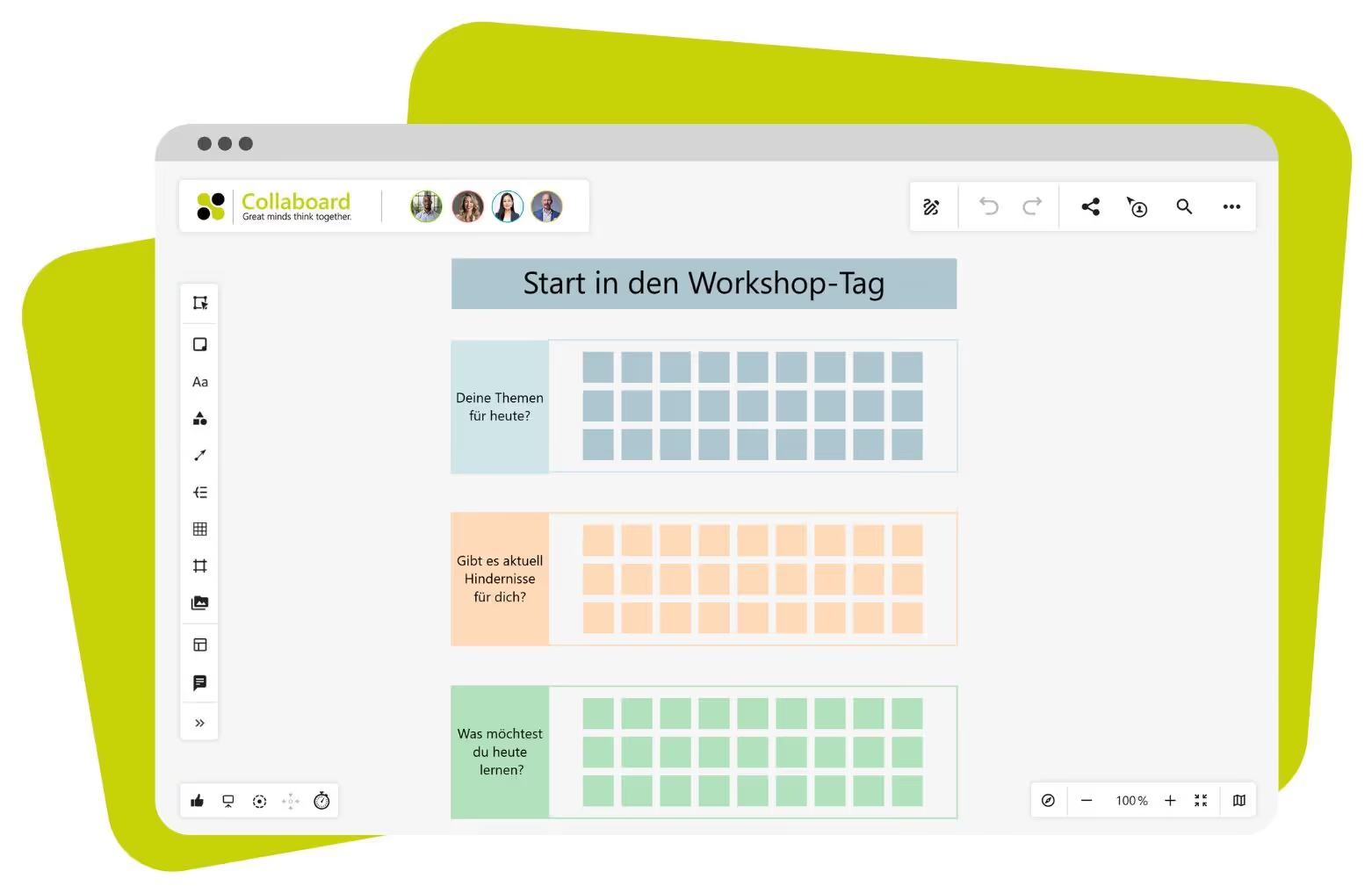
Workshops and idea sessions
Launch interactive workshops where you explain content, set priorities, and then switch back to collaborative work. The presentation mode keeps the group focused while you maintain an overview.
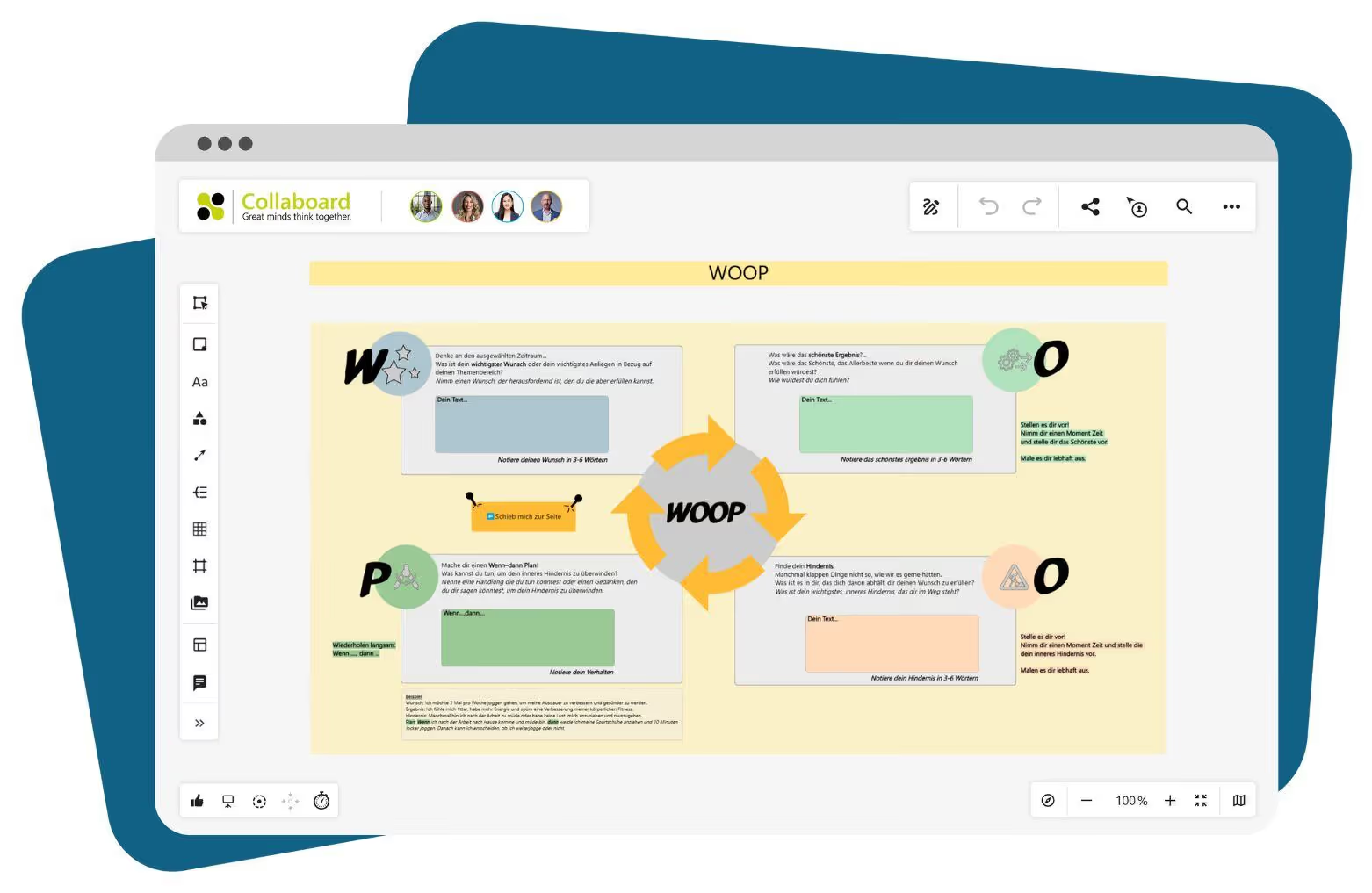
Consultations and training
Present methods, models, or results professionally and in your own style. Add live comments or examples to make training sessions dynamic and practical.
Design and concept reviews
Guide clients or colleagues through visual concepts, layouts, or wireframes. Use the laser pointer and quick links to navigate precisely to specific sections – ideal for design approvals or creative discussions.
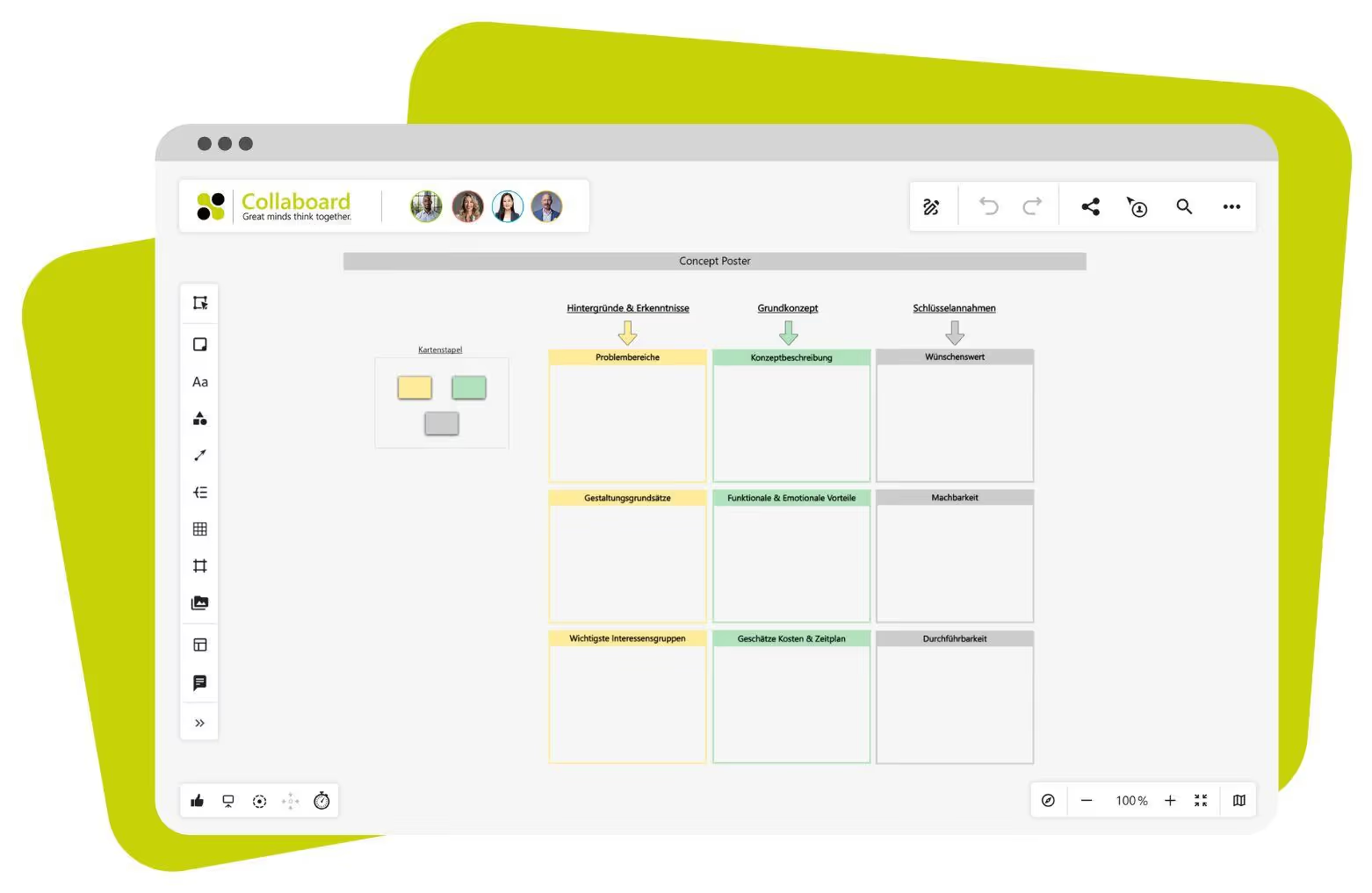
Presenting strategies
Showcase company strategies, change processes, or target visions directly on the whiteboard. Instead of static slides, you use interactive boards that allow you to react flexibly and adjust content live.
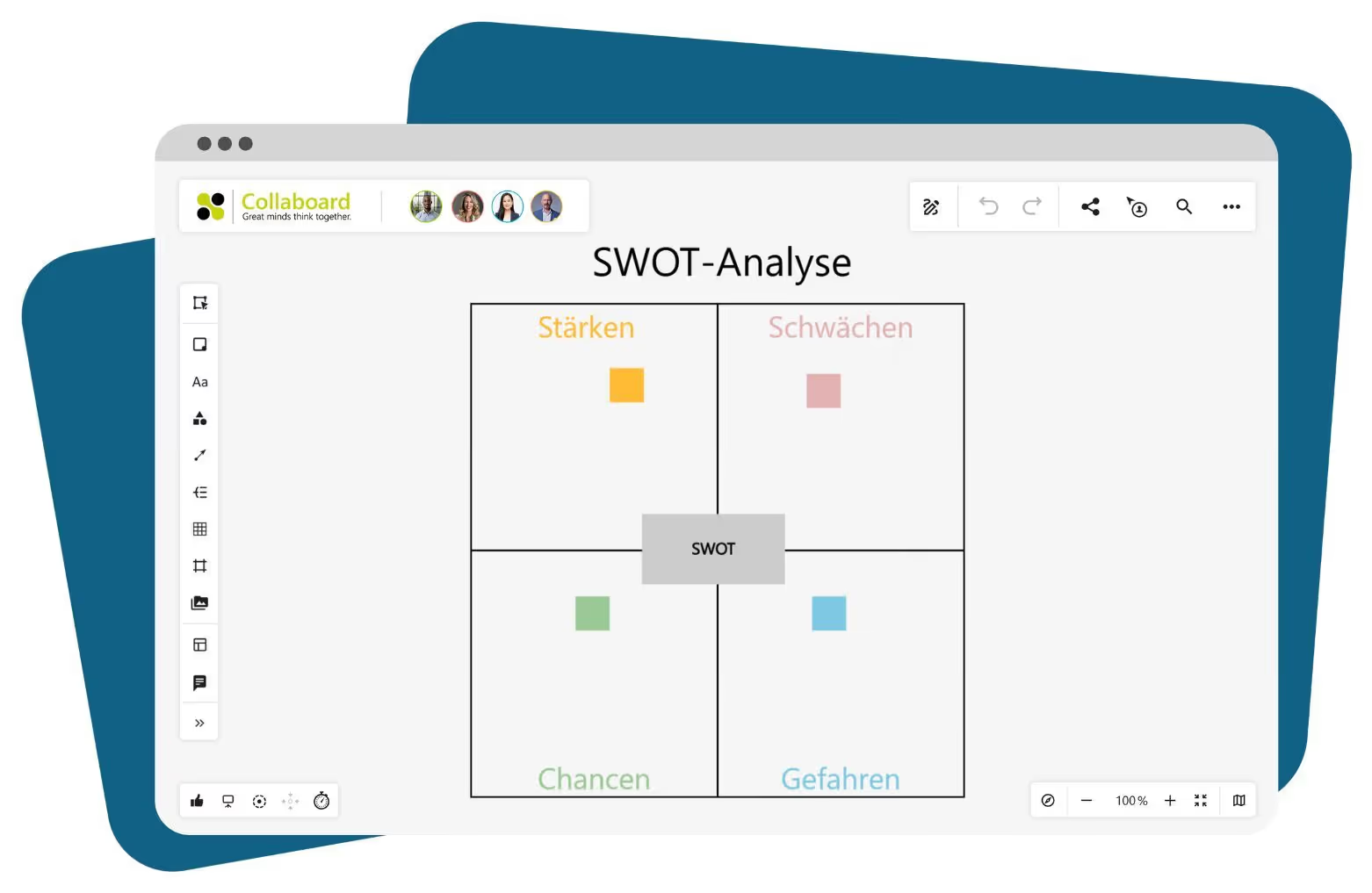
Project completions and results presentations
Use presentation mode to structure and visually present your results. Thanks to Quick Links, you can jump between sections and keep the flow of your presentation clear – just like in PowerPoint, but more interactive.
Presentation mode in Collaboard – Frequently asked questions and answers
Any questions? We are here to help.
Quick Links let you jump from one section to the next—much like slides in presentation software. The difference is that you aren’t limited to fixed layouts and can also display interactive sections or adjust them on the fly.
Focus mode hides all menus and controls. This is ideal for presentations using a projector or large displays when you want the board to appear as clear and uncluttered as possible.
Yes! You remain fully interactive. You can create new objects, add text, or place markers—everything is displayed in real time.
No. During presentation mode, everyone else has only viewer permissions. This keeps the focus clearly on the content, and you control what is displayed.
Unlike traditional screen sharing, everything stays within Collaboard. You present directly on the board—without switching tools, without any loss of quality, and without giving access to your desktop. This saves bandwidth and protects sensitive content.
Start your next whiteboard now
Get a free trial of Collaboard with up to 3 boards and five people per session. All key features are available for you to try out.

