
Online Sticky Notes for Effortless Team Collaboration

Organize ideas visually – Drag, drop, and color-code notes on an infinite canvas
Collaborate in real time – Work together with your team on the same board
First-class all-round service and support
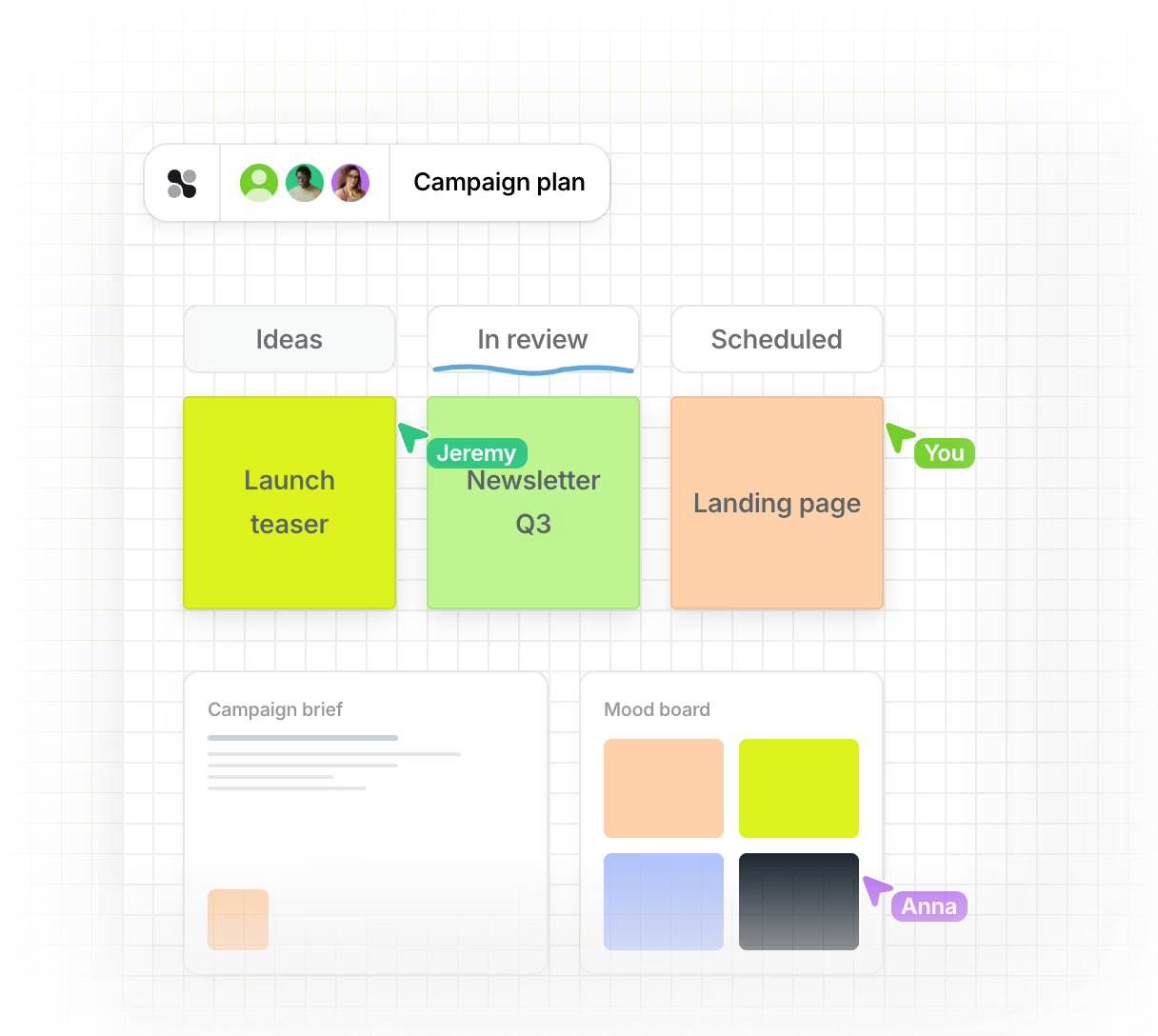
























Use Cases for Digital Sticky Notes
Brainstorming Sessions
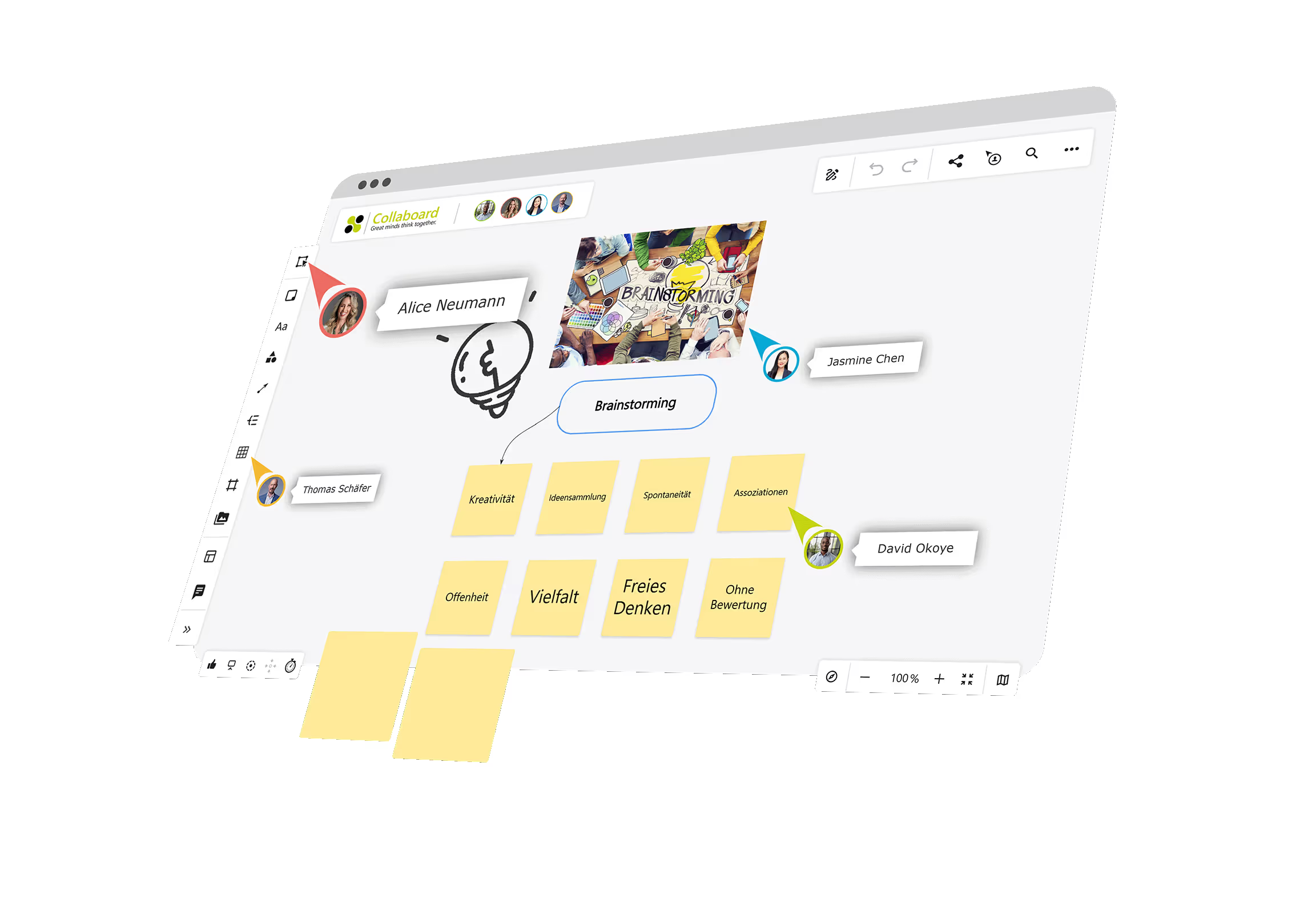
Capture every idea instantly during creative sessions. Collaboard’s sticky notes help teams think visually, sort thoughts by color or topic, and quickly cluster ideas into themes — all in real time.
Daily Standups & Retros
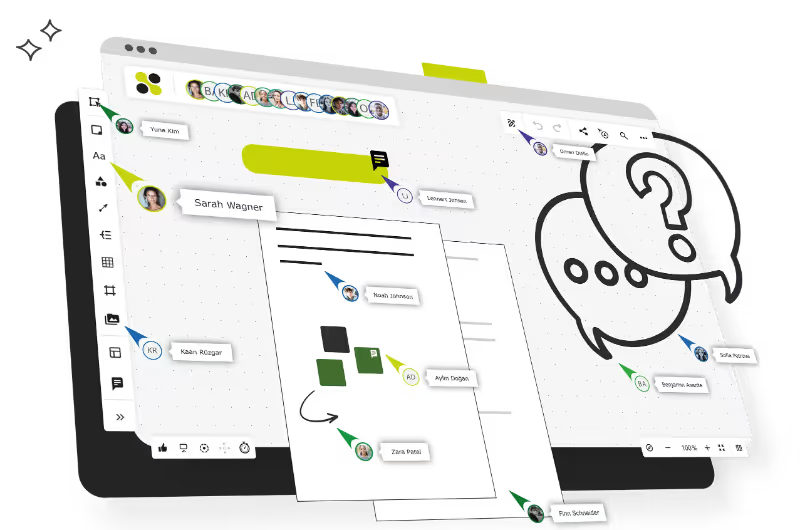
Keep your agile meetings organized with digital sticky notes for tasks, blockers, and wins. Everyone adds their updates simultaneously, making daily check-ins and sprint retros efficient and engaging.
Online Workshops
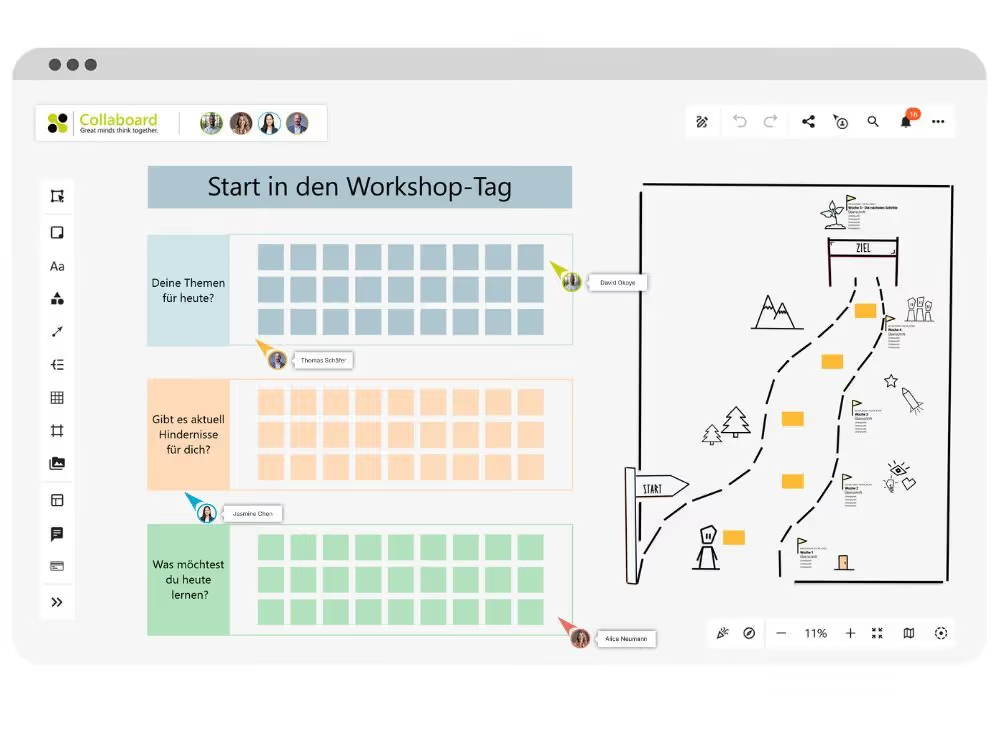
Facilitate interactive workshops where participants contribute ideas directly on the board. Use sticky notes for exercises like “What went well?”, dot voting, or affinity mapping — even with large remote groups.
How to Use Online Sticky Notes in Collaboard
Collaboard makes it easy to turn ideas into action with digital sticky notes that are fast, flexible, and made for collaboration. Whether you're brainstorming, planning a project, or running a workshop, you can create unlimited notes, move them freely on the board, and customize their color, size, and style.


All Share Digital Sticky Notes with Your Team functions
Collaboard sticky notes are built for collaboration — share your board with others and let everyone add, move, or edit sticky notes in real time.

Search and Find Sticky Notes Instantly
No more endless scrolling. Use the search function to quickly find any sticky note by its content or tag — even on large boards with hundreds of notes.

Adjust Sticky Notes Dynamically
Resize, reshape, and reposition notes with ease. Digital sticky notes in Collaboard adapt to your content and layout, letting you stay flexible as your ideas evolve.

Create Sticky Notes from Table Cells
Speed up your workflow by converting table data directly into sticky notes. Just paste your spreadsheet or table into Collaboard, and each cell becomes its own note.

Use Tags to Organize Sticky Notes
Tag your sticky notes by category, topic, or priority to keep things structured. Tags make it easy to filter and sort your ideas.

Digitize Handwritten Sticky Notes
Upload a photo of your analog notes, and our AI turns them into editable digital sticky notes — instantly organized on your board and ready for collaboration.
Collaboard AI - Digitize Handwritten Sticky Notes
Turn your analog notes into digital insights with the power of Collaboard AI. Simply upload a photo of your physical sticky notes, and our AI automatically recognizes the handwriting, converts it into digital sticky notes, and places them neatly on your board.
It’s the easiest way to bring your workshop results, office whiteboards, or brainstorming walls into your digital workspace — ready to edit, move, and collaborate on with your team.
Online Sticky Notes - Frequently Asked Questions
Do you have any questions? We're here to help.
An online sticky note is a digital version of the classic paper sticky note. It allows you to jot down ideas, tasks, or feedback on a virtual board — and move, edit, or share them easily with others in real time.
Yes, Collaboard offers a free plan that includes access to digital sticky notes and many collaboration features. You can start using them right away — no download needed.
Absolutely! Collaboard lets multiple users collaborate on sticky notes at the same time. Everyone sees updates instantly, making teamwork smooth and dynamic.
Yes. You can customize sticky notes with colors, tags, and groupings to visually structure your board and keep everything clear and organized.
Just upload a photo of your physical sticky notes, and Collaboard AI automatically detects the handwritten text, recognizes the color and position of each note, and rebuilds them on your digital board in the same structure as shown in the photo. Your analog workshop results are instantly transformed into an editable, collaborative format.
Start your next whiteboard now
Get a free trial of Collaboard with up to 3 boards and five people per session. All key features are available for you to try out.

