
Intuitive user interface where you can get started right away without much effort. No app to install, use it directly in your web browser.
Digital bulletin board templtate
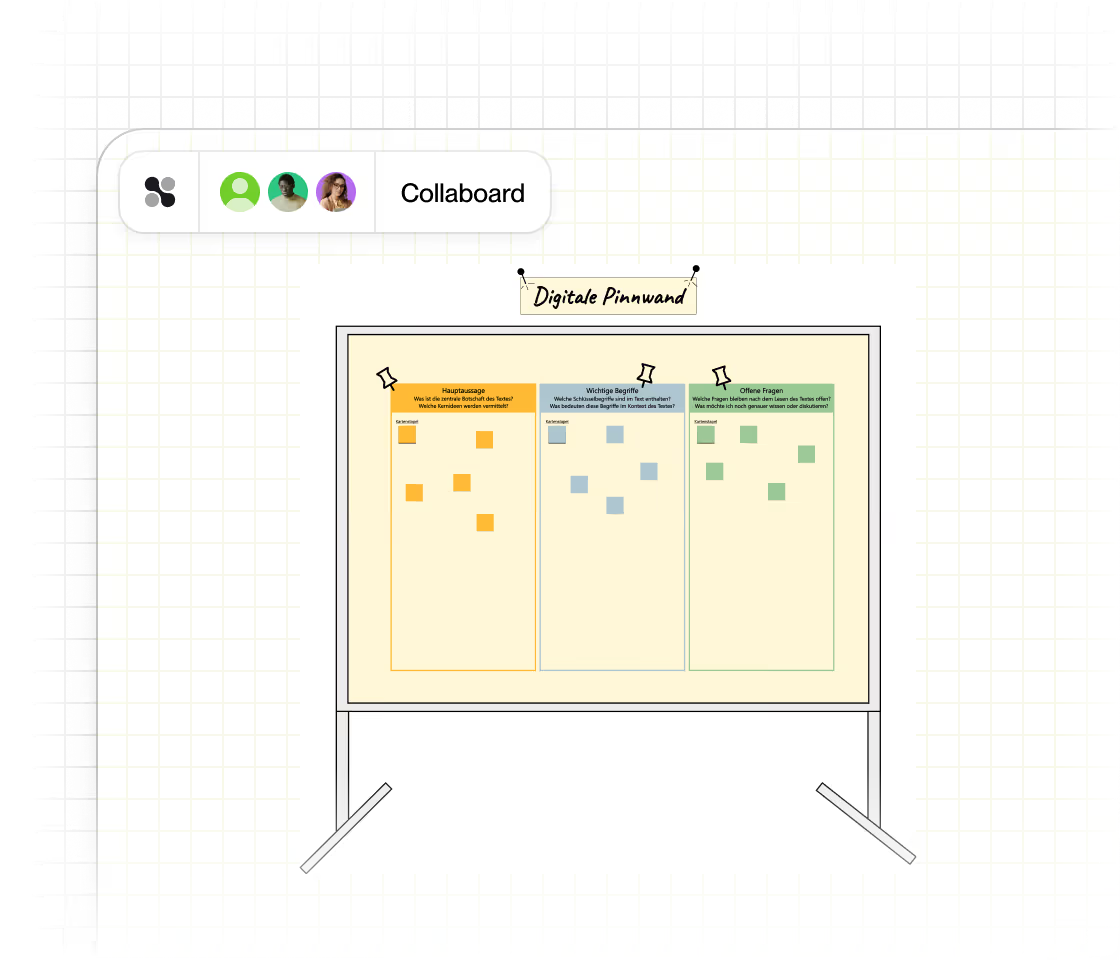
With Collaboard’s digital bulletin board template, you can organize your ideas—visually, intuitively, and in real time. Whether in a team meeting or during a creative brainstorming session, use the template to gather ideas and present information clearly.









































About the Digital Bulletin Board Template
Collaboard’s digital bulletin board template is your virtual whiteboard for collaborative work. You can collect notes, images, links, or drawings on a flexible canvas and edit them live with your team. Especially helpful: The structured interface helps you group topics, set priorities, and organize ideas creatively—without the clutter of loose papers.
Using it in Collaboard is easy: You select the template, customize it to your topic, and work on it together with others—regardless of location and across devices.
Digital Bulletin Board Templates in Collaboard
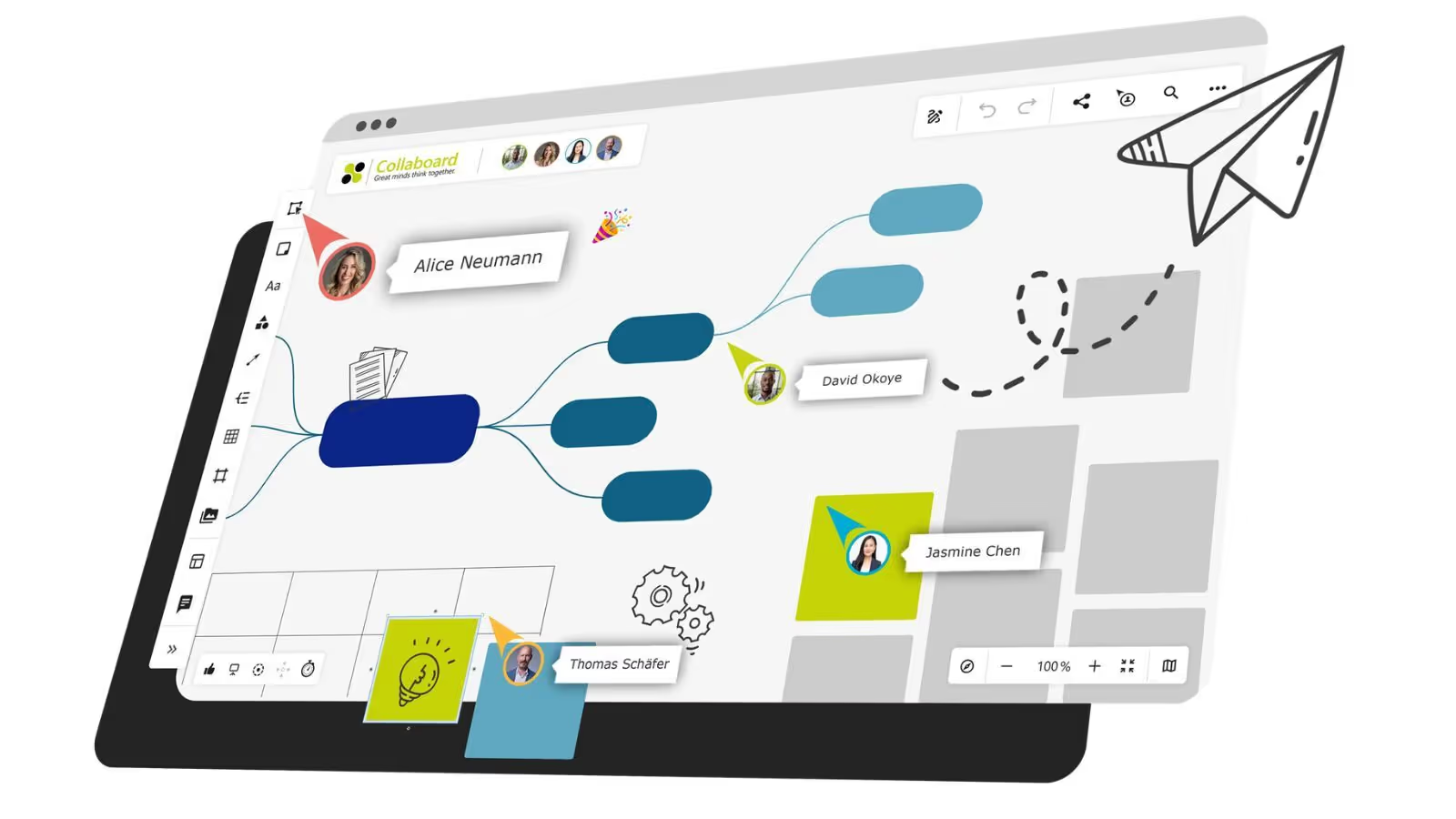
Over 2 million people trust Collaboard and use the online whiteboard and over 150 templates.
Why is a digital bulletin board template important?
In times of remote work and digital workshops, a digital bulletin board is a must-have. It promotes collaboration, increases transparency, and facilitates the generation of ideas.
- Improved collaboration: Teams can add and comment on content simultaneously – ideal for brainstorming and planning.
- Visual structure: Information is presented clearly, which facilitates orientation and understanding.
- Flexible use: Whether in the office, in the home office or on the go – the template is accessible at any time.
How to use the digital bulletin board template in Collaboard
- Select template: Open Collaboard and search for the template.
- Customize content: Add your own text, images or links and structure your pinboard by topic.
- Invite your team: Share the pinboard with your team to work on it together in real time.
- Use features: Utilize Collaboard features such as sticky notes, connecting lines, timers or voting for interactive sessions.
- Save your results: Export your pinboard as a PDF or image – ideal for presentations or documentation.
Why Collaboard

Easy to use

Highest data security
Collaboard offers GDPR-compliant data hosting in Europe, Germany or Switzerland of your choice.

Numerous integrations
Collaboard can be easily integrated into your existing video conferencing and collaboration solution.
Digital bulletin board template: Frequently asked questions and answers
Any questions? We are here to help.
A digital pin board is a virtual board where content such as notes, images, or links can be collected, organized, and collaboratively edited.
It's perfect for brainstorming sessions, project planning, feedback rounds, workshops, or lesson planning.
No, the template is ready to use right away – but you can customize and expand it as you like.
Yes, in Collaboard you can edit the pin board in real time with your team – even remotely.
Yes, you can use the digital pin board template for free in Collaboard – just sign up and get started.
Collaboard offers privacy-compliant collaboration, an intuitive interface, versatile templates, and powerful collaboration tools for teams of any size.
Start your next whiteboard now
Get a free trial of Collaboard with up to 3 boards and five people per session. All key features are available for you to try out.

