
Online Whiteboard iPad App Collaboard
Collaboard Online Whiteboard App perfectly to write with the Apple Pencil and to get creative on the infinite whiteboard canvas with your team.



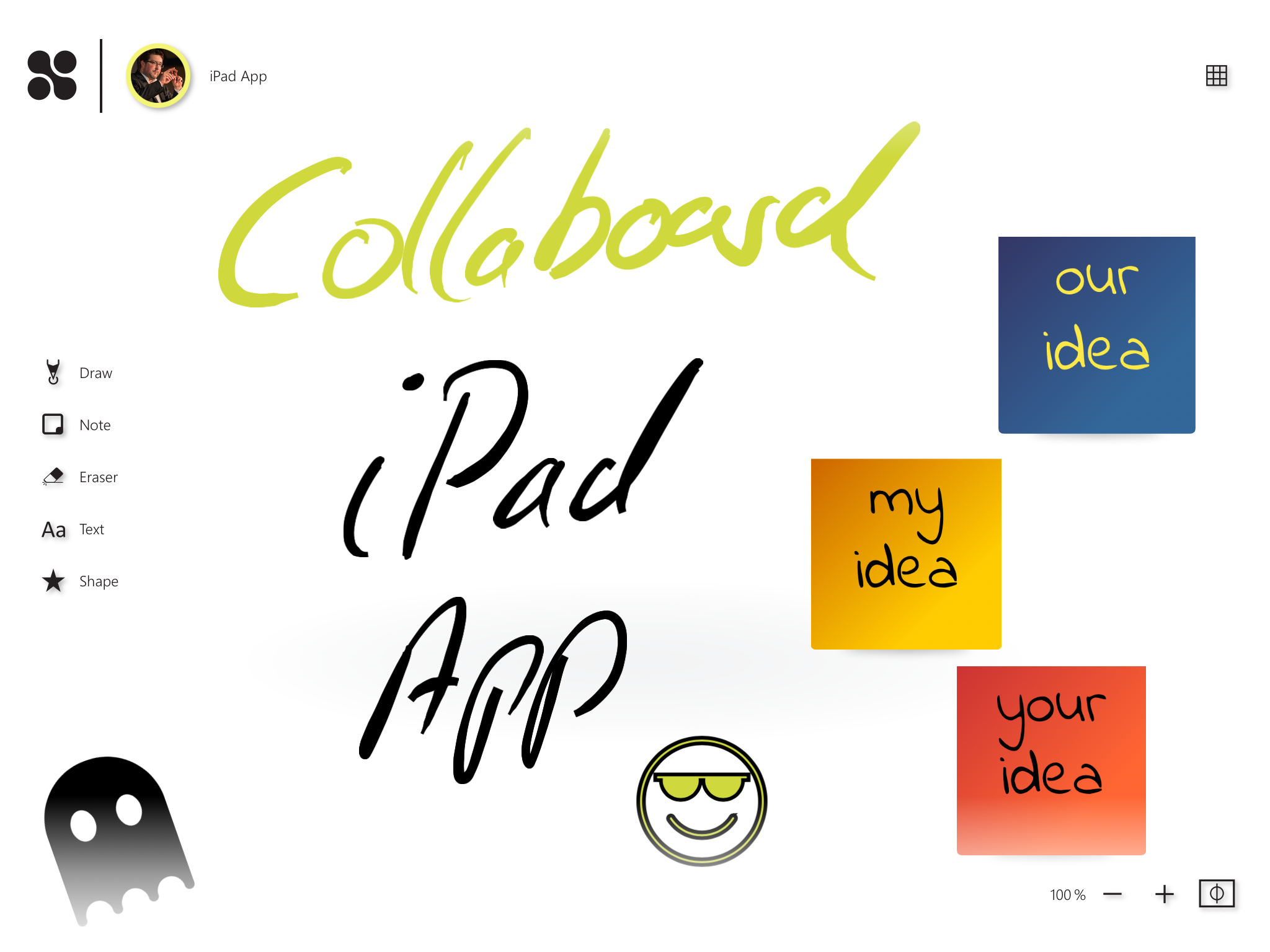
We are launching the iPad app of the online whiteboard Collaboard supporting sketching and drawing with the Apple Pencil.
The Collaboard iPad app provides you with the most relevant features of the Collaboard Web app and is optimized to use on a tablet with the pen.
Draw, sketch and bring your ideas to live on the infinite whiteboard canvas and collaborate with others in real-time. The online whiteboard App Collaboard has features like:
- Sticky Notes
- Cards
- Text
- Shapes
- Connectors
- 5 different pens
You can start with the free digital whiteboard account of Collaboard and create up to three projects. Get the Collaboard iPad App
5 different pens create a broad digital whiteboard experience
For us, the ink experience on the iPad is essential. Therefore we provide five different pens you can use with your Apple Pencil to draw on the infinite whiteboard canvas.
Pencil: The pencil is made to sketch and colorize as you do with a real pencil.
Pen: The normal pen is made to write a text, a formula, or annotate to a document or an image you uploaded to Collaboard.
Brush: The brush allows you to be more artistic. It is perfect for drawing, adding shadows, and creating amazing paintings on the whiteboard.
Highlighter: The highlighter is the best solution if you want to emphasize something. Mostly used to colorize important text passages, the highlighter provides you many different colors if you use a color-coding system for your highlightings.
Signature Pen / Stylograph: The signature pen is your best friend if you want to write something beautiful or do caligraphy on the online whiteboard.

On This Page

Test Collaboard for 14 days free of charge
Immerse yourself in the breathtaking experience of smooth moderation - whether in meetings or brainstorming sessions. And the best thing? You can try it all for free!
Michael Görög
Key Account Manager at Collaboard
Michael Görög, Key Account Manager at Collaboard, expertly employs narrative techniques to weave a captivating brand story that truly connects with clients. His approach focuses on crafting authentic messages that reflect the core values and vision of the company, ultimately building strong loyalty and engagement among stakeholders.

.jpg)
Subscribe to the newsletter
Stay up to date with the latest tips and news on collaboration.
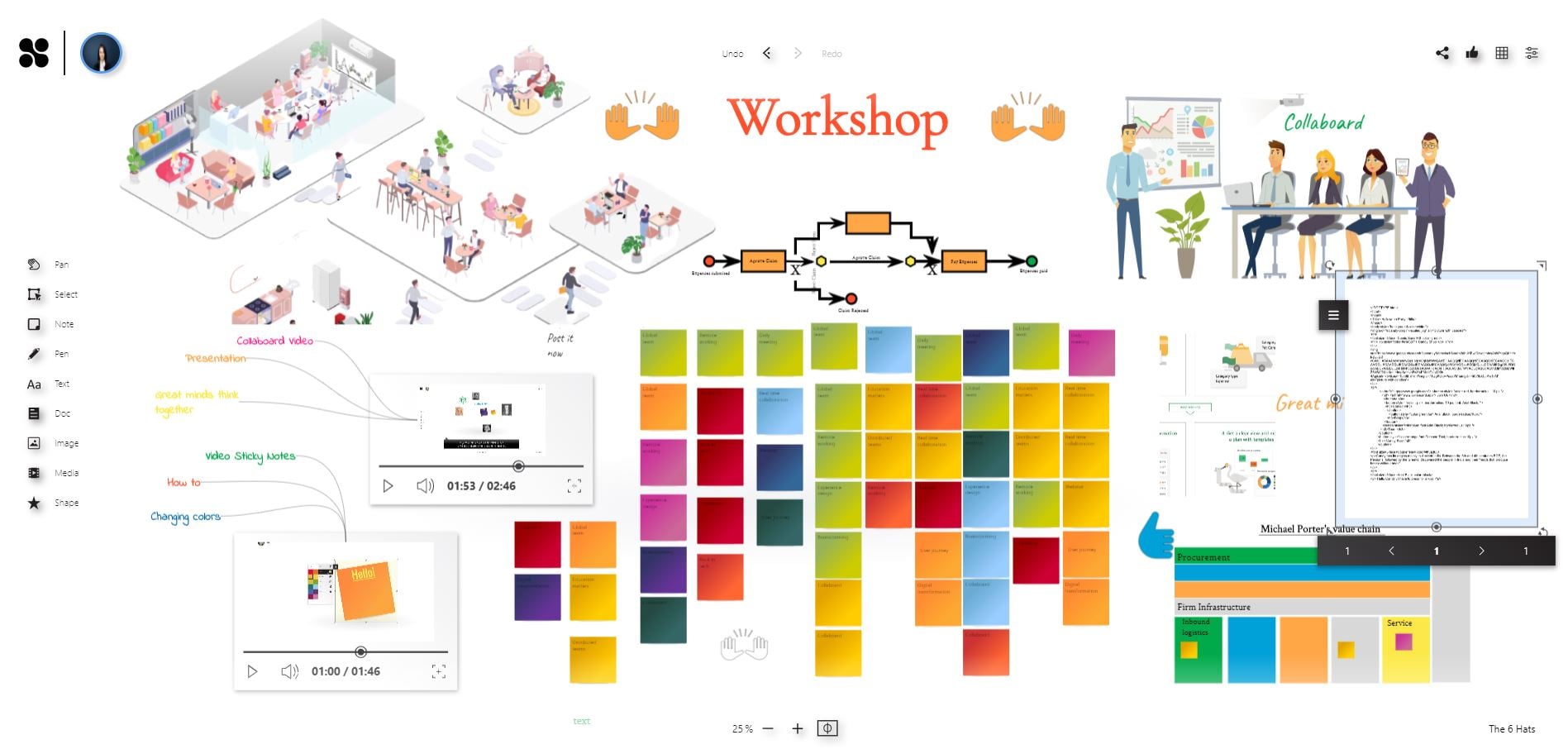
Start your next whiteboard now
Get a free trial of Collaboard with up to 3 boards and five people per session. All key features are available for you to try out.

