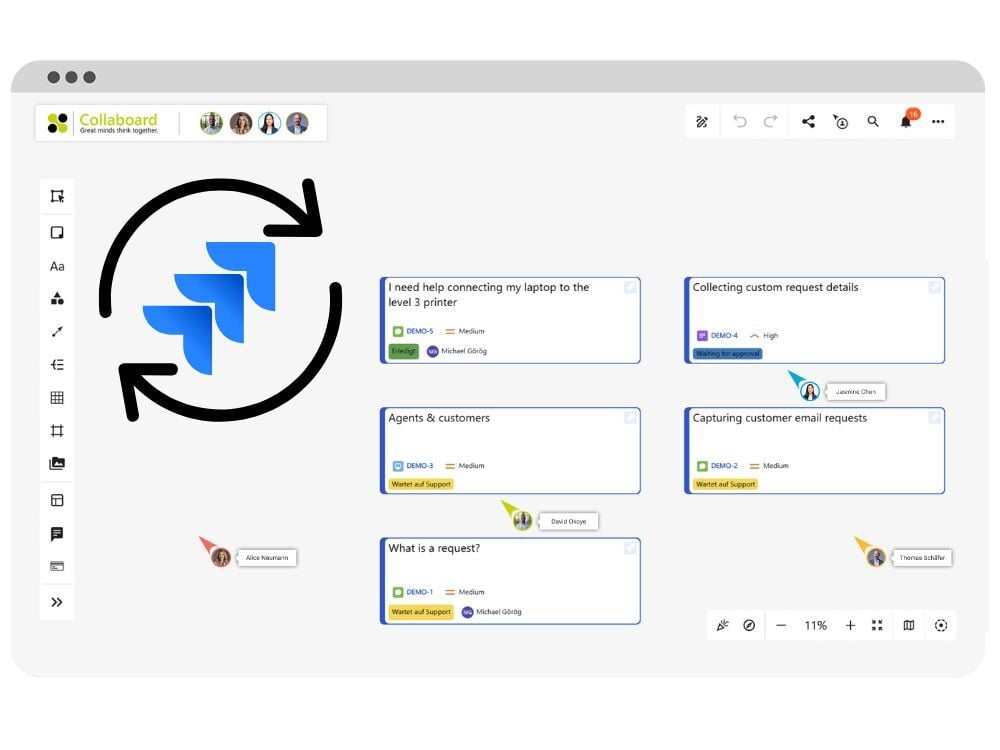


You can now manage Jira tasks directly on your boards, link issues to visual content, and keep planning and execution tightly connected. Learn more about the Jira integration.
Availability: Starting from Advanced subscription
December 2025: Collaboard version 9 is a major release and includes the following new features and improvements:
New Features
Optimization of Existing Features
Sharing projects restricted to owners and facilitators
You can now manage Jira tasks directly on your boards, link issues to visual content, and keep planning and execution tightly connected. Learn more about the Jira integration.
Availability: Starting from Advanced subscription
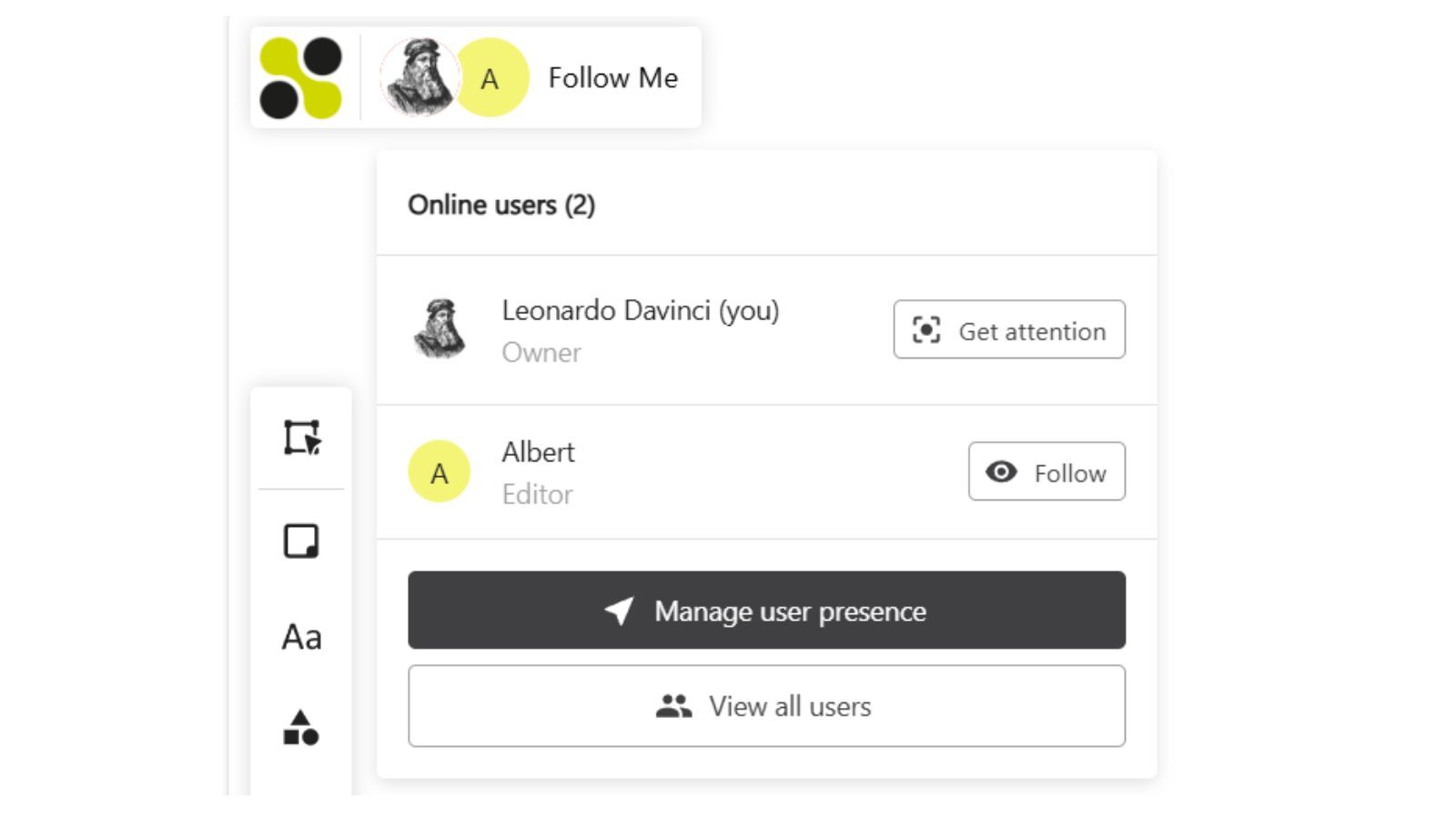
Easily guide your participants during workshops or meetings.
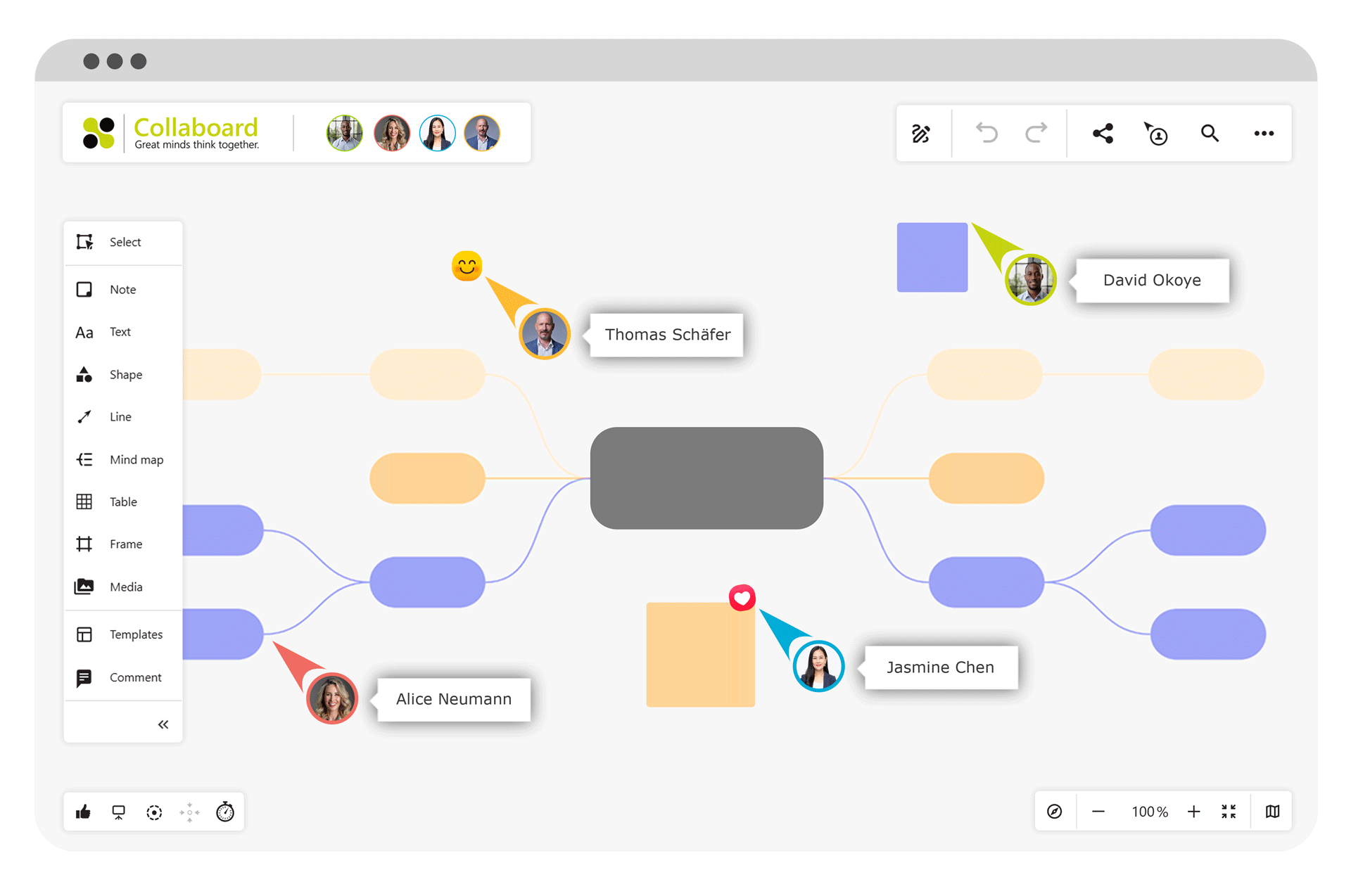
Click on a participant’s cursor to follow their view — ideal for onboarding sessions, reviews, or facilitation.
Availability: All users
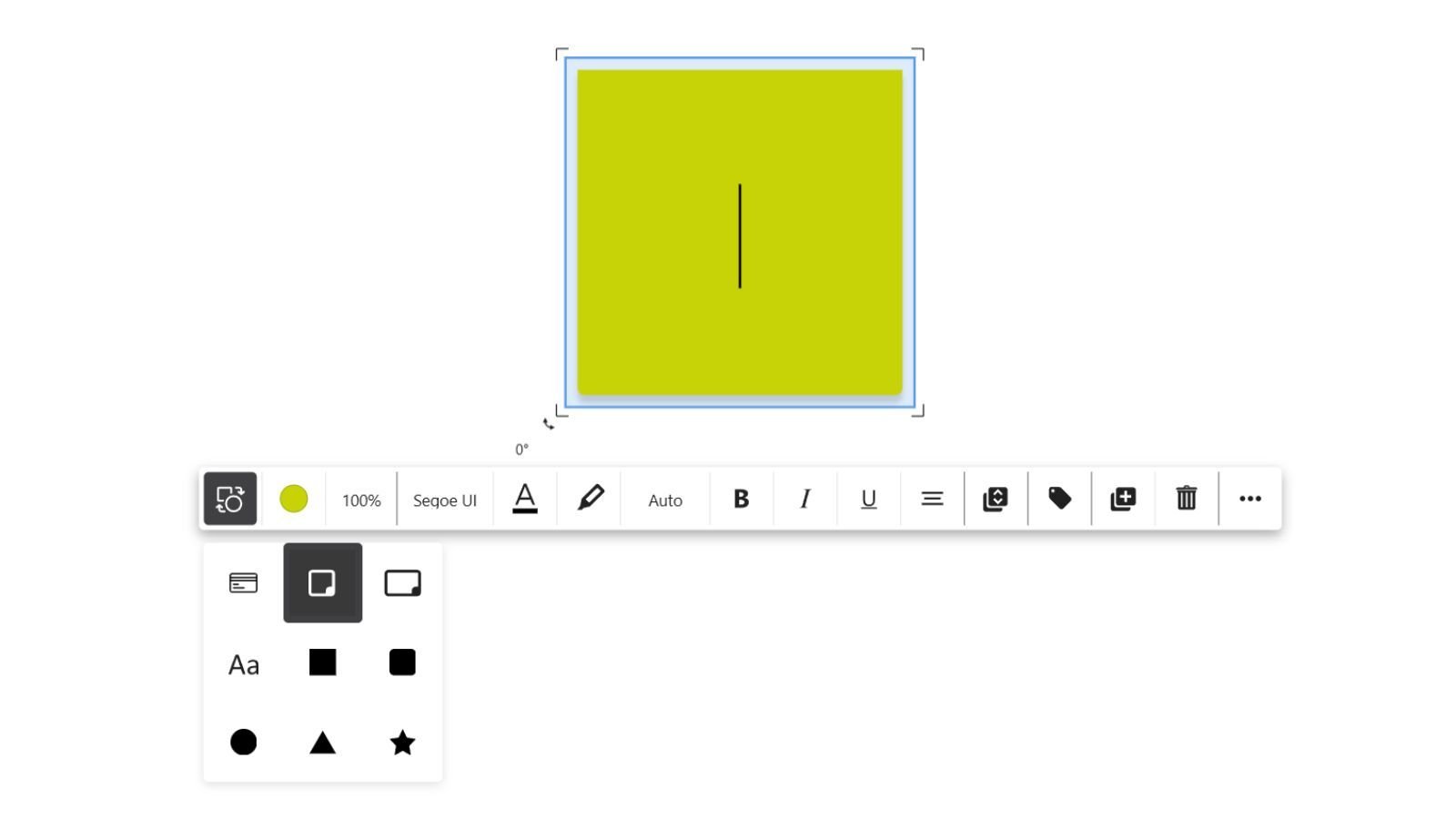
You can now convert existing objects into other object types with just a few clicks.
Whether your idea evolves or your structure changes, Collaboard lets you adapt instantly.
What you can do:
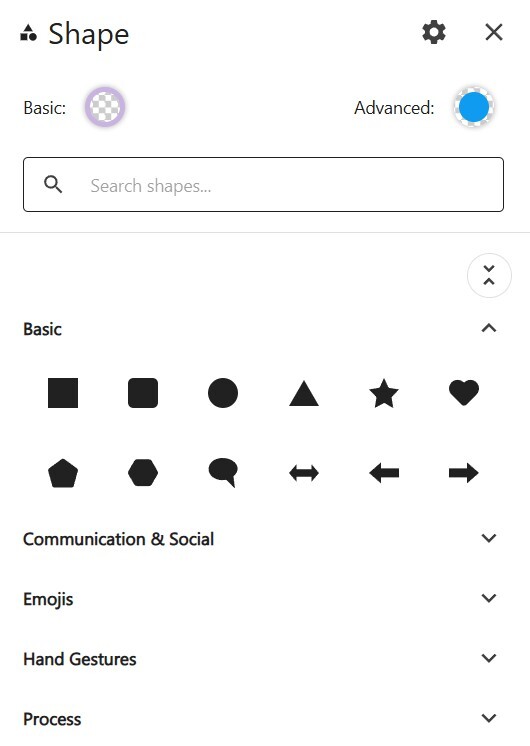
Convert sticky notes into text objects, shapes, or tasks
Turn text into sticky notes or shapes
Transform shapes into other shapes while keeping content and position
Preserve size, formatting, and placement wherever possible
Availability: All users
Keep a complete, reliable history of what’s happening in your workspace.
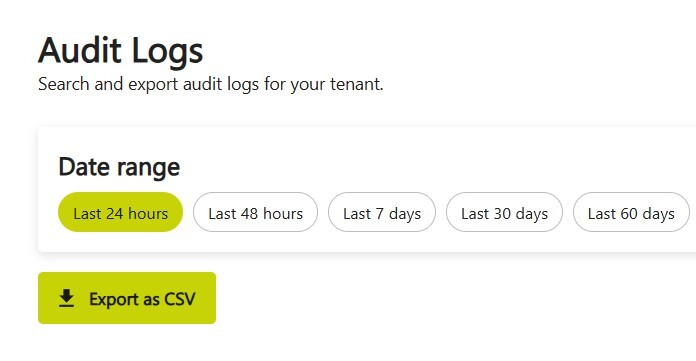
With Audit Logs, administrators get full visibility into key user actions, changes, and events across your Collaboard subscription — helping with governance, compliance, and operational insights. Learn more about Audit Logs in Collaboard.
Availability: Enterprise Subscription
October 2025: Collaboard version 8.4.1 is a minor release and includes the following new features and improvements:
New Features
Optimization of Existing Features
Editing comments
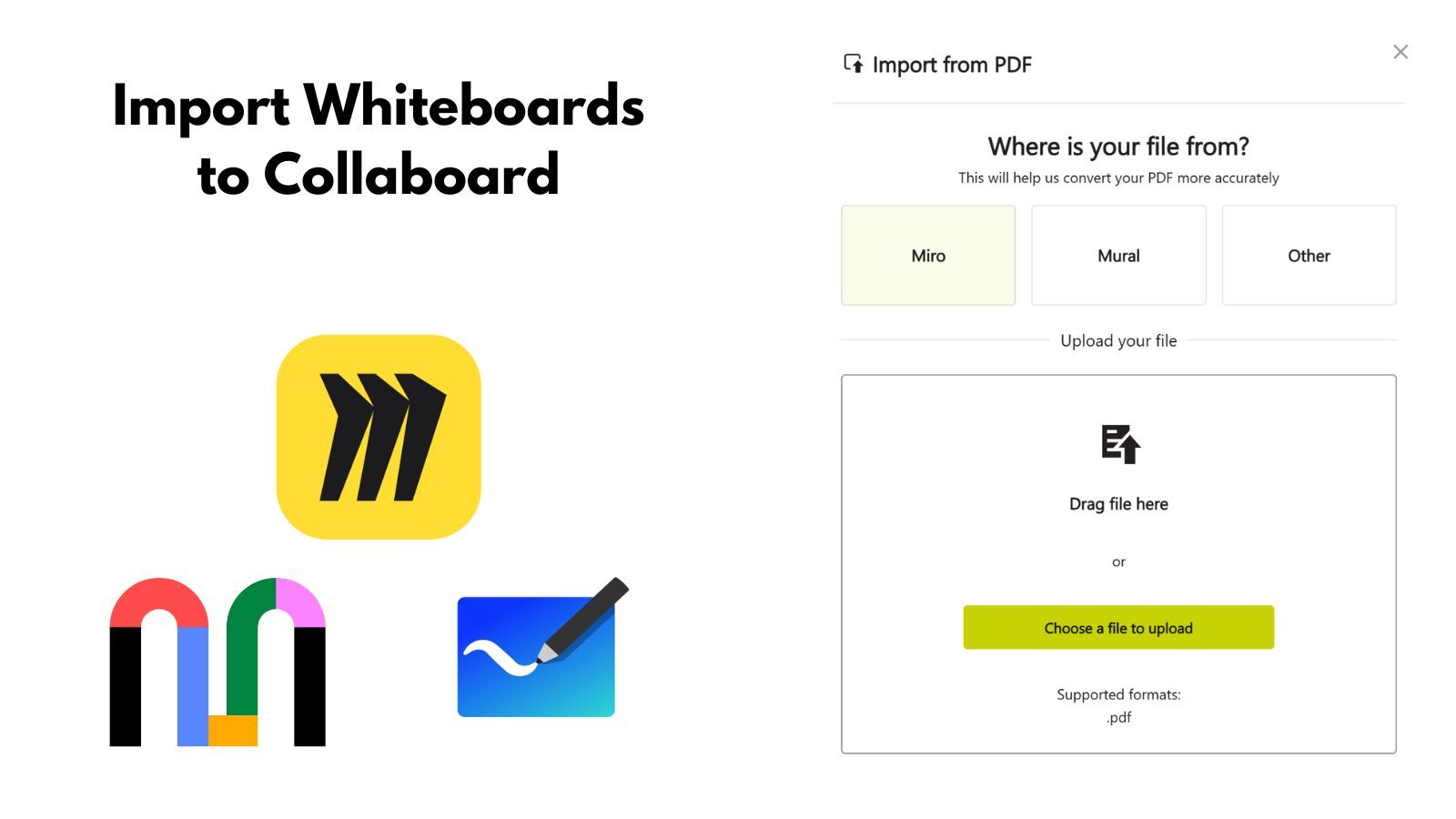
Collaboard now supports the import of whiteboards from Miro and Mural.
With this feature, you can bring existing boards from other whiteboard solutions into Collaboard and continue working on them. During the import, elements such as sticky notes, text, and shapes are automatically recognized, allowing you to seamlessly continue with your existing content.
The import has been specifically optimized for Miro and Mural boards. Using the “Other” option, you can also upload exports from Microsoft Whiteboard and other providers.
Availability: Starting from the Advanced subscription
Lines in Collaboard can now be curved or routed at multiple points.
With the new waypoints, you can flexibly adjust the path of a line – ideal for clearly displaying complex connections or guiding lines around other objects. This allows you to design your diagrams, processes, and mind maps with even greater precision and clarity.
Availability: All users
September 2025: Collaboard version 8.4 is a major release and includes the following new features and improvements:
New Features
Optimization of Existing Features
Dark Mode is now available not only for the board itself but also for the new dashboard and every other part of Collaboard.
Enjoy a consistent, modern look and reduce eye strain across the entire platform.
Unified dark experience for boards, dashboard, and settings
Improved readability with optimized contrasts
Seamless switching between light and dark themes
Availability: All users
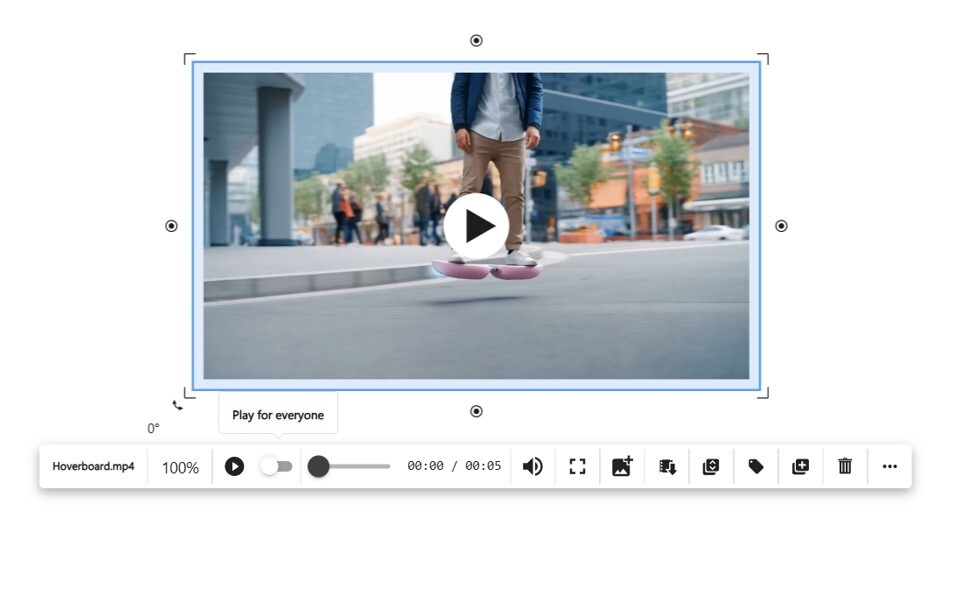
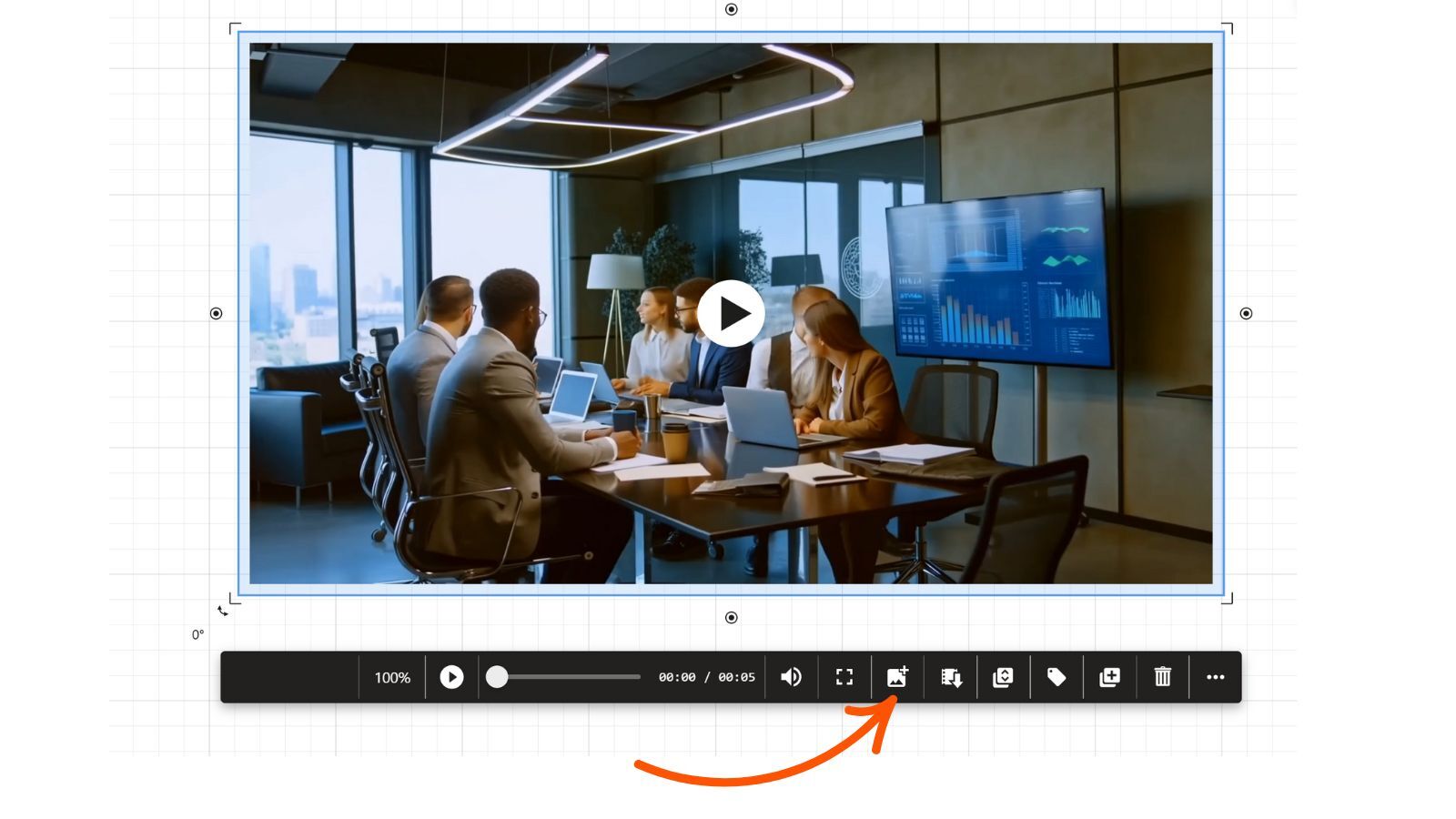
Working with videos in Collaboard just got more powerful. You now have improved playback controls and the ability to capture frames instantly.
Enhanced video controls for smoother navigation
Take a screenshot of any video frame with just one click
Screenshots are placed directly on the board for further work
Use all Collaboard tools (sticky notes, comments, tasks, drawings) to discuss and annotate screenshots

Availability: All users
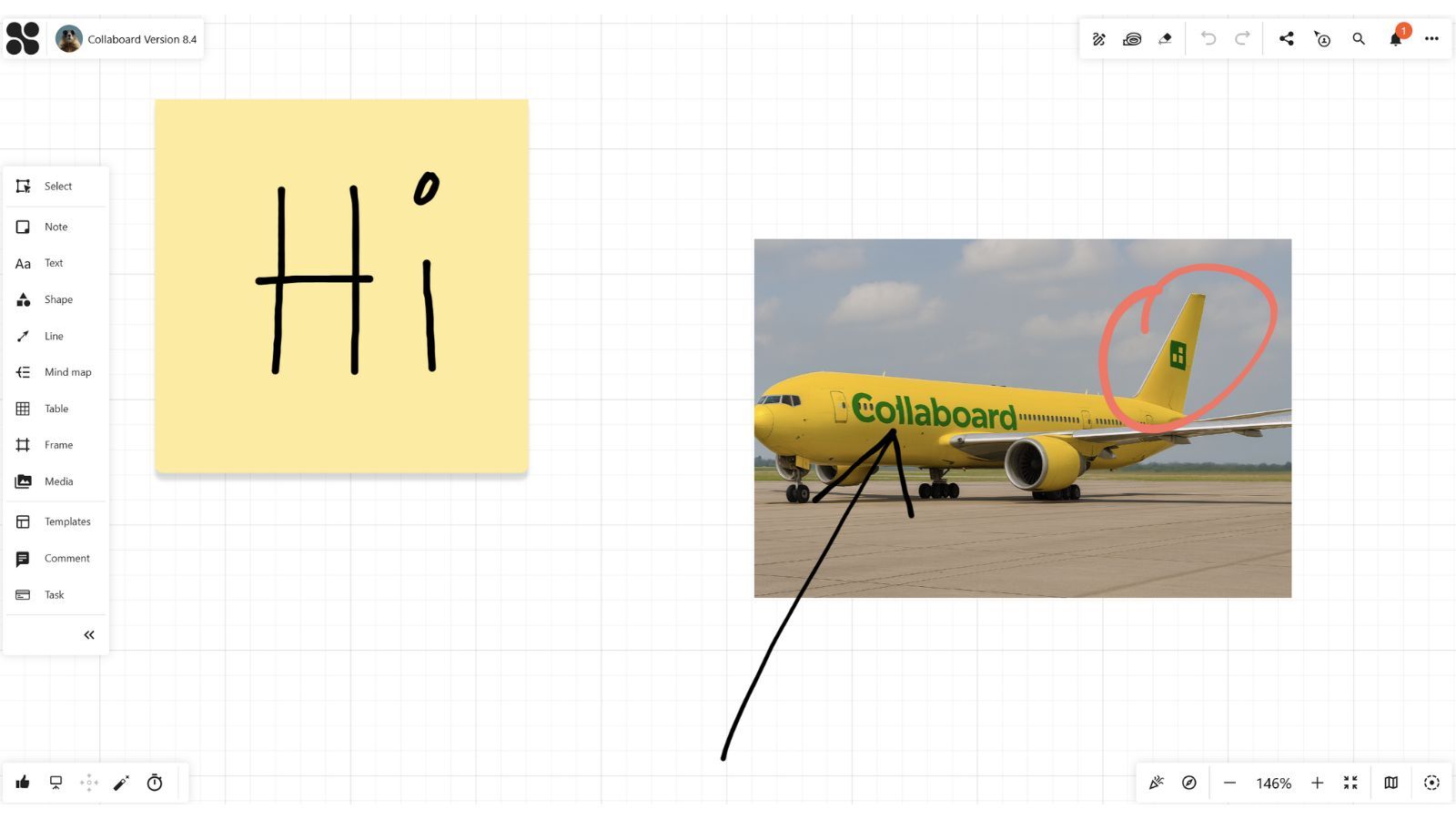
Handwritten notes and sketches now stay exactly where they belong. When you draw with a pen on sticky notes or images, your input is automatically grouped with the object.
Notes, drawings, and sketches are instantly grouped with sticky notes or images
Keep your boards tidy without extra clicks
Enjoy a more natural and intuitive way of working with handwritten content
Availability: All users
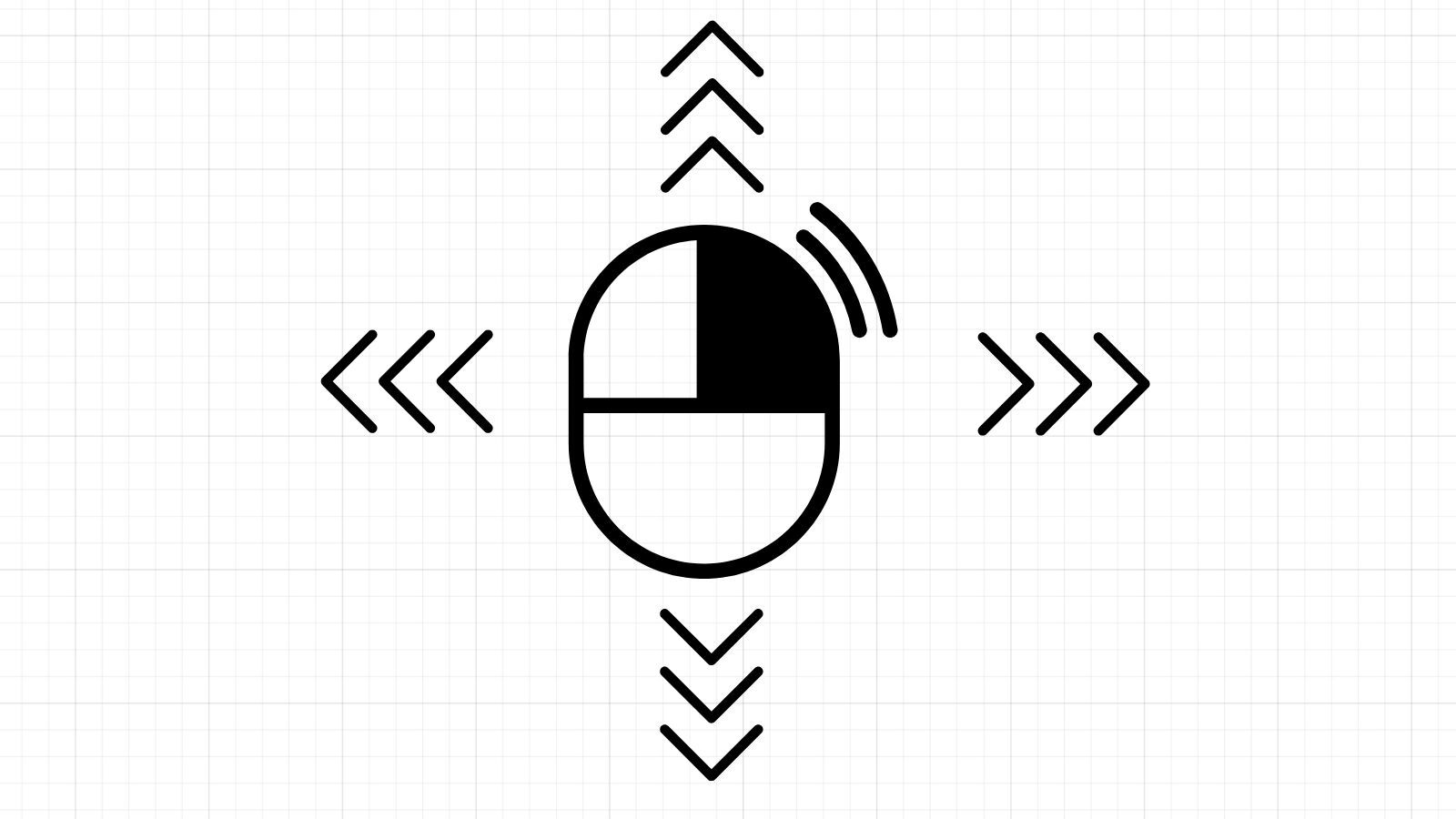
We’ve made it easier to move around your boards. You can now use the right mouse button to pan across the canvas smoothly.
Right-click and drag to move around the board
Faster navigation without switching tools
Works seamlessly alongside existing navigation options
Availability: All users
July 2025: Collaboard version 8.3 is a major release and includes the following new features and improvements:
New Features
Optimization of Existing Features
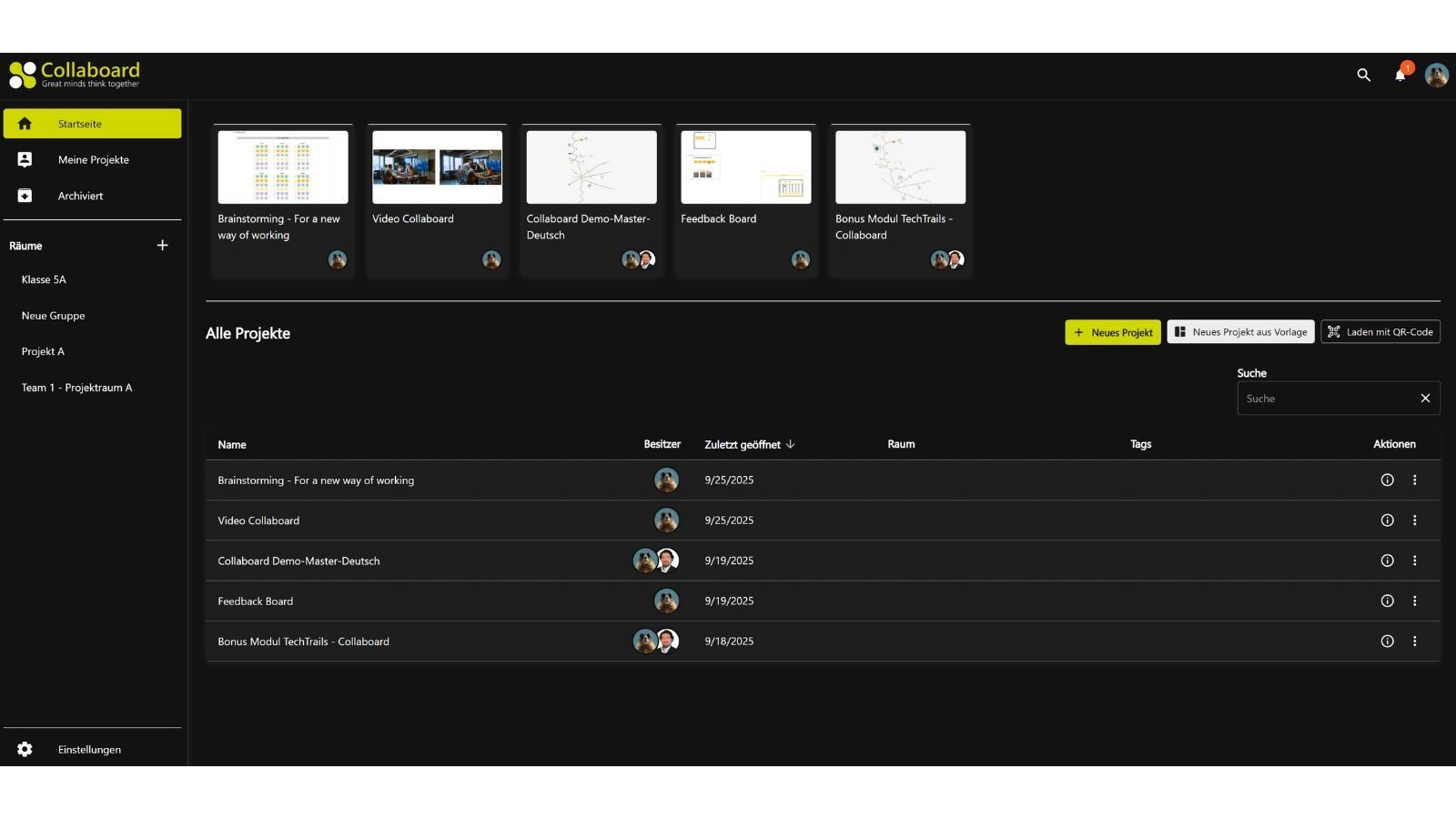
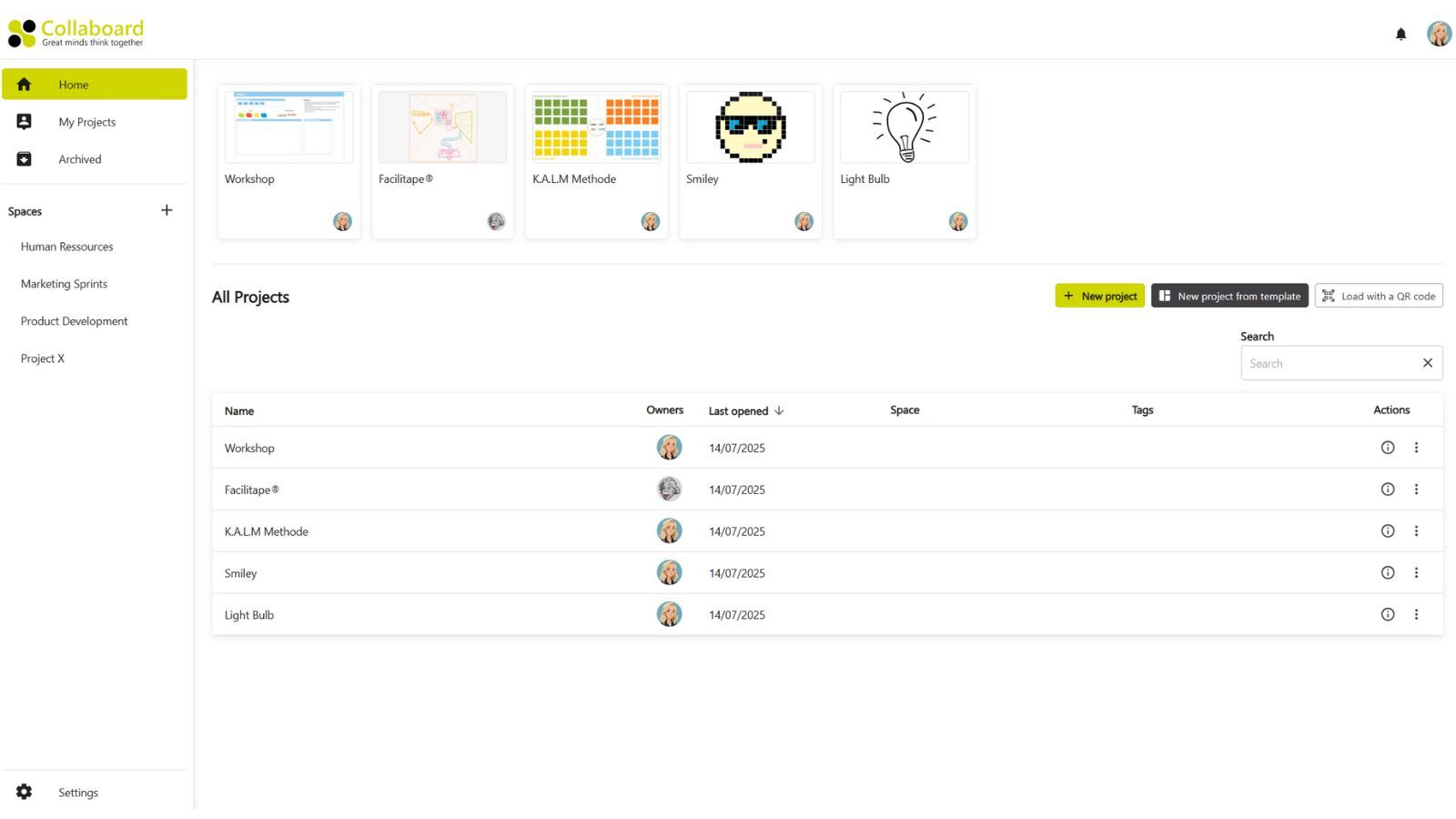
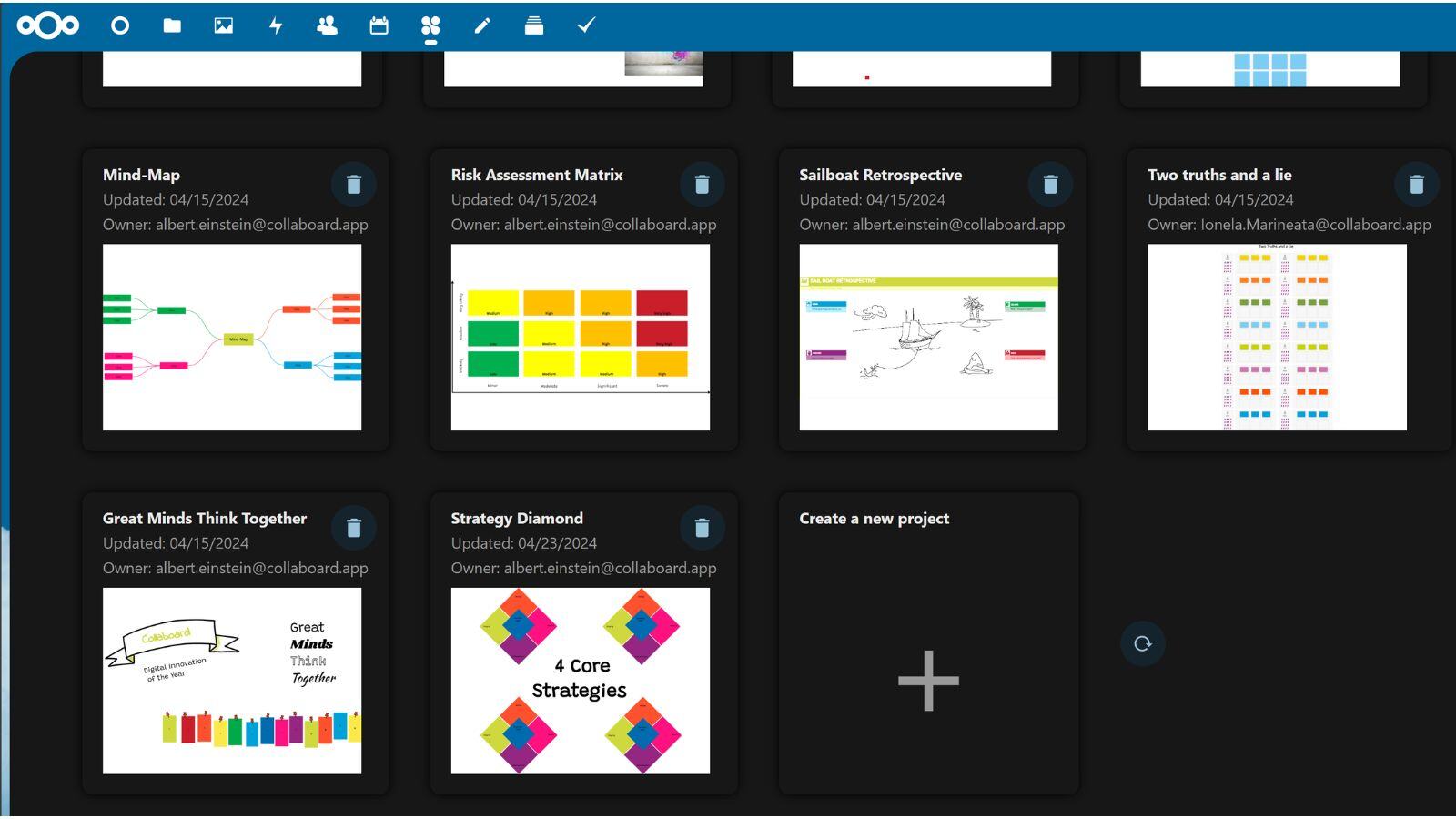
We’ve completely redesigned the Collaboard dashboard to give you a better overview of your whiteboards and spaces.
Improved navigation: Easily search and filter your boards
Streamlined layout: Focus on what matters most
Admin enhancements: Quickly apply branding and custom configurations
🔁 Switch when you're ready
New users will see the new dashboard by default. Existing users can switch to it anytime.
Availability: All users
The new global search lets you search across all your whiteboards at once.
Lightning-fast search for any text content
Smart results: Jump directly to the board and location you need
Works across all your boards and spaces
Perfect for teams working with lots of content!
Availability: All users
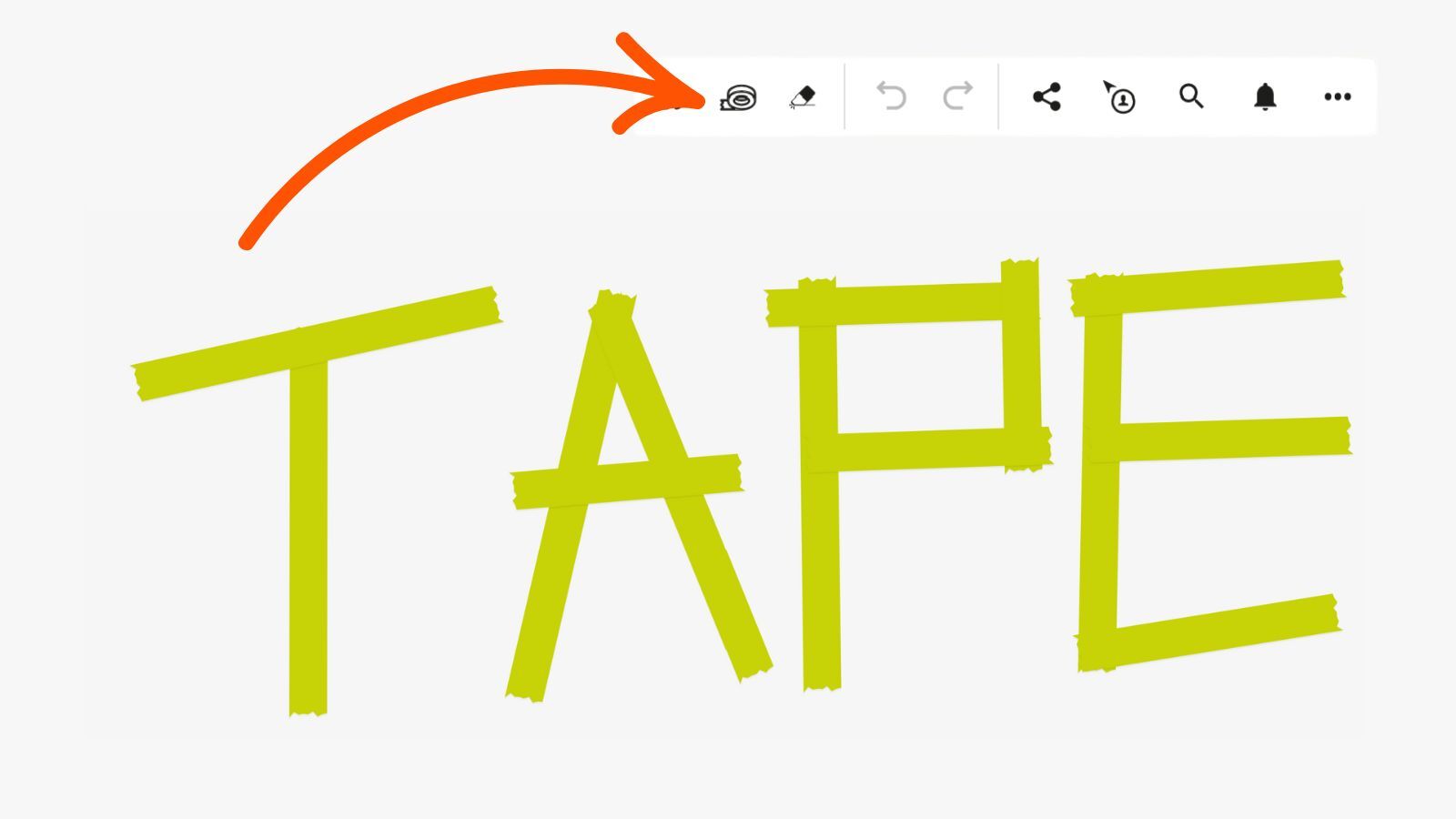
Say hello to the new Tape Brush, developed in collaboration with the Facilitape® team.
Draw tape-like lines directly on your board
Perfect for visualizing processes and structuring workshops
Based on the proven Facilitape methodology
Bring the analog feel of taping into your digital sessions – simple, flexible, and powerful.
Availability: All users (using the new dashboard)
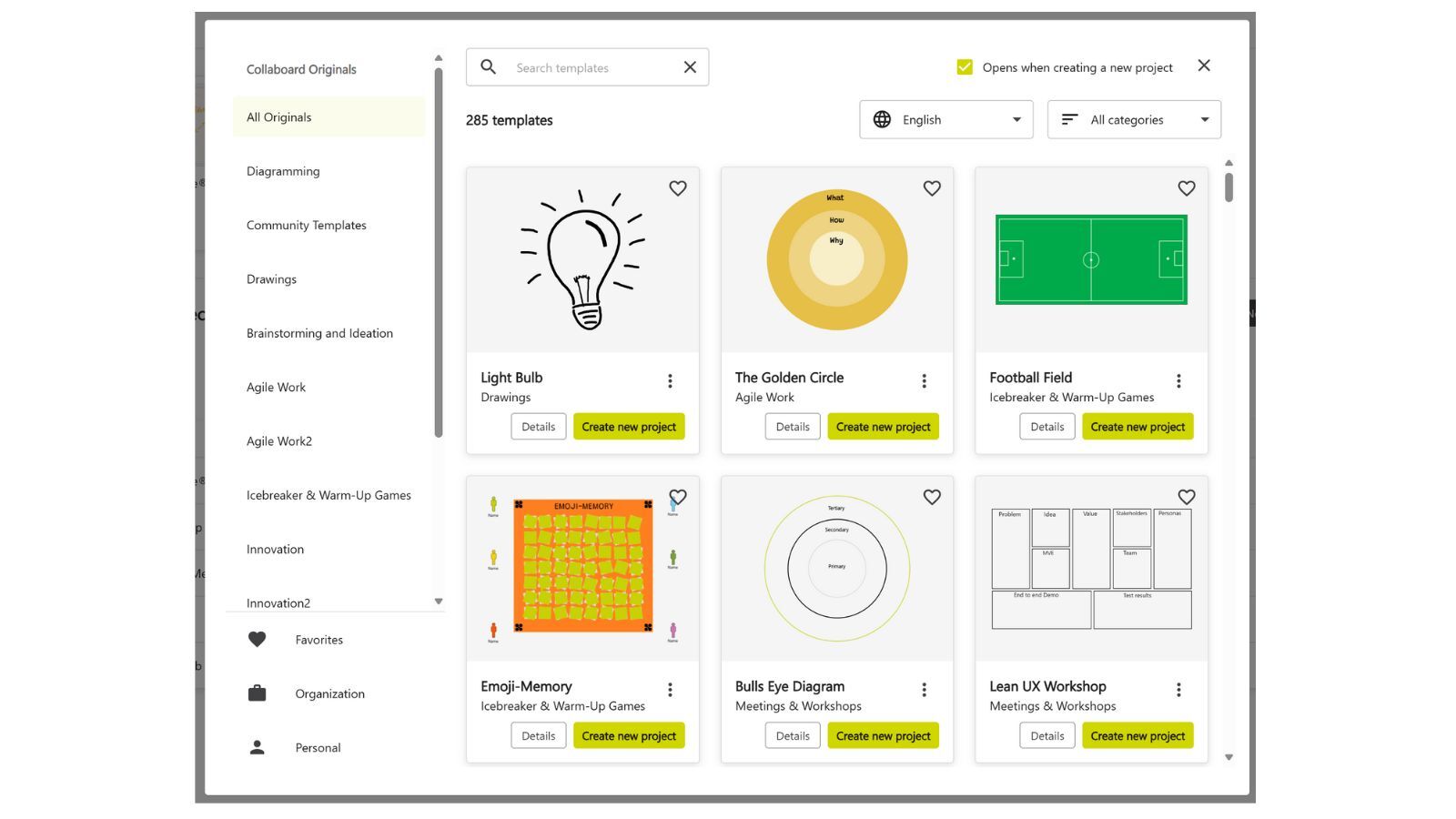
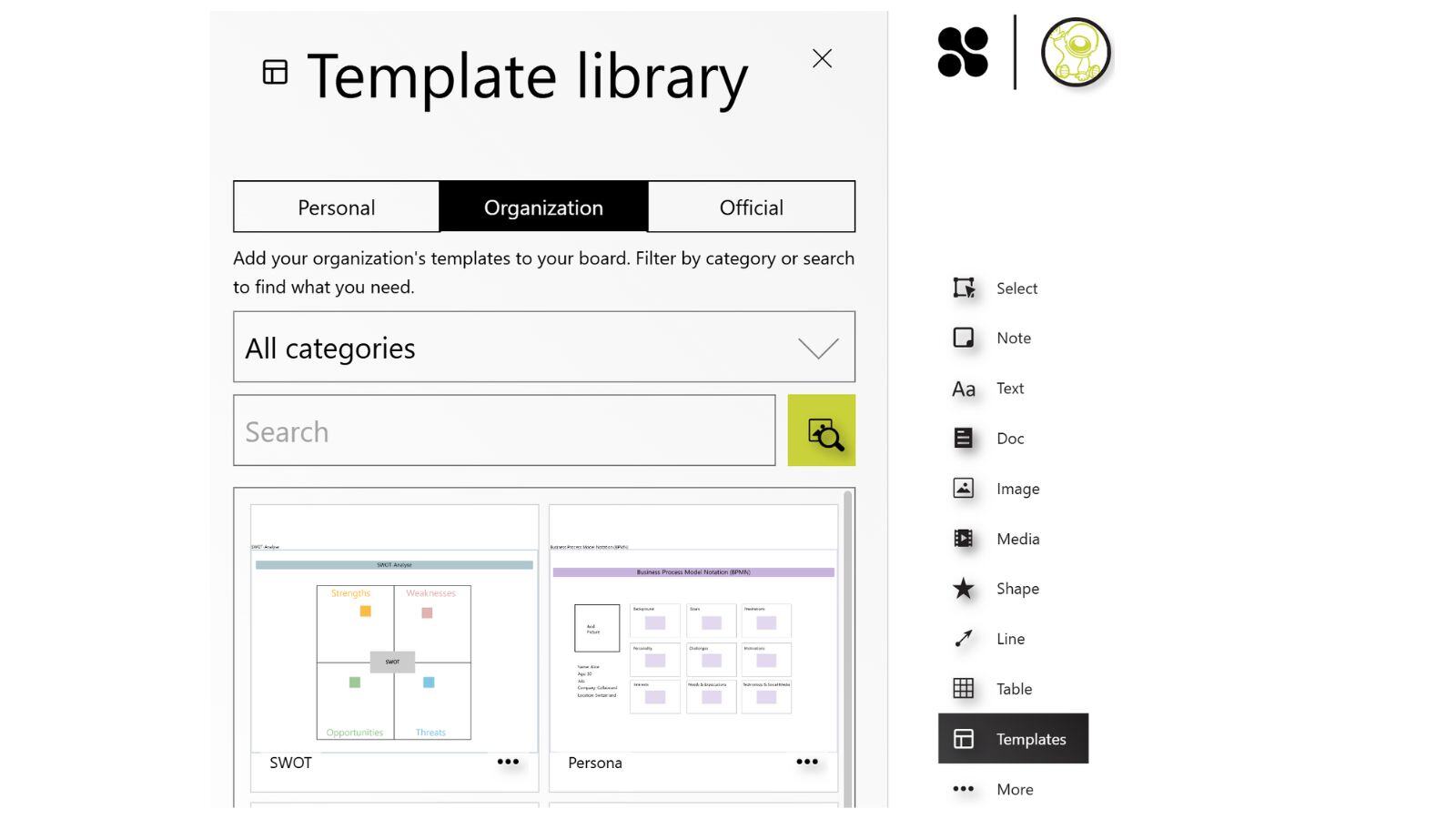
We reworked the template experience and optimized it in many ways. You get now a much better overview about all the templates in Collaboard and can easily add them to your workflows.
The new template experience provides:
Availability: All users
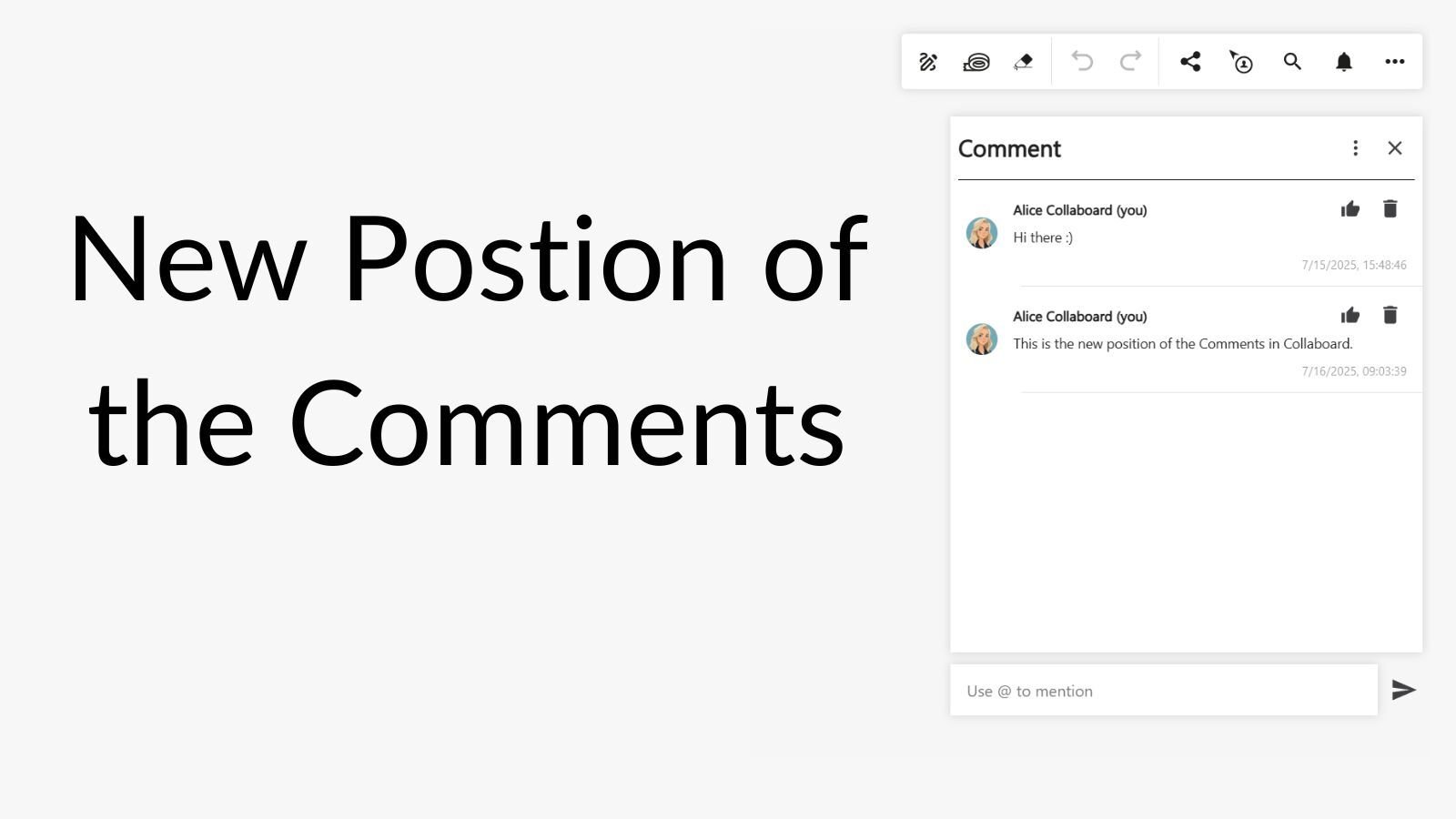
Comments now appear consistently on the left side of the canvas.
Clear overview of all comments in one place
Easy access without interrupting your workflow
Stay focused while keeping the conversation visible.
Availability: All users
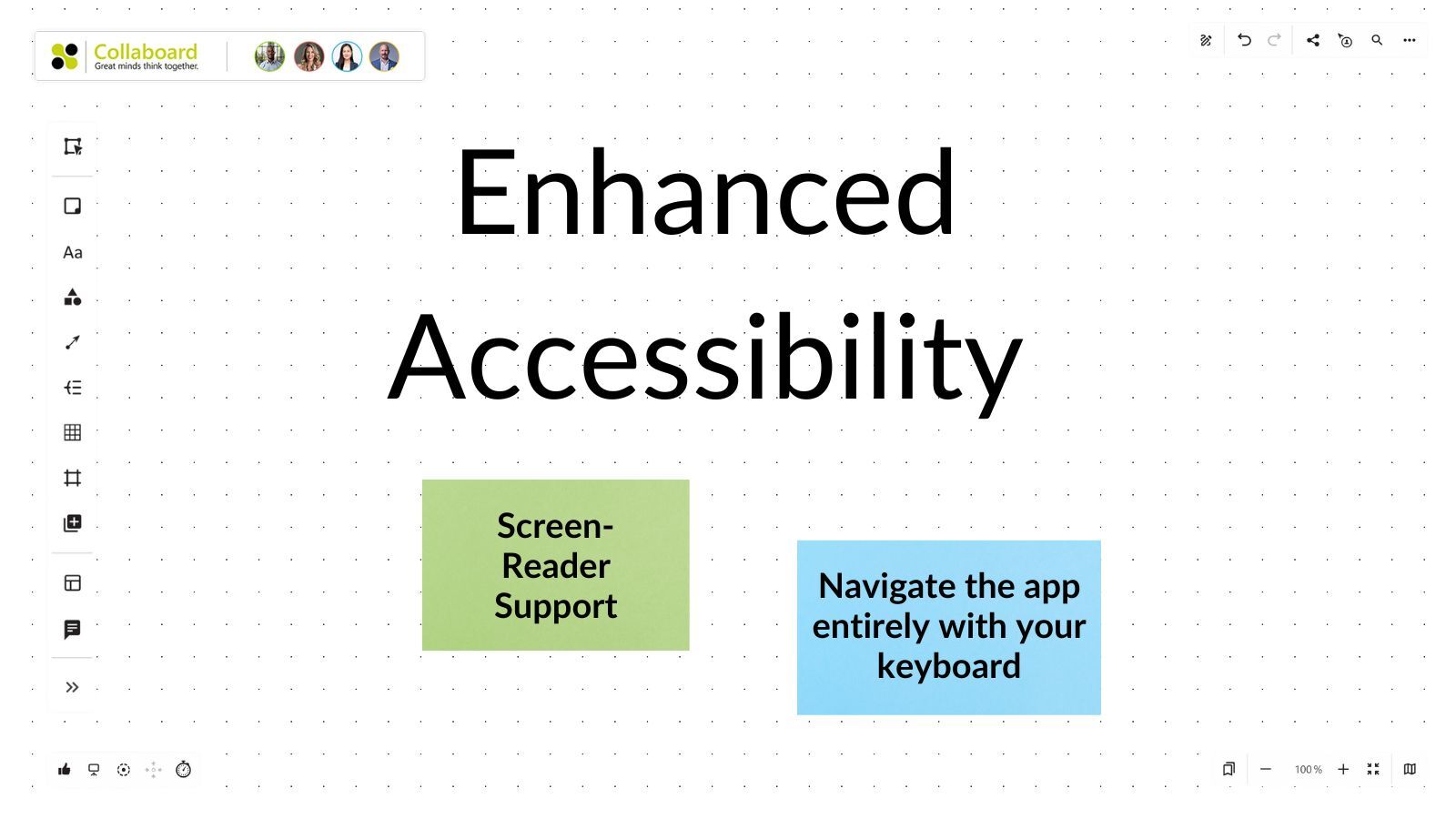
Collaboard now offers complete keyboard navigation and screen reader compatibility.
Navigate the app entirely with your keyboard
Screen reader support for an inclusive experience
Built to improve accessibility and meet compliance standards
Availability: All users
April 2025: Collaboard version 8.2 is a major release and includes the following new features and improvements:
New Features
Optimization of Existing Features
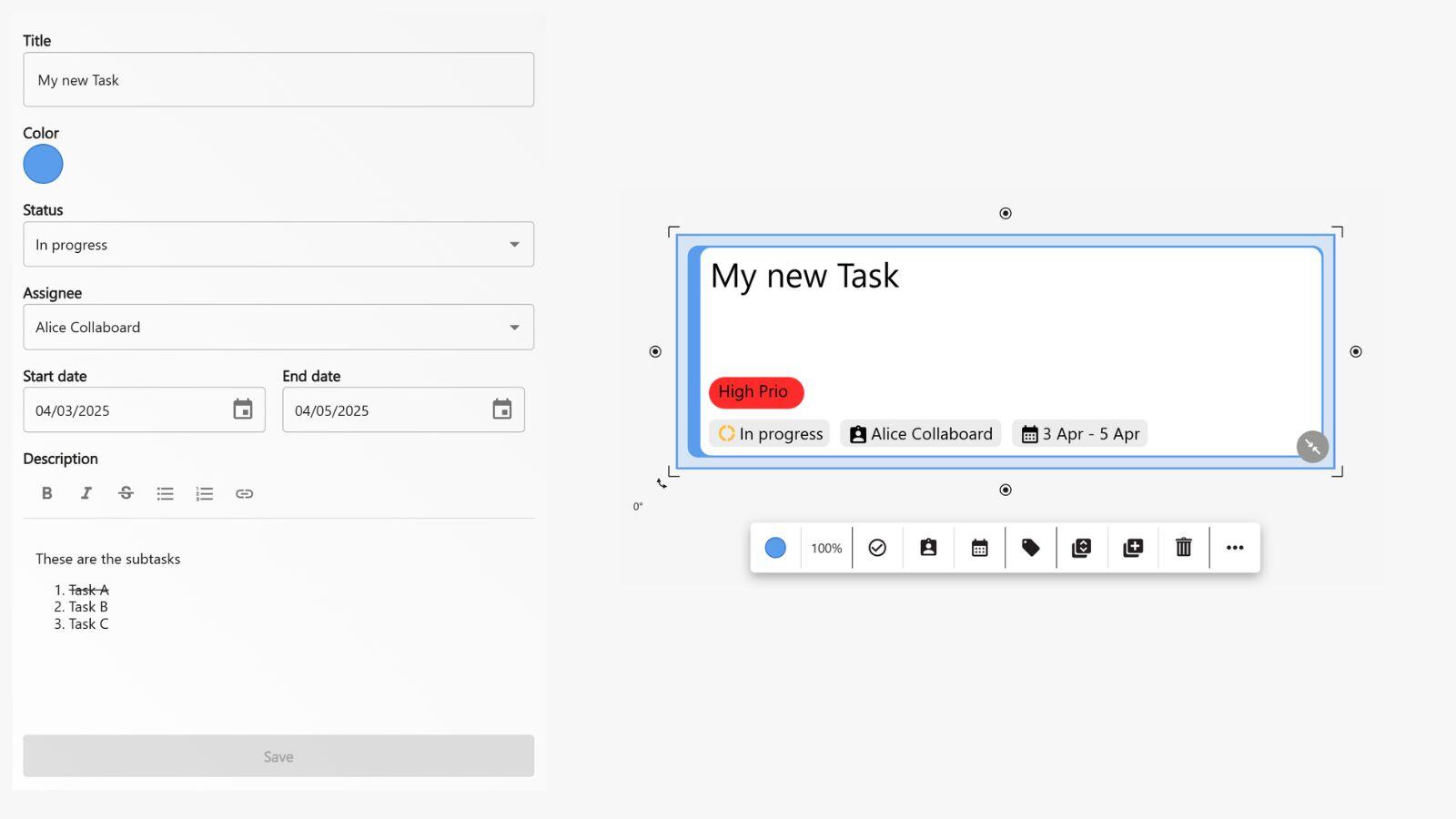
Keep track of your projects directly on the whiteboard and manage your tasks in Collaboard.
You can now create tasks, color-code them, assign them to a team member, set a start and end date, define the status, and add a detailed description.
Availability: Starting from the Advanced subscription
Never miss a thing!
You'll be notified when a task is assigned to you or when someone mentions you in a comment.
The Notification Center is visible both on the board and in the cockpit – with one click, you’ll jump straight to the relevant object. System notifications now also appear there in one central place.
Availability: For all users
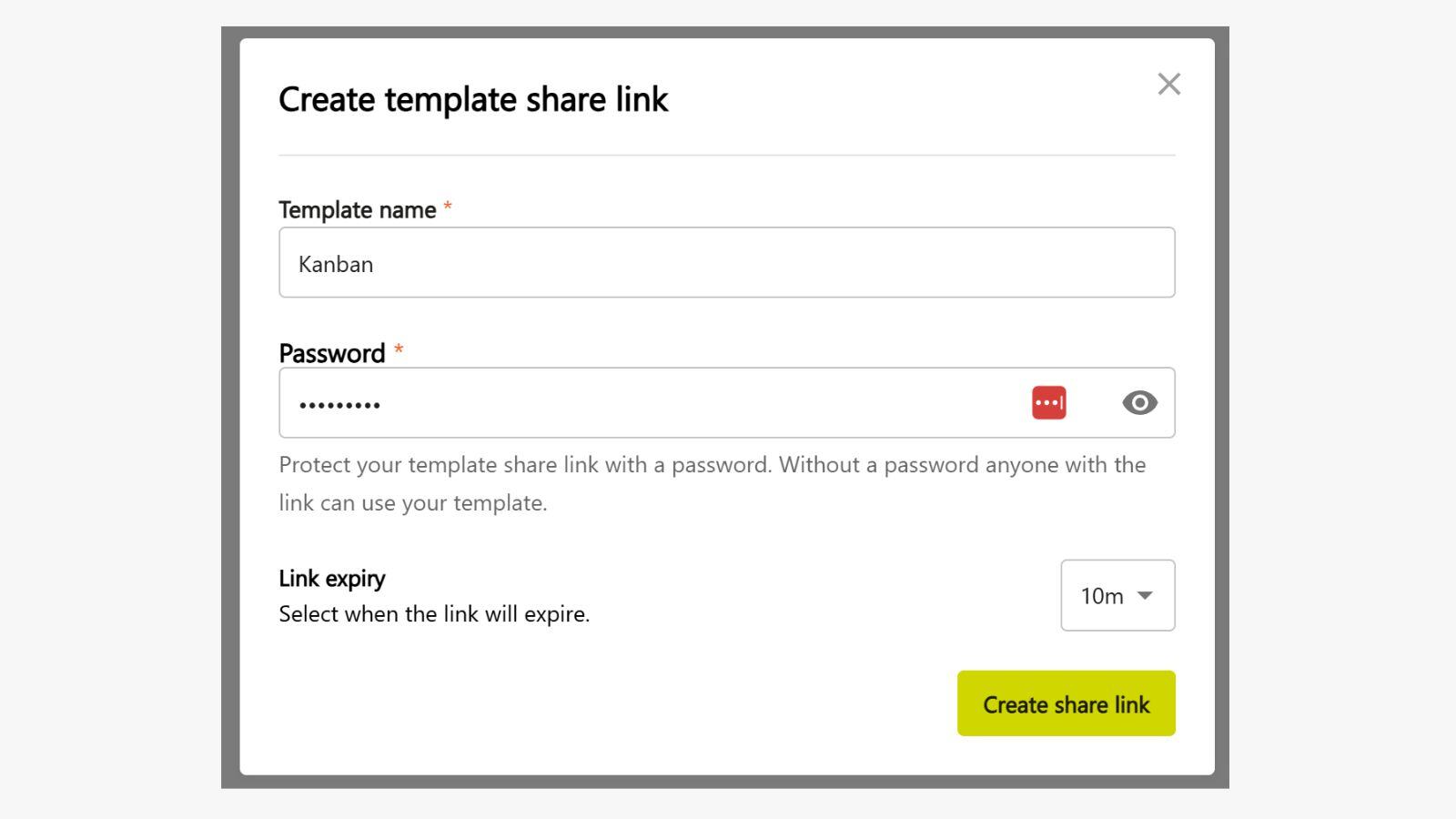
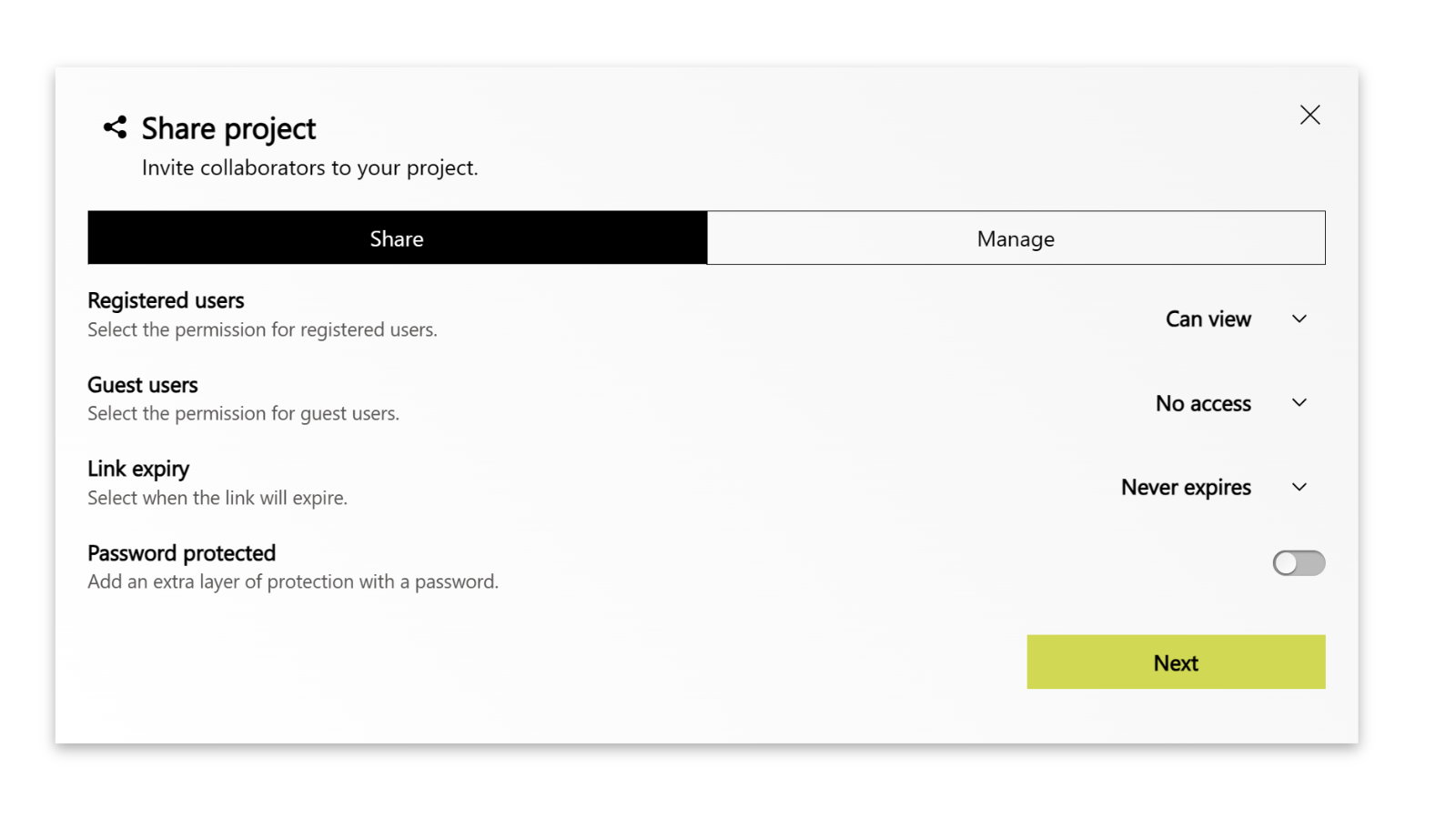
Easily share personal and organizational templates via a secure link.
Links can be protected with a password and an expiration date.
Anyone who opens the link automatically creates a new board based on the template – perfect for secure and efficient teamwork!
Availability: Starting from the Advanced subscription
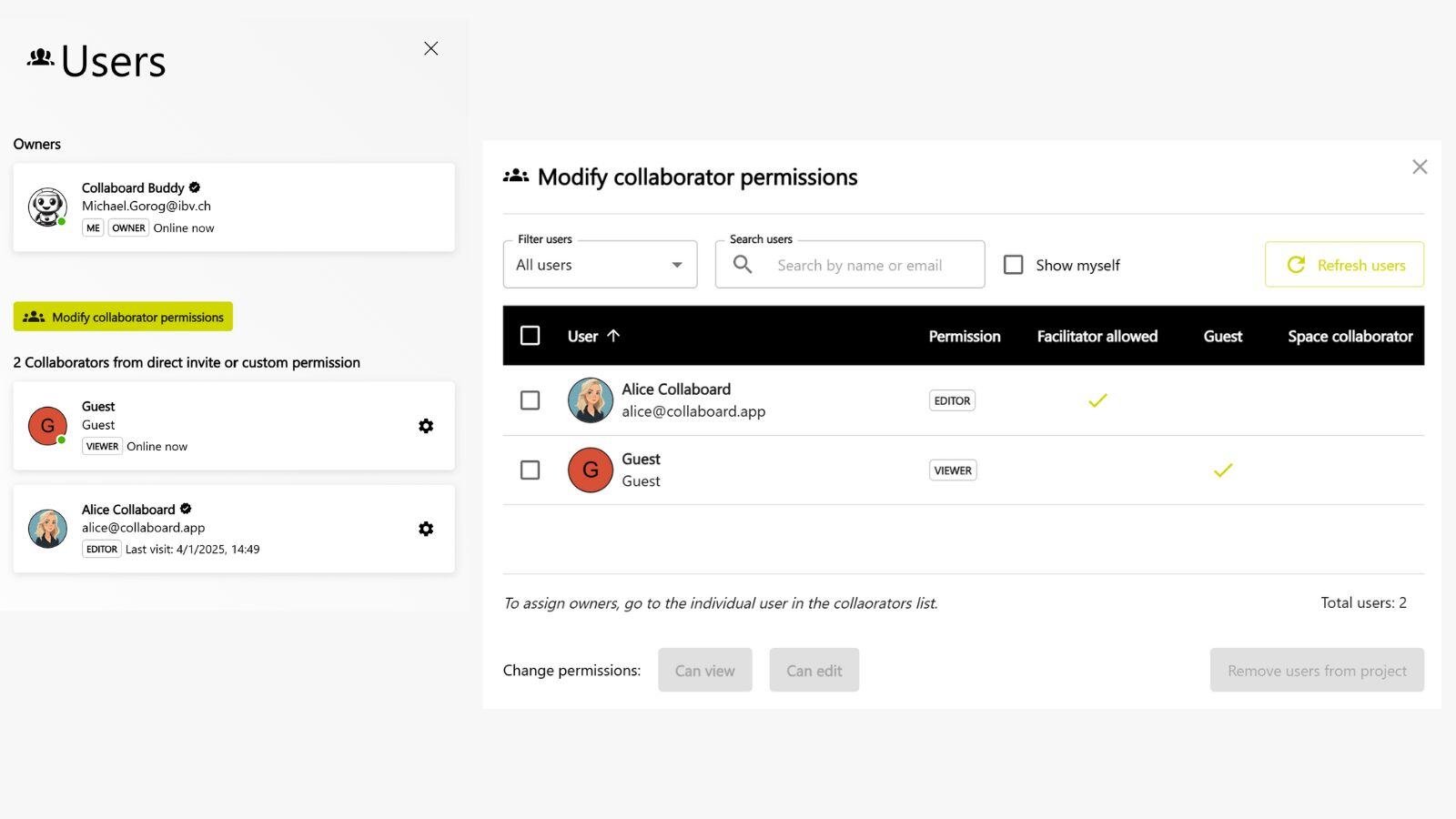
See at a glance who’s on your board – with the new, clear participant view.
Easily change permissions for individual people, entire groups, or all users in one central place – fast, simple, and transparent.
Availability: For all users
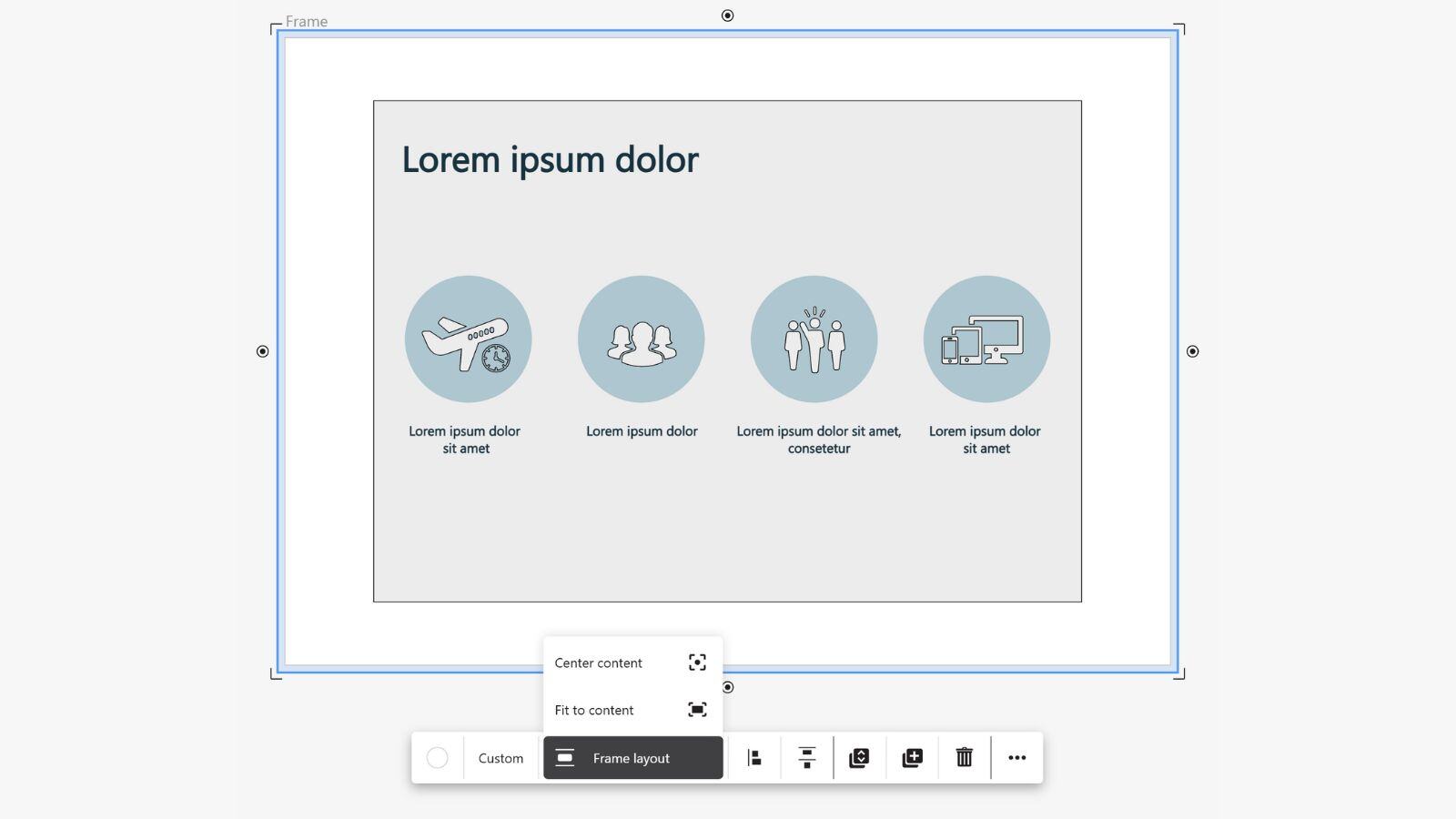
You can now create frames for single or multiple selected objects – directly via the context menu.
Additionally, you can center content within a frame or automatically adjust the frame size to fit its content. This helps you structure your boards faster and more clearly than ever!
Availability: For all users
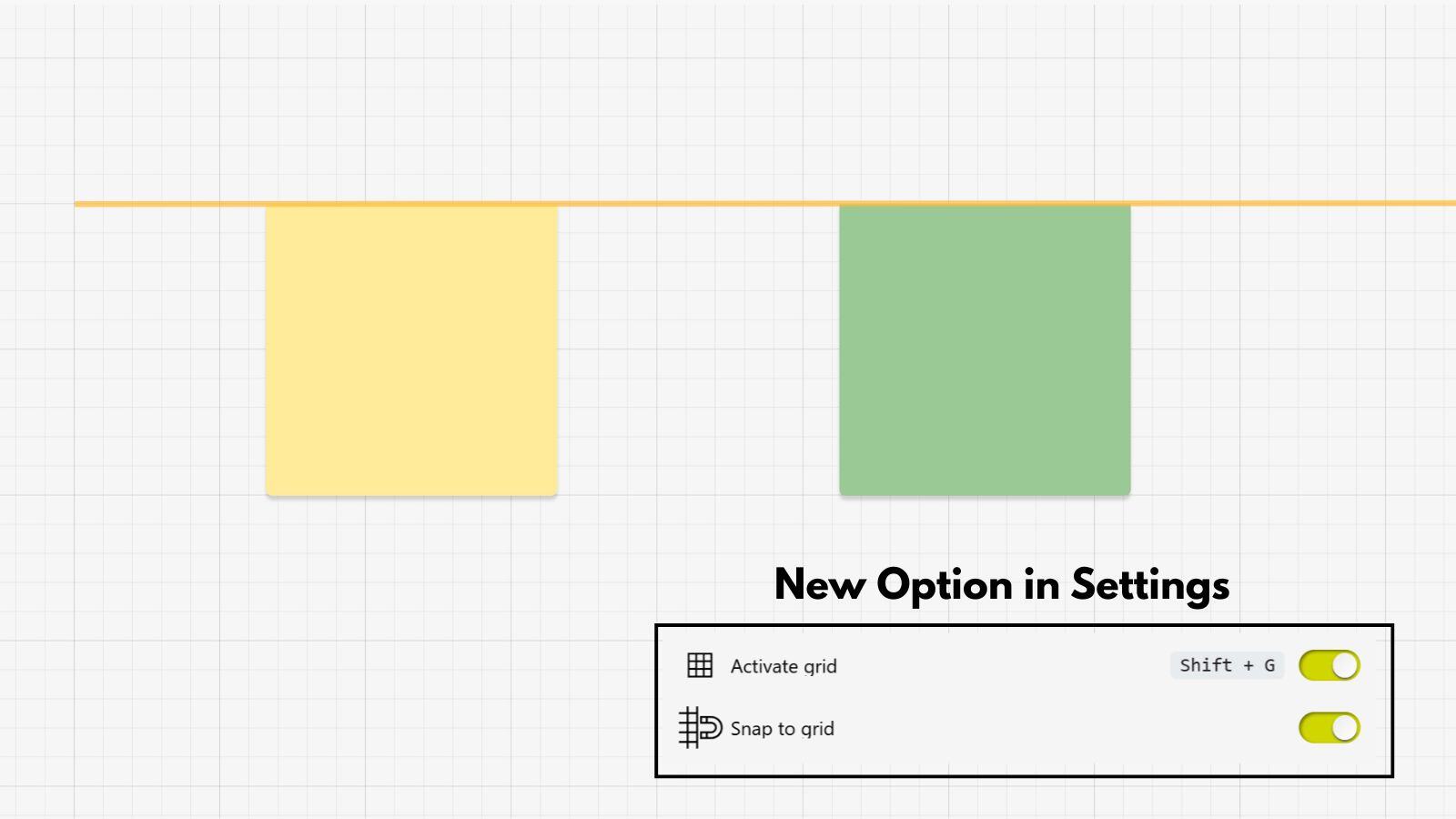
Thanks to “Snap to Grid” and multi-selection support, aligning objects is now even easier and more precise – for a perfectly structured board.
Availability: For all users
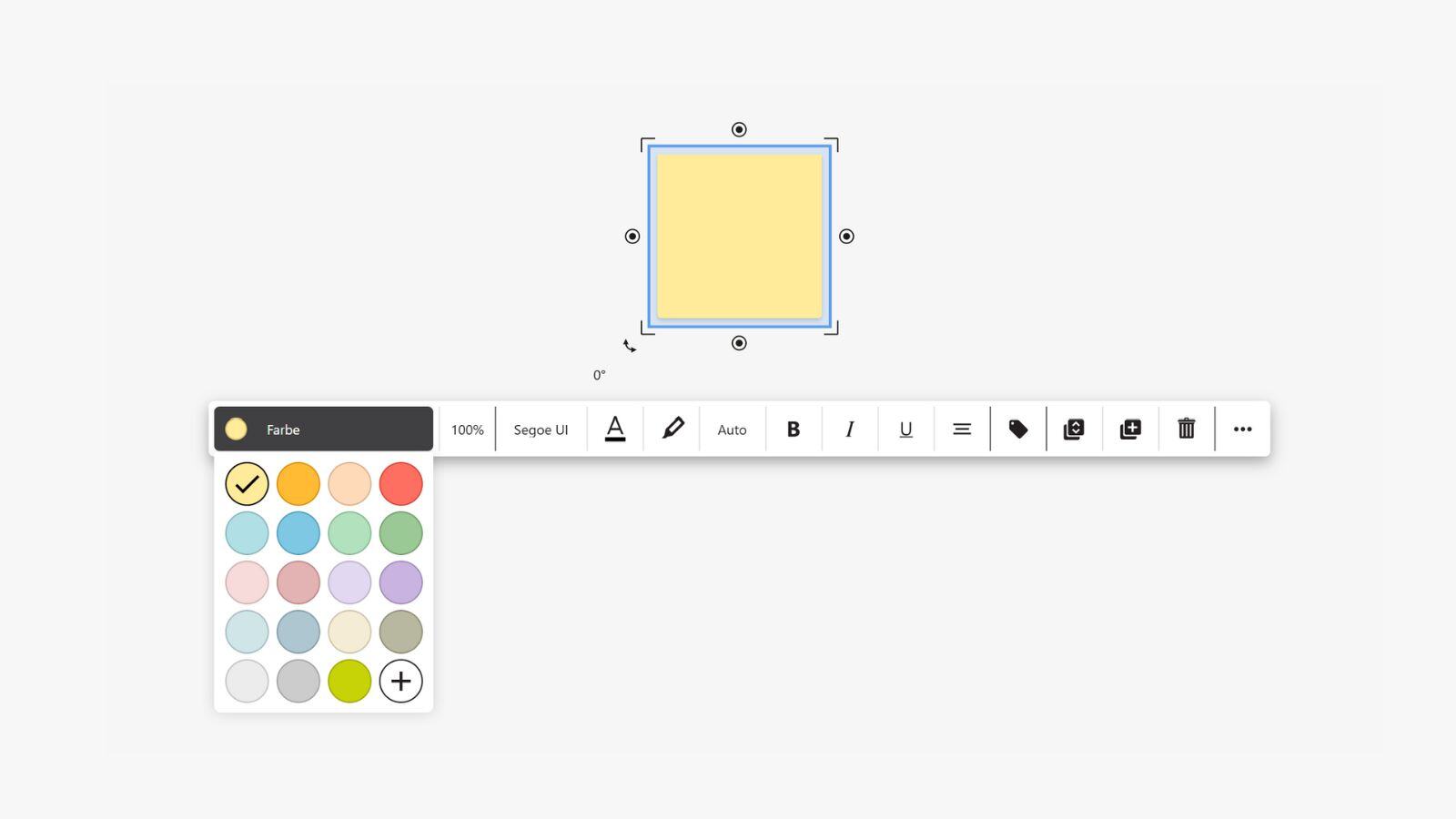
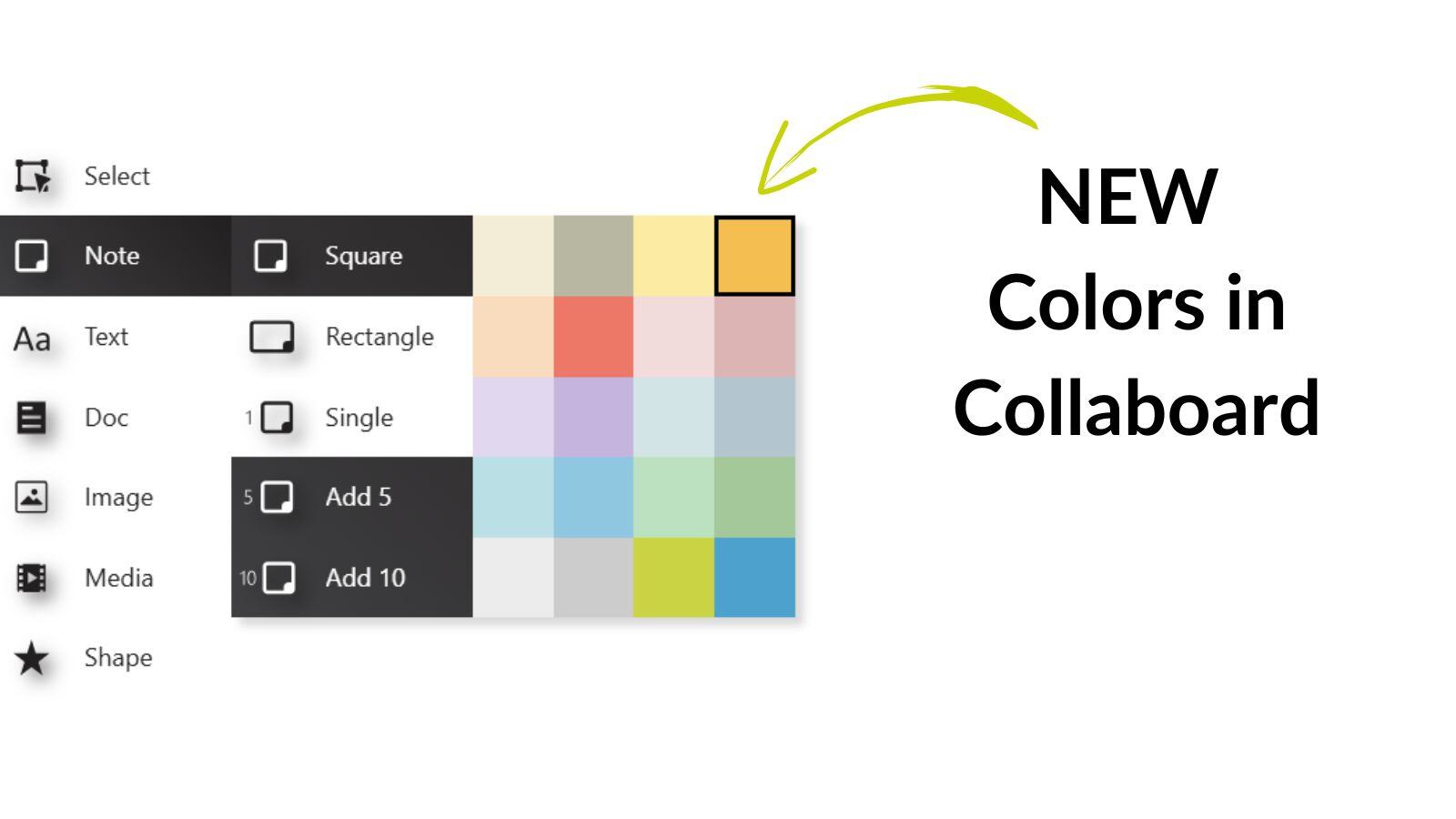
The color selection in Collaboard has been completely redesigned – more modern and intuitive.
Select your favorite color even faster and style your boards to match your personal preferences.
Availability: For all user
February 2025: Collaboard Version 8.1 is a minor release and includes the following new features and improvements:
New Features
Optimization of Existing Features
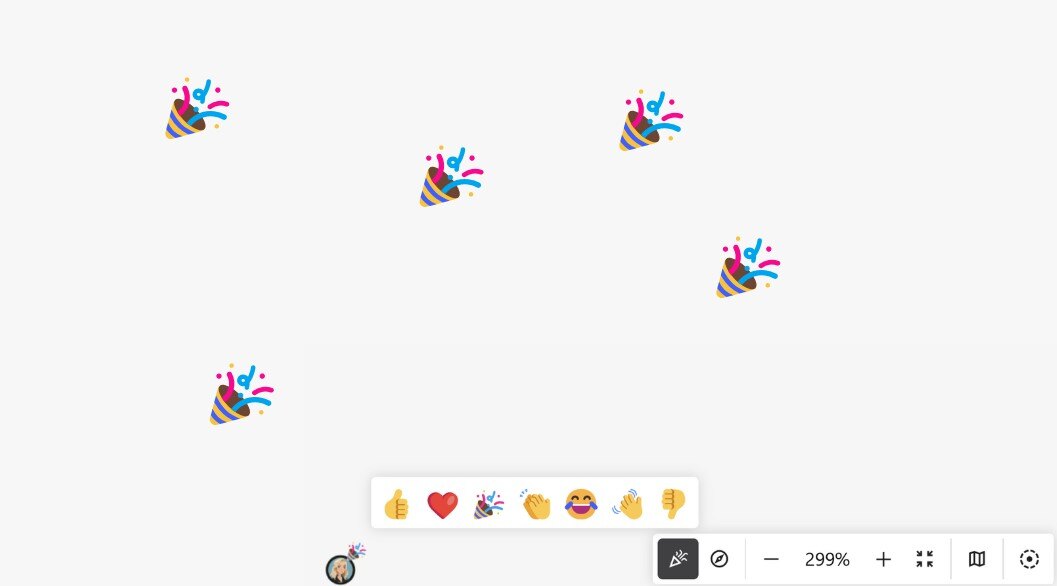
Express yourself instantly with our new Emoji Reactions! Now, you and your team can react to elements on the board using seven different emojis. Whether it's a great idea, a funny moment, or an important highlight, just trigger the reaction feature, and the corresponding emojis will appear for all users.
Watch as reactions fly over the board for a few seconds, creating a dynamic and engaging collaboration experience.
Availability: For all users.
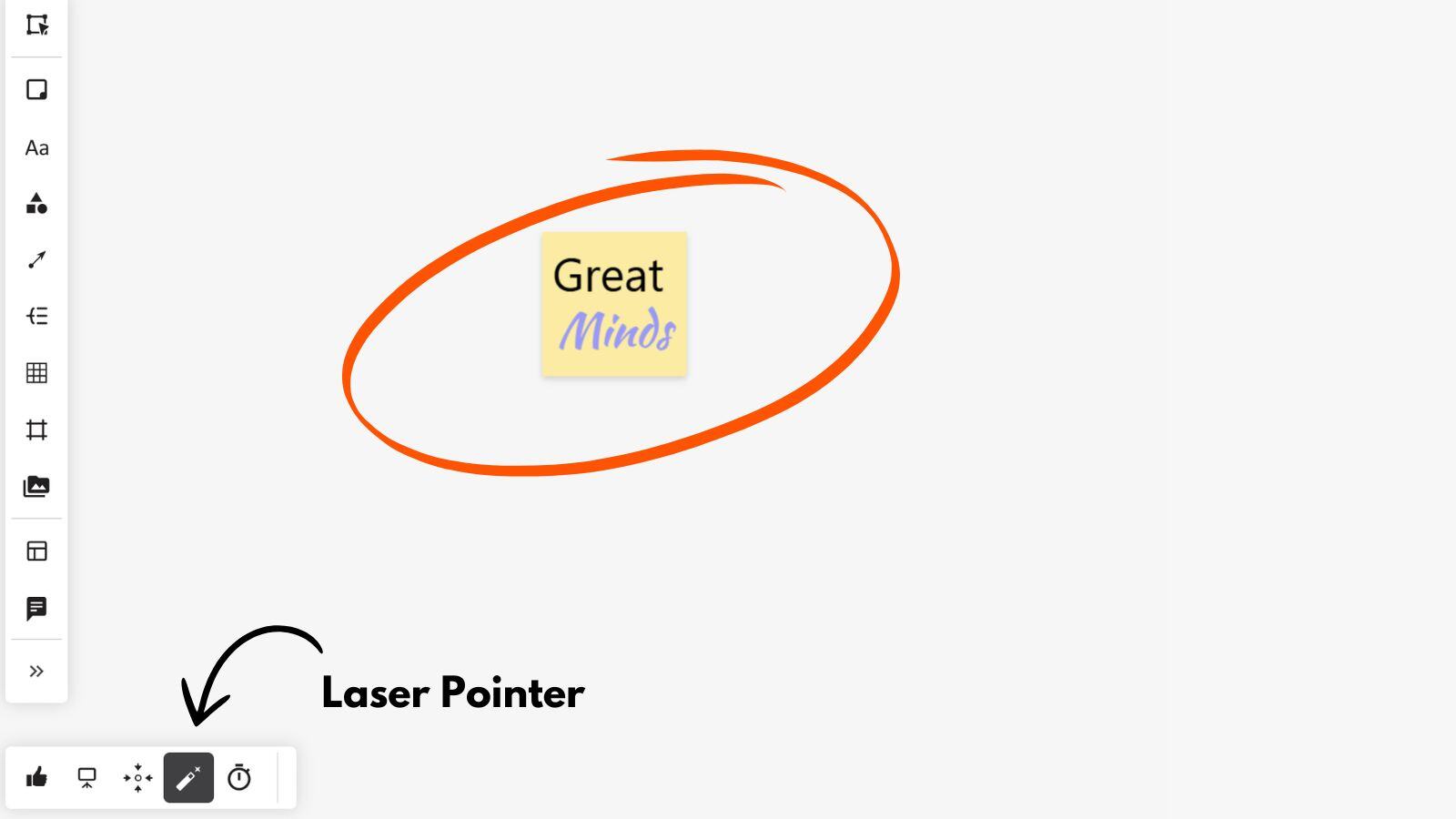
Guide attention effortlessly with the new Laser Pointer feature! Whether you're leading a presentation or brainstorming with your team, you can now make temporary annotations directly on the board.
Simply activate the laser pointer and draw freely—your markings will be visible to all participants for a few seconds before fading away. This makes it easy to highlight key points without cluttering the board. Perfect for live collaboration and interactive discussions!
Availability: From the Advanced Subscription
Bring structure to your boards with the new Tagging feature! You can now add tags to sticky notes, media objects, and documents to categorize and organize your content effortlessly.
✅ Quickly Tag Elements – Assign meaningful tags to key items on the board.
✅ Better Organization – Group related content for easy navigation.
✅ Faster Search & Filtering – Instantly find tagged items when you need them.
Availability: From the Advanced Subscription. Release date: 19.02.2025
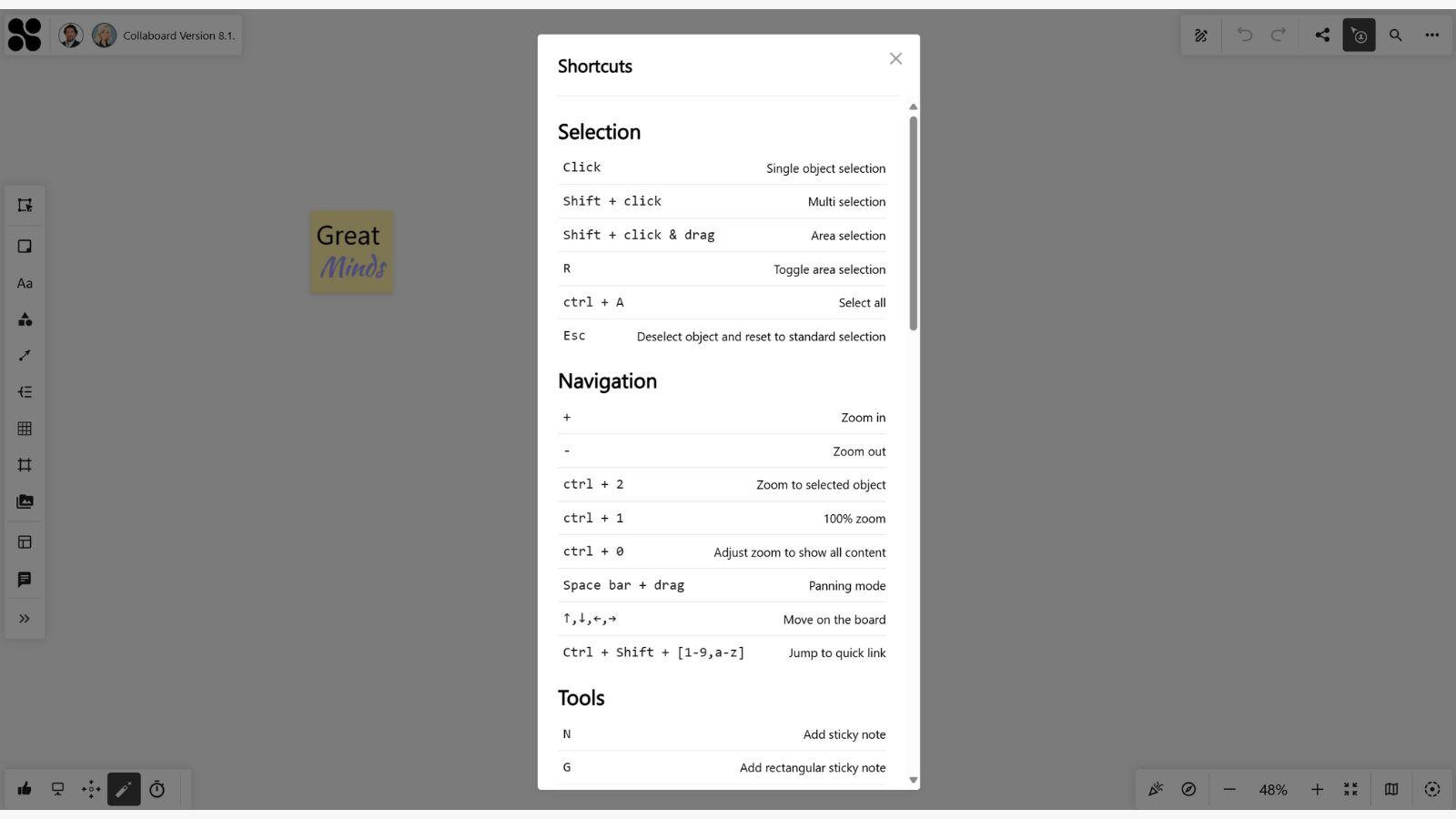
Navigate Collaboard like a pro with our new in-app tooltips and keyboard shortcuts overview!
Availability: For all users.
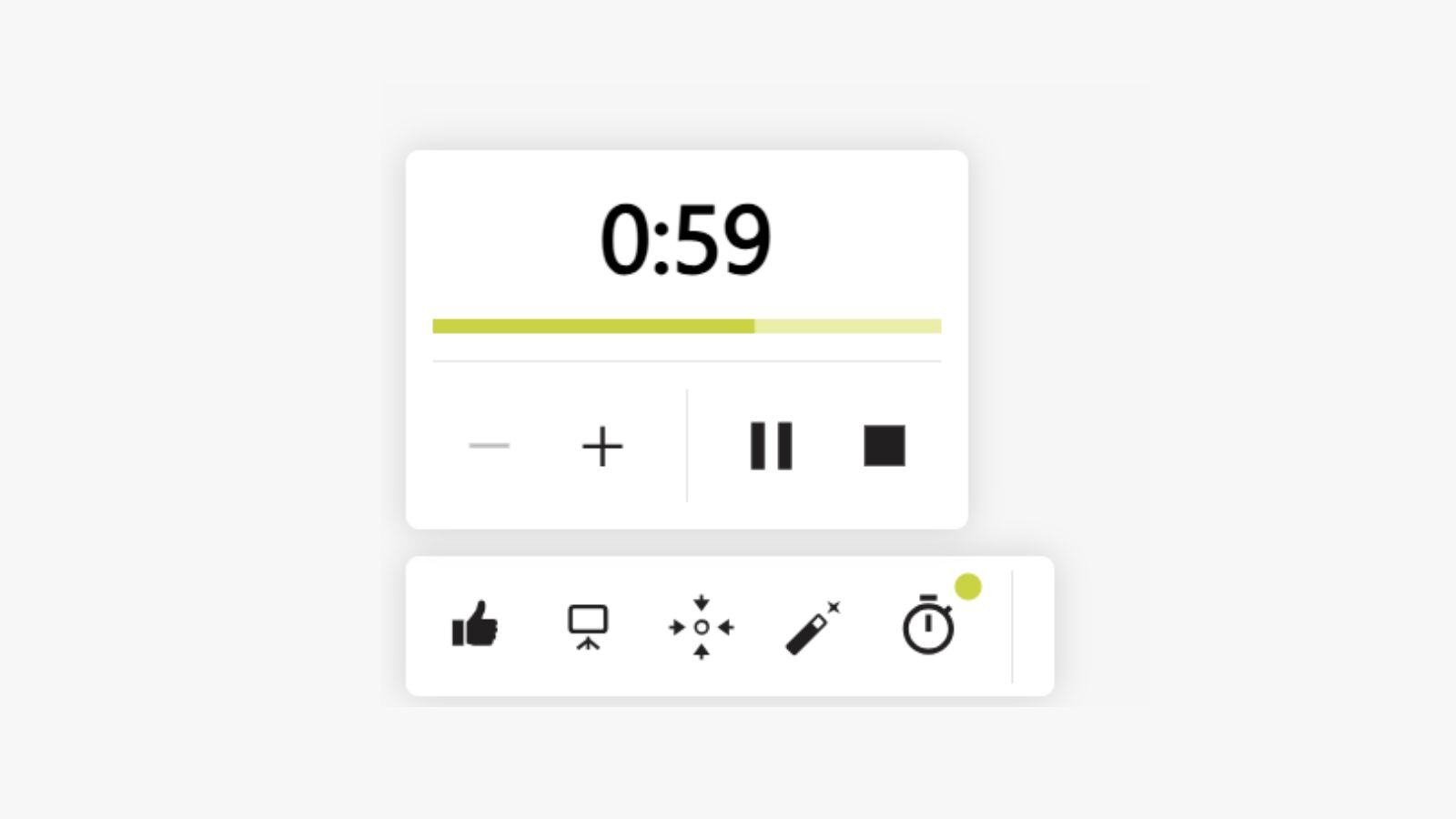
Time management just got even better in Collaboard! With the updated Timer, you can now set the exact duration right from the start—no more manual adjustments while it's running.
✅ Precise Timing – Set the exact time before starting the timer.
✅ Enhanced Visual Feedback – A clearer countdown ensures everyone stays on track.
✅ Acoustic Signal – When time is up, an audible alert helps keep sessions structured.
Availability: From the Advanced Subscription
December 2024: Collaboard Version 8 is a major release and includes the following new features and improvements:
User Interface & UX
New Features
Optimization of Existing Features
Collaboard has a fresh and modern new design. All toolbars have been revised in terms of visibility, accessibility and design. In addition, icons have been revised and partially replaced with new ones.
The main toolbar, which is used to add elements to the board, can now be used with or without a function description.
In addition, we have rearranged the functions in the toolbar and given it a more logical structure.
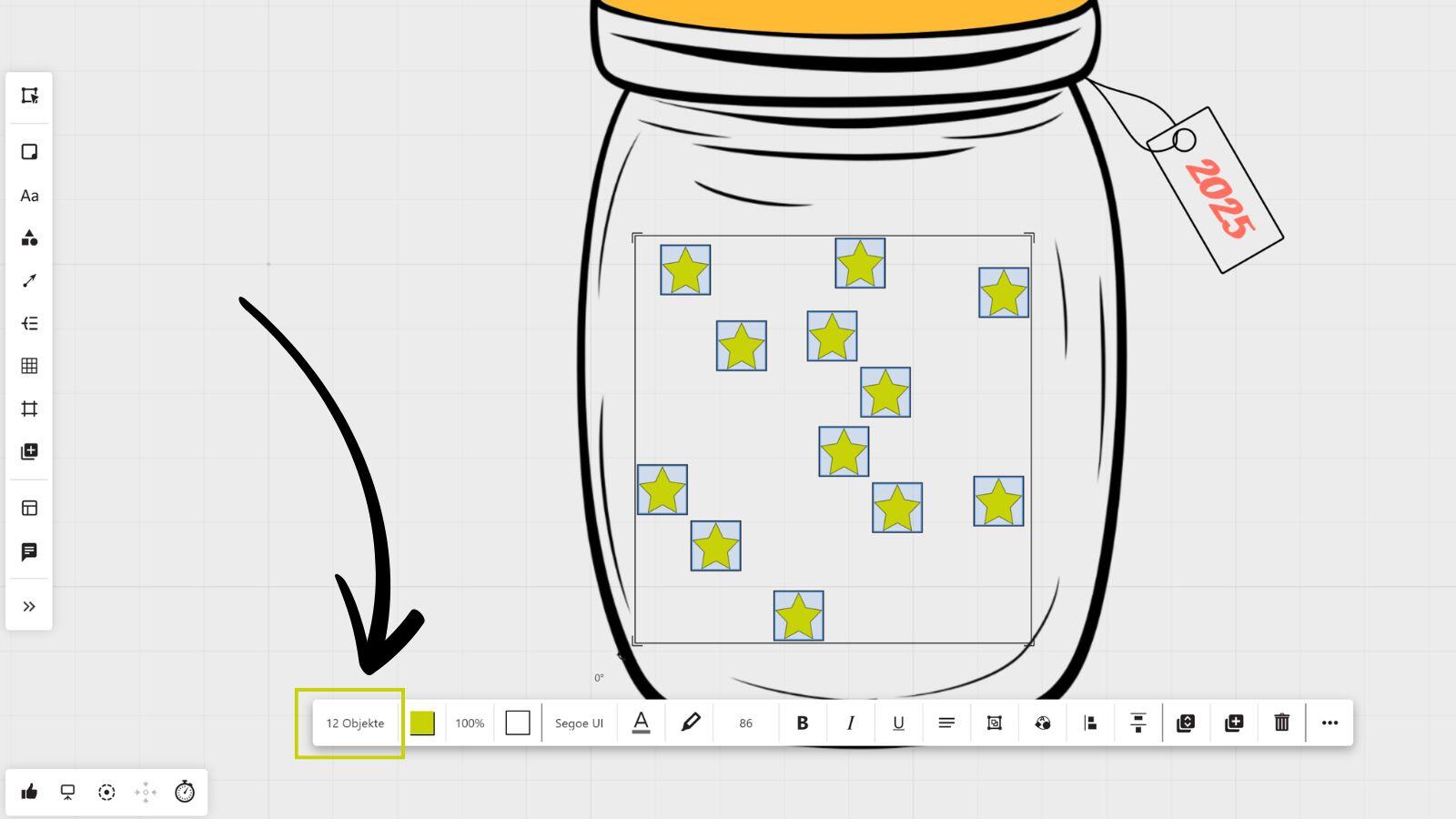
If you select multiple objects on the board, Collaboard will show you how many objects you have selected.
In addition, you can filter by specific objects and thus select and edit objects of a certain type.
Availability: For all users.
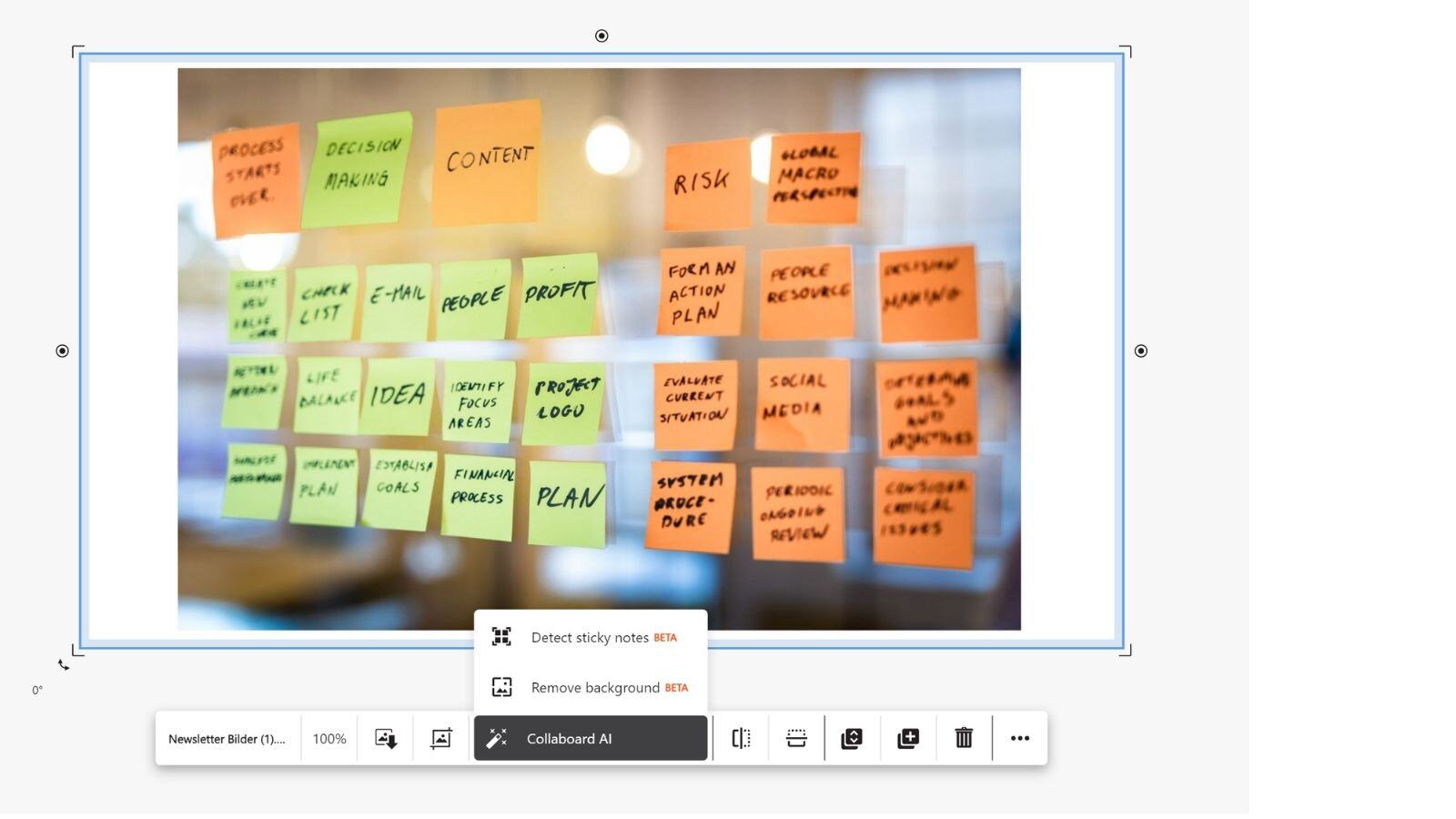
Upload photo protocols from your workshops and Collaboard recognizes all sticky notes in the picture and adds them as editable sticky notes on the whiteboard.
The AI recognizes the text, color and position of the cards on the photo and generates new sticky notes to the right of the uploaded image.
Availability: From the Advanced plan (currently available in the WEB cloud environment as a beta version)
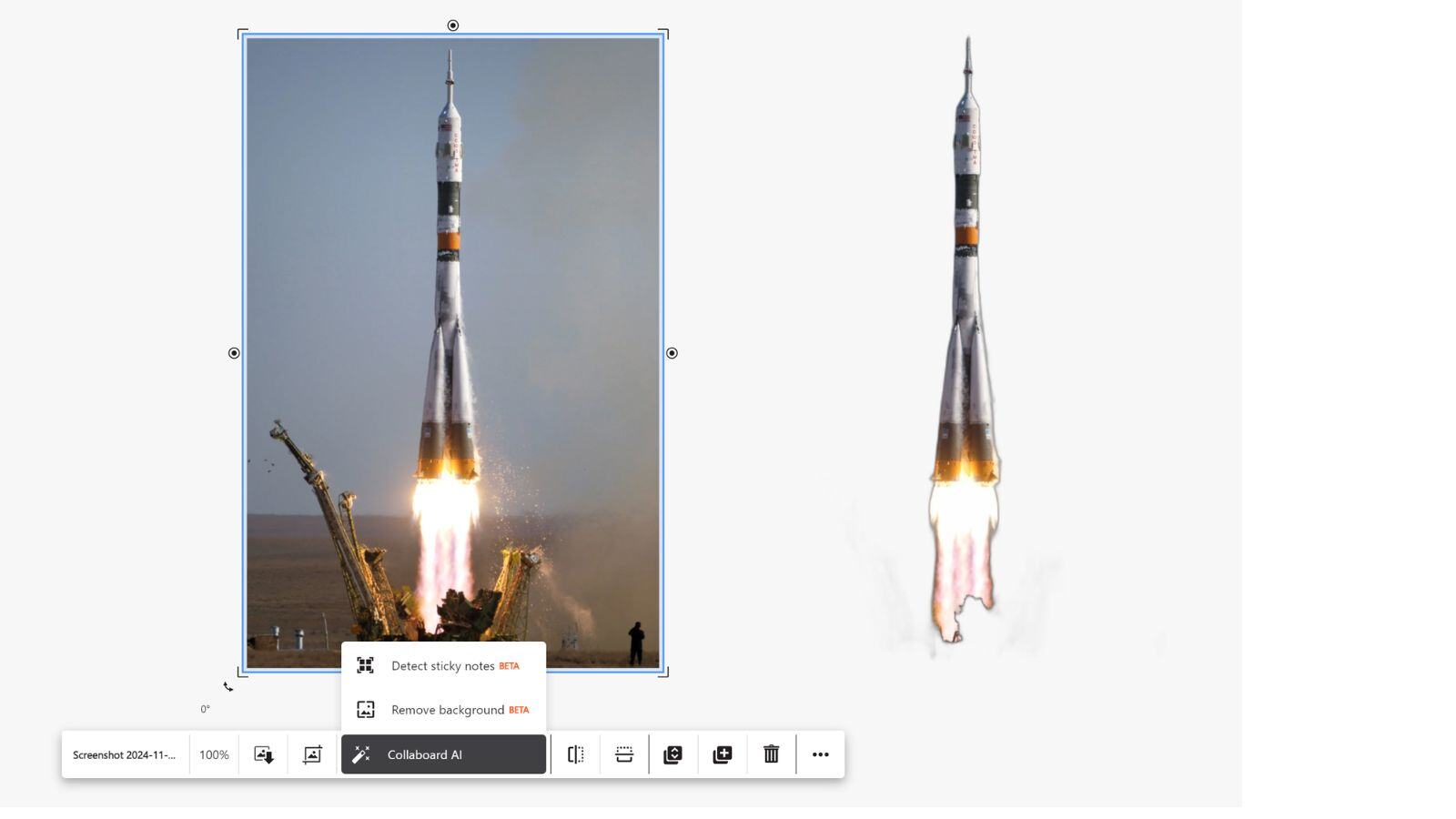
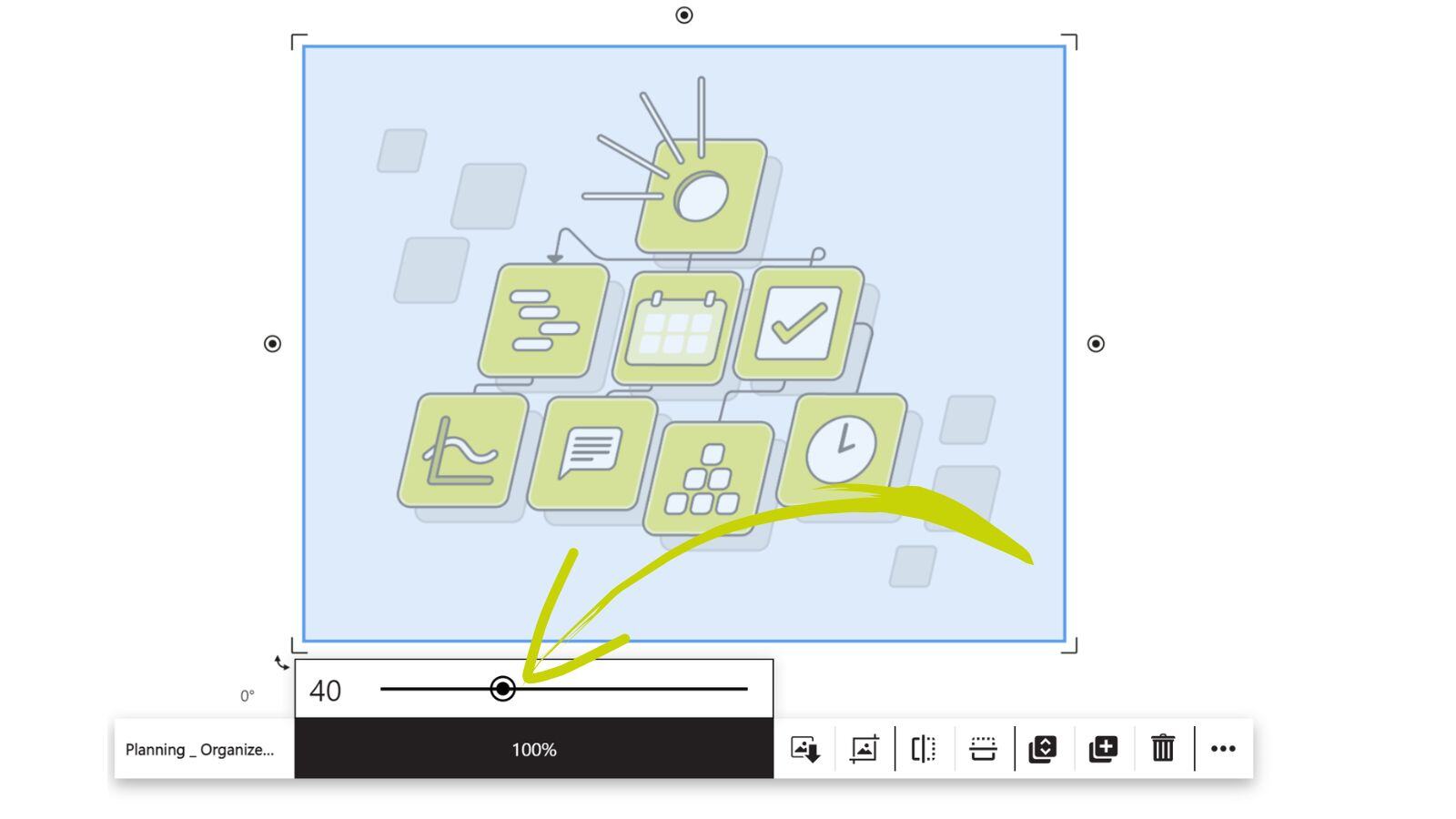
Remove the background from images you have uploaded to the board.
Availability: From Advanced Subscription (currently the feature is available in the WEB cloud environment as a beta version)
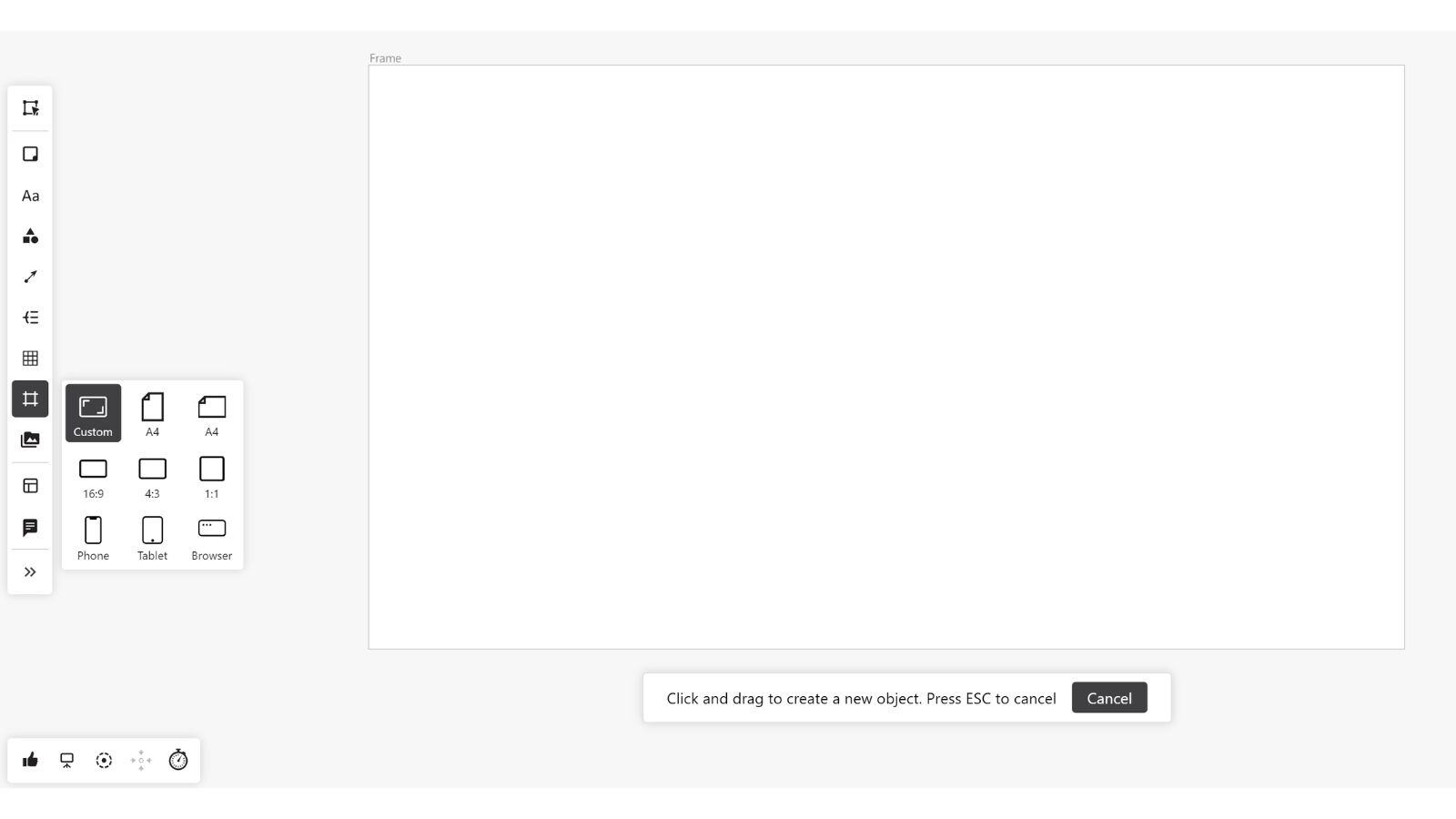
Work with frames on the board. You can choose from 8 predefined frame sizes or define your own size.
When you drag objects such as sticky notes or images into a frame, they are automatically grouped with the frame.
Locked objects that have been added to a frame can be moved together with the frame without unlocking.
Availability: For all users.
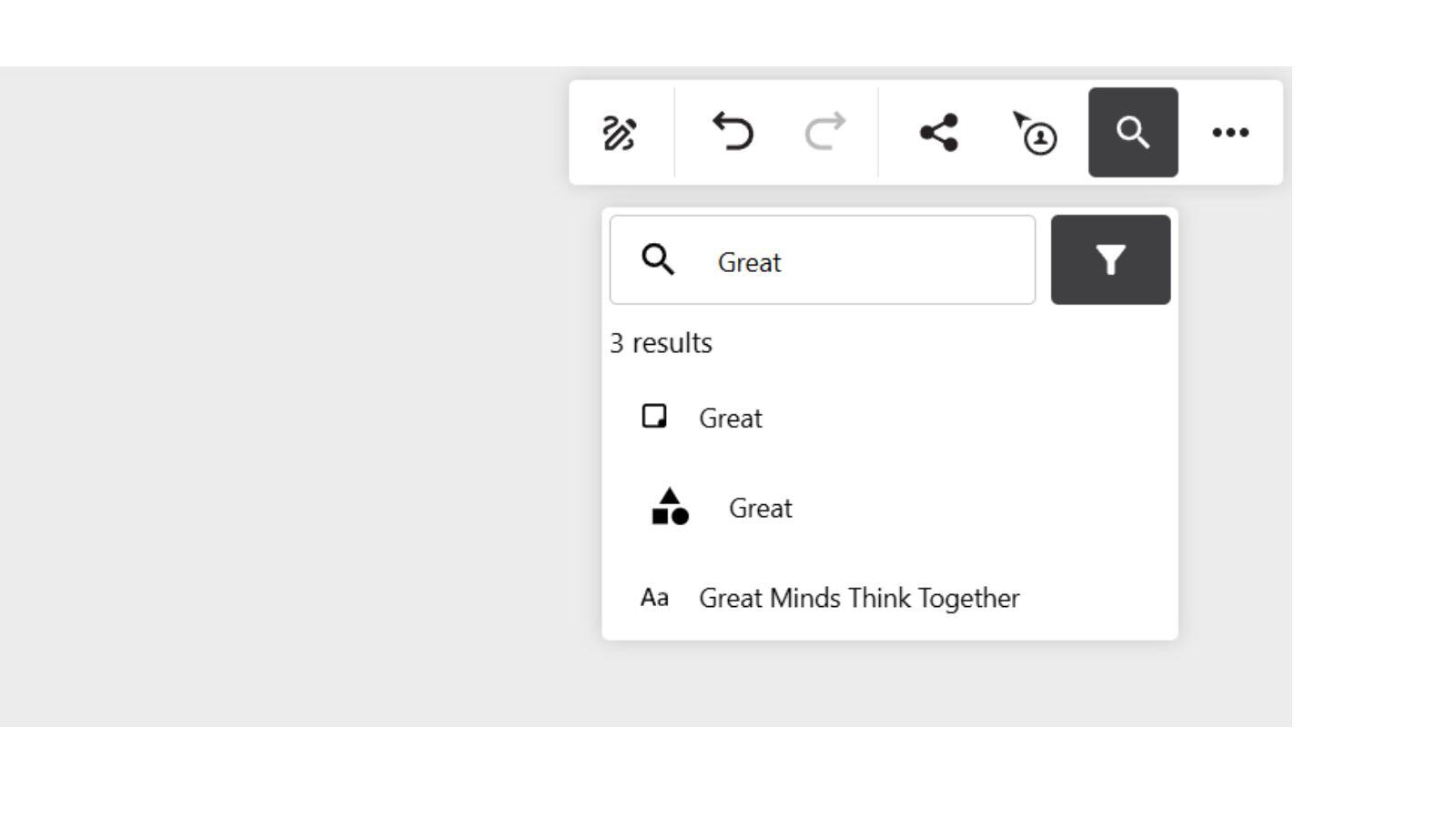
Search for text content on your board. The Collaboard search shows you all hits and you can filter them and jump directly to the search result on the board if needed.
Availability: For all users.
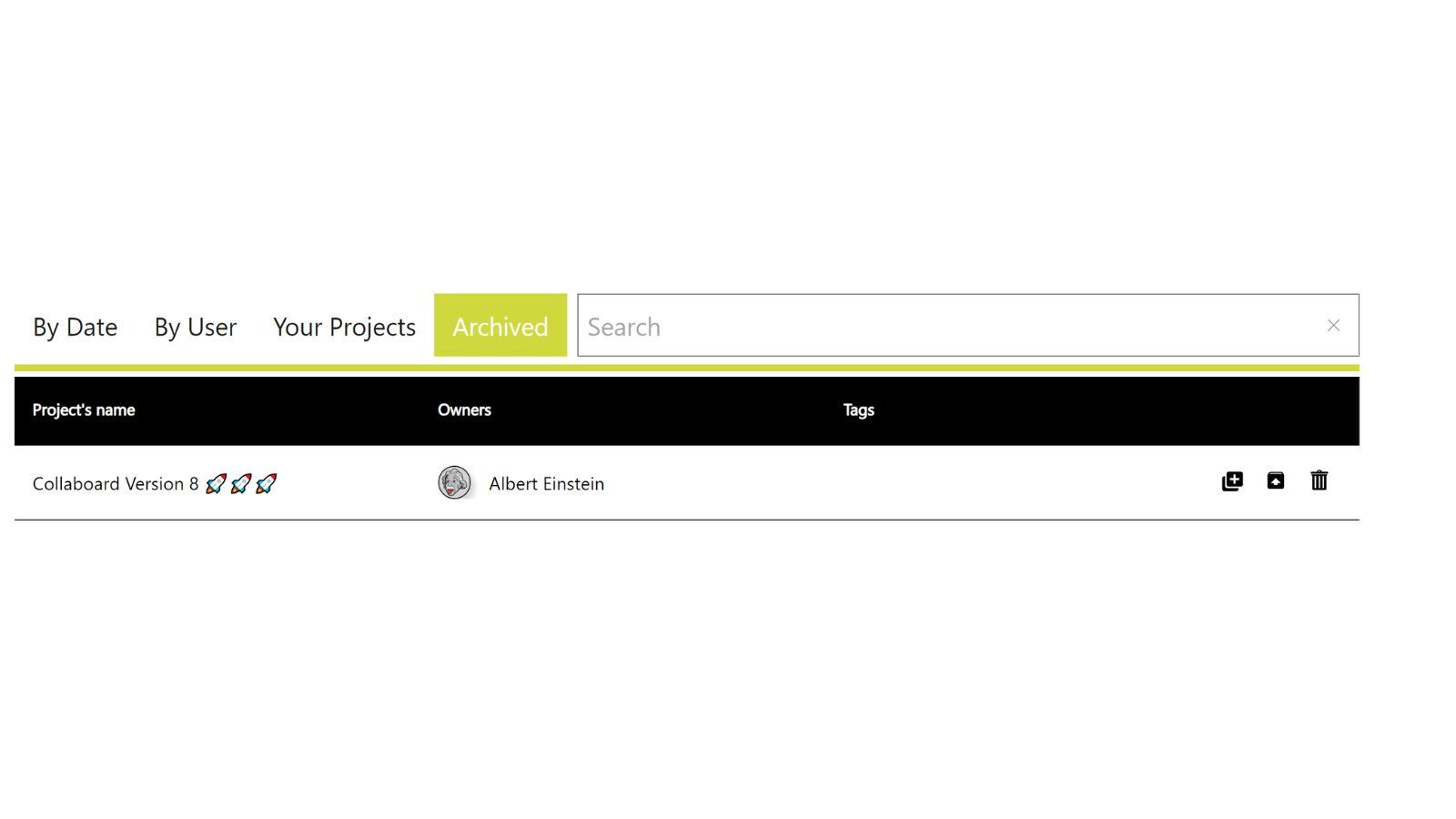
Archive boards that you no longer work on but want to keep for later. Boards in the archive can no longer be edited.
Availability: From the Personal plan
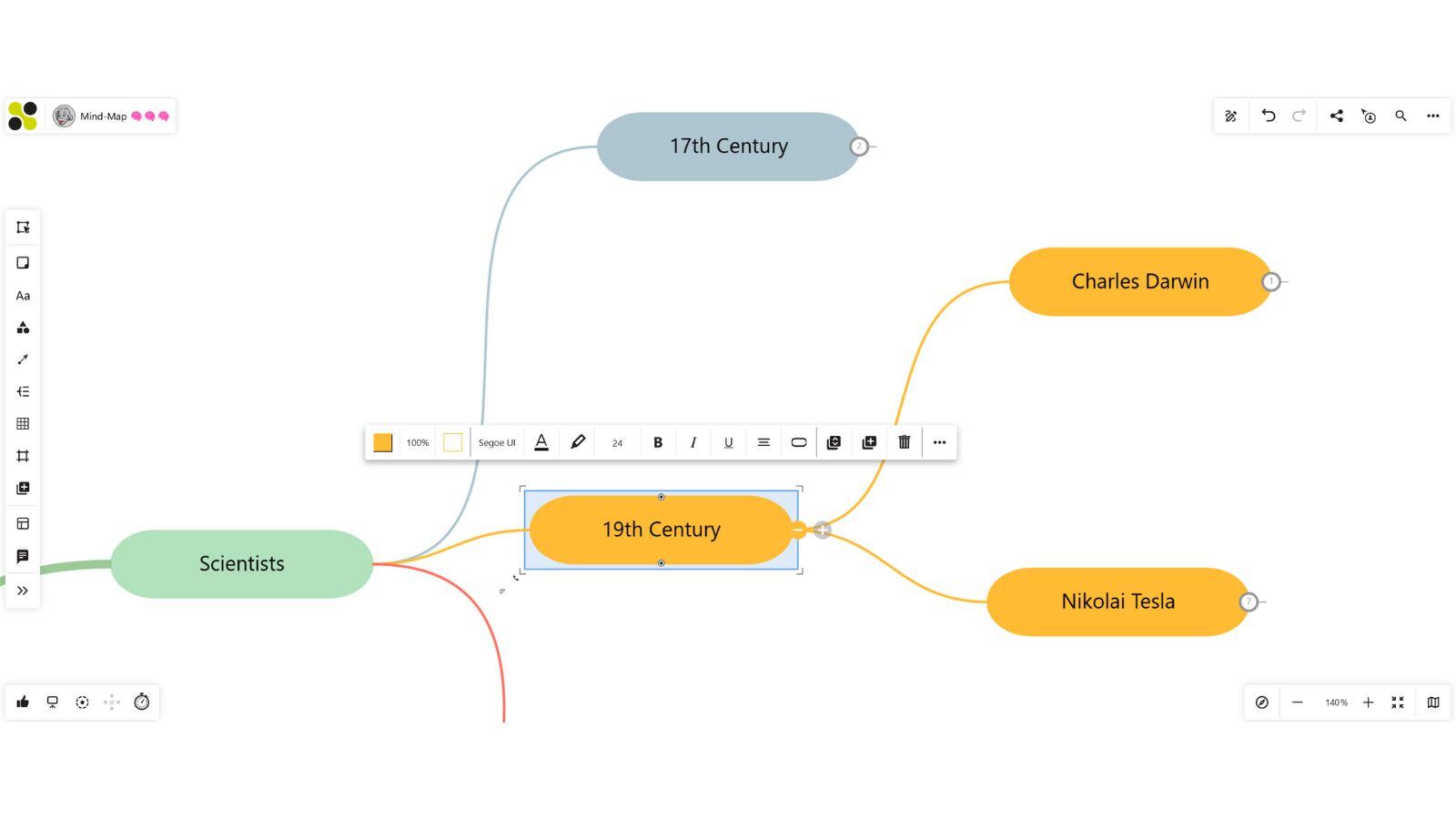
We have improved the mind map function of Collaboard so that you can now:
Availability: For all users
If you are using Collaboard on a smartphone, you now have the following options:
Recommendation: To edit objects on the board, we recommend using the smartphone in landscape mode.
Availability: For all users.
October 2024: Collaboard version 7 is a major release and contains the following new features and improvements:
Create Mind-Maps faster and more intuitive than ever. Go beyond mind-mapping by creating beautiful org-charts, concept maps, and much more.
Availability: For all users.
Availability: Enterprise Subscription
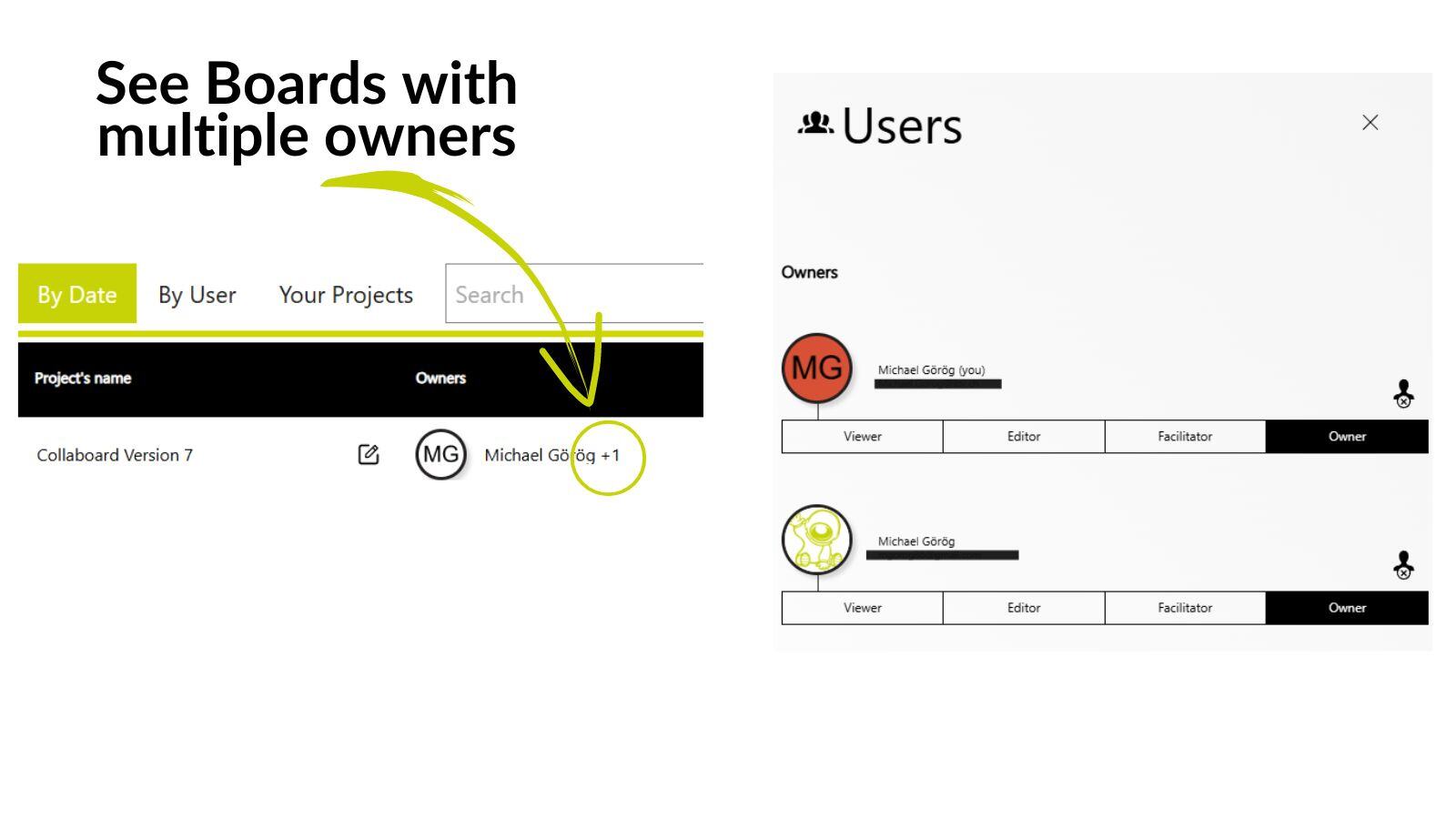
Collaborate efficiently by allowing co-ownership of whiteboards.
Availability: For all users.
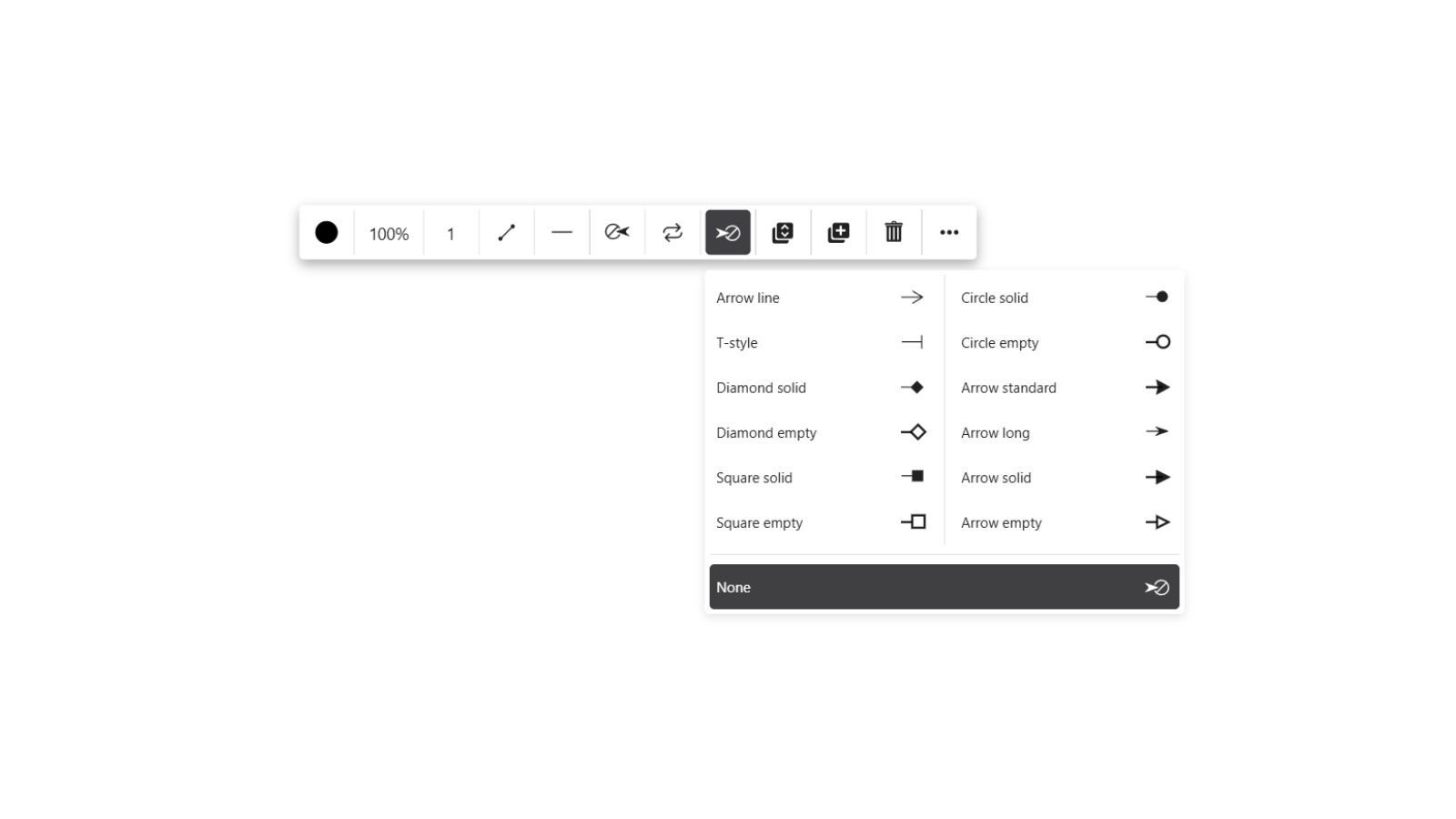
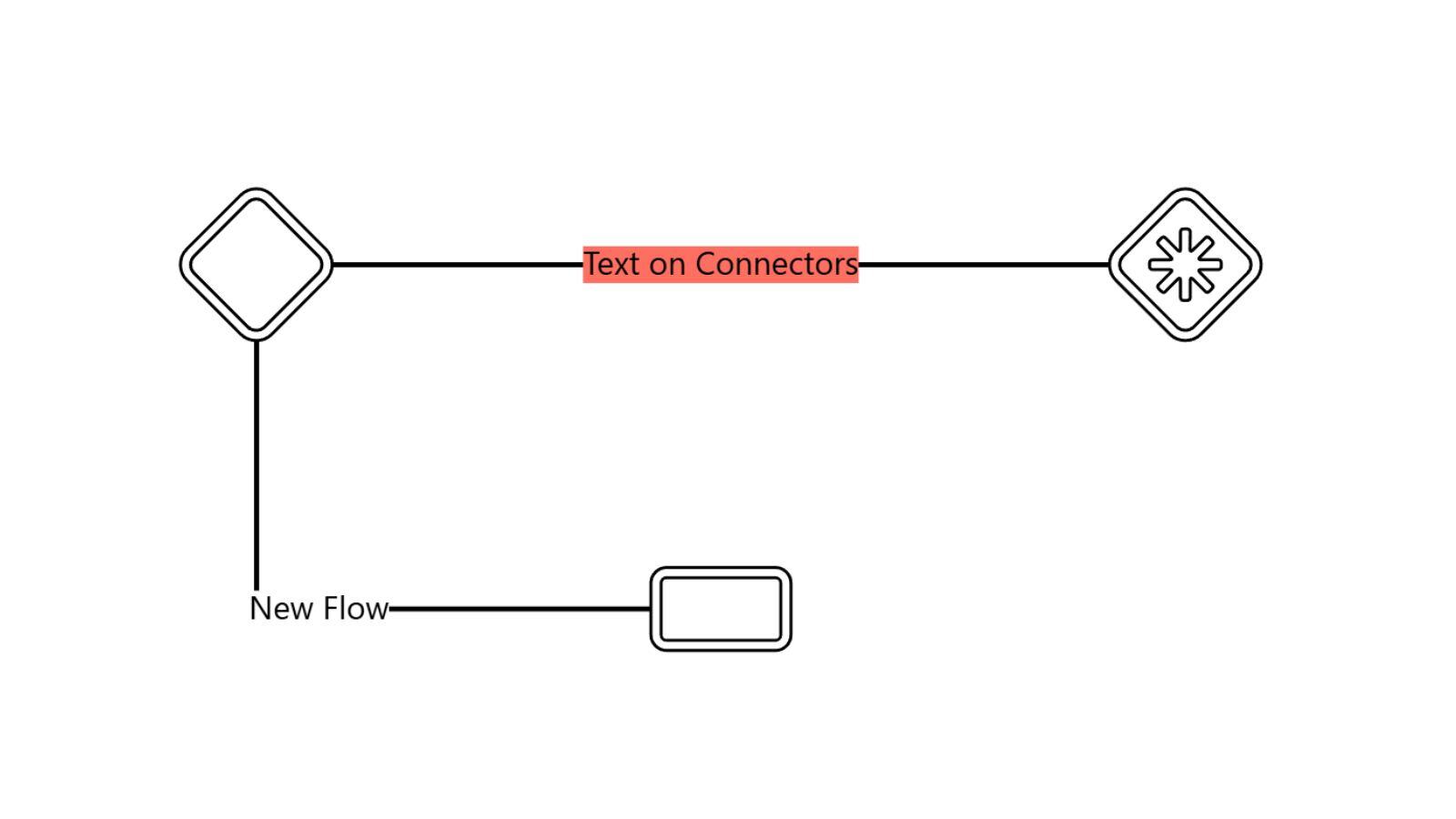
Easily label connectors for clearer and more informative diagrams. Attach connectors now anywhere on an object.
Availability: For all users.
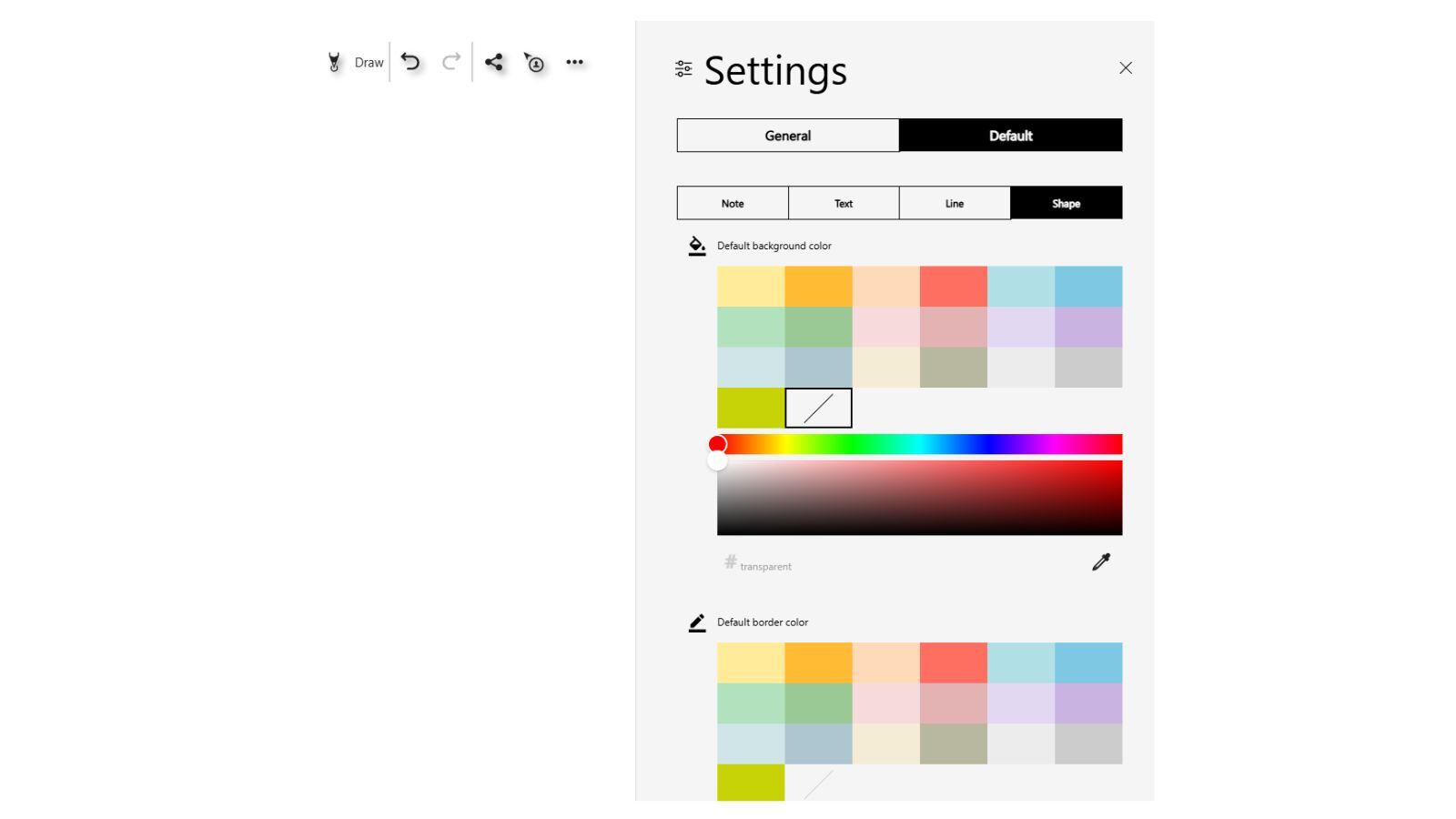
Use the default settings for shapes to speed up board creation.
Availability: For all users.
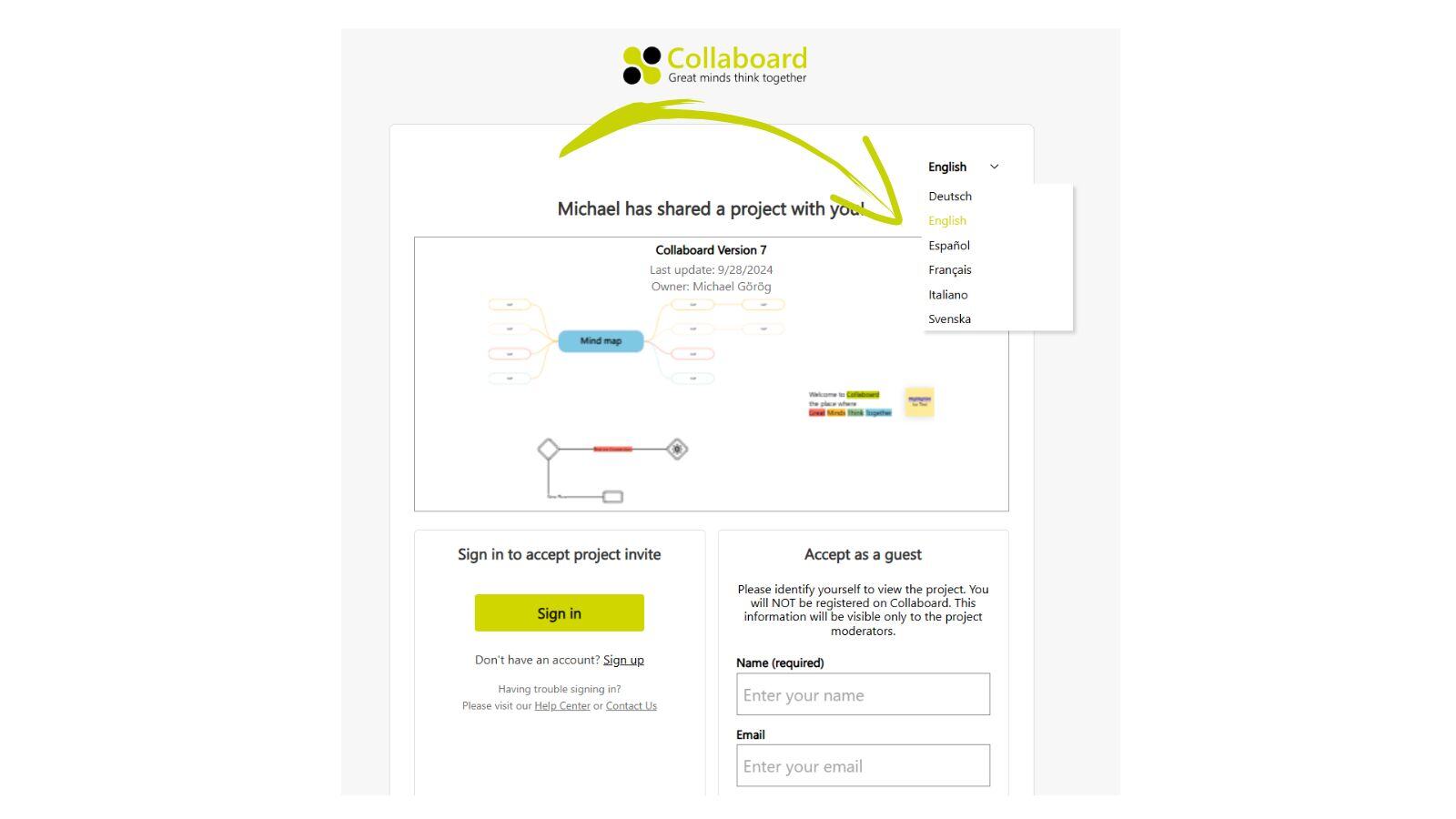
Before entering a board, guest users can choose their preferred language for Collaboard.
Availability: For all users.
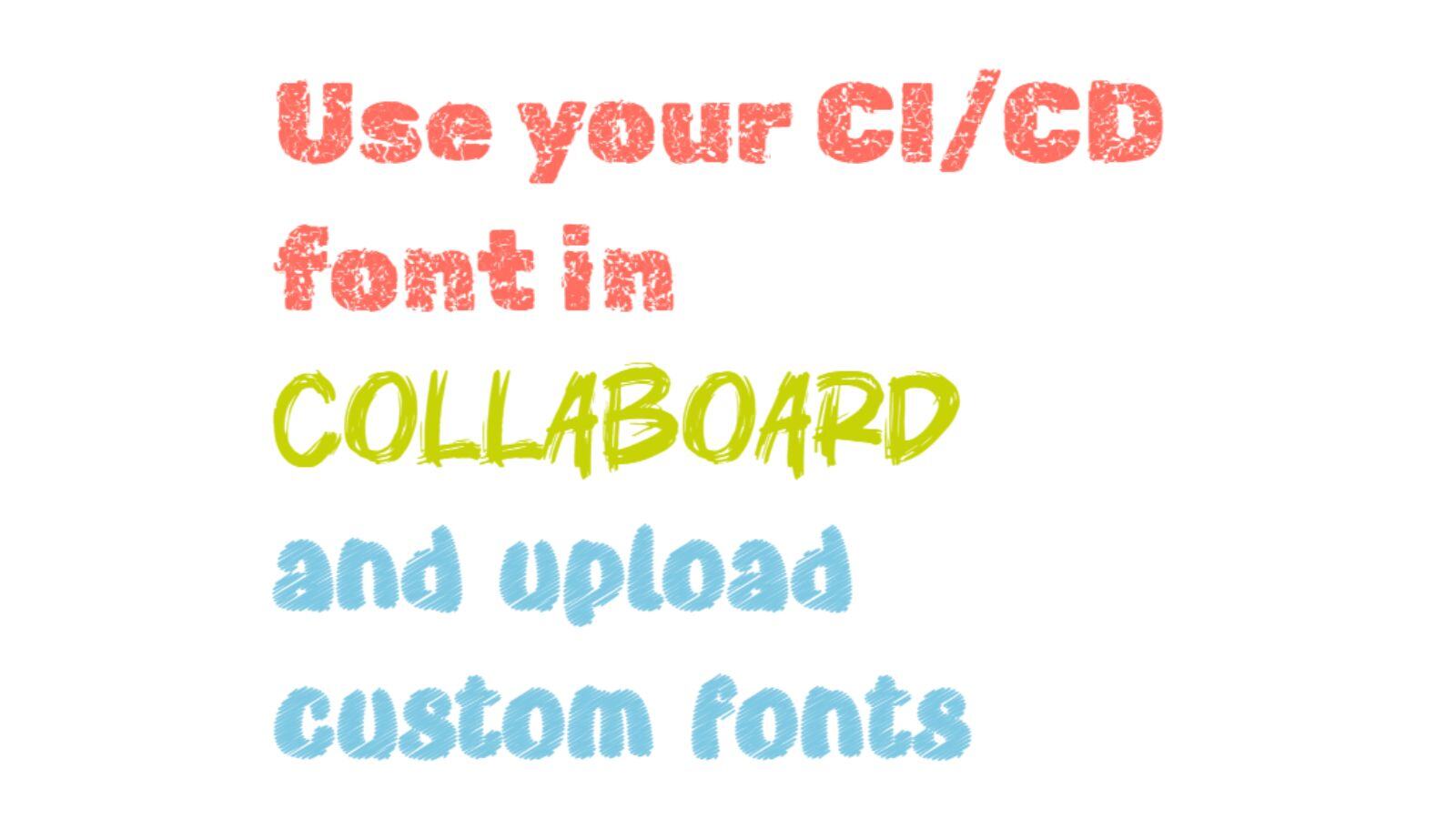
Upload your custom fonts and provide them to all your users. It is possible to upload multiple fonts and give them unique names based on your preferences.
Availability: Enterprise Subscription
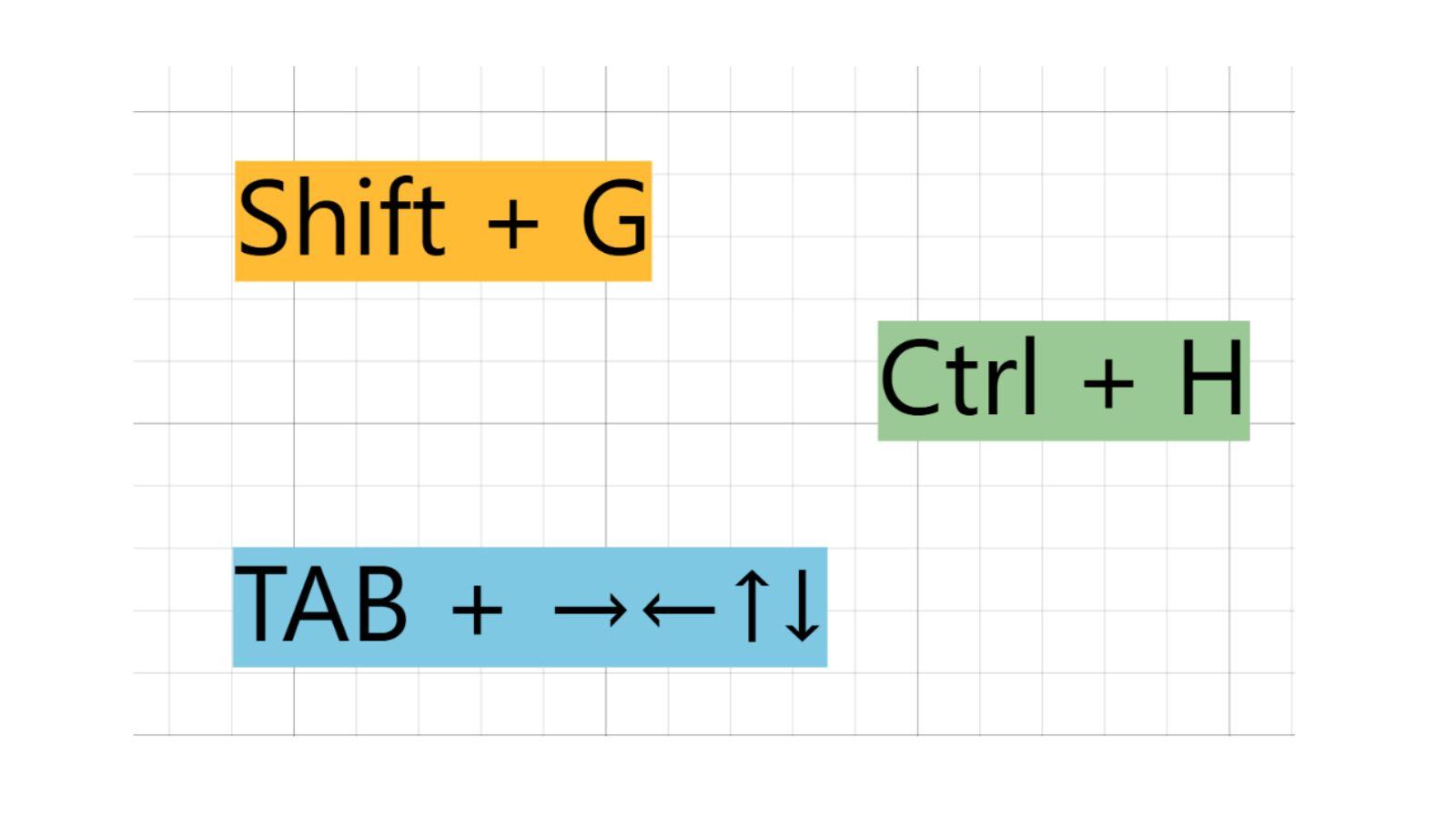
Several new keyboard shortcuts help you to do things in Collaboard faster:
Availability: For all users.
September 2024: Collaboard version 6.5 contains the following functions and improvements:
Add more vibrancy to your projects with our expanded color palette! Now available for sticky notes, text, shapes, and board backgrounds. Use up to 20 predefined colors.
Do you want to customize the color experience? Contact us
Availability: For all users.
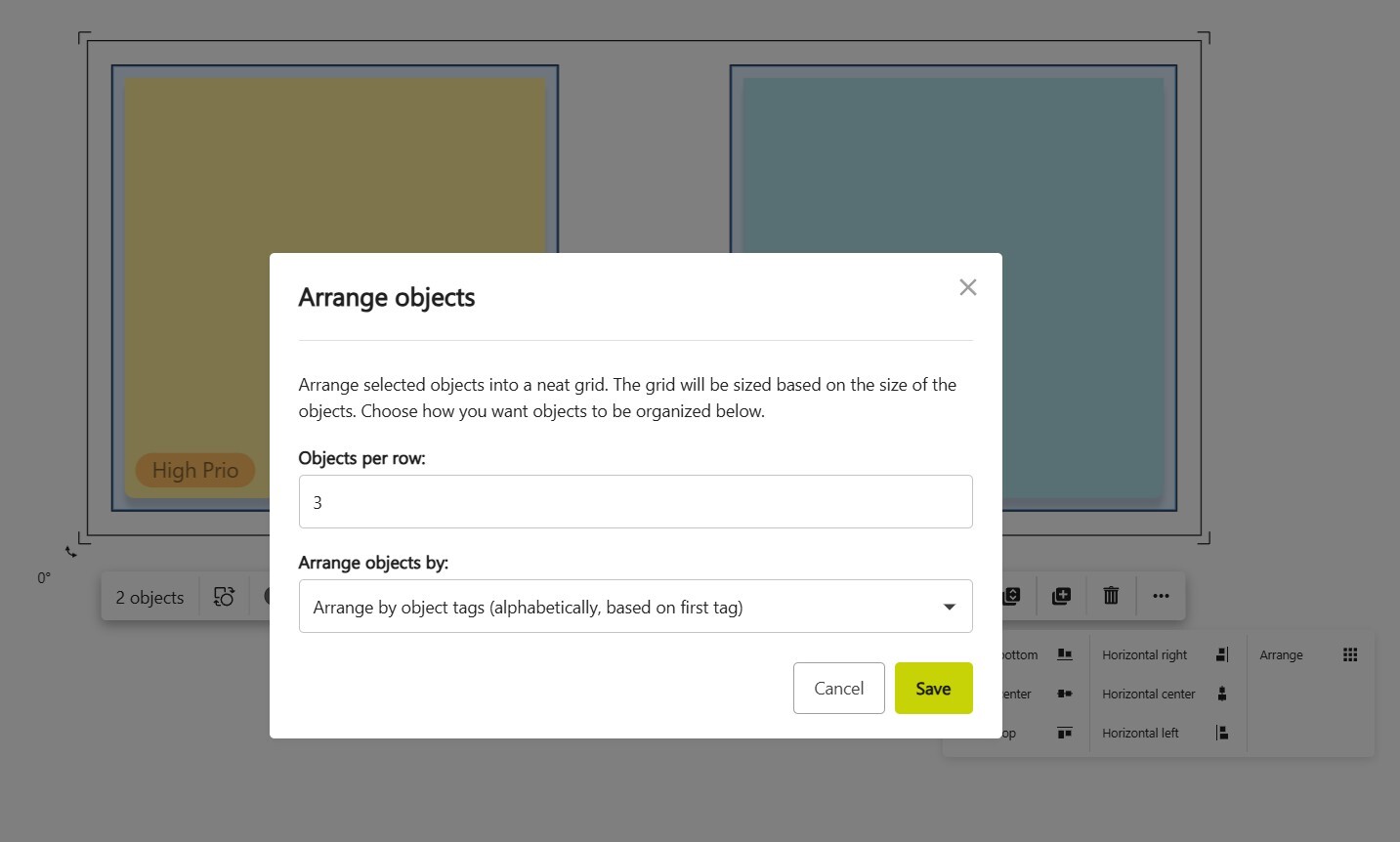
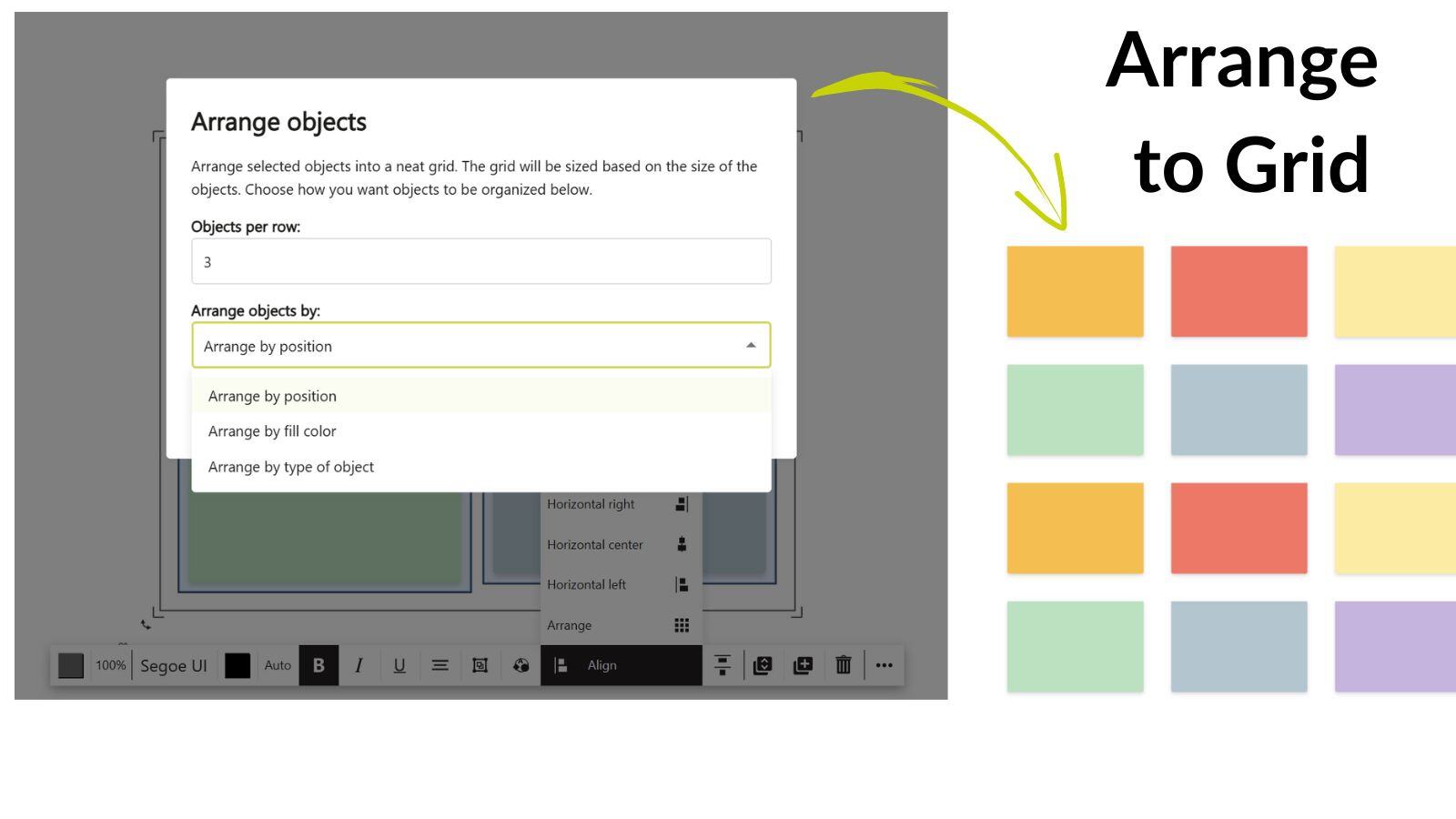
Our new grid arrangement feature automatically sorts objects based on their location, color, and type, giving your boards a cleaner, more structured look.
Availability: For all users.
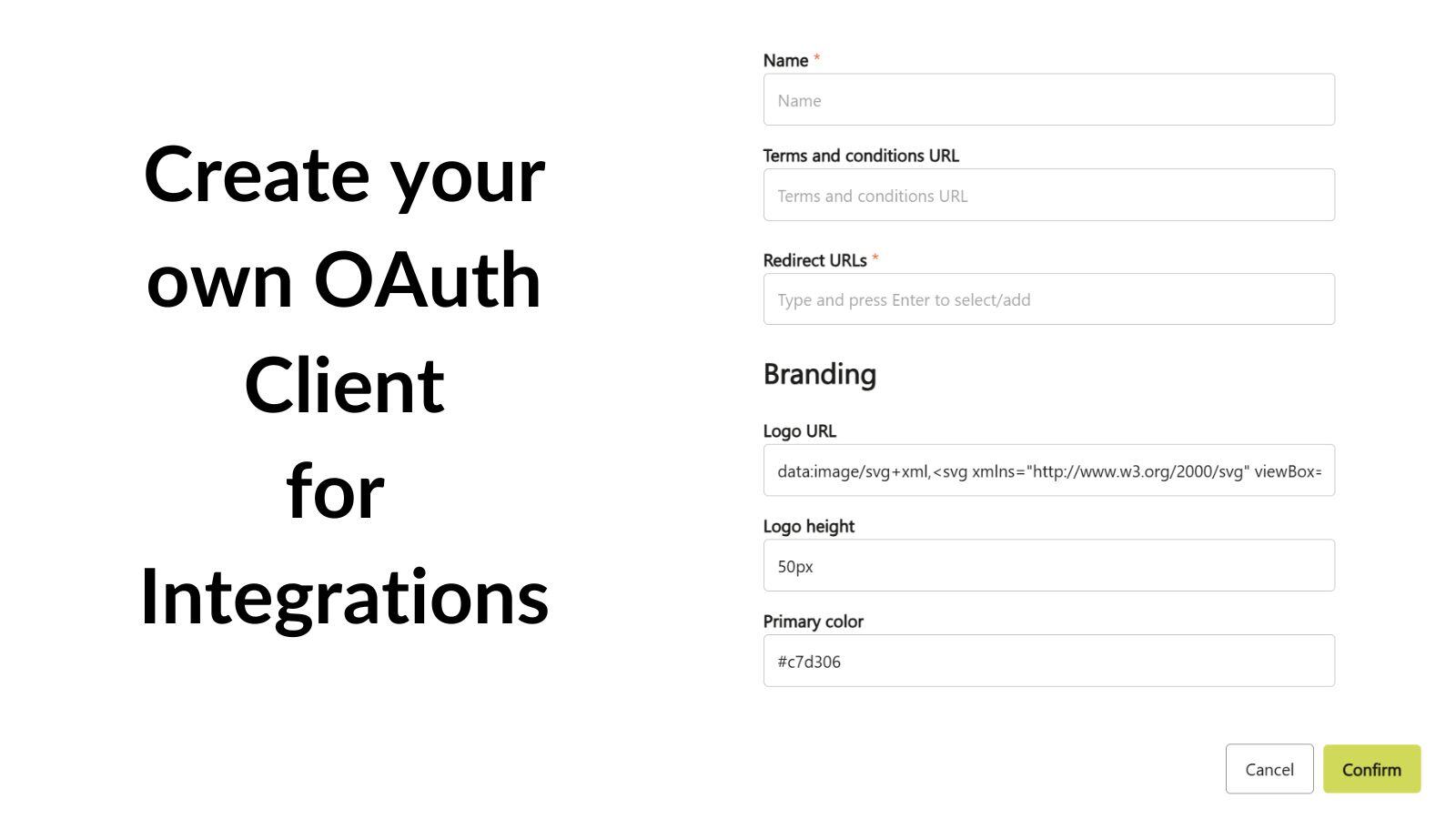
You can now create OAuth clients directly within Collaboard, making it easier to integrate with tools like Nextcloud, Pexip, Rocket.Chat etc.
Read more
Availability: From the Advanced Subscription
Simplified assignment of subscriptions.
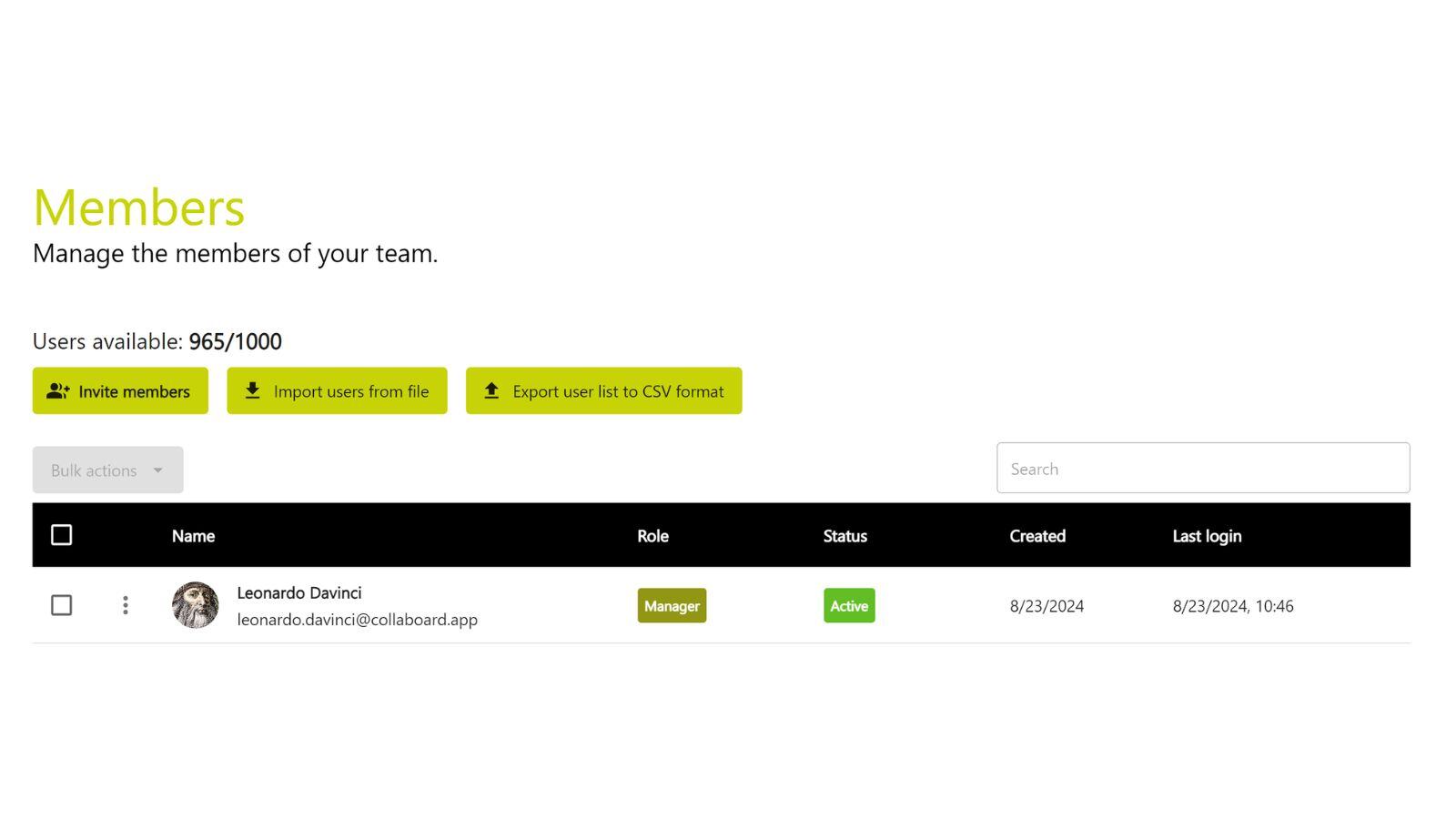
Improved user management:
Availability: From the Basic Subscription
June 2024: Collaboard version 6.4.3 contains the following functions and improvements:
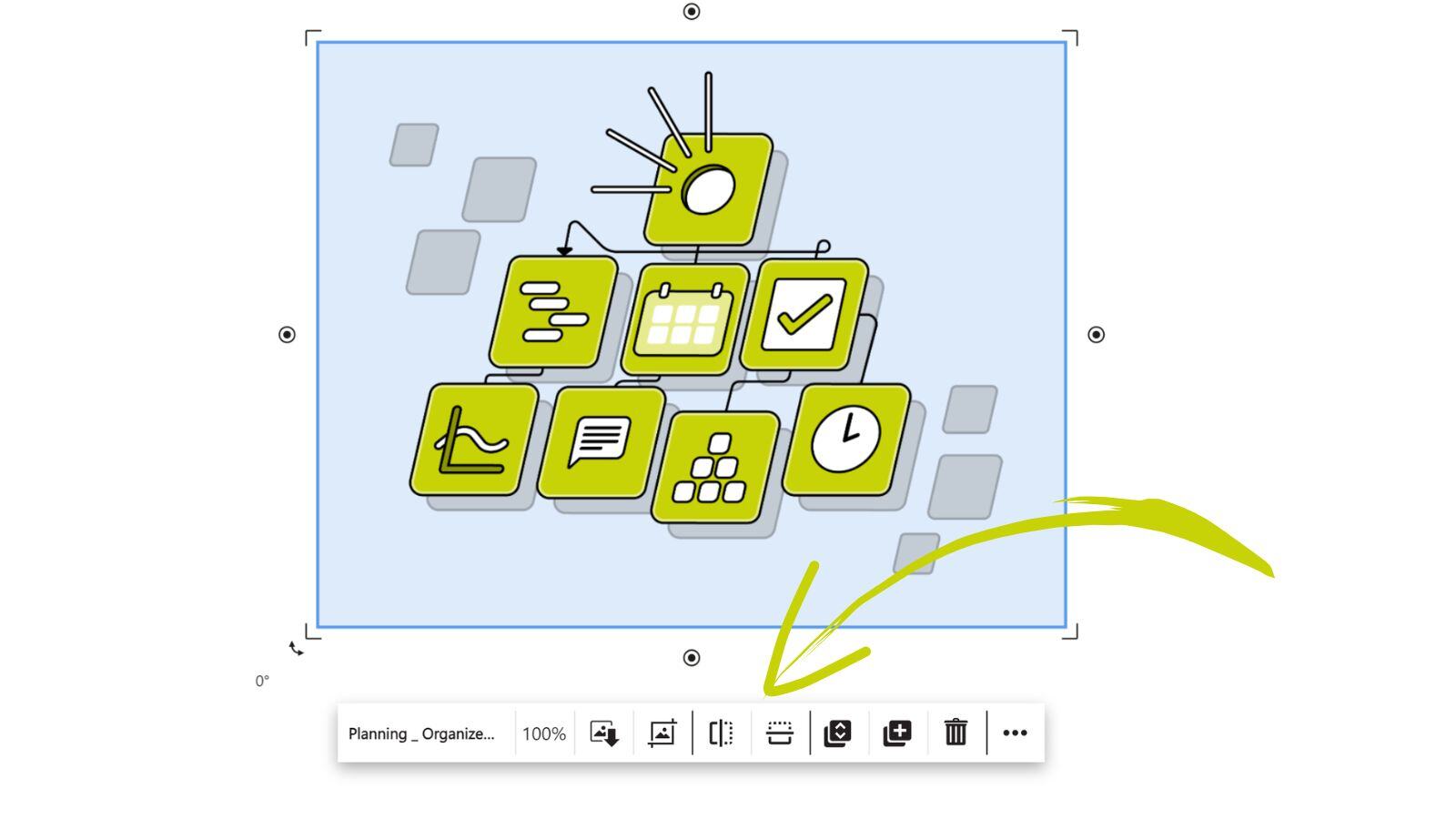
You can now easily flip your images both vertically and horizontally. Whether you need to mirror an image or adjust its orientation for a better fit, the Flip Image feature provides a simple and intuitive way to enhance your visual content.
Availability: For all users.
This update allows users to choose their Collaboard environment, whether it's Open Telekom Cloud, Microsoft Azure, or On-Premises. You can now seamlessly create, share, and open boards directly within Nextcloud, enhancing your collaboration and productivity.
May 2024: Collaboard version 6.4.2 contains the following functions and improvements:
This version contains numerous updates and improvements, including:
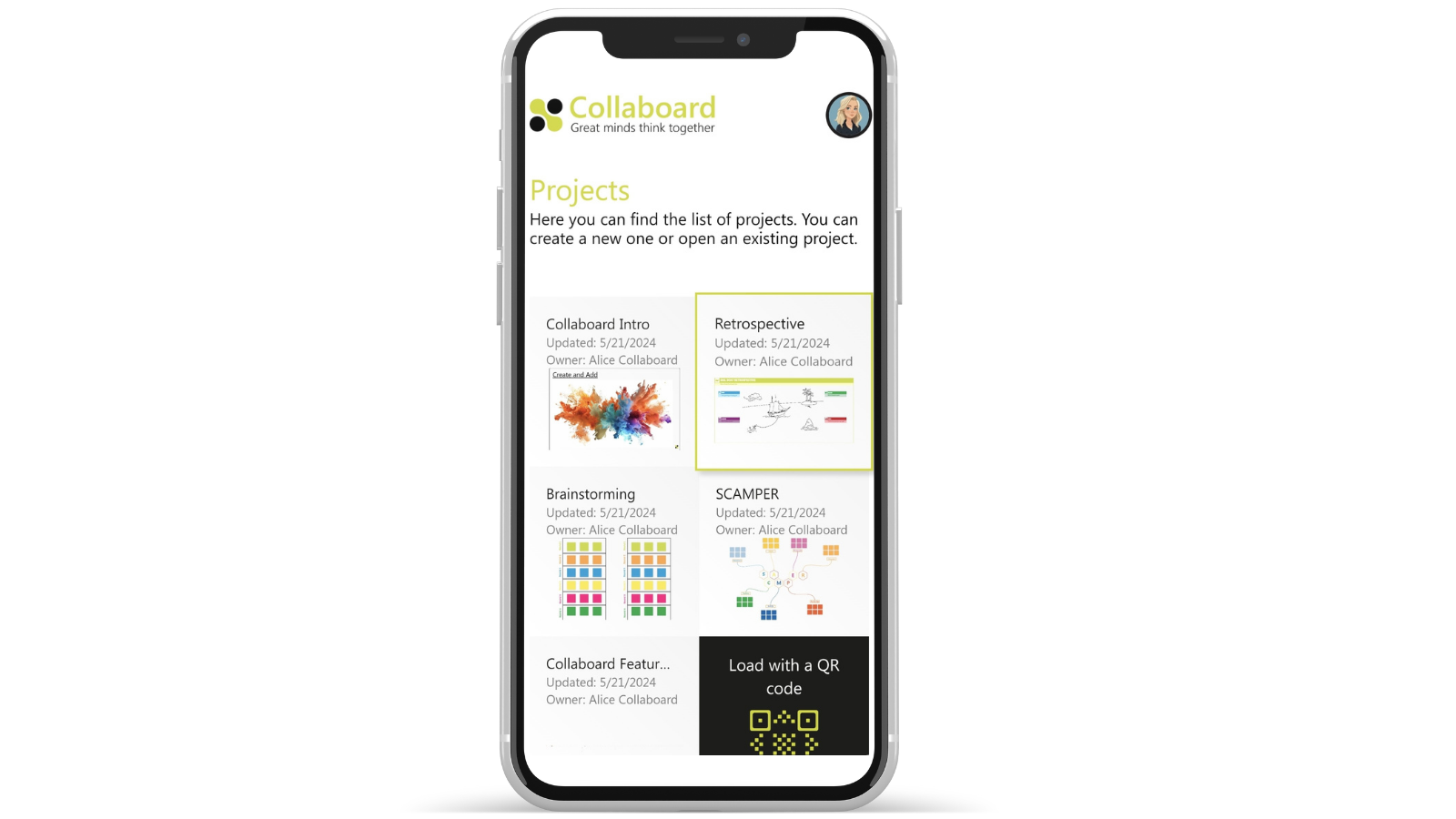
We have further improved the use of Collaboard on smartphones:
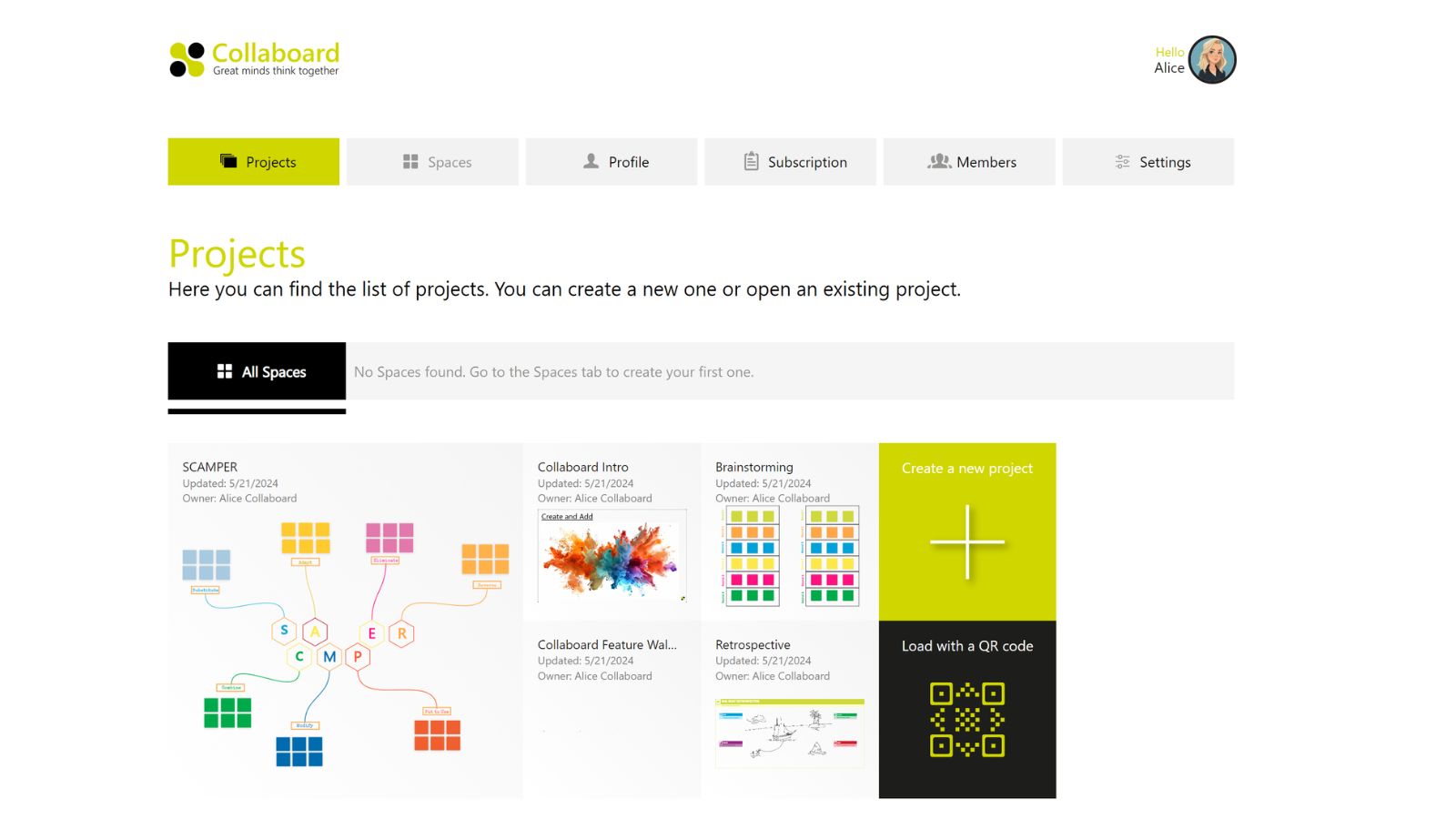
We have redesigned the dashboard where you can switch between projects, rooms, profile, subscription, team management and settings. The new layout is clearer and improves accessibility.
Availability: For all users.
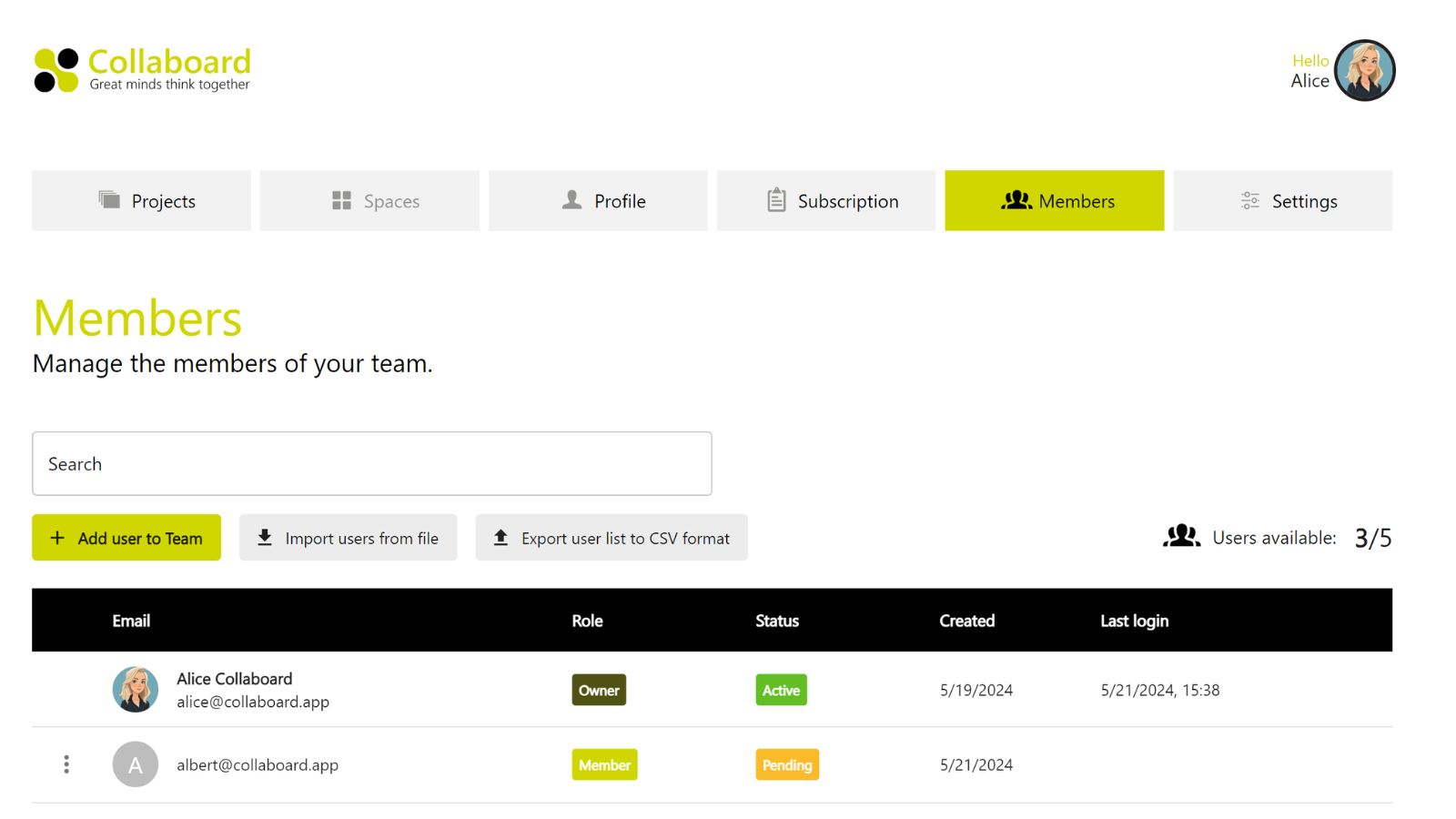
We have optimised the layout of the team administration so that all licensed users and invited users are now displayed in a single table. The following processes are supported:
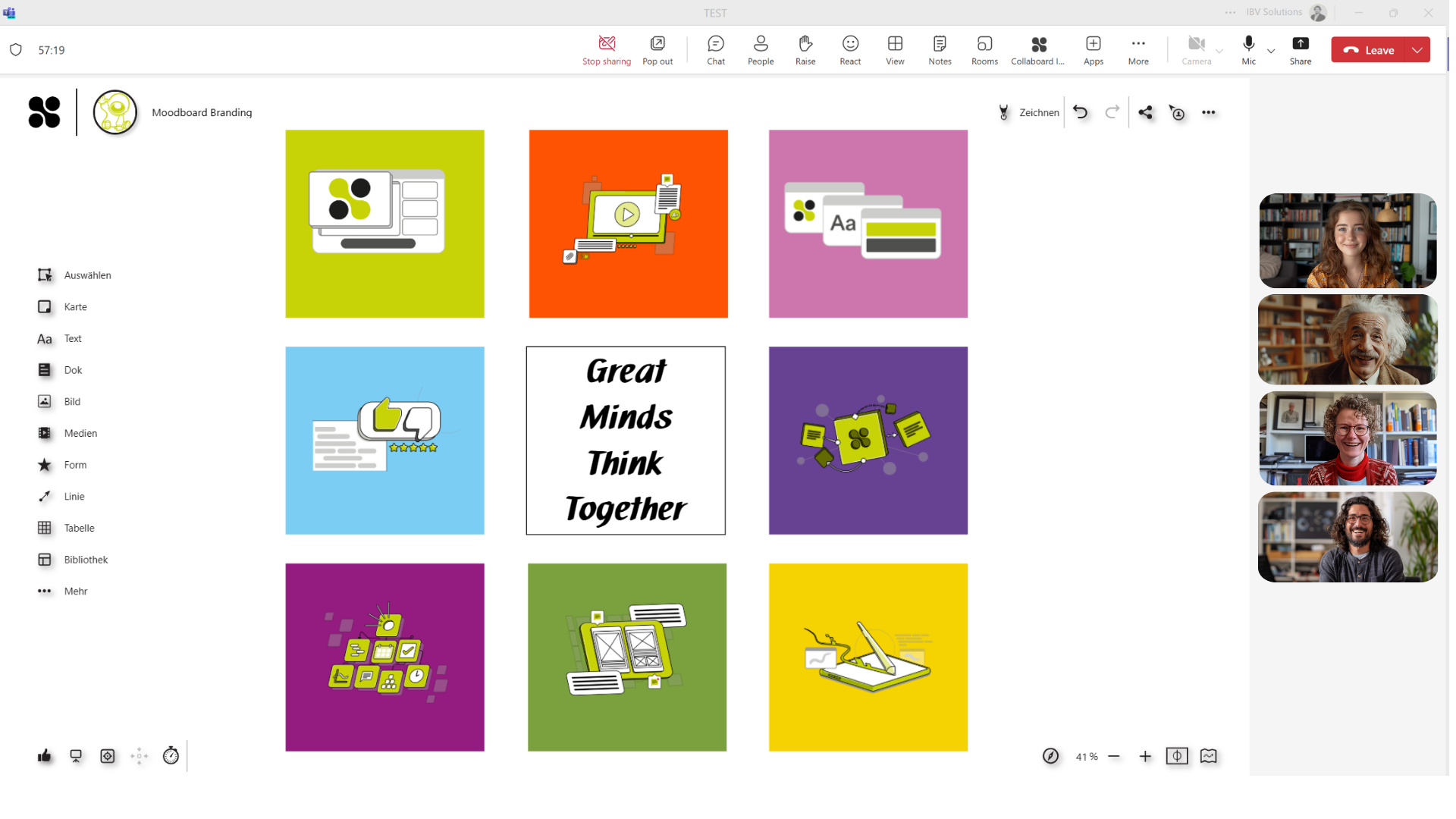
With the new Collaboard integration for Microsoft Teams, Collaboard can be used even more easily in MS Teams. The following scenarios are supported:
March 2024: Collaboard version 6.4 contains the following features and upgrades:
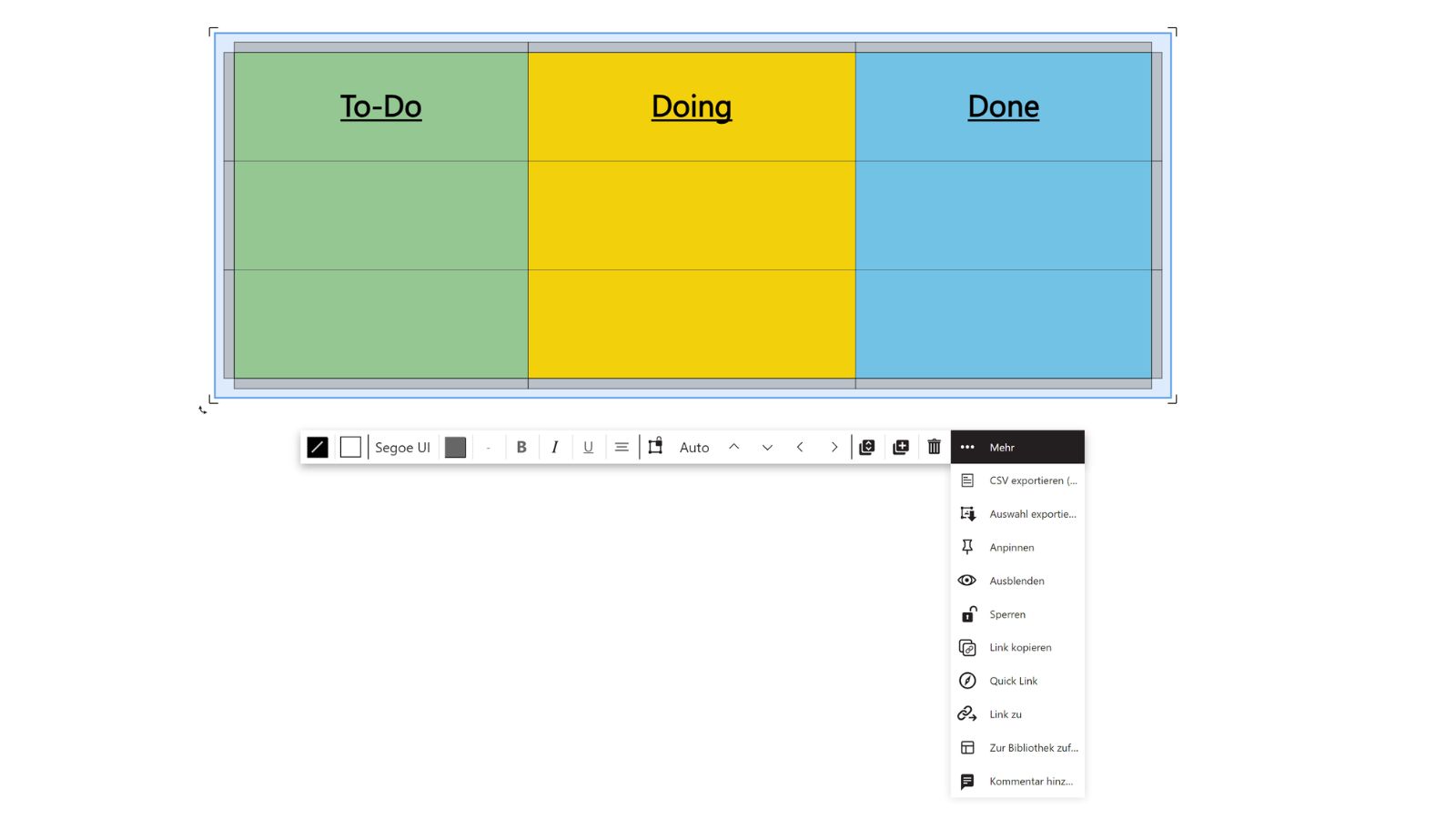
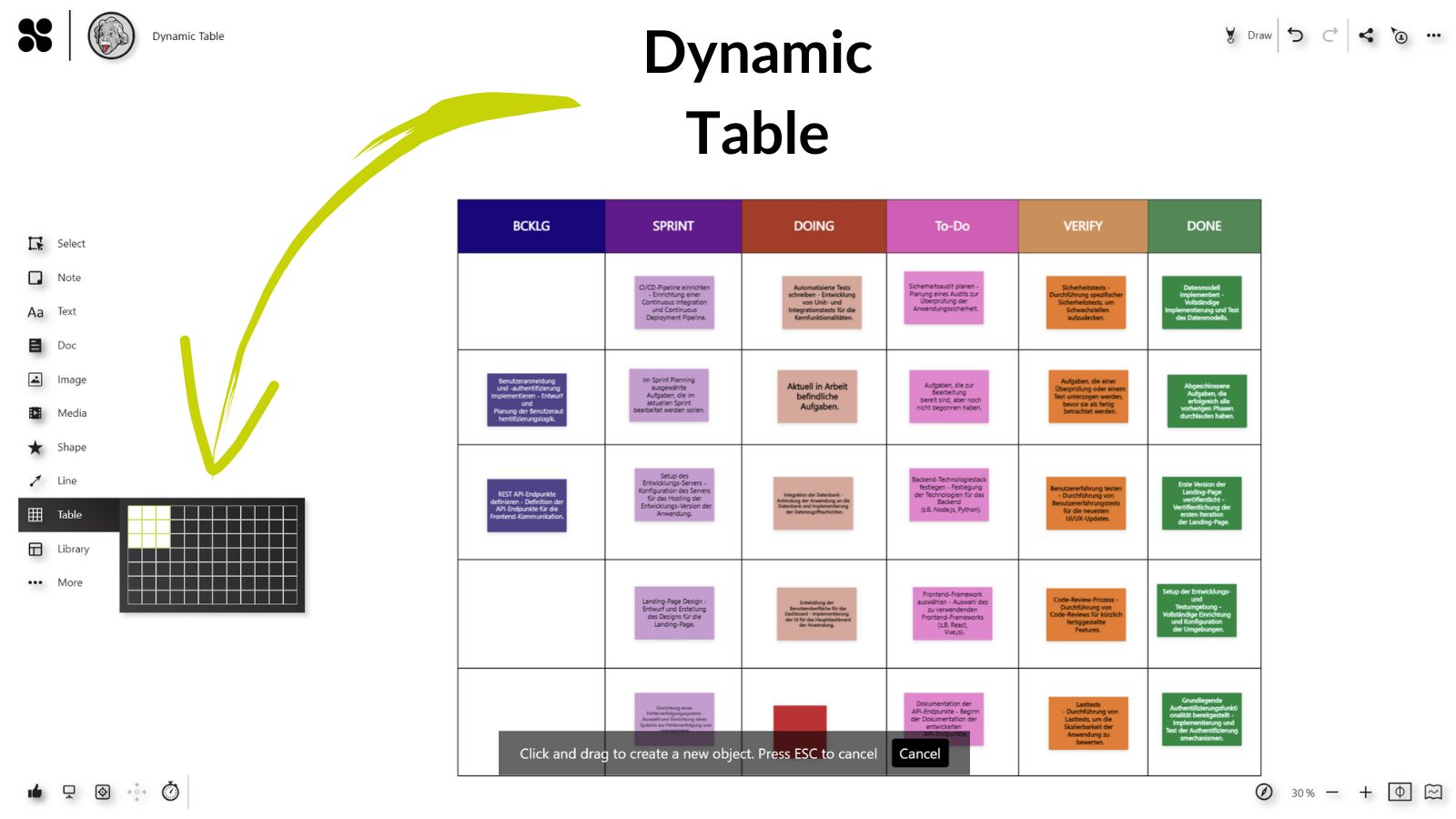
The new Table feature in Collaboard is designed to enrich your content organization and collaboration experience. Here's what you can now do with tables in Collaboard:
Availability: All users
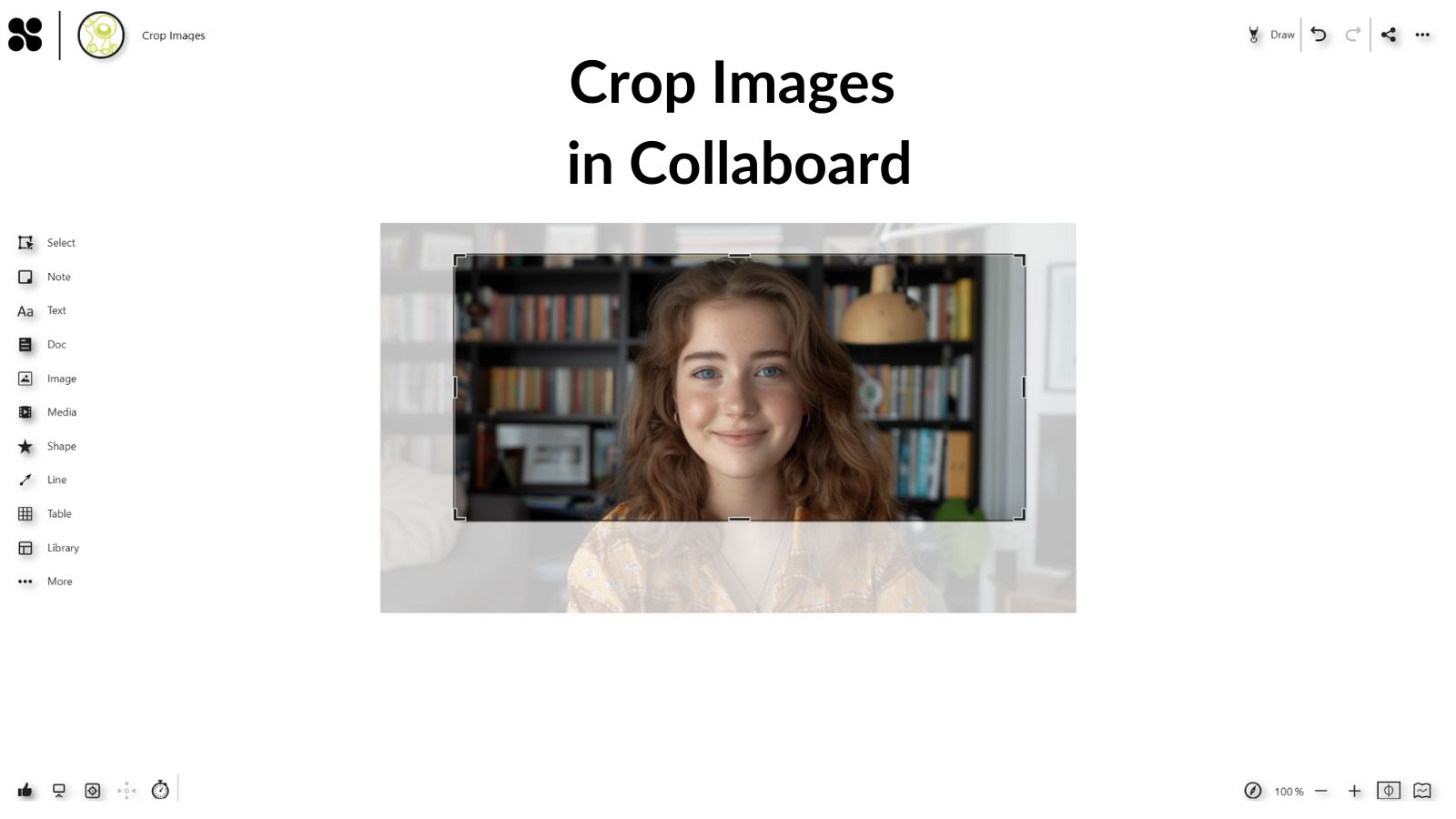
Enhance your images with our new cropping tool, designed for precision and ease of use. Here’s how it elevates your editing process:
Availability: All users
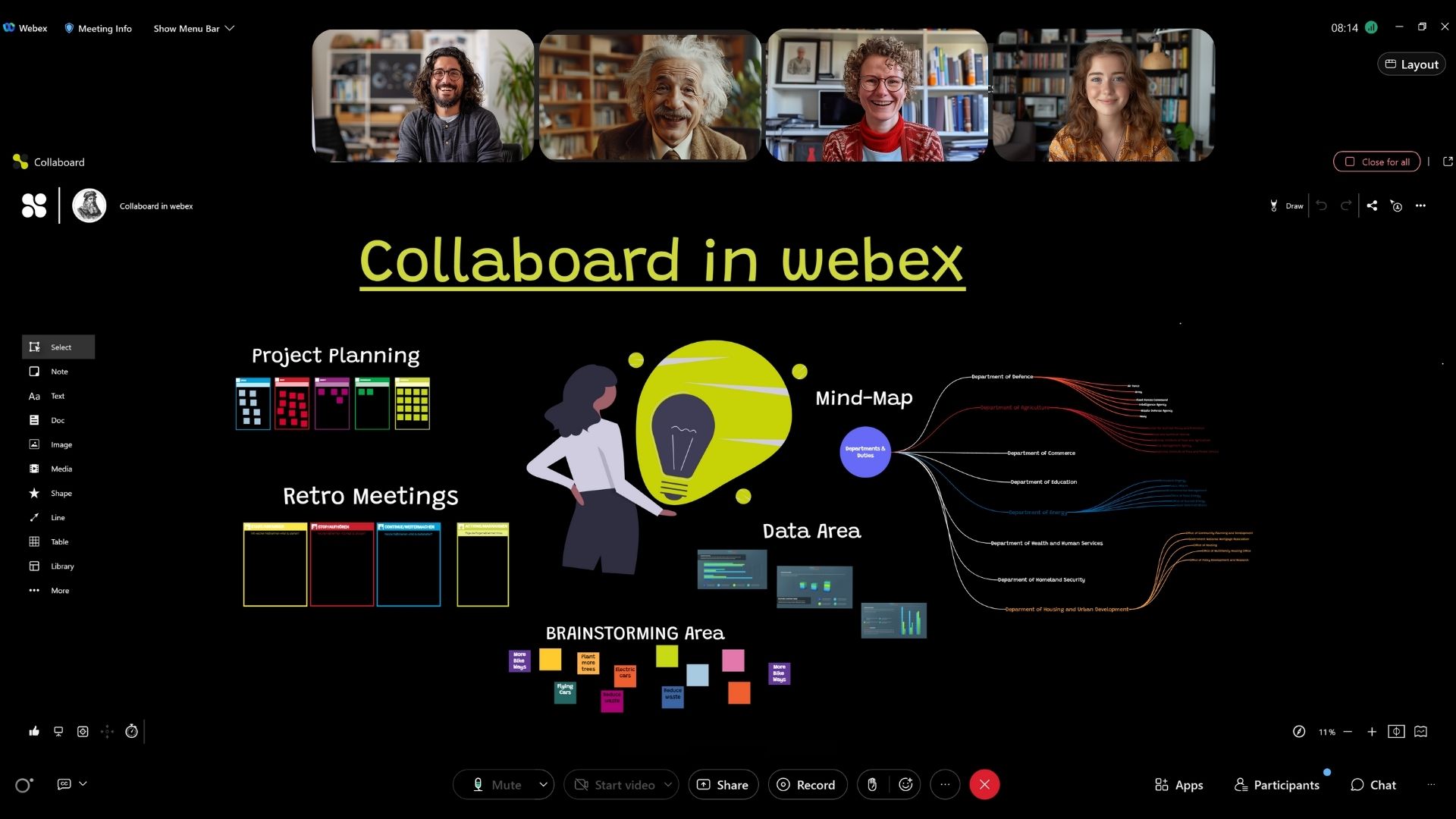
With the Collaboard app for Webex, you can bring the complete Collaboard whiteboard experience directly into your video conferencing solution. You can open Collaboard directly in conferences or add it as a tab in the spaces in Webex.
February 2024: Collaboard version 6.3.1 contains the following features and upgrades:
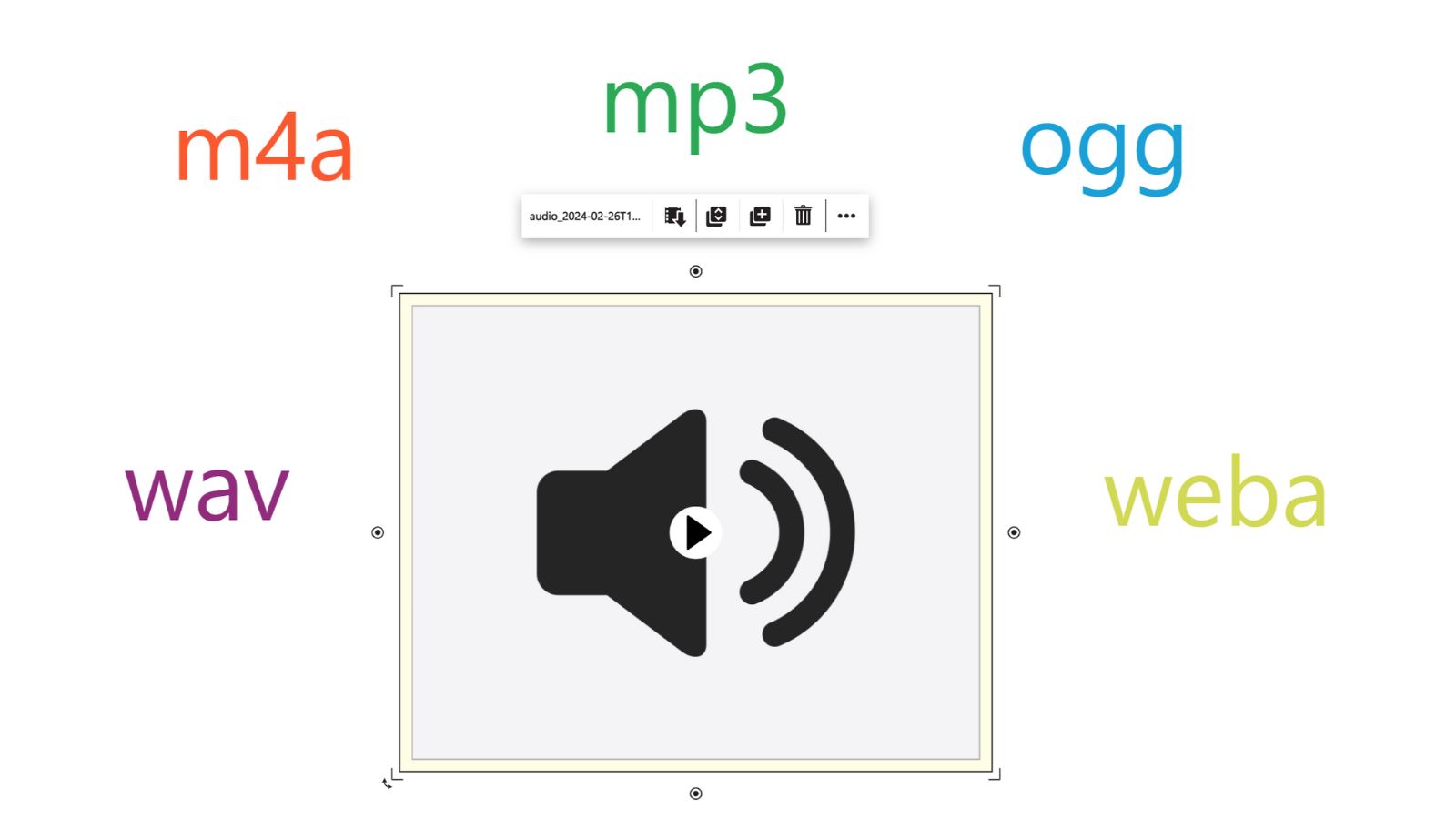
Upload your favorite song, your voice message, or some nice music to play during your Collaboard sessions.
The new audio support for Collaboard supports many different formats such as .mp3, .wav, .m4a, .ogg, and .weba files.
The Record Audio feature also allows you to record your audio directly in Collaboard. Create a memo or record a song for your attendees.
Availability: All users
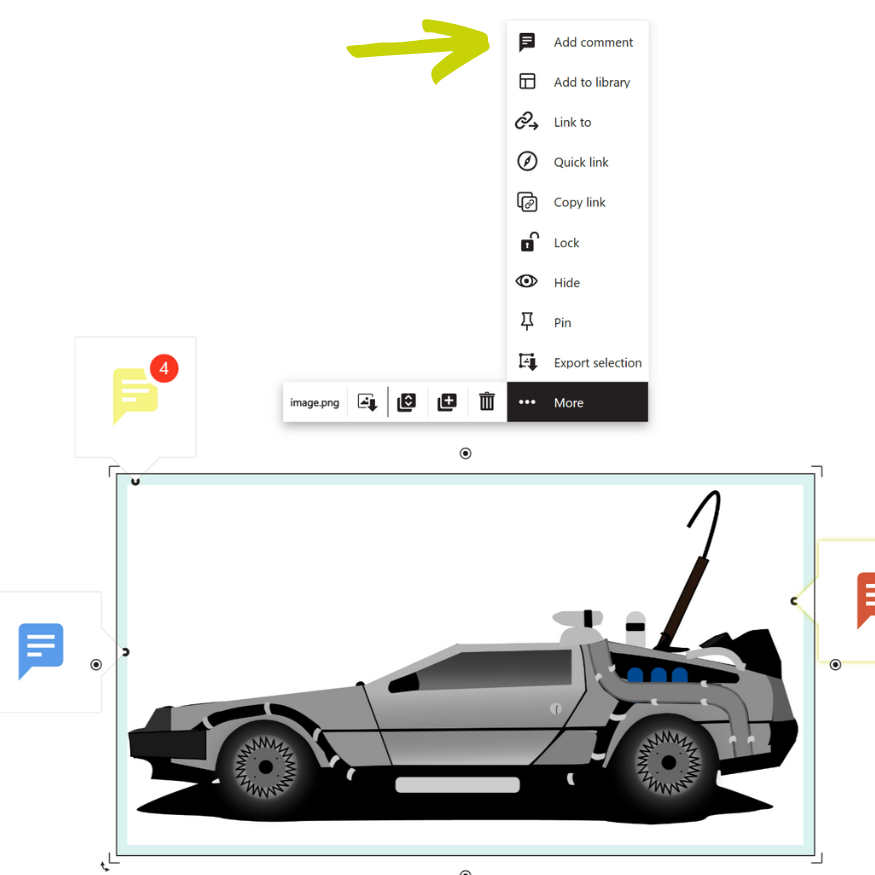
Adding comments to objects in Collaboard has become much faster. Now, it is possible to add a comment to an object directly from the context menu. Under "More," you will now find the option to add comments.
Adding comments to any location on the canvas with the left toolbar or using the keyboard shortcut "C" is still possible.
Availability: All users
We revamped the sharing experience to make it simpler and faster. This leads to an optimized user experience on devices with smaller screen sizes. The primary option is the copy of the sharing link instead of the invitation by email.
Availability: All users
Collaboard version 6.3.0 contains the following features and upgrades:
Collaboard version 6.2.0 contains the following features and upgrades:
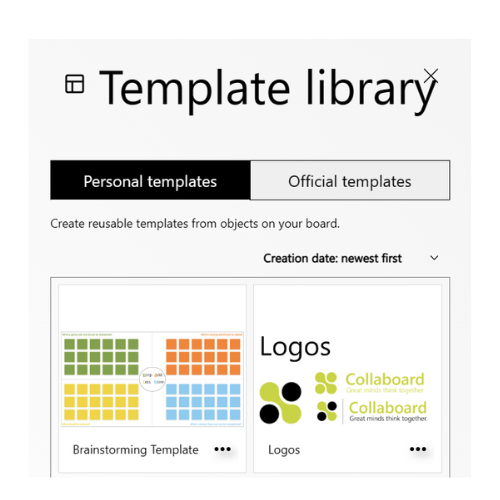
Every user has the option to create and manage personal templates. It allows to easily create reusable templates from favorite objects on the board and add them to any board, anytime.
Availability: Advanced & Enterprise Subscription
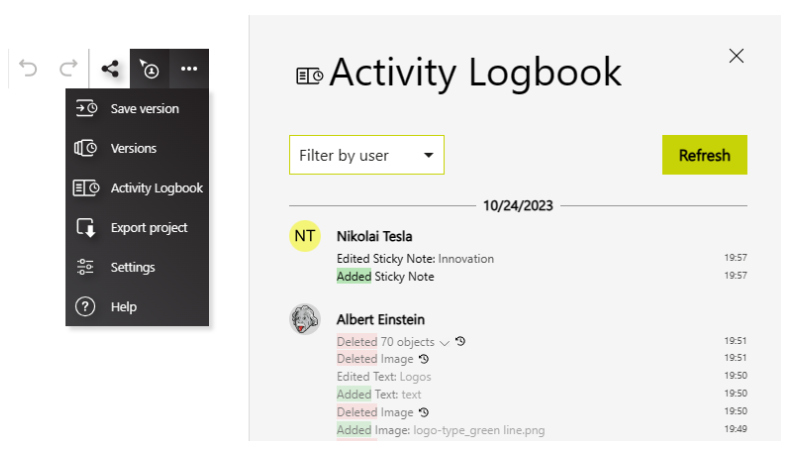
The Activity Logbook lists in detail all activities that are performed on the board by users. This serves as an overview of what has happened on the board, and deleted items can also be restored through it.
Availability: Advanced & Enterprise Subscription
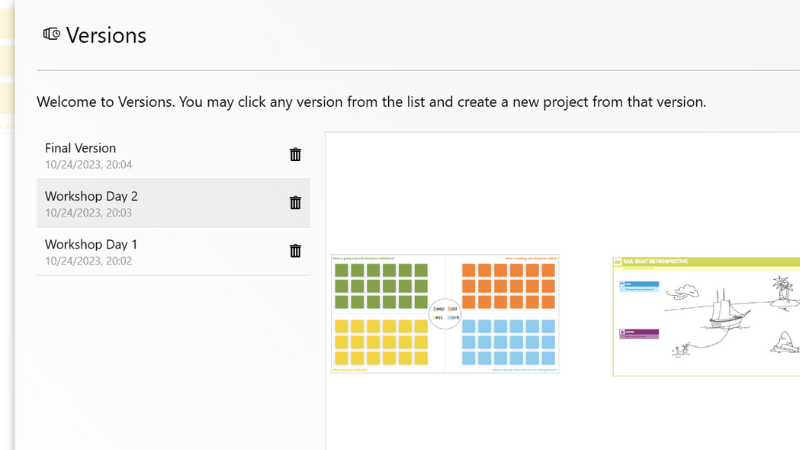
The version feature allows you to save at any time a version of your board. You can use this to restore a saved version of your board. When you restore, you will get create a new board from the version you have saved.
Availability: Advanced & Enterprise Subscription
Collaboard version 6.1.1 contains the following features and upgrades:
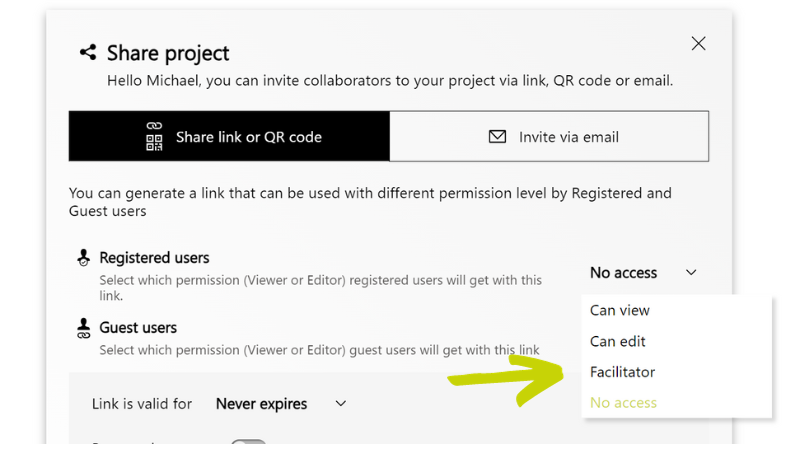
When you invite other people to join your project (=board), you can now choose if they shall have immediate facilitator permissions.
Availability: Advanced & Enterprise Subscription
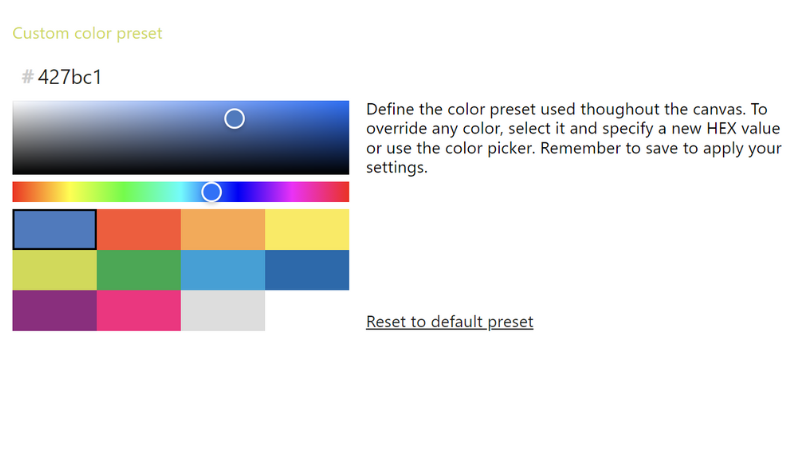
Define which colors are available as preset for your users. It is possible to define color presets for sticky notes, text, shapes, and project backgrounds.
Availability: Enterprise Subscription
We are happy to announce the Collaboard version 6.1.0 that will be available in the next days.
Collaboard version 6.1.0 contains the following features and upgrades:
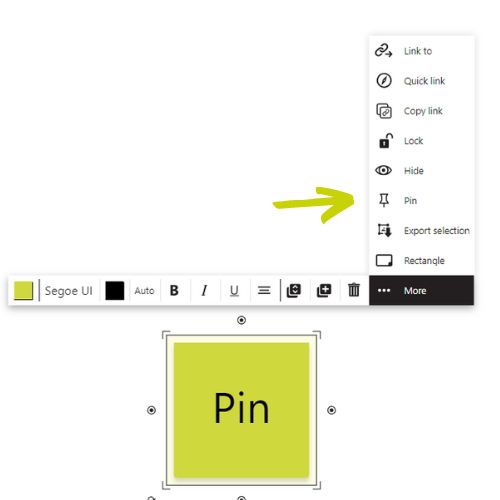
Pin objects to the canvas to immobilize them. Pinned objects can't be moved, but users can edit the content.
To prevent inexperienced users from moving your content by accident, you lock it. But sometimes, this is too rigid, and you want that your attendees can add or edit the text on a sticky note, but you don't want to move it around. This is why we introduced the pin feature.
Availability: Advanced & Enterprise Subscription, Facilitator Permissions
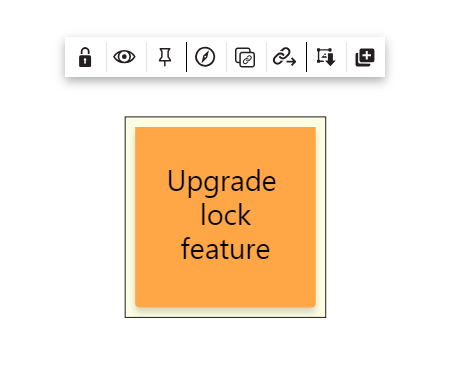
We extended the operations. that you can do with a locked object, like:
Availability: Advanced & Enterprise Subscription, Facilitator Permissions
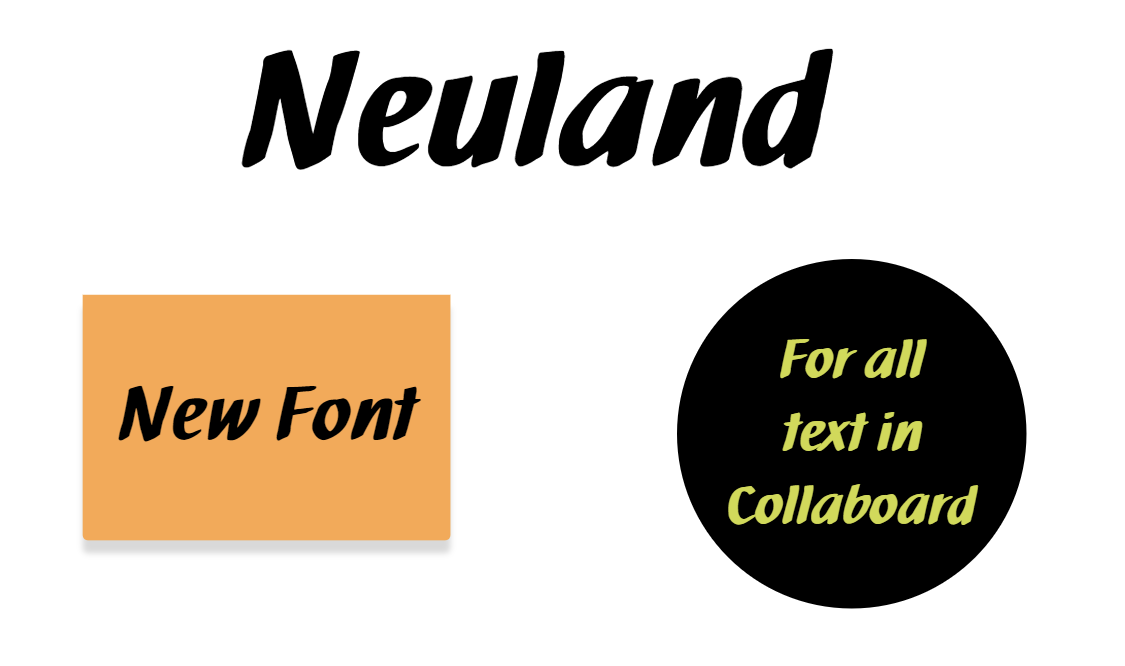
The Neuland font is a font used by facilitators and trainings in real-life when writing on flipcharts. To create a similar experience, we added this font to Collaboard.
The Neuland font is a great addition to the 24 available fonts that allow you to create stunning whiteboards that impress your attendees.
Availability: All users
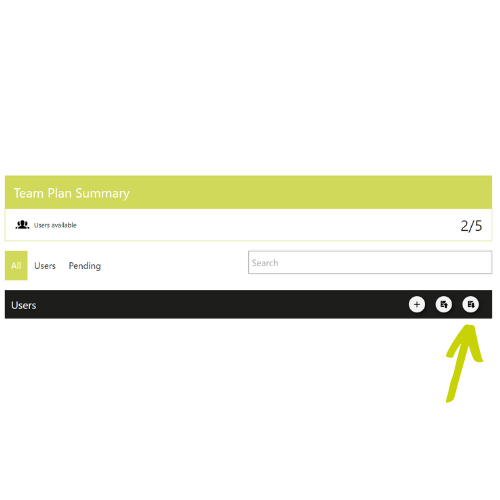
Now it is possible to download a list of all users of your subscription.
Availability: Basic, Advanced and Enterprise Subscription for users who have the subscription manager role
We are happy to announce the Collaboard version 6.0.0. With this new release we start to provide you with the detailed release notes on this website.
Collaboard version 6.0.0 contains the following features and upgrades:
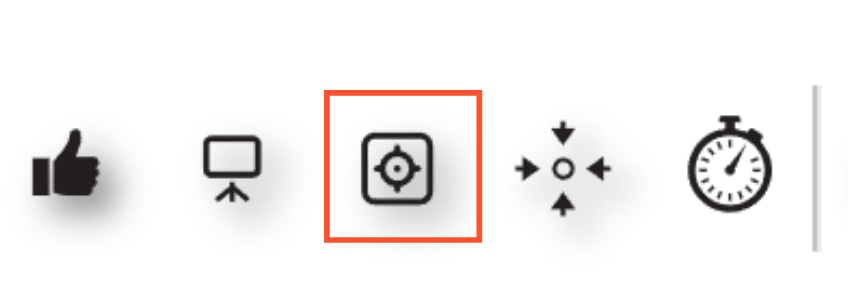
Focus Mode allows you to hide all the user interface's control elements. When the focus mode is active, you can still move objects on the board, but all other controls are invisible.
We implemented Focus Mode to improve the experience when Collaboard is used for presentation. Read more
Availability: Advanced & Enterprise Subscription, Facilitator Permissions
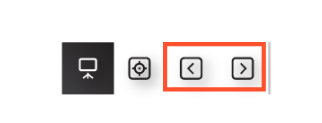
When presentation mode is activated, two buttons are now available to easily switch between Quick Links. This makes the presentation experience in Collaboard more similar to other presentation tools where you can easily switch between slides.
Availability: Advanced & Enterprise Subscription, Facilitator role
Users can now set the start view of the board using a Quick Link for this. When the start view is set, all people entering this board are automatically directed to the start view.
This allows facilitators to control what users see when entering a board. Read more
Availability: Advanced & Enterprise Subscription, Facilitator role
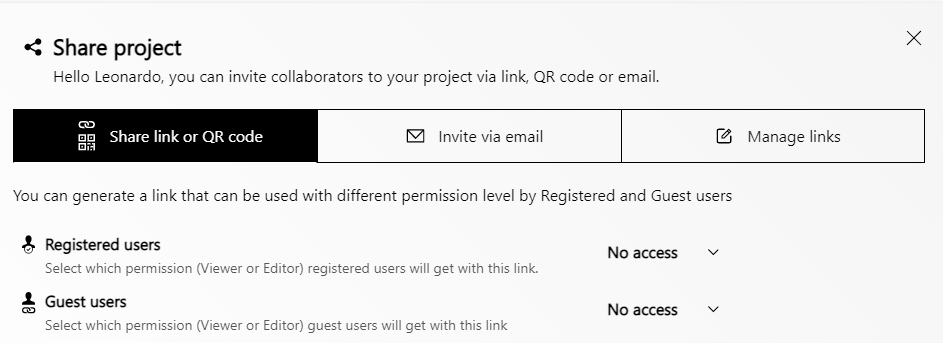
Since the vast majority of Collaboard users create links to share a board, we have made this part the focus of the "Share Project" function. There is now a menu where you can switch between sharing via a link or inviting via email.
Availability: All subscriptions and users with permissions to share a board
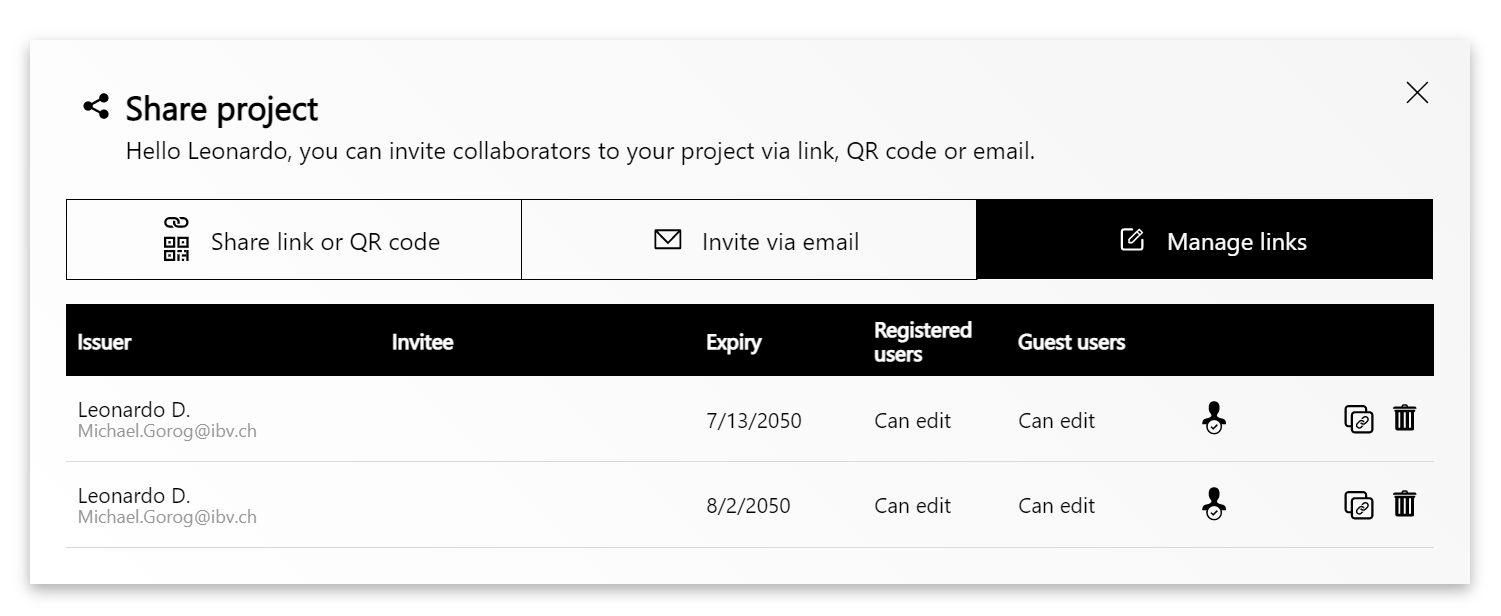
All the links that are created for sharing a project are stored, and board owners can manage these links. Two things can be done:
Availability: All subscriptions. Only board owners can manage the links.
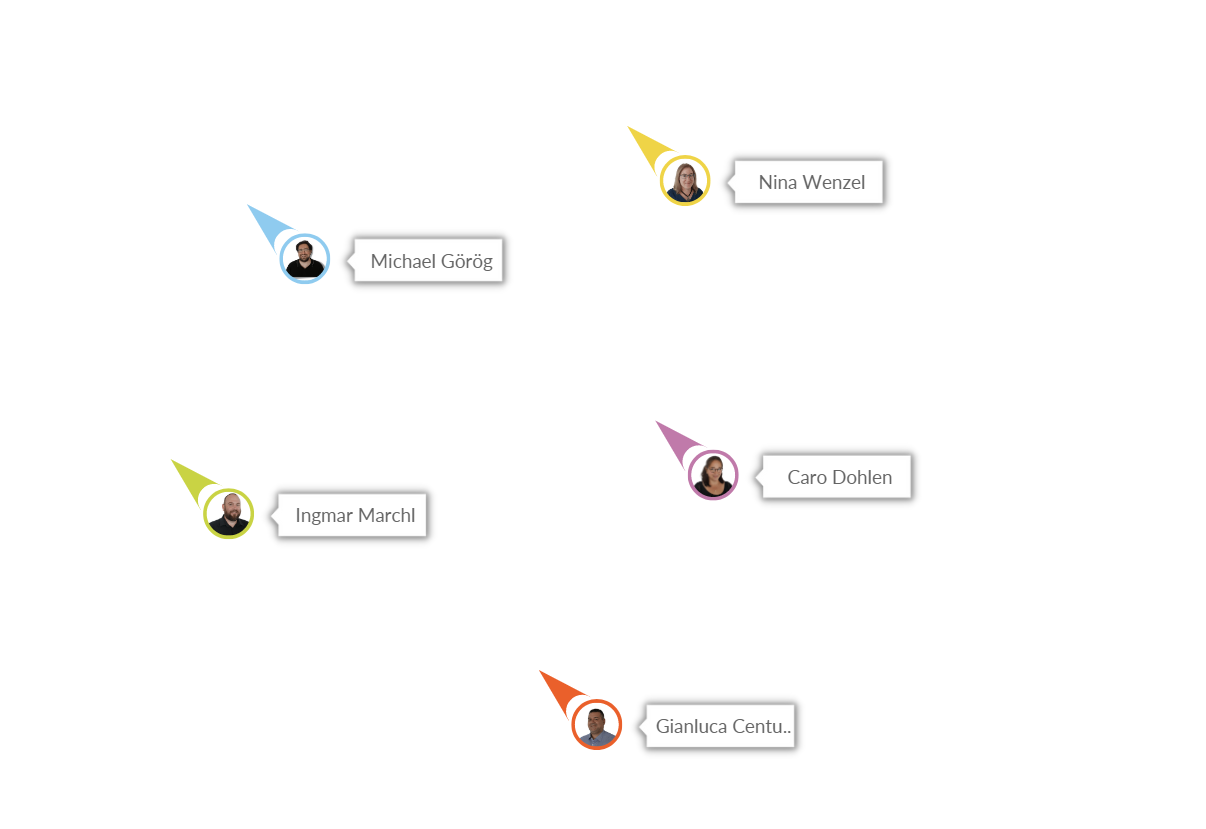
We have optimized the user presence feature that displays the mouse pointers of users in real-time on the board.
The feature is now much faster and more reliable.
Based on feedback from many users, the user presence feature is on by default. This means you will see a user's mouse pointer when he enters the board. Disabling mouse pointers for single users or all users is an option.
Availability: All subscriptions
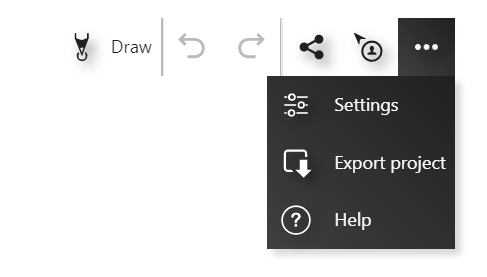
We re-arranged the upper right toolbar to reduce complexity and make less often used features available on a second level. Additionally, there is now an explanatory text for every feature on the second level.
The following changes have been implemented:
Availability: All subscriptions
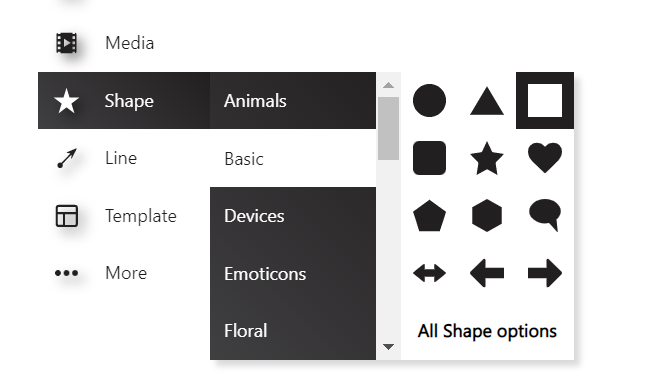
The left panel is primarily used to add media, upload documents and add shapes.
Previously the left panel closed itself automatically when an object had been added to the canvas. We change this behavior so that the panel is now open until the user closes it.
This improves the experience when users need to add multiple shapes. For example, users can add all the shapes needed without re-opening the panel when creating a diagram or designing a workflow.
Availability: All subscriptions
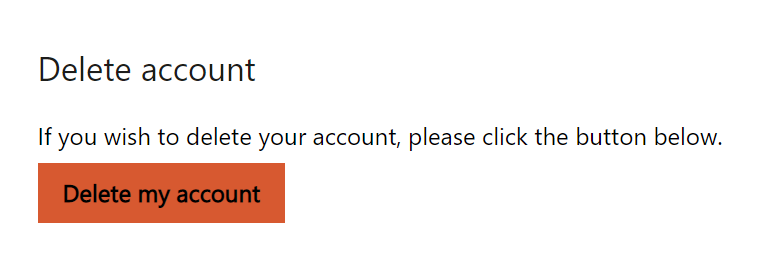
This new option allows users to delete their Collaboard account. The new option is enabled in the user profile.
Availability: All subscriptions
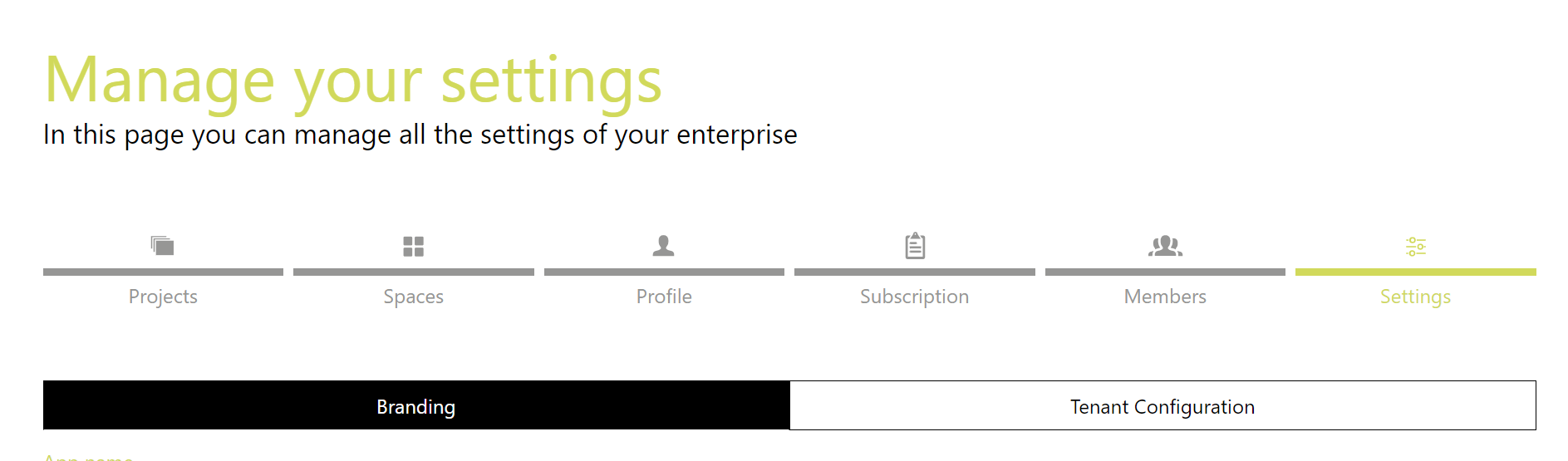
Collaboard settings provide more autonomy to Collaboard admins to manage their Collaboard subscription/installation.
Branding: It is possible to customize the branding of Collaboard for the organizations.
Tenant configuration: Administrators can enable/disable features and customize other application parts.
SSO Settings: When an organization uses SSO, SSO configuration can be created and changed via the Collaboard settings.
Availability: Enterprise Subscription
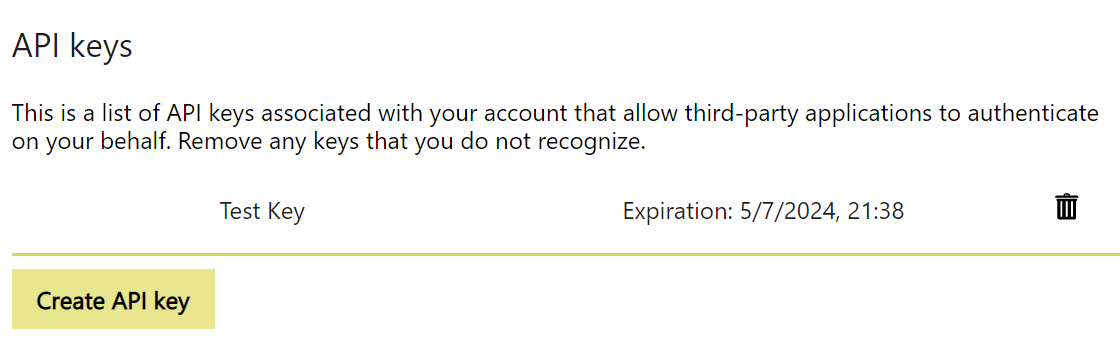
Every user can create an API key to allow third-party applications to authenticate on their behalf.
Availability: Advanced & Enterprise Subscription
Customer can use their customized welcome video. This video will be displayed instead of the standard Collaboard welcome video.
This feature can be implemented on demand. If you like to try it out, please contact us.
Availability: Enterprise Subscription
If you are using SAML for authentication, Collaboard supports now certificates for SAML encryption.
If you are interested to use SAML certificates for encryption please contact us.
Availability: Enterprise Subscription