

Workshops, Brainstorming Sessions, Retrospectives, Project Planning, Customer Journeys, SWOT Analyses, Kanban Boards, and more...

Online whiteboard with the highest data protection
The best platform for secure & innovative collaboration
Secure, reliable, and Swiss made. Easy to use for all business cases, industries, and teams. GDPR-compliant. Hosting in the EU cloud or self-hosting with the best data control.






























Your team. Your ideas. Your online whiteboard

Get started right away - you can create your first boards within minutes

State-of-the-art whiteboard tools and Collaboard AI enable maximum productivity and innovation.

All on a single platform: daily meetings, strategic workshops & creative brainstorming sessions.

Over 250 templates

All basics & more
Mindmaps, sticky notes, drawing pens, shapes, documents, multimedia content (images, videos & audio), tables, comments, exporting boards.

Better moderation
Voting & rating, timer, lock, pin, hide, presentation mode, focus mode, quick links.

Integrations
Microsoft Teams, Cisco Webex, Pexip, Nextcloud, Rocket.Chat, Stashcat, Jira, Confluence, MCP Server for AI tools and a Public API for custom integrations.

Maximum security
Two-factor authentication (2FA), single sign-on (SSO), protect boards with passwords, customized security settings

Secure hosting
Hosting in Germany, Switzerland, or the Netherlands, as well as on-premises in your own data center - for the highest compliance, data protection, and security requirements.
Powerful functions. All you need for fast and precise work
Our advanced whiteboard tools and Collaboard AI boost productivity and innovation, making daily meetings, strategic workshops, and creative brainstorming easy on one platform.
Premium data protection: GDPR-compliant & beyond
- Collaboard is developed by Swiss software pioneer IBV Informatik AG
- Our team in Europe stands for maximum data security & data sovereignty
- Hosting in Germany, Switzerland and the Netherlands or self-hosting for maximum protection
Our customers love Collaboard
Here’s what they say about our online whiteboard

"The biggest benefit for everyone is worry-free use that complies with data protection regulations. Teachers are no longer limited in any way and are now making full use of the tool in their teaching."
Jacqueline Gerland
IT Customer Service Team Lead

„I mainly use Collaboard in online meetings. Everyone has the opportunity to visualize their ideas and thought processes in the context of the discussion.“
Benedikt Röthlin
Organization & IT at Liebherr

„In addition to creative activities such as mind maps and brainstorming sessions, we use Collaboard to discuss the homework for the individual lectures and use Collaboard as a whiteboard.“
Robin Pape
Student Business Informatics FOM Düsseldorf

„Collaboard not only offers the highest level of data security, the design and features are also very modern and appealing. For example, the embedding of GIFs and videos provides enormous support for project work.“
Nico Eisensteck
Personnel development at Pronova BKK

„I am very impressed with Collaboard and now work more than ever with the digital whiteboard. I previously used a different online whiteboard and am very happy about the change.“
Dr. Martina Braasch
Founder Dr. Martina Braasch Akademie
Board examples: What you use the online whiteboard for
Our users use Collaboard in a variety of ways, including mind maps and planning sessions. Here is a selection of the most important use cases:
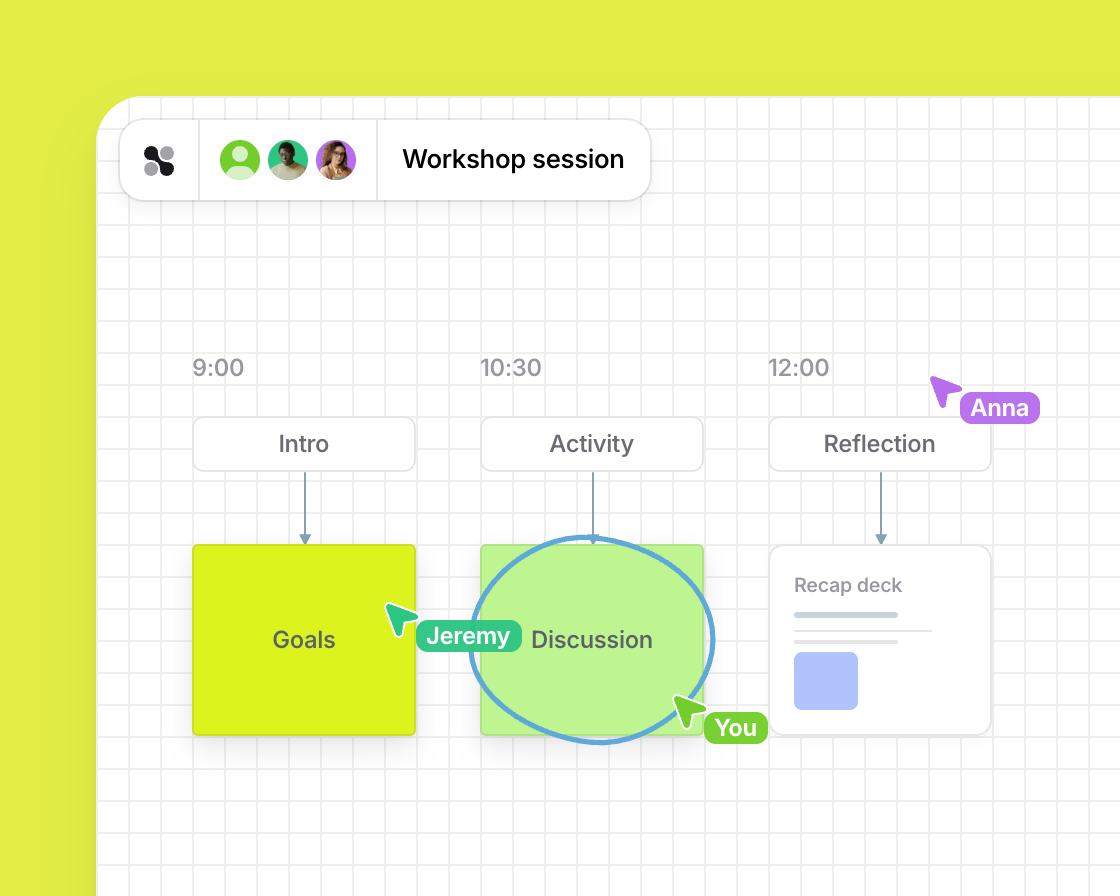
Workshops & Trainings
Sketch presentations, product designs and workshops for your creative work
Interactive workshops and learning formats can be prepared, moderated, and documented digitally. Visual collaboration promotes participation, understanding, and sustainable learning outcomes.
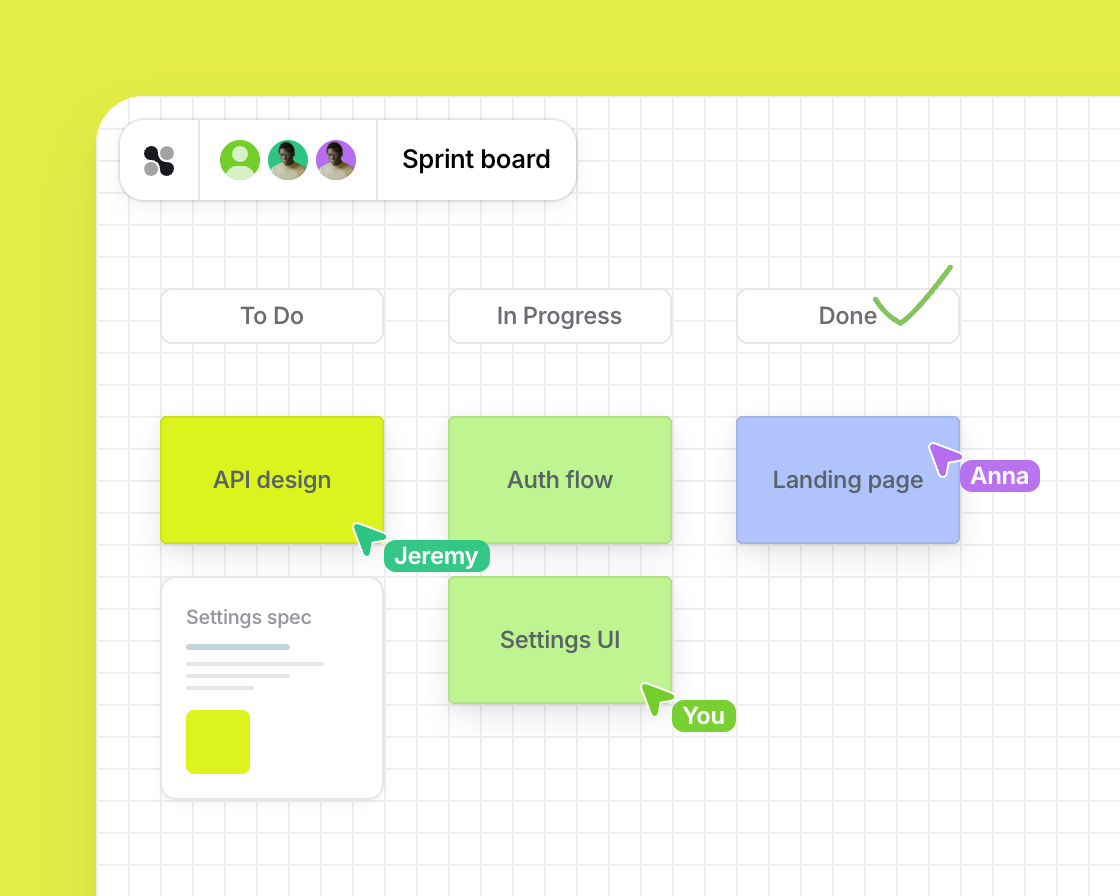
Agile working methods
Run Scrum, Kanban, and retrospectives where your whole team stays aligned
Agile methods such as Scrum, Kanban, and retrospectives can be implemented visually and collaboratively. Teams can keep track of progress, priorities, and improvements at all times.
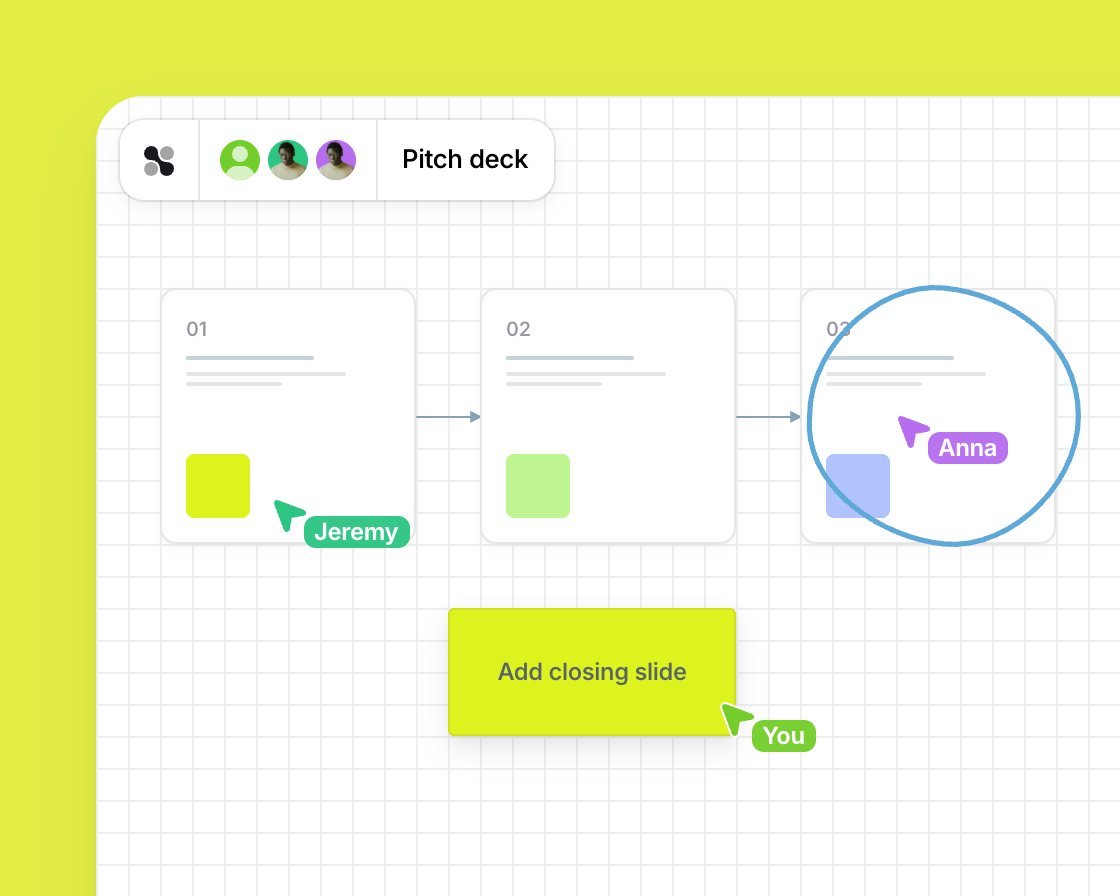
Presentations & Storytelling
Tell your story visually and bring every audience into the conversation
Ideas, concepts, and strategies can be presented visually and convincingly. Interactive whiteboards enable dynamic presentations and joint discussions.
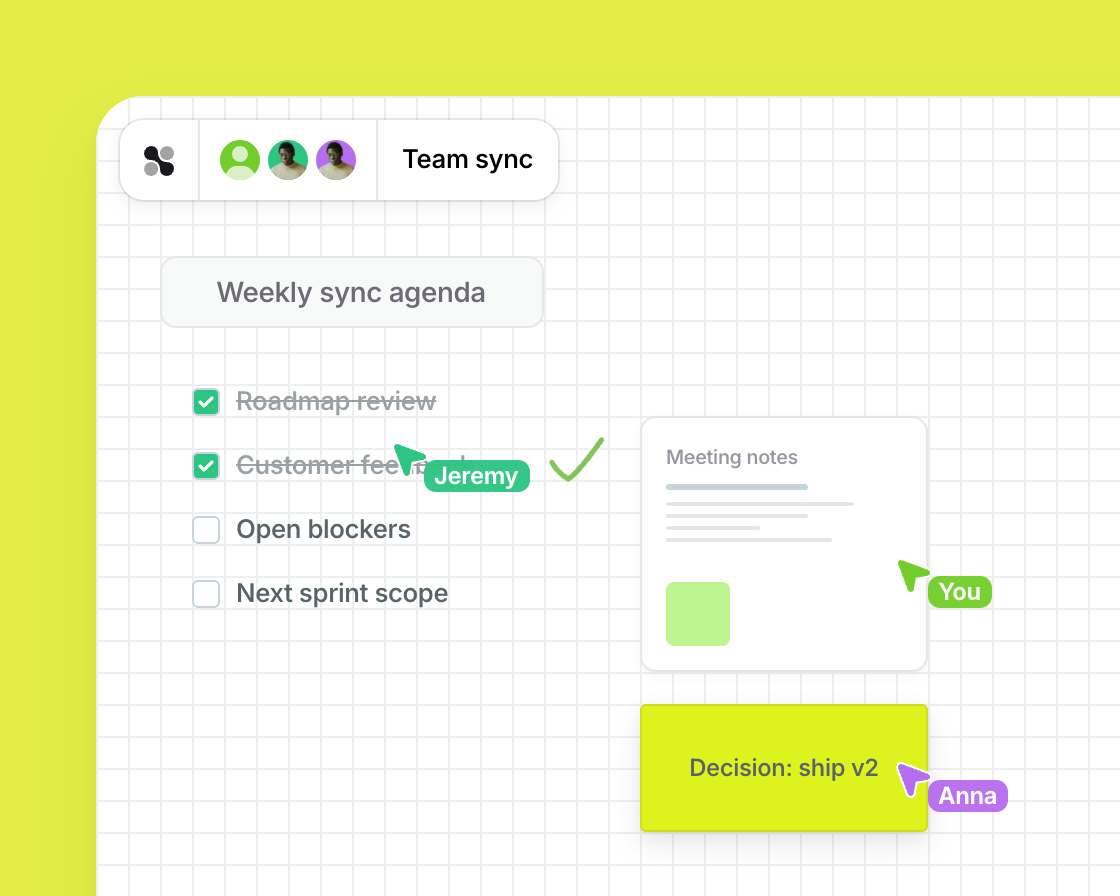
Meetings & Collaboration
Turn every meeting into a shared space where decisions and results are visible to all
Meetings become more productive when content is visualized and structured collaboratively. Results, decisions, and tasks remain transparent and comprehensible for everyone.
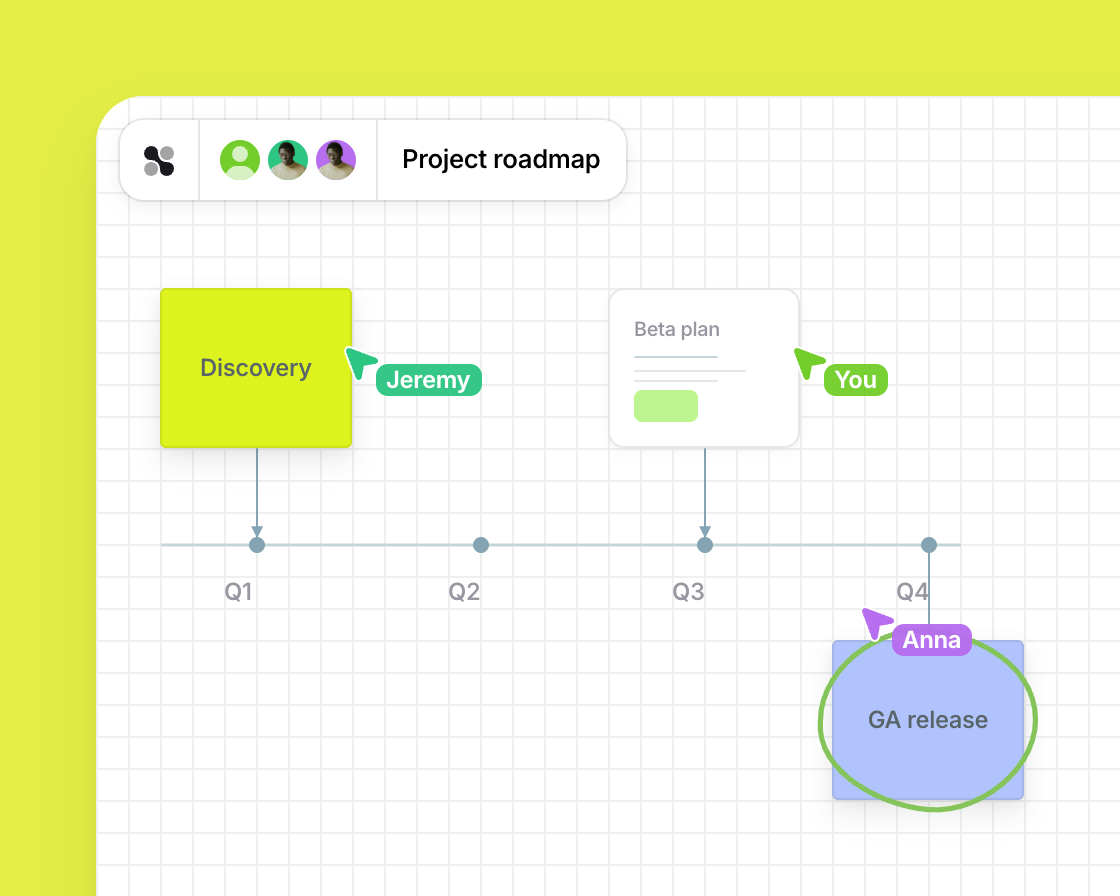
Planning & Visualization
Map out strategies, roadmaps, and processes so your whole team sees the big picture
Projects, strategies, and processes can be visually structured and planned together. Complex relationships are presented in an understandable way, and decisions can be made on a more informed basis.
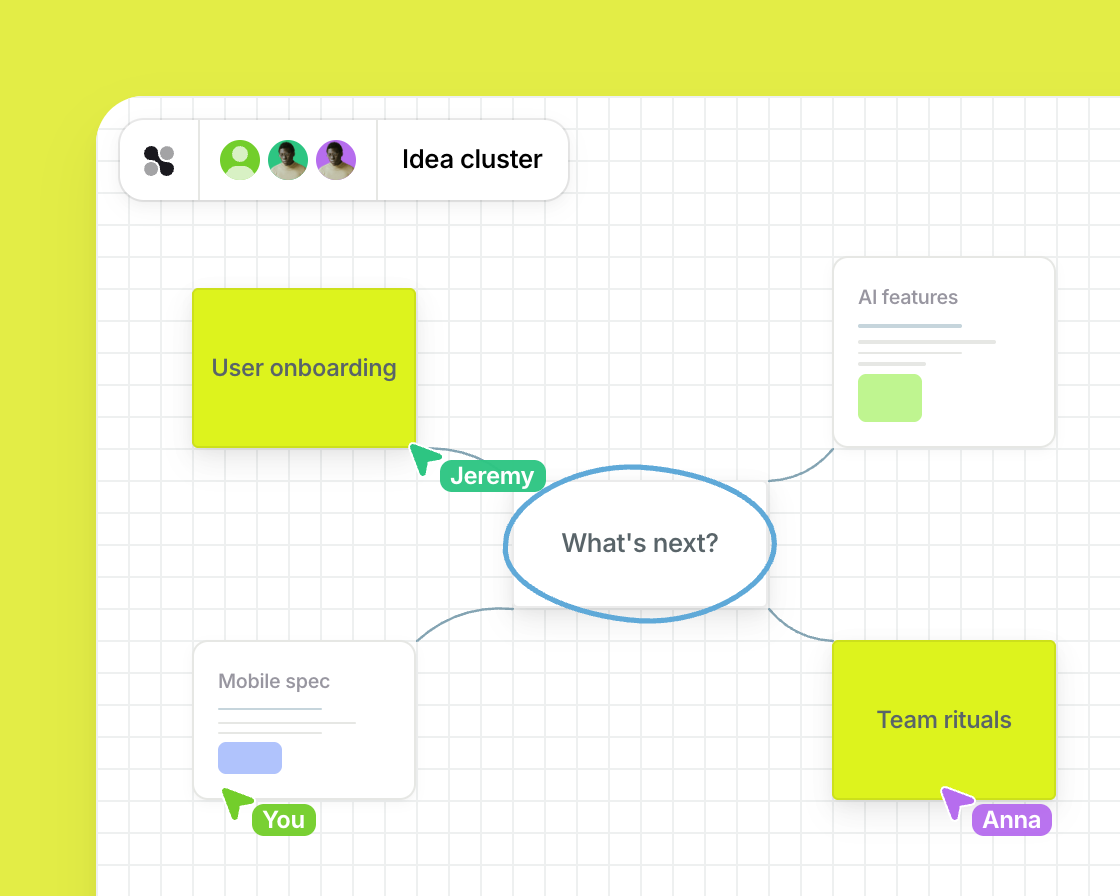
Brainstorming & Idea Generation
Collect, cluster, and develop your team's best ideas in one creative space
Creative ideas are collected, structured, and developed together. Visual methods help teams discover new perspectives and develop innovative solutions.
Collaboration at the highest level with your online whiteboard

All employees work globally and across national borders on a single shared platform.

Innovation, team strength and productivity—with the most reliable & secure online whiteboard.

Beyond limits: strategic meetings, feedback discussions, annual planning.
All companies. All teams.
The platform for innovative
collaboration in every industry
Our users use Collaboard in a variety of ways.


The Ultimate 2026 Kickoff Toolkit (Free Templates)
It’s January 2026. The holiday auto-responders are off, the inbox is overflowing, and your team is staring at a blank calendar year.
The Ultimate 2026 Kickoff Toolkit

Frequently Asked Questions
Do you have any questions? We're here to help.
Collaboard offers you several integrations with existing collaboration solutions. You can find all integrations on the integrations page.
The Collaboard Online Whiteboard is suitable for anyone who likes to collaborate online. It is beneficial for group projects, online meetings, and workshops, as it allows several people to work simultaneously on the same virtual whiteboard.
Yes, you can share the online whiteboard with your team! It's a great way to share and discuss ideas. You can use it to share documents and even hold video conferences. You can easily invite internal and external team members to your board.
An online whiteboard offers many advantages for collaboration. It allows you to share ideas and information in real-time and visually, making team communication more efficient. It can also help streamline workflows and create more productivity within the team! The whiteboard can be accessed from anywhere worldwide, making it ideal for virtual meeting rooms and remote teams.
Starting with the Collaboard Enterprise subscription, we offer the possibilities of Single Sign-On, White labeling, and further customization.
There are two options to run Collaboard on-premises or in a private cloud. The first option is to install it in a Kubernetes environment, which you can configure and scale yourself. This option is suitable for companies using Collaboard with more than 200 users. The second option is to run Collaboard as a virtual appliance that is already pre-configured and ready to use.
We offer special conditions for teachers and educational institutions. You can choose between discounted license packages for smaller groups and a campus license.
You can purchase a Collaboard subscription directly in the app with your credit card. For companies and organizations, we also offer purchases on invoices.
Collaboard offers different pricing models. Among others, there is a free version with limited functionality. Free users can work on the whiteboard without restrictions but cannot access the guest, facilitator, and export functions. Check out the different subscription models of Collaboard on our pricing page.
An online whiteboard is a collaborative platform that allows users to collaborate on projects. It allows sharing ideas and notes and uploading and downloading files. Thanks to the intuitive interface, anyone can quickly learn how to use the online whiteboard.
Start your next whiteboard now
Get a free trial of Collaboard with up to 3 boards and five people per session. All key features are available for you to try out.
