<img height="1" width="1" src="https://www.facebook.com/tr?id=337946470568894&amp;ev=PageView &amp;noscript=1">

Yearly Planner Template

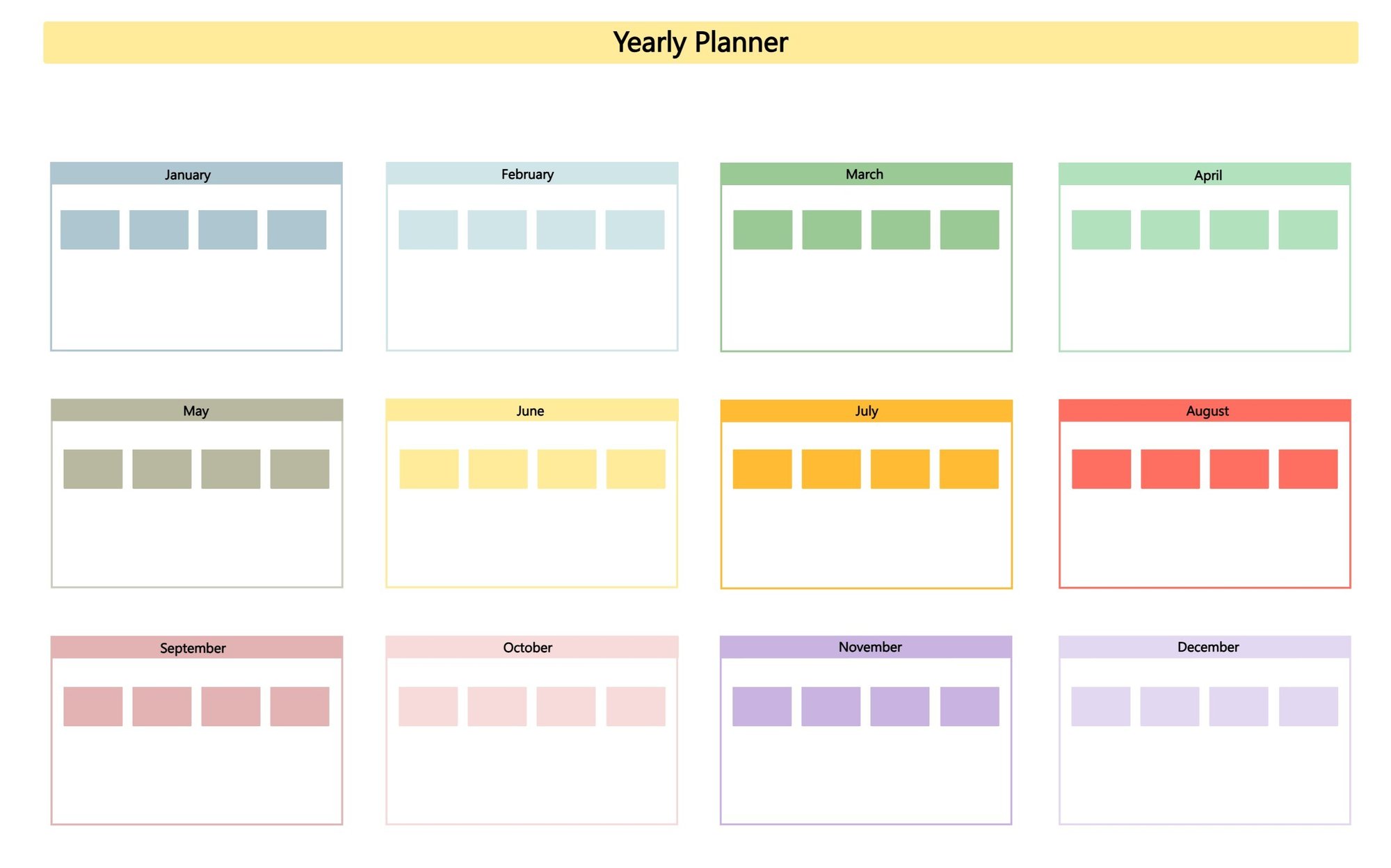
The Yearly Planner template from Collaboard helps you structure your entire year – month by month. Plan actions, marketing campaigns, project phases, or personal goals efficiently and visually. Ideal for teams and individuals who want to plan ahead with clarity.


Yearly Planner Collaboard
capterra best value 2024 CollaborativeWhiteboard_HighPerformer_HighPerformer Customer Support CollaborativeWhiteboard_FastestImplementation_GoLiveTime getapp leaders 2024 CollaborativeWhiteboard_BestEstimatedROI_Roi software advice front runners 2024 Top Performer 2

About the Yearly Planner Template

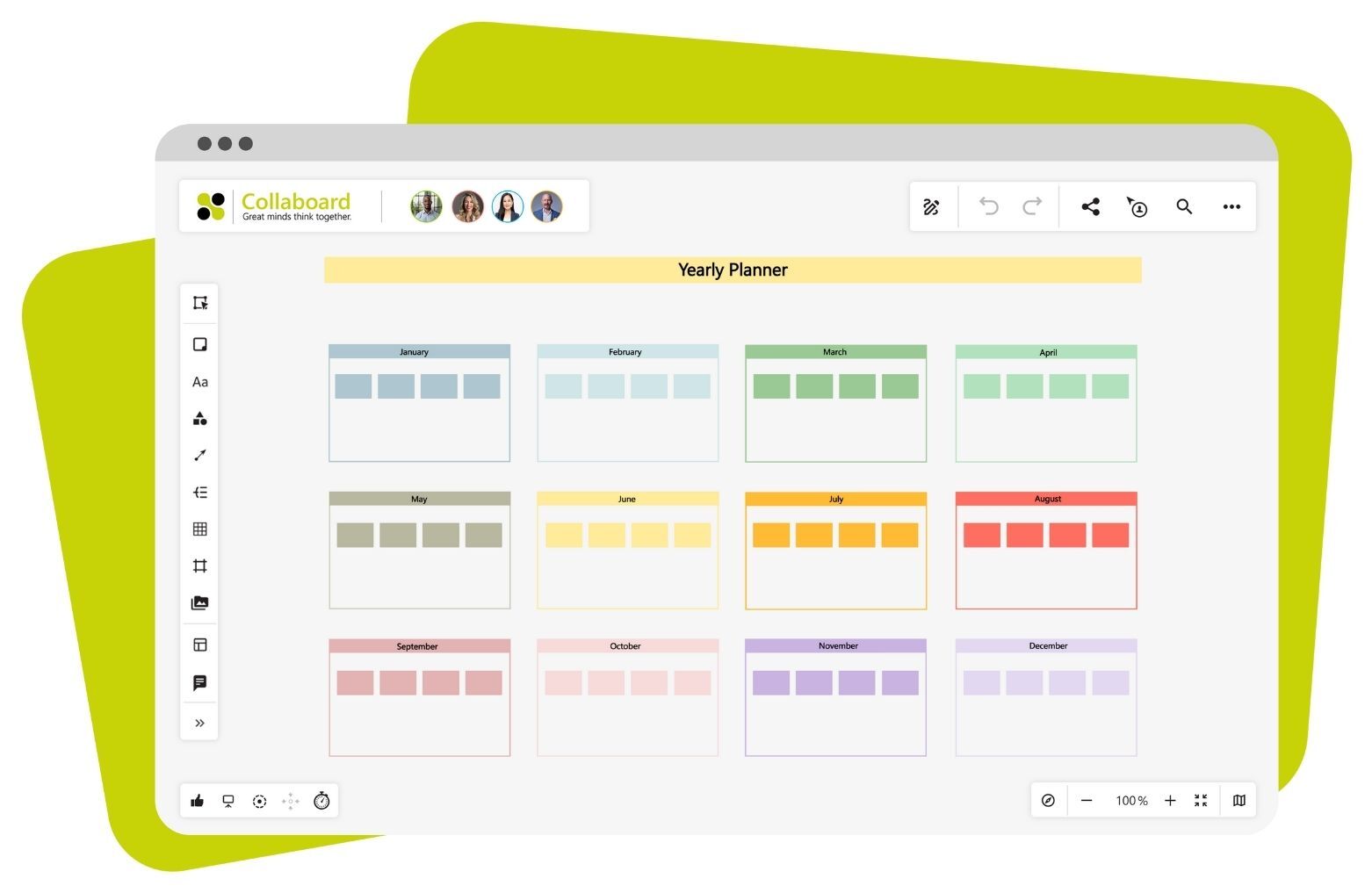
The Yearly Planner template in Collaboard provides a clear year-at-a-glance layout, allowing you to schedule tasks, events, or milestones for each month. The template is pre-structured and ready to customize – whether you're planning team projects, organizing your personal life, or managing a marketing calendar. With Collaboard’s real-time collaboration features, you and your team can stay aligned and up to date throughout the year.

Yearly Planner Template-1

Start Stop Continue Templates in Collaboard

Over 4 million people trust Collaboard and use the online whiteboard and over 200 templates. 

Collaboard Badges

Why a Yearly Planner Template Matters

A yearly planner brings structure and focus to long-term goals – both professionally and personally.
Top benefits at a glance:

  • Long-term planning: Visualize your yearly goals and distribute tasks across the months.

  • Improved collaboration: Share your plan with your team and work together in real-time.

  • Clear overview: Avoid overload and create time buffers with transparent scheduling.

How to Use the Yearly Planner Template in Collaboard

Here’s how to make the most of the Yearly Planner template in Collaboard:

  1. Open the template: Launch Collaboard and select the Yearly Planner template from the template gallery.

  2. Customize months: Adjust the month sections to fit your goals or workflow.

  3. Add your actions: Use sticky notes or text fields to plan tasks, events, or goals for each month.

  4. Use colors & icons: Highlight important dates with colors or use icons to categorize items visually.

  5. Collaborate in real-time: Invite your team to contribute and update the plan together.

Make use of Collaboard features like zoom levels, sticky notes, comments, and timelines to bring your yearly planning to life.

Why Collaboard?

Smooth Digital Ink@3x
Easy to use

Intuitive user interface where you can get started right away without much effort. No app to install, use it directly in your web browser.

Passwords@3x
Highest data security

Collaboard offers GDPR-compliant data hosting in Europe, Germany or Switzerland of your choice.

Connect your Thoughts@3x
Numerous integrations

Collaboard can be easily integrated into your existing video conferencing and collaboration solution.

Yearly Planner Template: Frequently Asked Questions

What is a Yearly Planner template?

The Yearly Planner template is a digital whiteboard with a monthly layout that helps you plan tasks and goals for the entire year.

Who is the Yearly Planner template for?

This template is ideal for project managers, marketing teams, freelancers, and anyone looking to organize their year.

Can I customize the template?

Yes, you can edit, move, or style any element of the template in Collaboard to suit your needs.

How many people can work on the template at the same time?

With Collaboard, multiple users can work on the same board simultaneously – perfect for collaborative planning.

Can I print or export my yearly plan?

Yes, you can export your finalized yearly plan as a PDF or print it directly from Collaboard.

Is the template free to use?

Yes, the Yearly Planner template is available in Collaboard for free – get started instantly without extra costs.

Can I set reminders or notifications?

While Collaboard doesn't include built-in reminders, you can use the task objects with deadlines to get notified when a task is due.